FreeMakerFreeMaker
Estudio de imágenes con IA de FreeMaker

FreeMaker AI Image Maker

Modelo
Instrucción
0/2000
Instrucción NegativaOpcional
Relación de Aspecto
Resolución
Créditos necesarios
La estimación se actualiza con el modelo y la configuración de imagen.
6
credits

Mis imágenes

Últimos resultados generados e historial de imágenes sincronizado.
Vista previa
Demo de FreeMaker
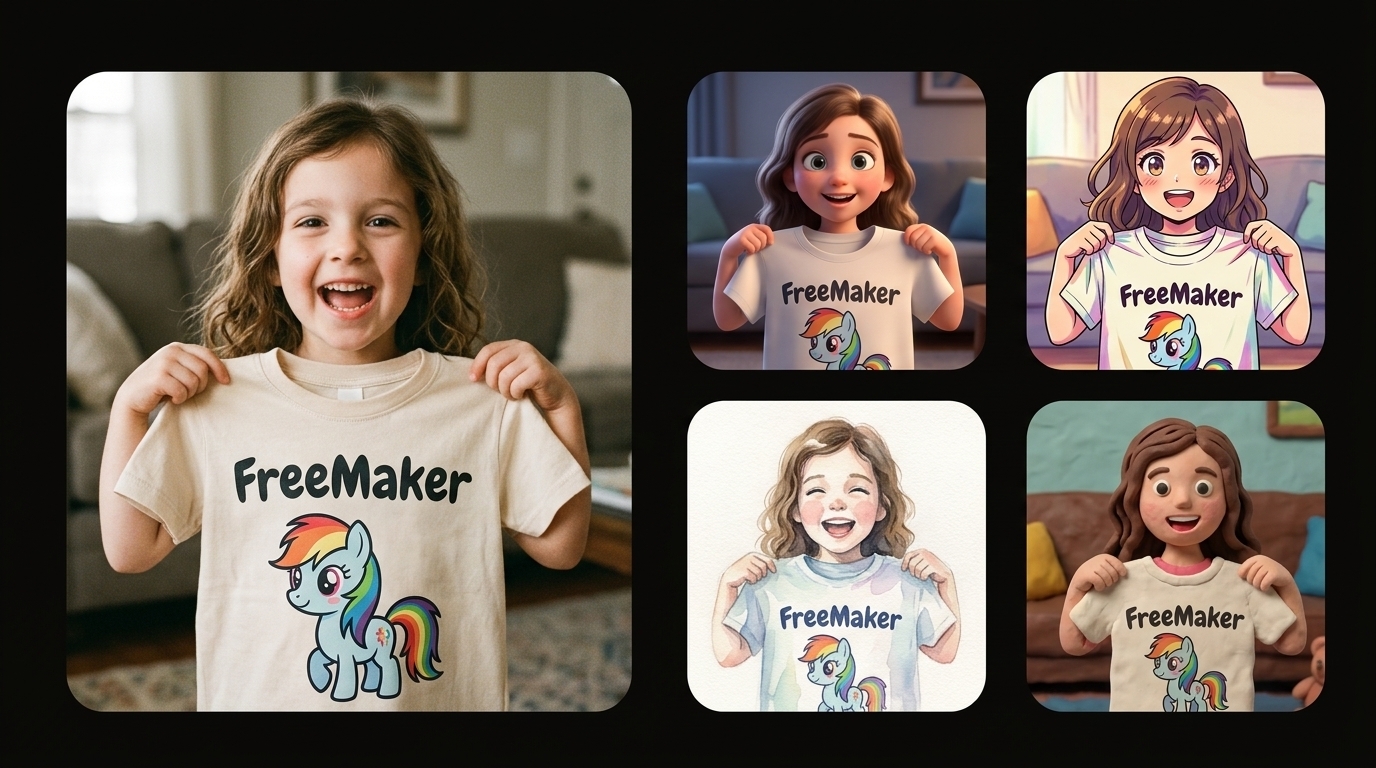
Un collage comparativo sobre un fondo negro puro, con una gran foto fotorrealista a la izquierda de una niña alegre sosteniendo una camiseta con un poni de caricatura de FreeMaker, y una cuadrícula vertical a la derecha de interpretaciones artísticas estilizadas de la misma escena (3D, anime, acuarela y animación con plastilina).
Resultado de muestra

Un collage comparativo sobre un fondo negro puro, con una gran foto fotorrealista a la izquierda de una niña alegre sosteniendo una camiseta con un poni de caricatura de FreeMaker, y una cuadrícula vertical a la derecha de interpretaciones artísticas estilizadas de la misma escena (3D, anime, acuarela y animación con plastilina).

Ejecuciones recientes

Se muestra un ejemplo hasta que inicies sesión y crees tu propio conjunto de imágenes.

Un collage comparativo sobre un fondo negro puro, con una gran foto fotorrealista a la izquierda de una niña alegre sosteniendo una camiseta con un poni de caricatura de FreeMaker, y una cuadrícula vertical a la derecha de interpretaciones artísticas estilizadas de la misma escena (3D, anime, acuarela y animación con plastilina).
Demo
Ahora mismo

Un collage comparativo sobre un fondo negro puro, con una gran foto fotorrealista a la izquierda de una niña alegre sosteniendo una camiseta con un poni de caricatura de FreeMaker, y una cuadrícula vertical a la derecha de interpretaciones artísticas estilizadas de la misma escena (3D, anime, acuarela y animación con plastilina).

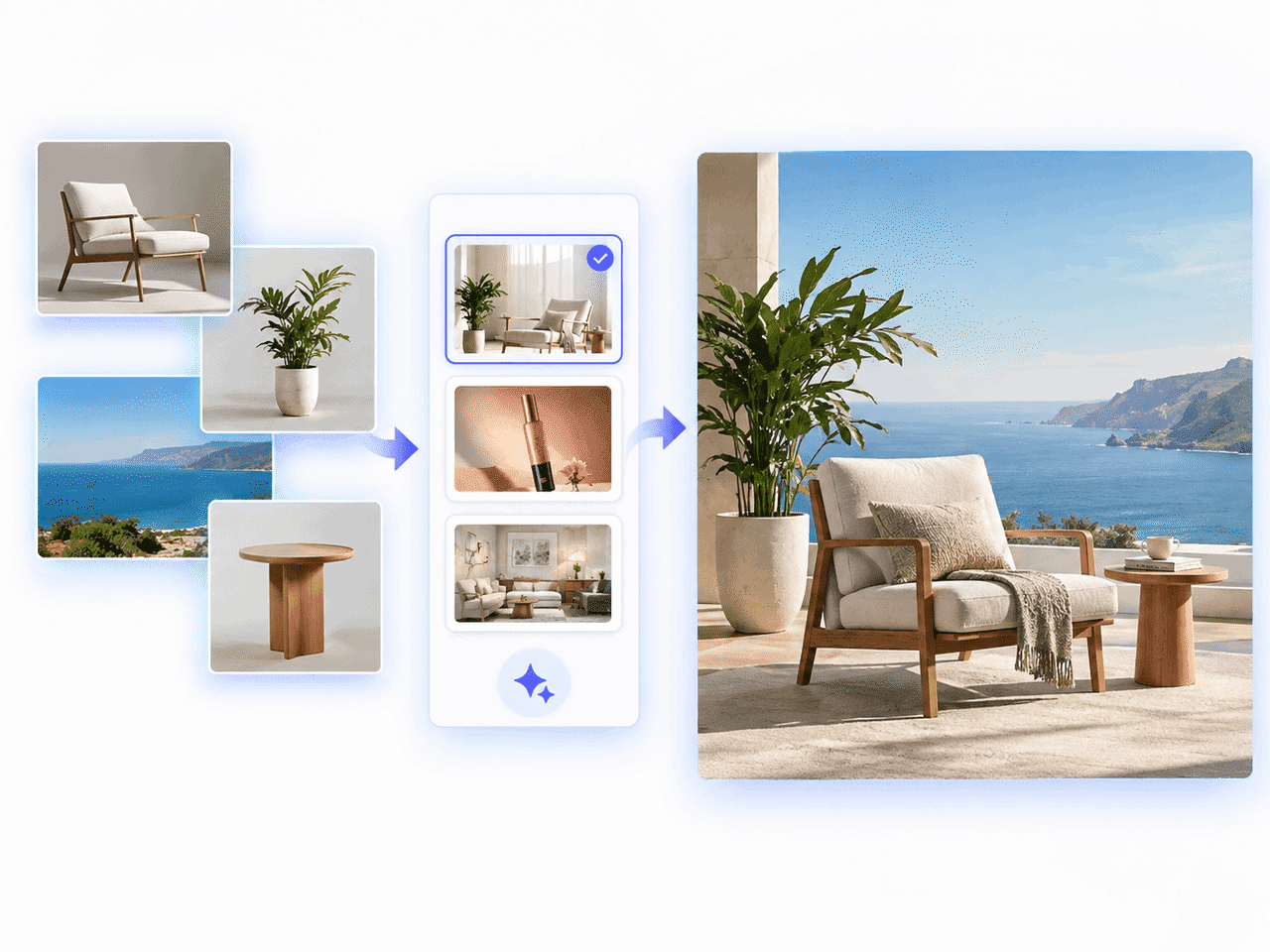
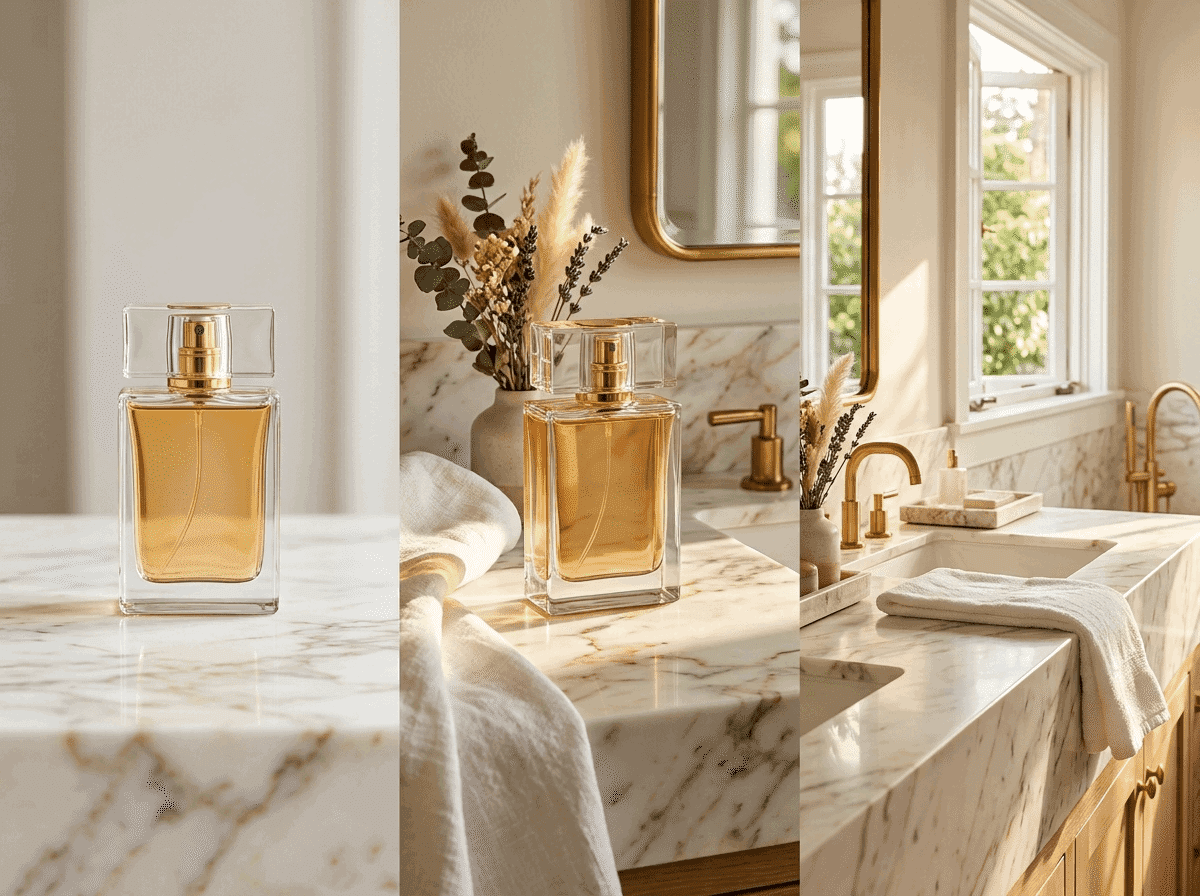
Foto de referencia de un producto transformada en escenas de comercio electrónico con FreeMaker AI Image Maker

¿Qué es FreeMaker AI Image Maker?

FreeMaker es un creador de imágenes con IA multimodelo que integra motores avanzados como Nano Banana, Wan y Grok en un solo espacio de trabajo. Genera imágenes de alta calidad con indicaciones de texto o transforma fotos existentes mediante flujos de imagen a imagen con referencia de hasta 4K.

Los vendedores de comercio electrónico pueden crear fotos de producto de calidad de estudio, los equipos de marketing anuncios de alto rendimiento, los diseñadores storyboards conceptuales y cualquier creador arte fotorrealista o avatares personalizados en segundos.

Cómo crear imágenes con IA gratis en línea

Transforma tus ideas en obras de alta calidad en tres pasos sencillos.

1.

Escribe un prompt o sube una imagen de referencia

Describe tu visión en el cuadro de prompt o sube una foto para generar una imagen basada en referencia. Haz clic en Pulir para mejorar el prompt al instante.

2.

Elige el modelo, estilo y resolución

Selecciona modelos como Nano Banana o Grok, elige tu estilo, configura la proporción y selecciona una resolución de hasta 4K.

3.

Genera y descarga tu imagen con IA

Haz clic en Generar para crear tu imagen en segundos y descarga la obra de alta resolución para uso personal o comercial.
Funciones de nuestro generador de imágenes con IA gratis

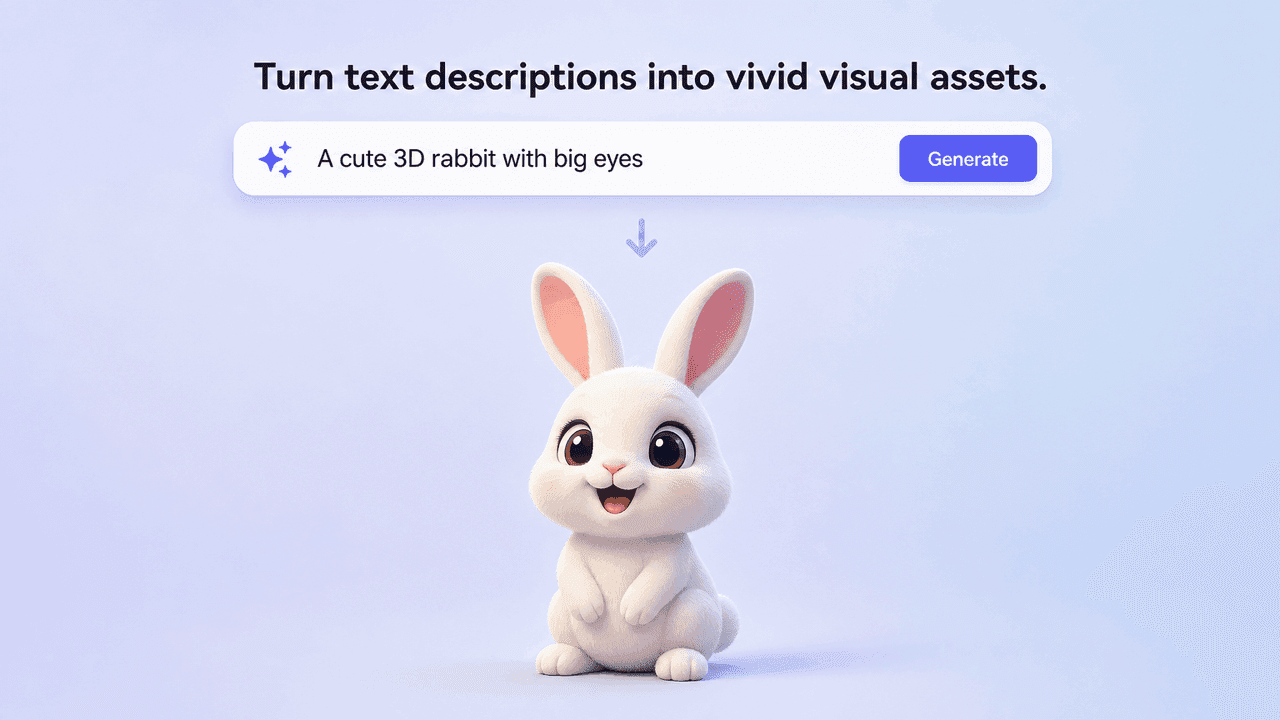
Text prompt generating a vivid 3D rabbit image

Generador de texto a imagen con IA

Convierte descripciones de texto en recursos visuales llenos de vida. El motor interpreta la iluminación, los sujetos y el ambiente artístico.
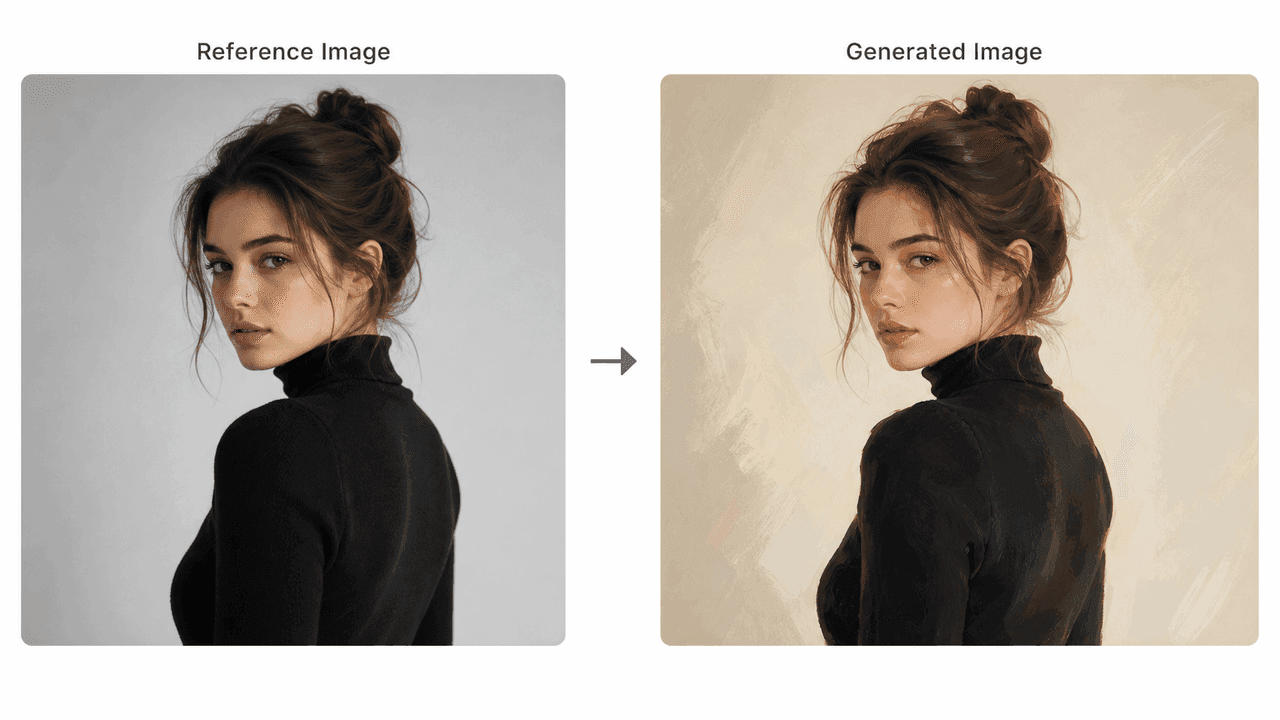
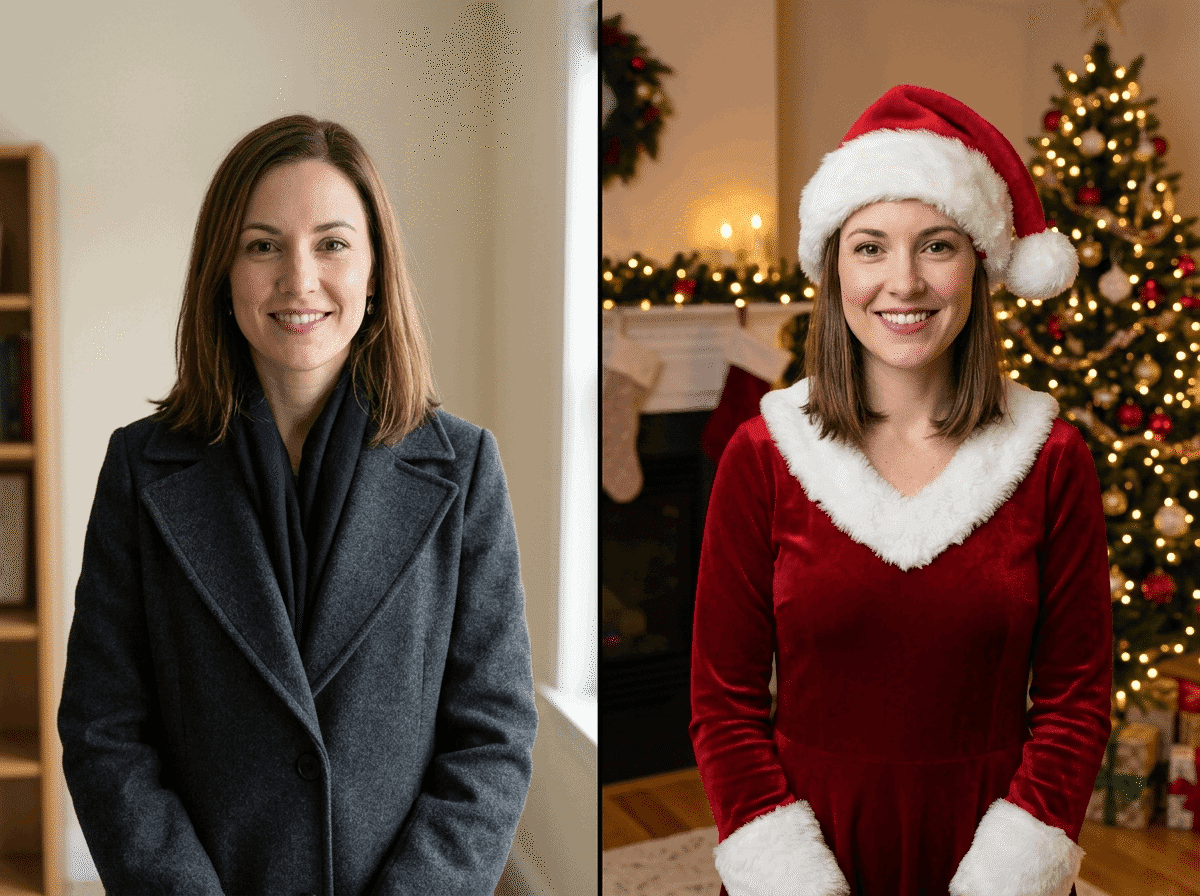
Reference portrait transformed into a painted AI image

Transformación de imagen de referencia a imagen

Sube una foto para guiar la composición, la pose o la iluminación. El flujo conserva la estructura y aplica estilos nuevos.
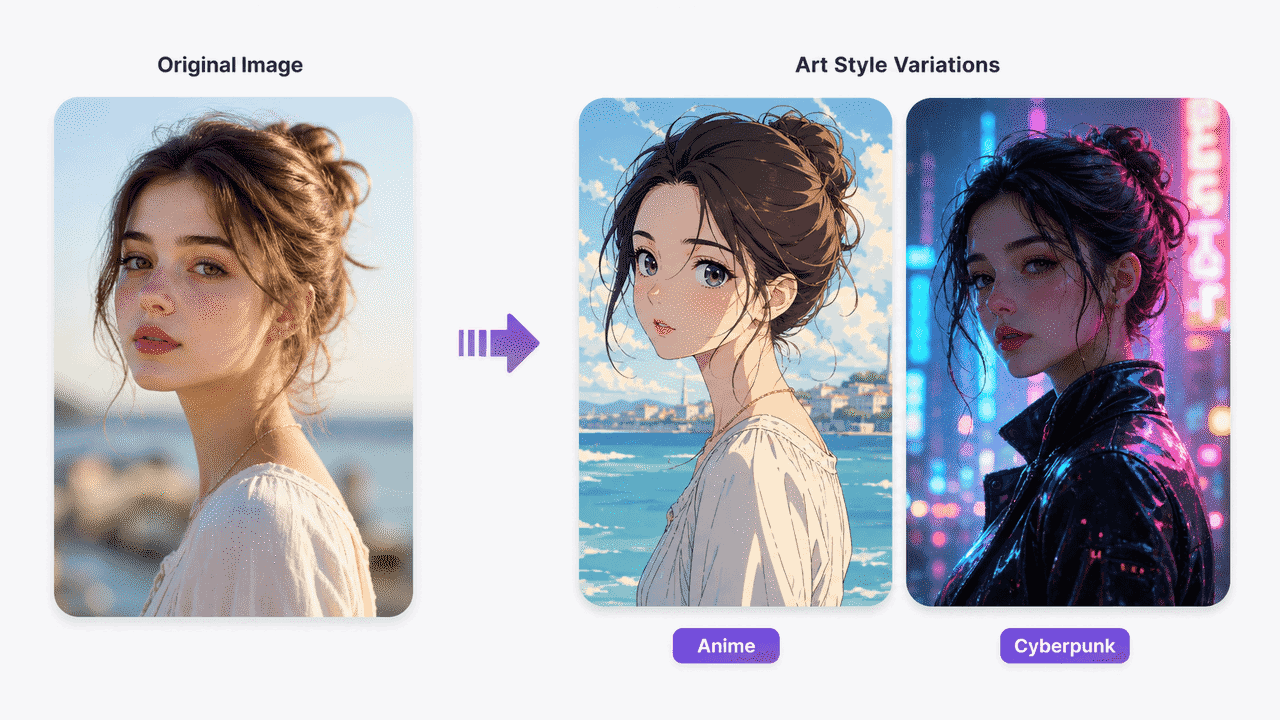
Original portrait shown as anime and cyberpunk art styles

Estilos artísticos variados, de realista a anime

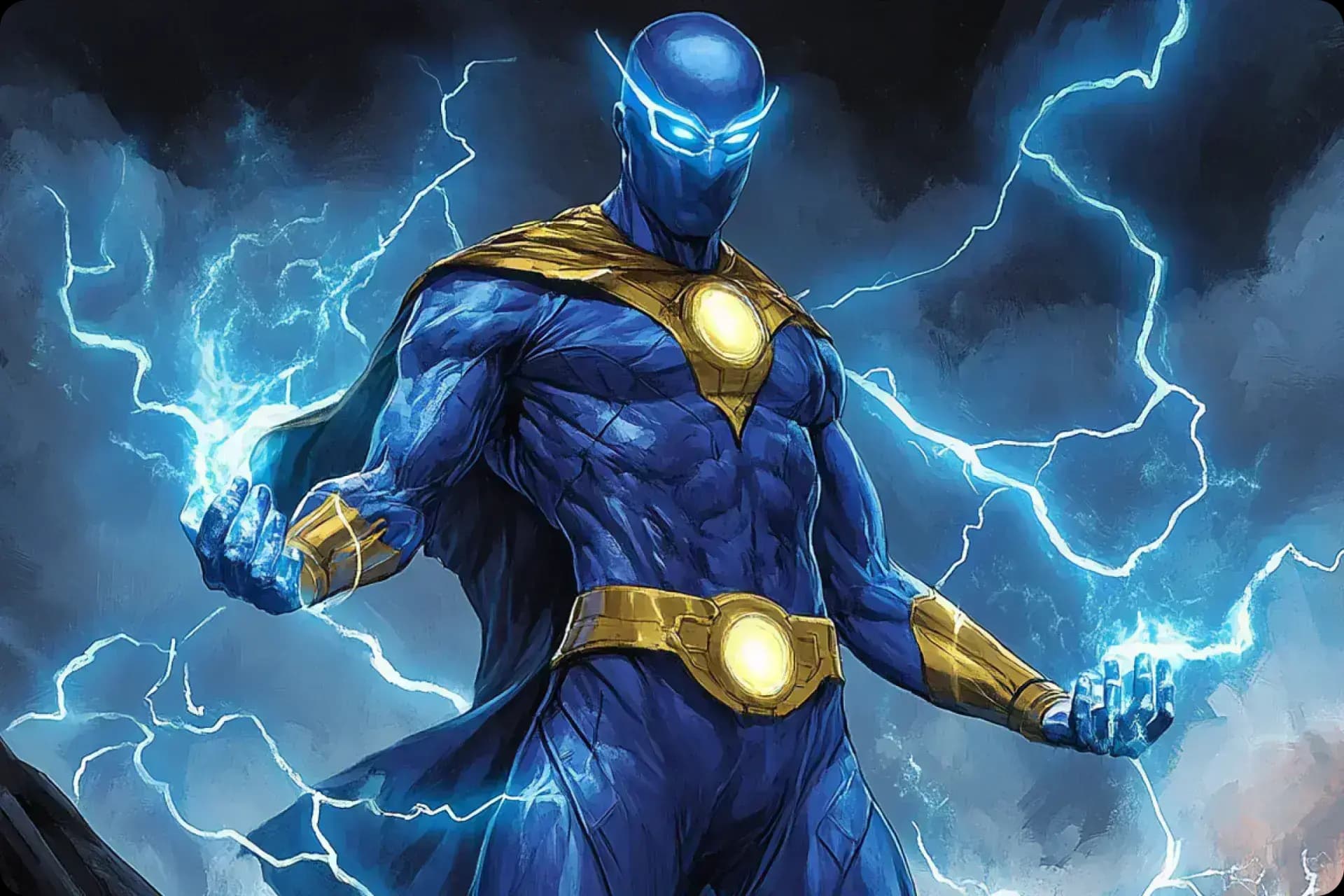
Elige entre fotorealismo, cyberpunk, ilustración digital, anime, gráficos vectoriales y arte conceptual cinematográfico.
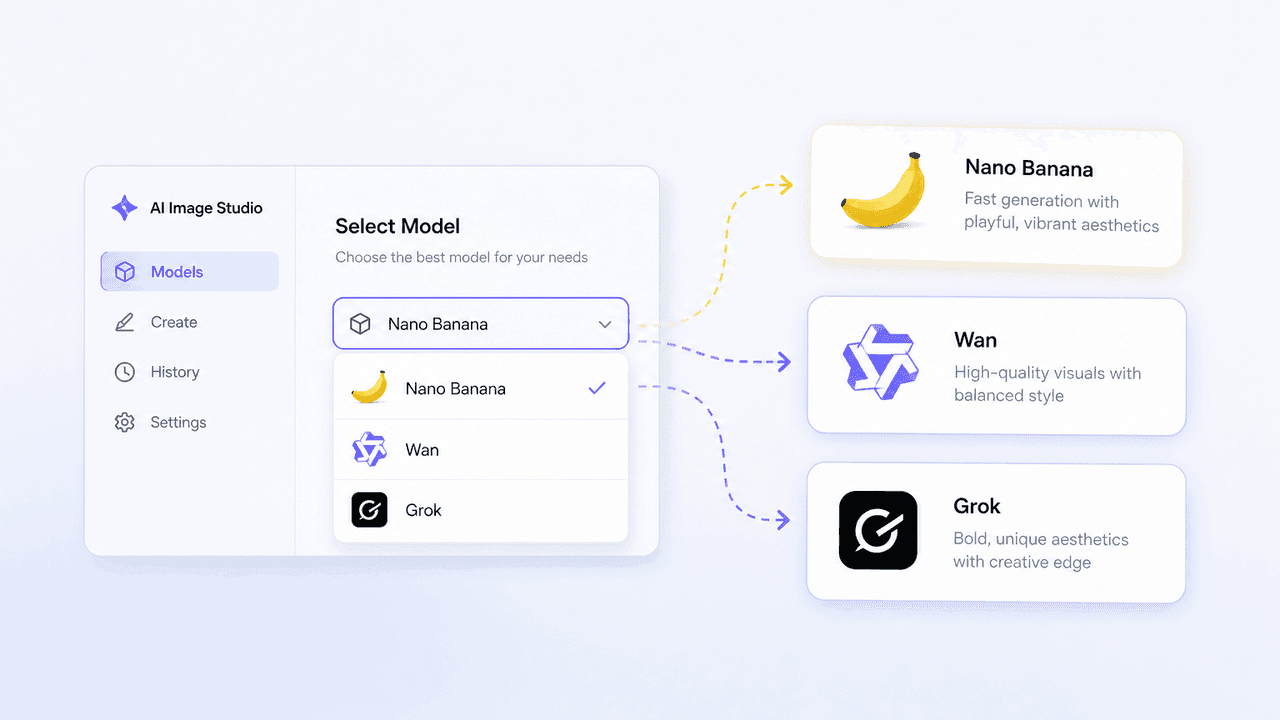
AI Image Studio model selector for Nano Banana, Wan, and Grok

Modelos líderes: Nano Banana, Wan y Grok

Accede a varios modelos de imagen en un solo panel y cambia entre ellos según la velocidad y el estilo que necesites.
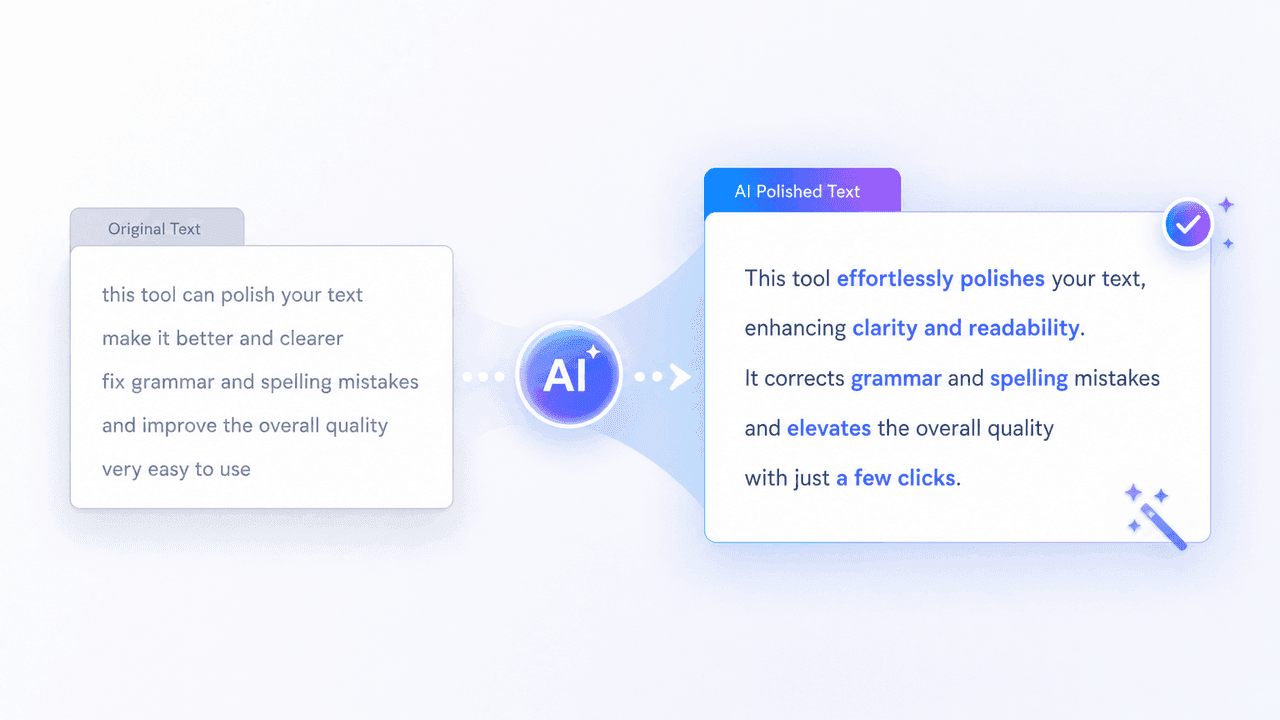
AI prompt polish transforming a rough prompt into clear detailed text

Pulido de prompts y controles de prompts negativos

Refina tus prompts automáticamente y excluye artefactos o elementos no deseados con prompts negativos.
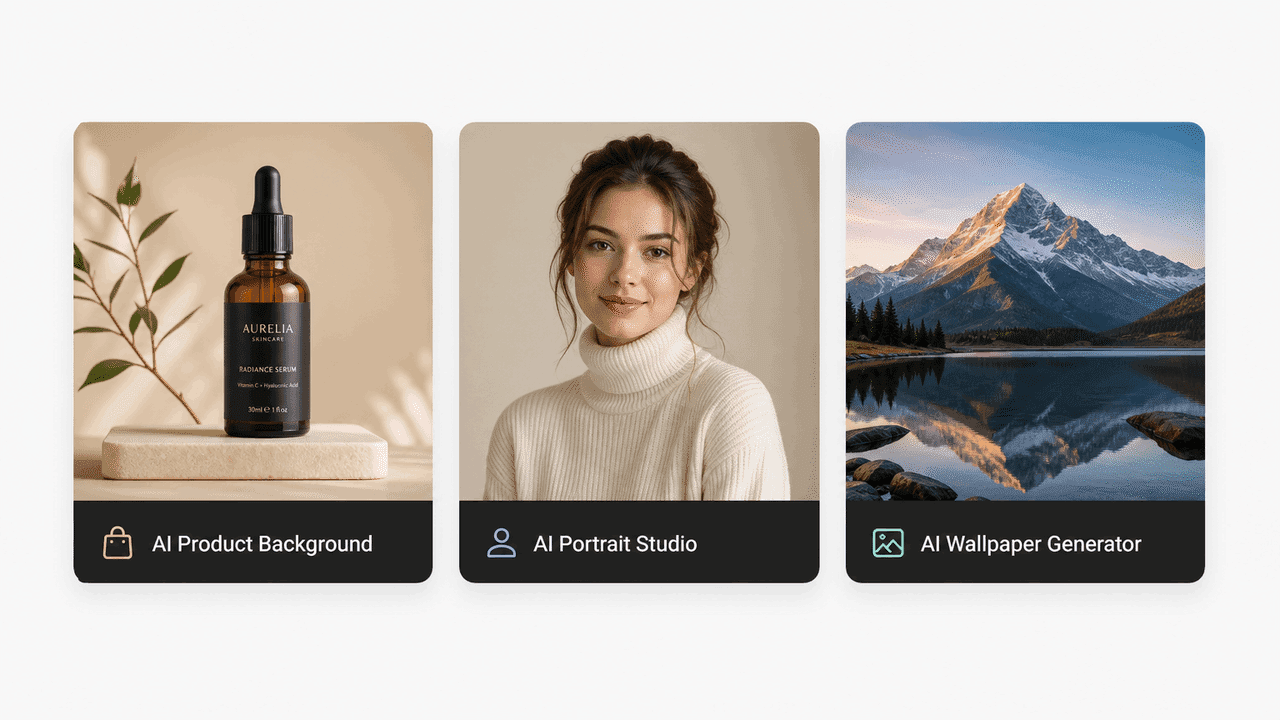
Preset tools for product backgrounds, portraits, and wallpapers

Herramientas prediseñadas listas para usar

Empieza sin configuraciones tediosas con plantillas para productos, retratos, fondos de pantalla y materiales de marketing.
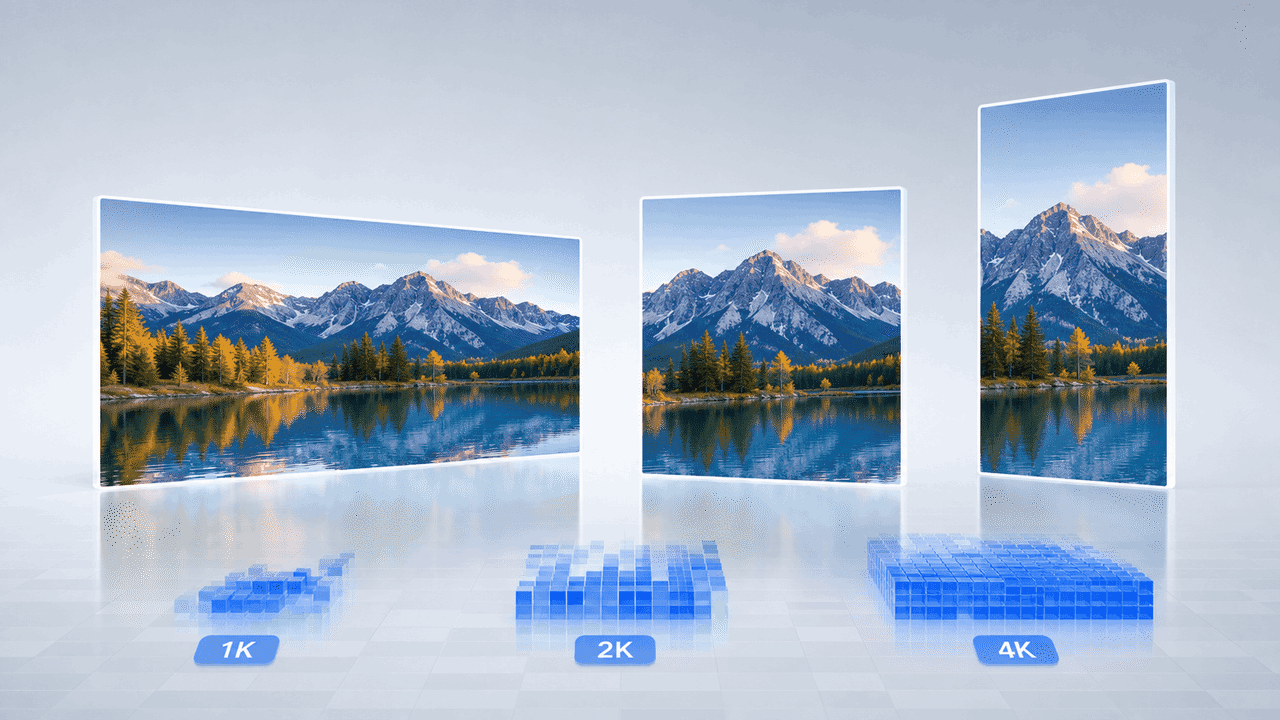
Landscape image displayed in 1K, 2K, and 4K output formats

Proporciones flexibles y salida Ultra HD 4K

Personaliza 16:9, 1:1 o 9:16 y exporta tus imágenes en resoluciones nítidas de 1K, 2K o 4K.

¿Por qué elegir FreeMaker para crear imágenes realistas con IA gratis?

FreeMaker combina herramientas profesionales con una experiencia intuitiva.
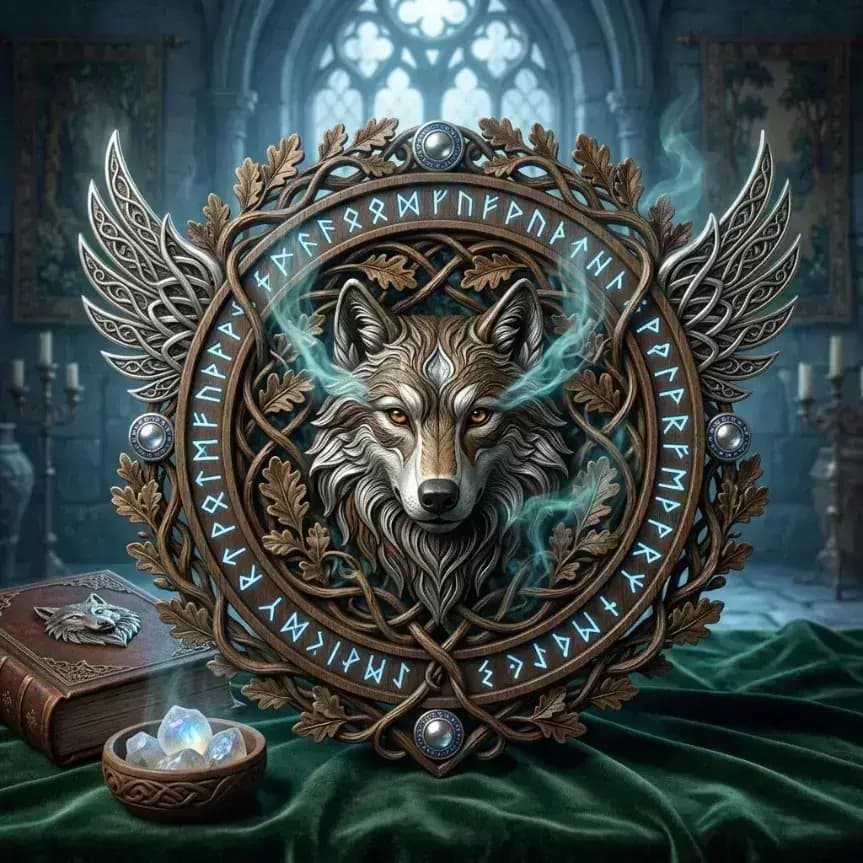
Collection of realistic and artistic image styles

Biblioteca amplia de estilos realistas y artísticos

Crea imágenes realistas o explora géneros artísticos estilizados sin experiencia técnica.
Magic wand and settings icon representing high-quality output

Calidad nítida de hasta 4K

Disfruta de resultados detallados que se ven nítidos en pantallas de alta densidad y en impresión.
Packaged creative tools representing multiple AI models

Modelos de IA líderes en un solo lugar

Usa modelos fundamentales de primer nivel y ahorra tiempo y costos de suscripción.
Ready-to-use cup representing instant creative tools

Herramientas listas para resultados instantáneos

Los flujos prediseñados permiten crear gráficos profesionales y visuales de producto sin ser diseñador.
Cloud and lightning icon representing flexible output formats

Tamaños adaptados para redes y web

Elige dimensiones exactas para Instagram, miniaturas de YouTube, banners web y formatos impresos.
Padlock protecting a framed digital artwork

Creación de imágenes privada y segura

Tus fotos de referencia y obras generadas permanecen protegidas mientras creas.

¿Quién se beneficia de este creador de imágenes con IA?

FreeMaker ayuda a creadores de distintas industrias a producir imágenes con IA de forma eficiente.

Creadores de contenido y marketing

Genera gráficos sociales, encabezados de blog y anuncios que llamen la atención.

Diseñadores y artistas conceptuales

Acelera storyboards, moodboards y prototipos de recursos visuales.

E-commerce y fotógrafos de producto

Crea fotos de producto realistas en fondos de estudio sin equipos costosos.

Entusiastas de la IA y usuarios cotidianos

Da vida a ideas, crea fondos de pantalla y genera avatares digitales únicos.

Lo que dicen los usuarios sobre FreeMaker AI Image Maker

Creadores de todo el mundo aceleran sus flujos visuales con FreeMaker.

“FreeMaker AI Image Maker eliminó nuestra necesidad de realizar costosas sesiones fotográficas de productos. Generar imágenes de productos con calidad de estudio en 4K mediante Nano Banana solo toma unos segundos.”
Elena R. — Dueña de marca de comercio electrónico
“La calidad de salida en 4K y la función de optimización de prompts de FreeMaker AI Image Maker revolucionan las campañas publicitarias. Produce gráficos realistas de forma constante que generan conversiones.”
Marcus T. — Director de marketing digital
“Usar la herramienta de imagen de referencia a imagen de FreeMaker AI Image Maker me ahorra horas durante las fases de conceptualización para clientes. Me da un control preciso sobre la composición y el estilo.”
Sophia L. — Diseñadora gráfica sénior
“Las herramientas especializadas de FreeMaker AI Image Maker, como el generador de avatares, hacen que crear contenido para redes sociales sea muy sencillo. Puedo producir imágenes de alta resolución para YouTube e Instagram en cuestión de minutos.”
Jake M. — Creador de contenido para redes sociales
“Como desarrollador independiente de videojuegos, poder cambiar entre Wan y Grok en FreeMaker AI Image Maker para generar rápidamente arte conceptual de entornos ha duplicado nuestra velocidad de creación de prototipos.”
Carlos D. — Artista conceptual de videojuegos
“No tengo experiencia en diseño, pero las herramientas preconfiguradas y la optimización de prompts de FreeMaker AI Image Maker me permiten crear fácilmente fondos de pantalla increíbles y arte personalizado por diversión.”
Hannah K. — Entusiasta de la IA y aficionada

Preguntas frecuentes sobre el creador de imágenes con IA

Sí. Puedes reclamar créditos gratis cada día mediante el inicio de sesión diario. También hay planes asequibles para generar imágenes sin límites.

AI image generator online for text and image

Use anAI image generatorbuilt for prompts, images, and fast team output

Create images from text prompts, refine results from image references, and keep repeatable templates in one online workflow. FreeMaker is built for teams comparing the best AI image generator for real production work.

Covers AI image generator from text, AI image generator from image, and repeatable team workflows.
Text + image workflow

Create a premium launch visual from text, then refine it from image references. Keep the style reusable for future seasonal variations and repeat requests.
Text promptReference imageReusable template
Workflow ingredientsReady for iteration
  • Prompt draft for the first image direction
  • Reference image input when the creative needs tighter control
  • Reusable visual pattern for the next campaign cycle
Generated AI marketing artwork preview
AI image output preview

One workspace for text-to-image, image-to-image, and reuse

Keep the generation workflow practical enough for ongoing campaign work instead of treating every request like a brand-new experiment.

Why teams use it
Move from text prompts to repeatable image output

This AI image generator is structured for teams that need quick first drafts, controlled edits from image references, and a workflow they can reuse across more than one request.
Prompt-based AI image generator workspace

Generate images from text prompts without slowing down

Many users start with searches like ai image generator from text or free ai image generator. FreeMaker keeps that first step fast, so a short brief can turn into usable visual drafts for campaigns, landing pages, and concept work.
  • Start from short prompts or detailed creative briefs
  • Generate multiple directions in one review cycle
Reference-guided AI image editing example

Use image references when prompt-only control is not enough

If you need an AI image generator from image or an image to image AI generator, reference-led edits matter. Use existing visuals, mood boards, or near-final drafts to guide composition, style, and subject details without restarting from zero.

  • Support cleanup, enhancement, and style changes
  • Keep revision loops tighter for creative teams
Reusable AI image generator output for marketing

Keep one AI image generator online for repeat requests

Templates make this AI image generator online easier to reuse across ecommerce, paid social, launch graphics, and ongoing brand work. Save what performs well, then start the next request from a stronger base.

  • Save prompt, layout, and style patterns that work
  • Handle recurring visual production with less setup

Main workflow

Move from text prompts to image referencesinside one AI image workflow

A strong AI image generator is not only about making one image. It should help a team move from AI image generator from text use cases to AI image generator from image edits, then into reusable production patterns without switching tools every step of the way.
  • Launch a first pass from text when the brief is still rough
  • Bring in image references when the result needs more control
  • Reuse strong prompt structures for the next campaign cycle
AI-generated product display scene
Shared workflow

From first prompt to repeatable visual system

Use the same workspace to generate, compare, and refine images as the brief gets more specific.

Production scenarios
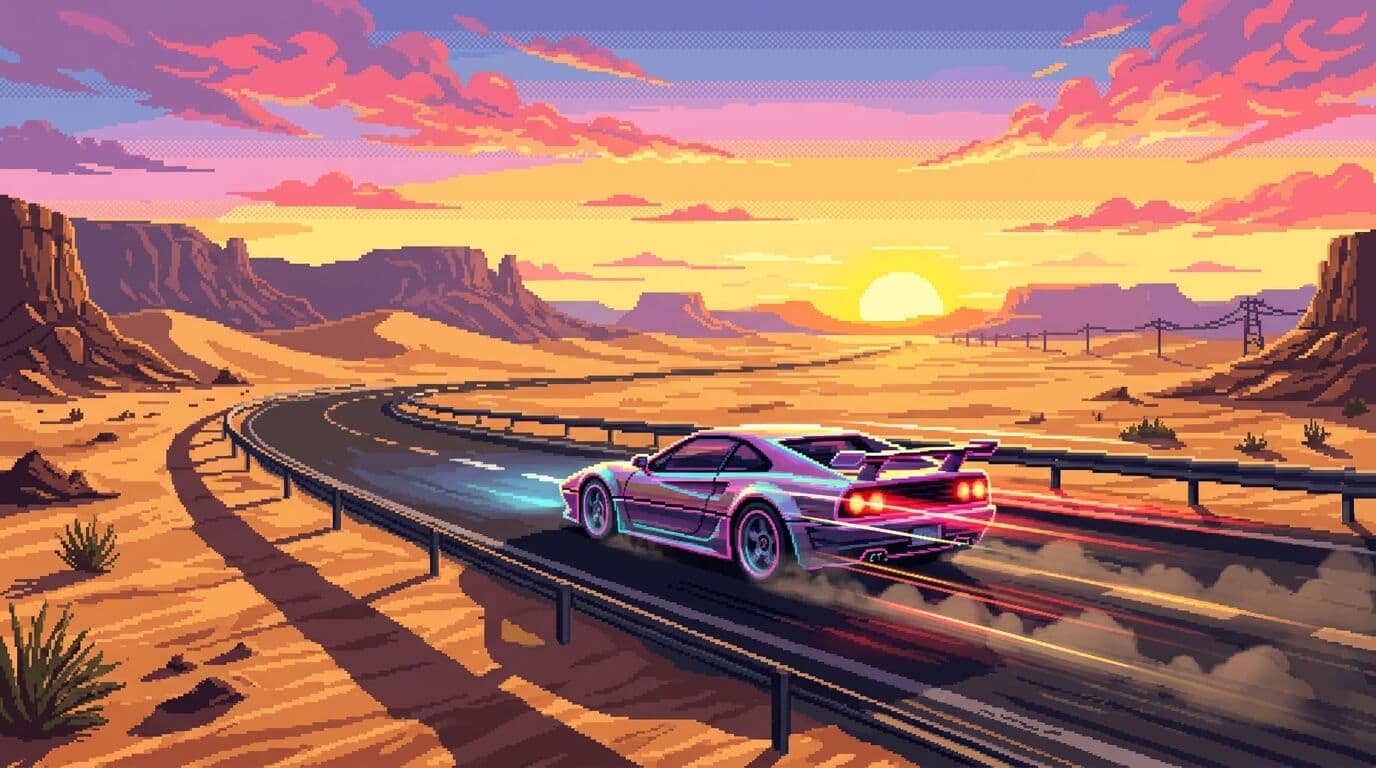
Use one AI image generator across multiple creative jobs

The workflow stays useful when teams need marketing visuals, guided revisions, realistic drafts, and repeatable output for ongoing publishing instead of one-off experiments.
AI-generated campaign scene for product marketing

Early campaign art

Create strong direction before full production assets arrive.

Use case 01
Create product marketing visuals with an AI image generator online

Use the AI image generator for launch concepts, promo scenes, seasonal treatments, and ad variations while the team is still testing what should move into production. It is useful when you need realistic AI image generator output before a full photo shoot is ready.
  • Create early hero imagery for landing pages and paid ads
  • Give stakeholders clearer options earlier in the process
Reference-based prompt and edit workflow

Reference-guided iteration

Refine what is already working instead of fully restarting.

Use case 02
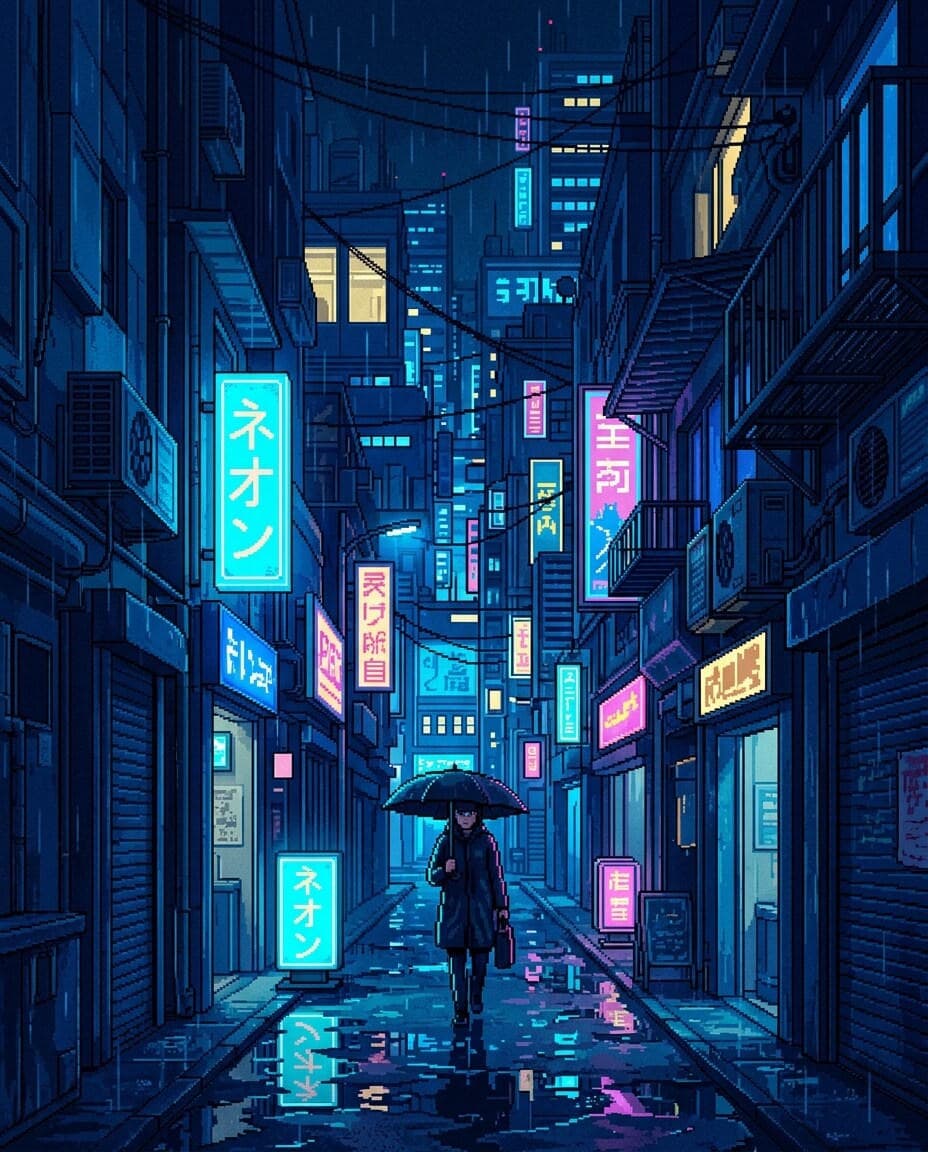
Use references when the first draft needs tighter control

Not every job starts from zero. Sometimes the team already has a visual direction, an existing asset, or a mood board. That is where an AI image generator from image workflow helps teams refine what is already close instead of rewriting the whole request.
  • Guide style, composition, and subject details more precisely
  • Reduce wasted cycles caused by vague prompt-only changes
Stylized portrait generated for repeatable content workflows

Reusable visual systems

Turn winning prompt directions into repeatable production habits.

Use case 03

Keep repeat output consistent for recurring content operations

Teams that publish often need more than a one-off image. Reusable templates and saved prompt patterns help keep output aligned across social, ecommerce, and brand storytelling work, which is often what people want from the best AI image generator for teams.
  • Support repeated asset requests with less manual setup
  • Make ongoing image generation easier for multiple teammates

Deeper controls

Keep creative direction without slowing image iteration

These are the details teams usually care about when choosing the best AI image generator for day-to-day team use.

A good AI image generator should let a marketer, designer, or founder begin with a short brief and still reach a strong first image quickly. That is why AI image generator from text workflows matter for early exploration, campaign drafts, and fast concept testing.

Prompt-first AI image creation flow
Prompt-first exploration

Go from brief to first image direction without heavy setup.

Once a draft is close, teams need a practical way to change details, clean up scenes, or shift style. This is where an AI image generator from image setup helps keep the workflow efficient when image review cycles get specific.

Edited AI image output preview
Controlled revisions

Tighten scenes, style, and details while keeping momentum.

Prompt structures, references, and templates become more valuable over time when they can be reused. That is what turns an AI image generator online into a system for real creative operations instead of a one-time test.
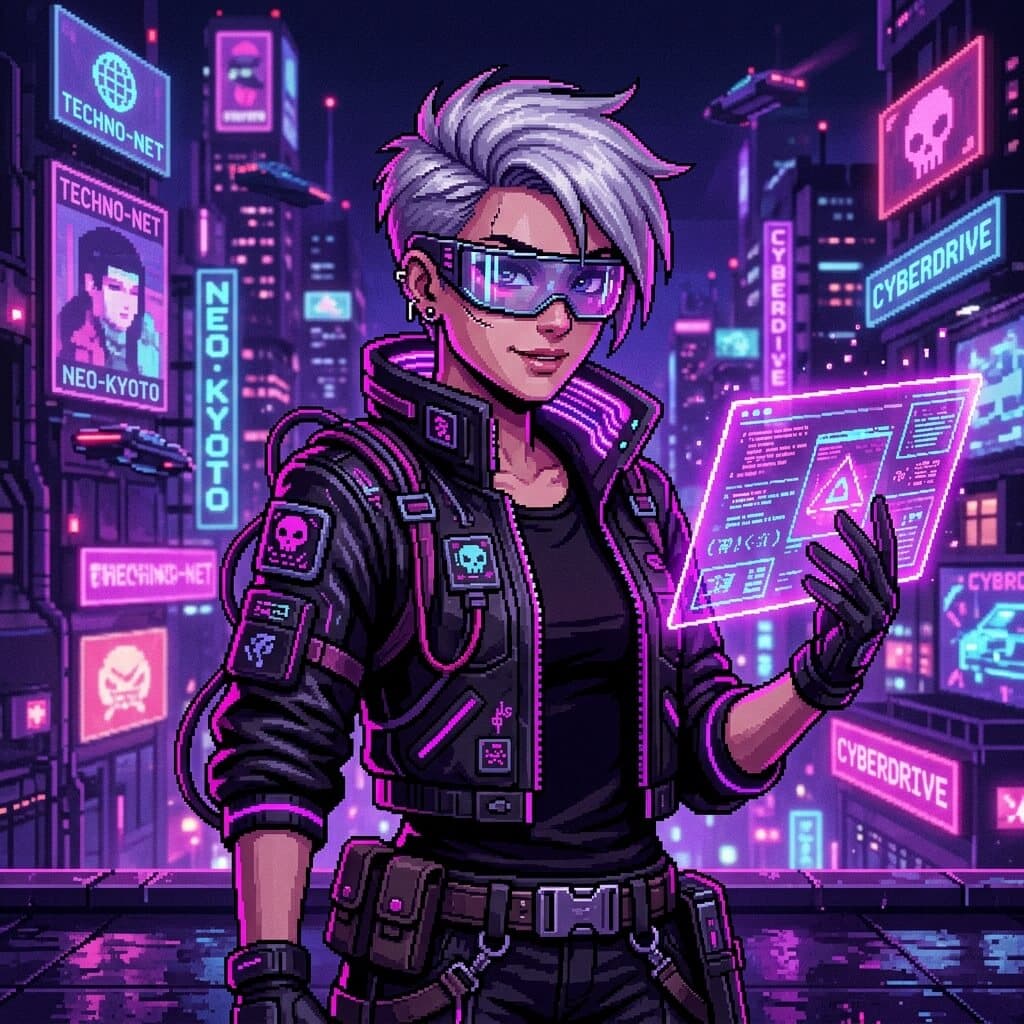
Reusable creative direction for AI image generation
Repeatable templates

Save strong directions and apply them across future requests.

At a glance

Why this AI image generator page centers workflow

The structure below summarizes how FreeMaker positions the AI image generator for practical visual production.
3
starting paths: prompt, reference, template
4
production scenarios highlighted on this page
1
shared workspace for generation and revision
6
FAQ answers for evaluation and SEO coverage

FAQ

AI image generator FAQ

Common questions about using the FreeMaker AI image generator for text prompts, image references, editing, and repeatable team production.

An AI image generator is a tool that creates or edits visuals from prompts, references, and other creative inputs. On FreeMaker, it works as a shared space for drafting, editing, and repeating image workflows.

Yes. You can use FreeMaker as an AI image generator from text, then refine the result inside the same workflow. It is useful when you want fast prompt-led drafts before moving into tighter edits.

Yes. You can use reference-led inputs when you need an AI image generator from image workflow. That helps with style matching, controlled revisions, cleanup, and image-to-image edits that stay closer to the original direction.

Free AI image generator tools are useful for quick tests, but teams often need more than one-click output. Look for prompt control, image reference support, editing options, and reusable templates before you decide which workflow fits best.

The best AI image generator for teams is one that handles prompt-based creation, reference-led edits, and repeatable production in the same place. Fast first drafts matter, but so do review speed, reuse, and workflow consistency.

People often compare Bing AI image generator, Canva AI image generator, Google AI image generator, Microsoft AI image generator, and Adobe AI image generator options. FreeMaker focuses on prompt creation, image references, and reusable team workflows in one workspace.
AI-generated visual background

Open the AI image generator and start your next visual draft

Start with text, switch to image references when needed, and keep successful templates ready for the next campaign, concept board, or content request.