FreeMakerFreeMaker
Studio immagini AI FreeMaker

FreeMaker AI Image Maker

Modello
Prompt
0/2000
Prompt NegativoFacoltativo
Rapporto di Aspetto
Risoluzione
Crediti richiesti
La stima si aggiorna con il modello e le impostazioni dell'immagine.
6
credits

Le mie immagini

Ultimi risultati generati e cronologia immagini sincronizzata.
Anteprima
Demo FreeMaker
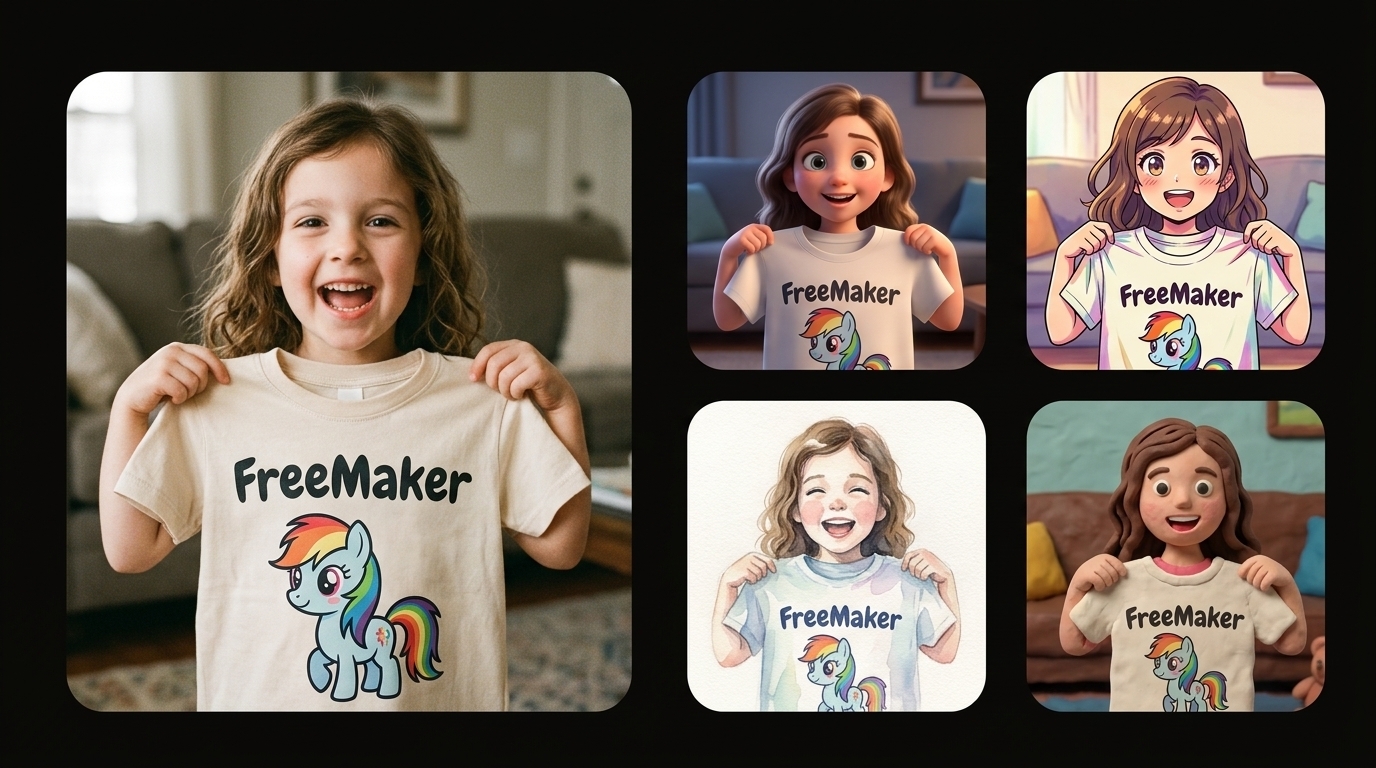
Un collage di confronto su uno sfondo nero puro, con a sinistra una grande foto fotorealistica di una bambina gioiosa che mostra una maglietta con un pony dei cartoni animati FreeMaker, e a destra una griglia verticale di interpretazioni artistiche stilizzate della stessa scena (3D, anime, acquerello, claymation).
Output di esempio

Un collage di confronto su uno sfondo nero puro, con a sinistra una grande foto fotorealistica di una bambina gioiosa che mostra una maglietta con un pony dei cartoni animati FreeMaker, e a destra una griglia verticale di interpretazioni artistiche stilizzate della stessa scena (3D, anime, acquerello, claymation).

Esecuzioni recenti

Un esempio resta visibile finché non accedi e crei il tuo set di immagini.

Un collage di confronto su uno sfondo nero puro, con a sinistra una grande foto fotorealistica di una bambina gioiosa che mostra una maglietta con un pony dei cartoni animati FreeMaker, e a destra una griglia verticale di interpretazioni artistiche stilizzate della stessa scena (3D, anime, acquerello, claymation).
Demo
Proprio ora

Un collage di confronto su uno sfondo nero puro, con a sinistra una grande foto fotorealistica di una bambina gioiosa che mostra una maglietta con un pony dei cartoni animati FreeMaker, e a destra una griglia verticale di interpretazioni artistiche stilizzate della stessa scena (3D, anime, acquerello, claymation).

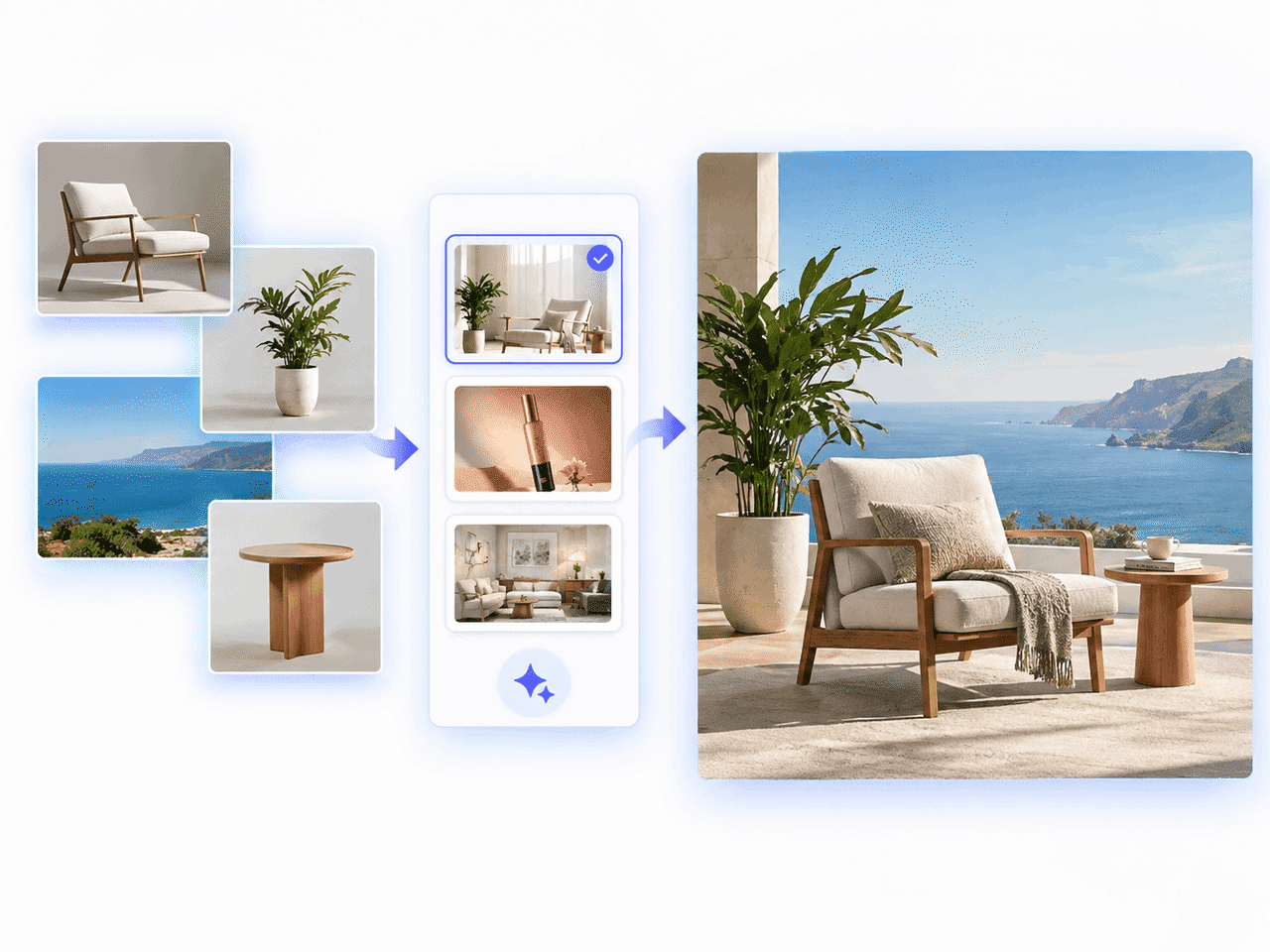
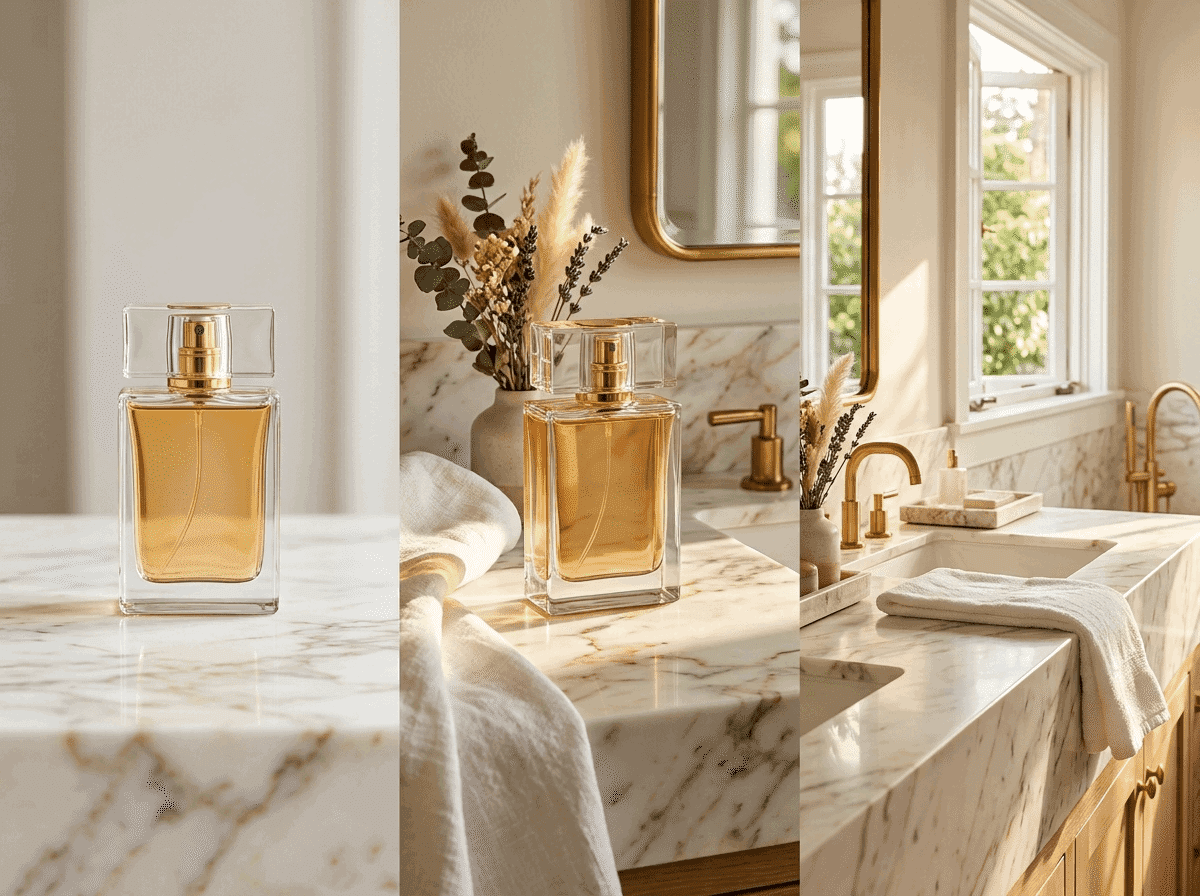
Foto di riferimento di un prodotto trasformata in scene e-commerce curate con FreeMaker AI Image Maker

Cos'è FreeMaker AI Image Maker?

FreeMaker è un creatore di immagini AI multimodello che integra motori avanzati come Nano Banana, Wan e Grok in un unico spazio di lavoro. Genera immagini di alta qualità da prompt testuali o trasforma foto esistenti con workflow immagine-immagine basati su riferimenti fino a 4K.

I venditori e-commerce possono creare foto prodotto da studio, i marketer visual pubblicitari ad alta conversione, i designer storyboard concettuali rapidi e ogni creator arte fotorealistica o avatar personalizzati in pochi secondi.

Come creare immagini AI gratis online

Trasforma le tue idee in opere di alta qualità in tre semplici passaggi.

1.

Inserisci un prompt o carica un'immagine di riferimento

Descrivi la tua visione nel campo del prompt oppure carica una foto come riferimento. Fai clic su Ottimizza per migliorare subito il prompt.

2.

Scegli modello, stile e risoluzione

Seleziona modelli come Nano Banana o Grok, scegli lo stile, imposta le proporzioni e una risoluzione fino a 4K.

3.

Genera e scarica la tua immagine AI

Fai clic su Genera per creare l'immagine in pochi secondi e scarica l'opera ad alta risoluzione per uso personale o commerciale.
Funzioni del nostro generatore di immagini AI gratuito

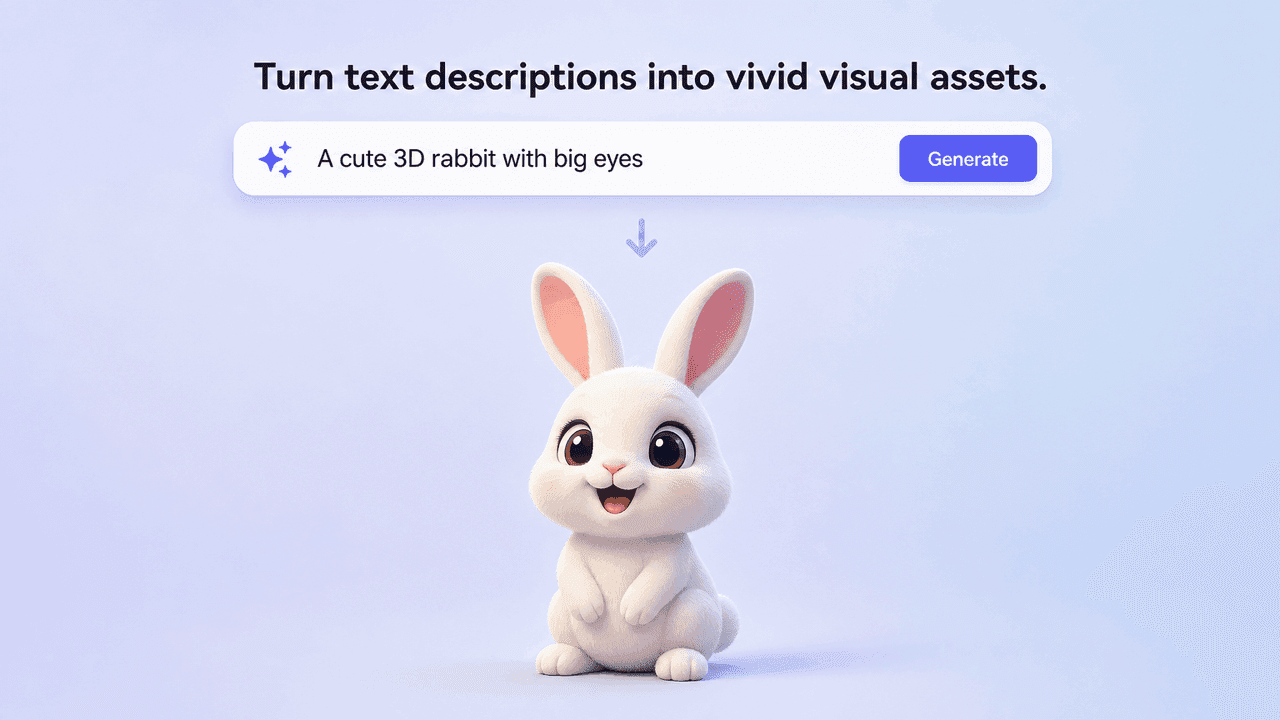
Text prompt generating a vivid 3D rabbit image

Generatore AI da testo a immagine

Trasforma le descrizioni testuali in risorse visive vivide. Il motore interpreta con precisione luce, soggetti e atmosfera artistica.
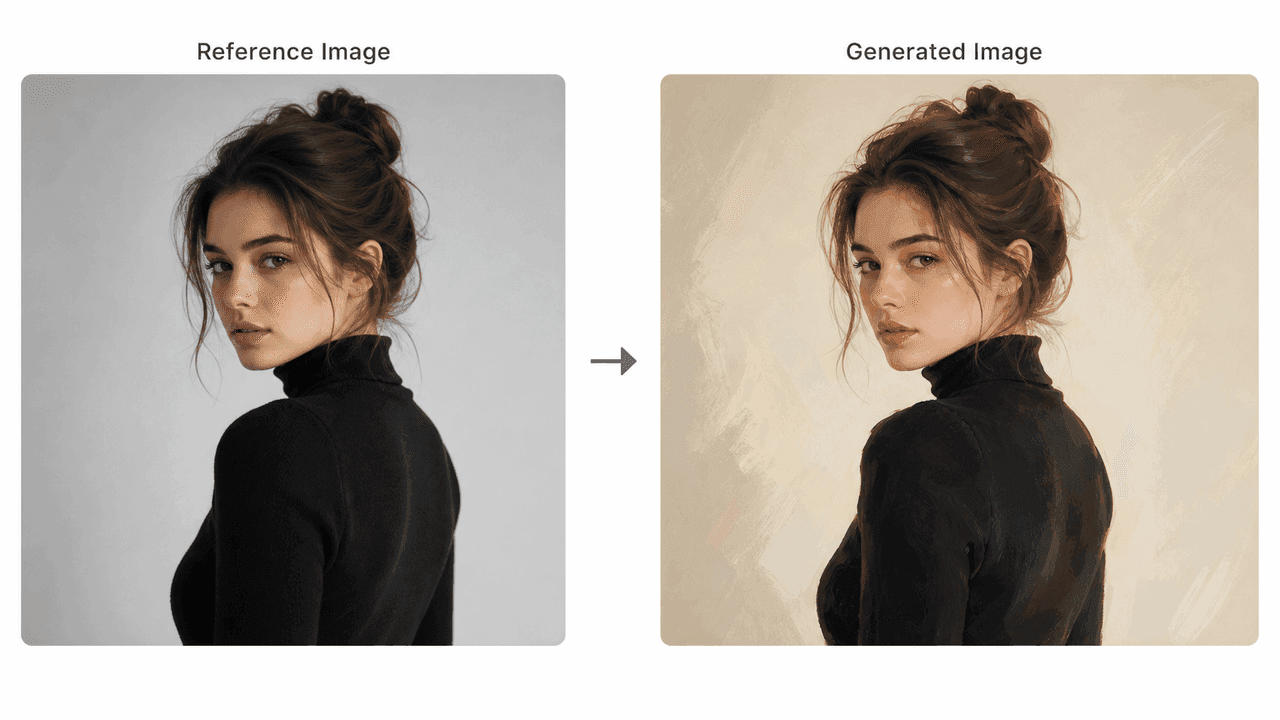
Reference portrait transformed into a painted AI image

Trasformazione da immagine di riferimento a immagine

Carica una foto per guidare composizione, posa o illuminazione. Il flusso mantiene la struttura applicando nuovi stili.
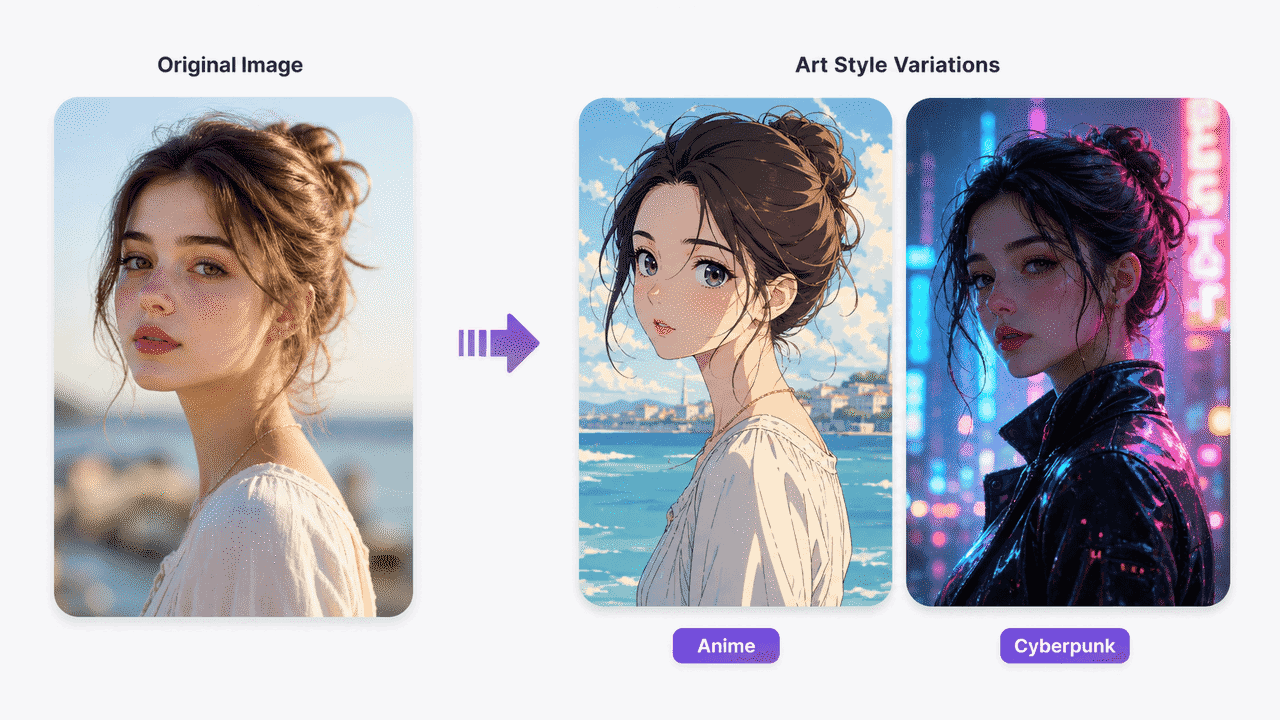
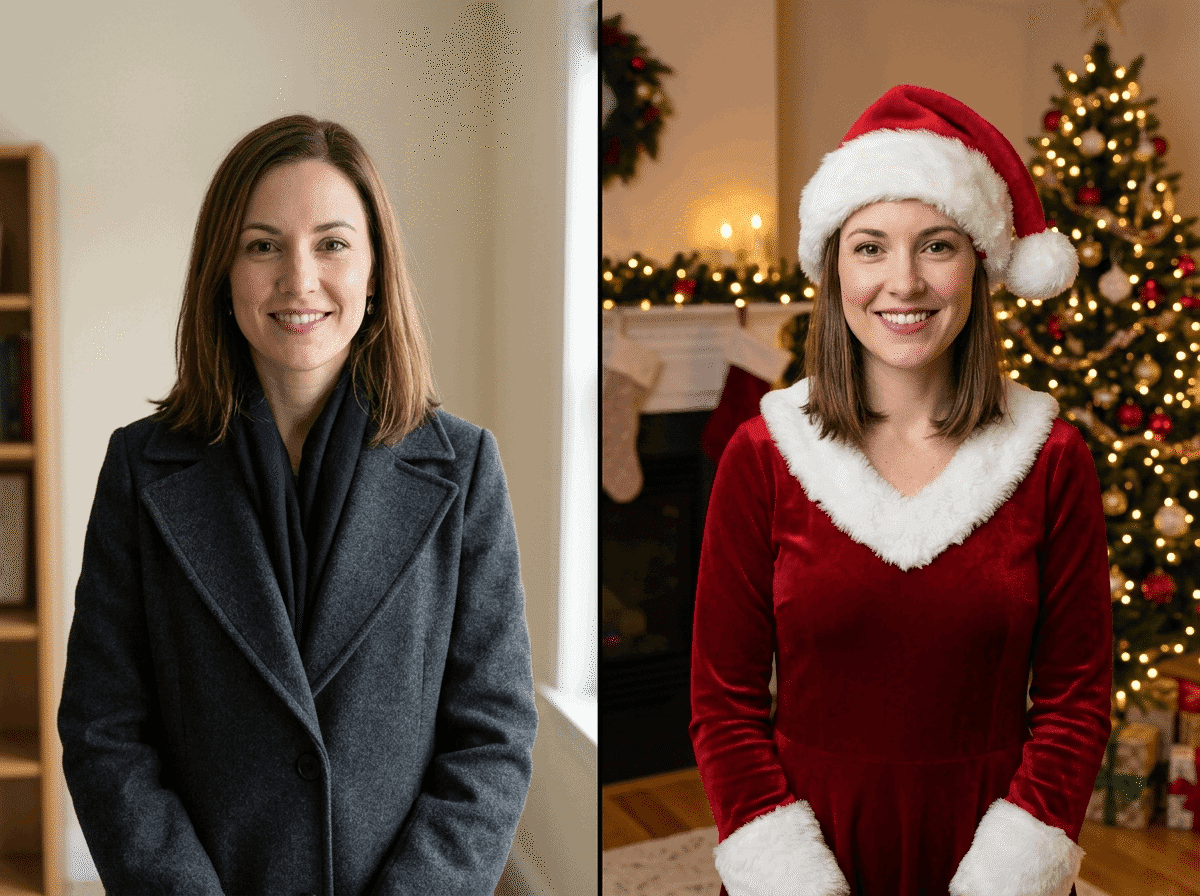
Original portrait shown as anime and cyberpunk art styles

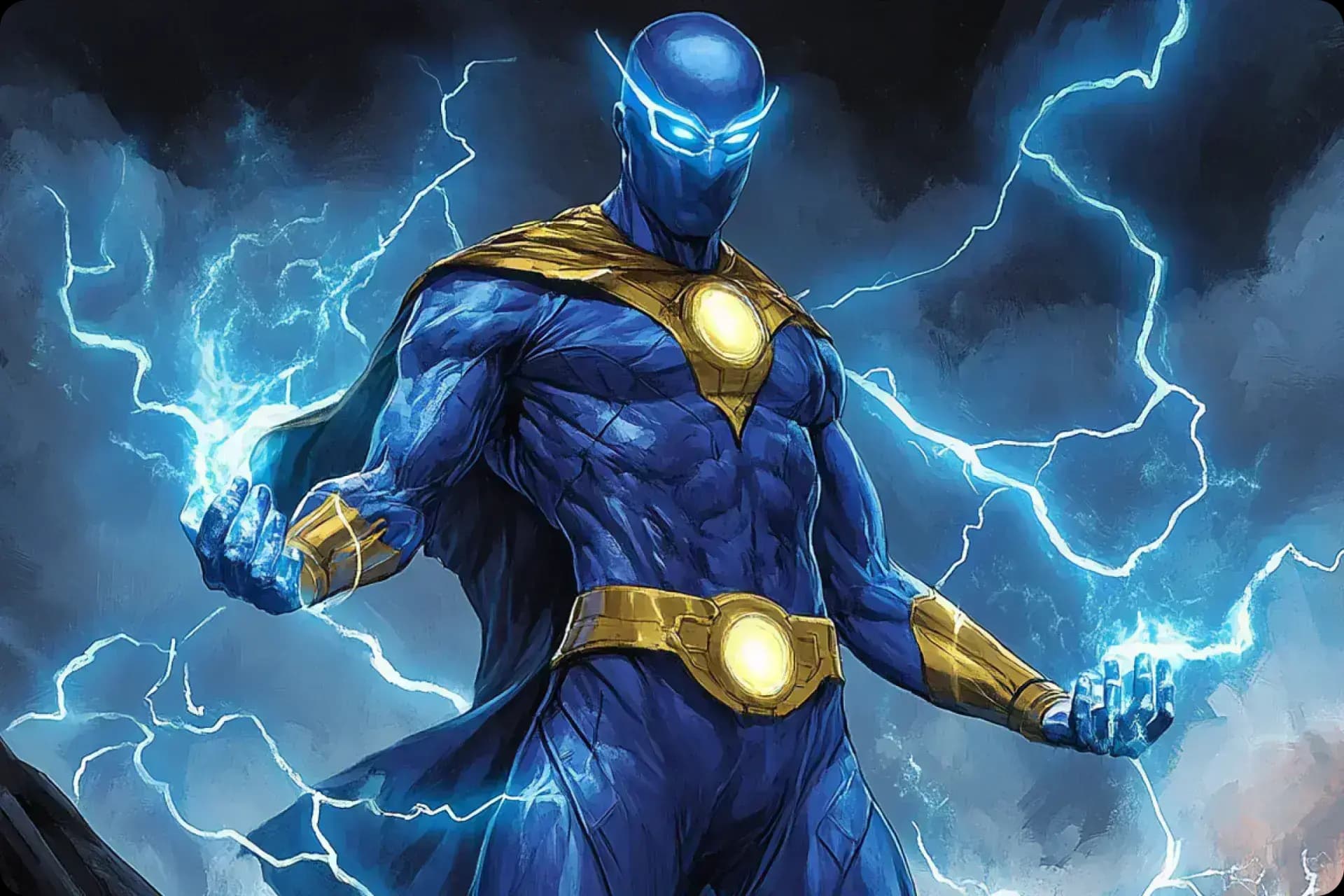
Stili artistici dal realistico all'anime

Scegli tra fotorealismo, cyberpunk, illustrazione digitale, anime, grafica vettoriale e concept art cinematografica.
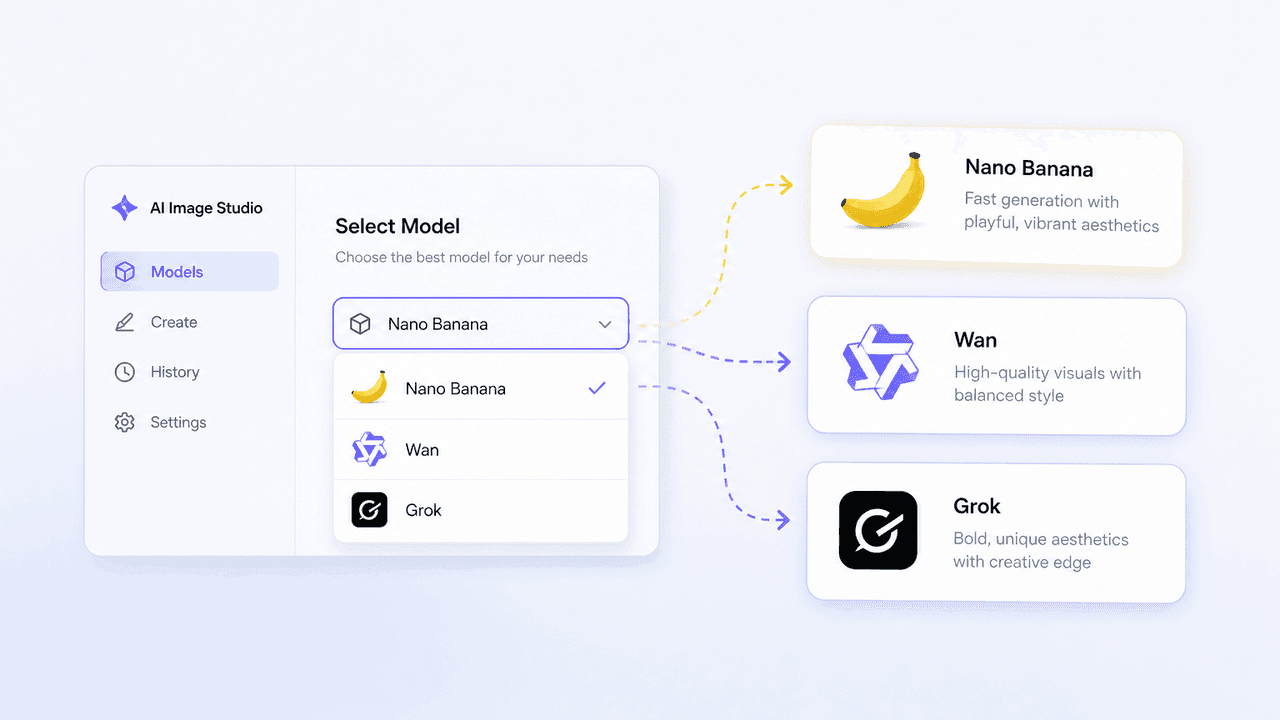
AI Image Studio model selector for Nano Banana, Wan, and Grok

Modelli AI leader: Nano Banana, Wan e Grok

Accedi a più modelli di immagini in un'unica dashboard e passa da uno all'altro in base a velocità e stile.
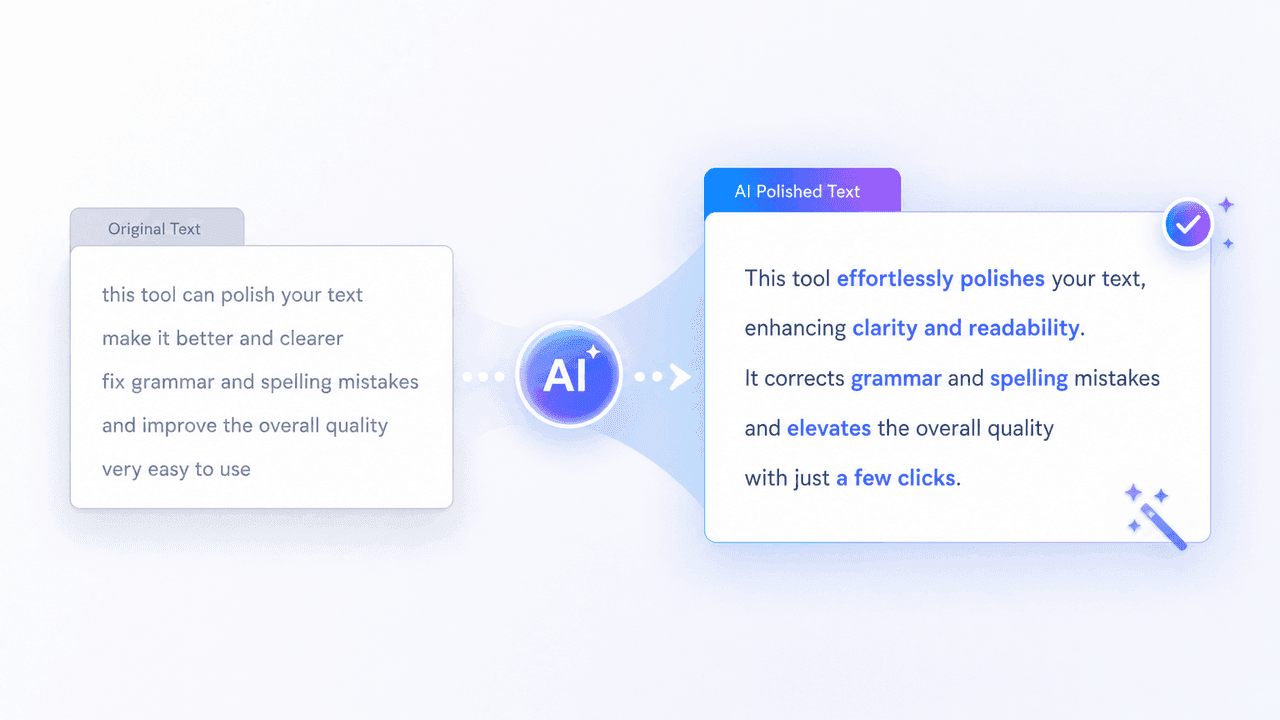
AI prompt polish transforming a rough prompt into clear detailed text

Ottimizzazione dei prompt e prompt negativi

Affina automaticamente i prompt ed escludi artefatti o elementi indesiderati con i prompt negativi.
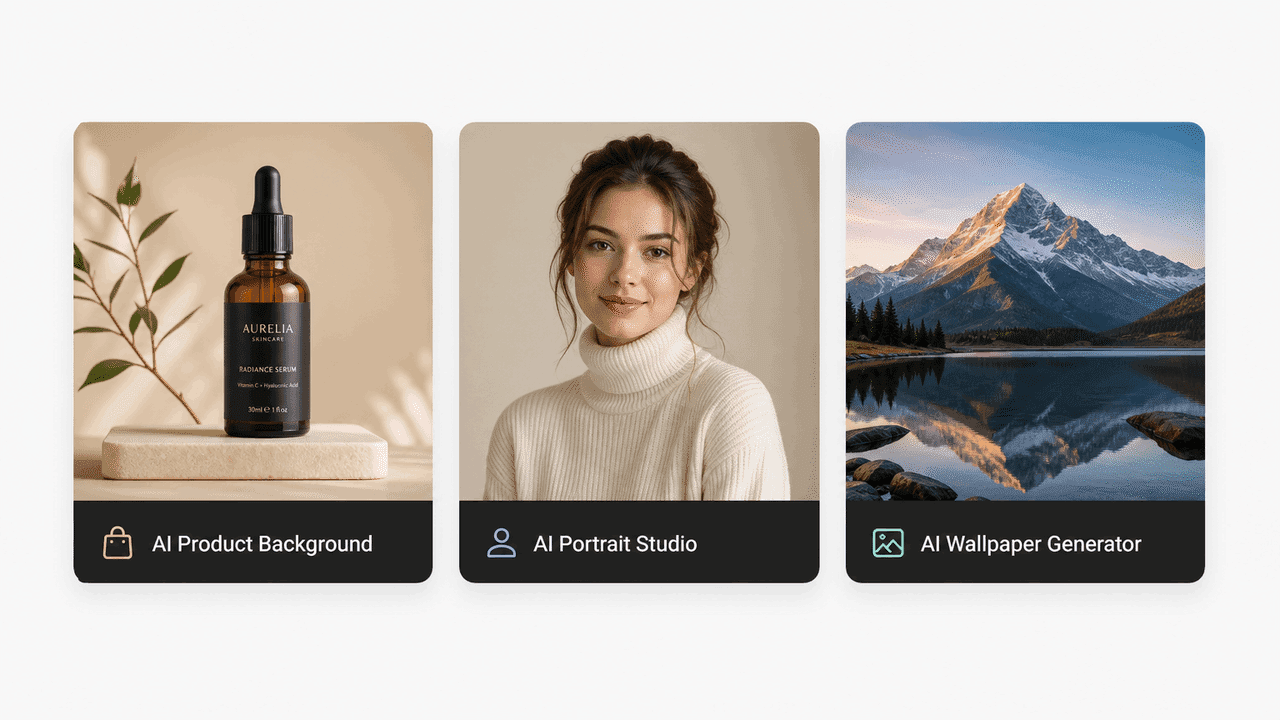
Preset tools for product backgrounds, portraits, and wallpapers

Strumenti preset pronti all'uso

Inizia senza configurazioni complesse con modelli per prodotti, ritratti, sfondi e materiali di marketing.
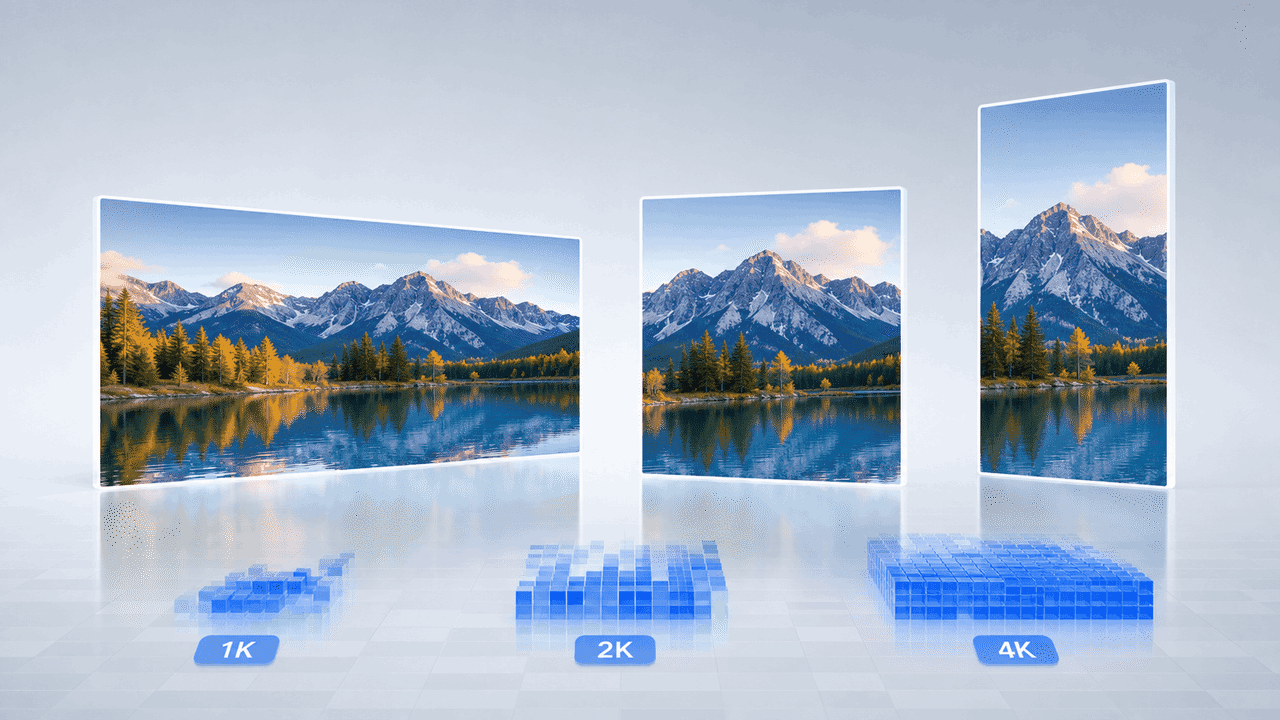
Landscape image displayed in 1K, 2K, and 4K output formats

Proporzioni flessibili e output Ultra HD 4K

Personalizza 16:9, 1:1 o 9:16 ed esporta immagini nitide in 1K, 2K o 4K.

Perché scegliere FreeMaker per creare immagini realistiche con l'AI gratis?

FreeMaker combina strumenti professionali con un'esperienza intuitiva.
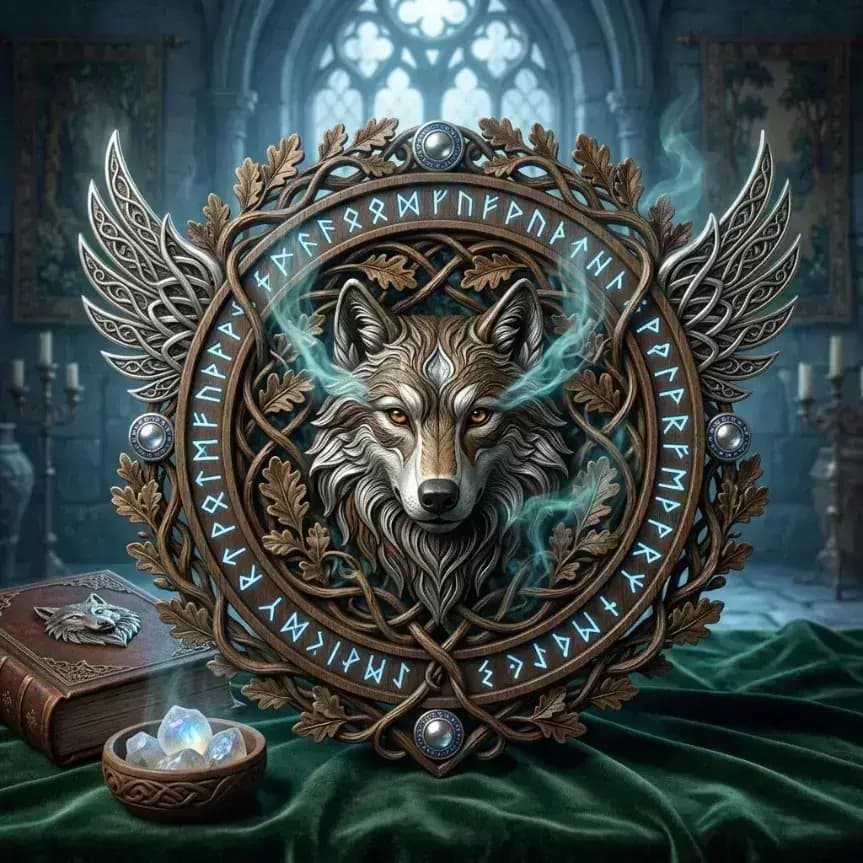
Collection of realistic and artistic image styles

Ampia libreria di stili realistici e artistici

Crea immagini realistiche o esplora generi stilizzati senza esperienza tecnica.
Magic wand and settings icon representing high-quality output

Qualità nitida fino alla risoluzione 4K

Ottieni risultati dettagliati e nitidi su schermi ad alta densità e in stampa.
Packaged creative tools representing multiple AI models

Modelli AI leader in un unico luogo

Usa modelli fondamentali di alto livello risparmiando tempo e costi di abbonamento.
Ready-to-use cup representing instant creative tools

Strumenti pronti per risultati immediati

I workflow preconfigurati permettono a tutti di creare grafiche professionali e visual di prodotto.
Cloud and lightning icon representing flexible output formats

Dimensioni adatte a social e web

Scegli dimensioni precise per Instagram, miniature YouTube, banner web e stampa.
Padlock protecting a framed digital artwork

Creazione di immagini AI privata e sicura

Le foto di riferimento caricate e le opere generate restano protette.

Chi può trarre vantaggio da questo generatore di immagini AI?

FreeMaker aiuta creator di settori diversi a produrre immagini AI in modo efficiente.

Content creator e marketing

Genera rapidamente grafiche social, intestazioni per blog e creatività pubblicitarie.

Designer e concept artist

Accelera storyboard, moodboard e prototipi di risorse visive.

E-commerce e fotografi di prodotto

Crea foto realistiche di prodotti su sfondi da studio senza attrezzatura costosa.

Appassionati di AI e utenti quotidiani

Dai vita alle idee, crea sfondi personalizzati e avatar digitali unici.

Cosa dicono gli utenti di FreeMaker AI Image Maker

Creator di tutto il mondo velocizzano i propri workflow visivi con FreeMaker.

“FreeMaker AI Image Maker ha eliminato la necessità di costosi servizi fotografici di prodotto. Con Nano Banana bastano pochi secondi per generare immagini di prodotto in 4K con qualità da studio.”
Elena R. — Titolare di un brand e-commerce
“La qualità dell'output in 4K e la funzione di ottimizzazione dei prompt di FreeMaker AI Image Maker rivoluzionano le campagne pubblicitarie. Produce con costanza grafiche realistiche che generano conversioni.”
Marcus T. — Direttore del marketing digitale
“Lo strumento da immagine di riferimento a immagine di FreeMaker AI Image Maker mi fa risparmiare ore durante le fasi di elaborazione dei concept per i clienti. Mi offre un controllo preciso su layout e stile.”
Sophia L. — Senior graphic designer
“Gli strumenti dedicati di FreeMaker AI Image Maker, come il generatore di avatar, rendono semplicissima la creazione di contenuti social. Posso realizzare immagini ad alta risoluzione per YouTube e Instagram in pochi minuti.”
Jake M. — Content creator per i social media
“Come sviluppatore indipendente di videogiochi, poter passare da Wan a Grok in FreeMaker AI Image Maker per generare rapidamente concept art di ambientazioni ha raddoppiato la velocità della nostra prototipazione.”
Carlos D. — Concept artist di videogiochi
“Non ho alcuna esperienza di design, ma gli strumenti preimpostati e l'ottimizzazione dei prompt di FreeMaker AI Image Maker mi permettono di creare facilmente fantastici sfondi e opere personalizzate per divertimento.”
Hannah K. — Appassionata di IA e hobbista

Domande frequenti sul generatore di immagini AI

Sì. Puoi ottenere crediti gratuiti ogni giorno effettuando il check-in. Sono disponibili anche piani convenienti per generare immagini senza limiti.

AI image generator online for text and image

Use anAI image generatorbuilt for prompts, images, and fast team output

Create images from text prompts, refine results from image references, and keep repeatable templates in one online workflow. FreeMaker is built for teams comparing the best AI image generator for real production work.

Covers AI image generator from text, AI image generator from image, and repeatable team workflows.
Text + image workflow

Create a premium launch visual from text, then refine it from image references. Keep the style reusable for future seasonal variations and repeat requests.
Text promptReference imageReusable template
Workflow ingredientsReady for iteration
  • Prompt draft for the first image direction
  • Reference image input when the creative needs tighter control
  • Reusable visual pattern for the next campaign cycle
Generated AI marketing artwork preview
AI image output preview

One workspace for text-to-image, image-to-image, and reuse

Keep the generation workflow practical enough for ongoing campaign work instead of treating every request like a brand-new experiment.

Why teams use it
Move from text prompts to repeatable image output

This AI image generator is structured for teams that need quick first drafts, controlled edits from image references, and a workflow they can reuse across more than one request.
Prompt-based AI image generator workspace

Generate images from text prompts without slowing down

Many users start with searches like ai image generator from text or free ai image generator. FreeMaker keeps that first step fast, so a short brief can turn into usable visual drafts for campaigns, landing pages, and concept work.
  • Start from short prompts or detailed creative briefs
  • Generate multiple directions in one review cycle
Reference-guided AI image editing example

Use image references when prompt-only control is not enough

If you need an AI image generator from image or an image to image AI generator, reference-led edits matter. Use existing visuals, mood boards, or near-final drafts to guide composition, style, and subject details without restarting from zero.

  • Support cleanup, enhancement, and style changes
  • Keep revision loops tighter for creative teams
Reusable AI image generator output for marketing

Keep one AI image generator online for repeat requests

Templates make this AI image generator online easier to reuse across ecommerce, paid social, launch graphics, and ongoing brand work. Save what performs well, then start the next request from a stronger base.

  • Save prompt, layout, and style patterns that work
  • Handle recurring visual production with less setup

Main workflow

Move from text prompts to image referencesinside one AI image workflow

A strong AI image generator is not only about making one image. It should help a team move from AI image generator from text use cases to AI image generator from image edits, then into reusable production patterns without switching tools every step of the way.
  • Launch a first pass from text when the brief is still rough
  • Bring in image references when the result needs more control
  • Reuse strong prompt structures for the next campaign cycle
AI-generated product display scene
Shared workflow

From first prompt to repeatable visual system

Use the same workspace to generate, compare, and refine images as the brief gets more specific.

Production scenarios
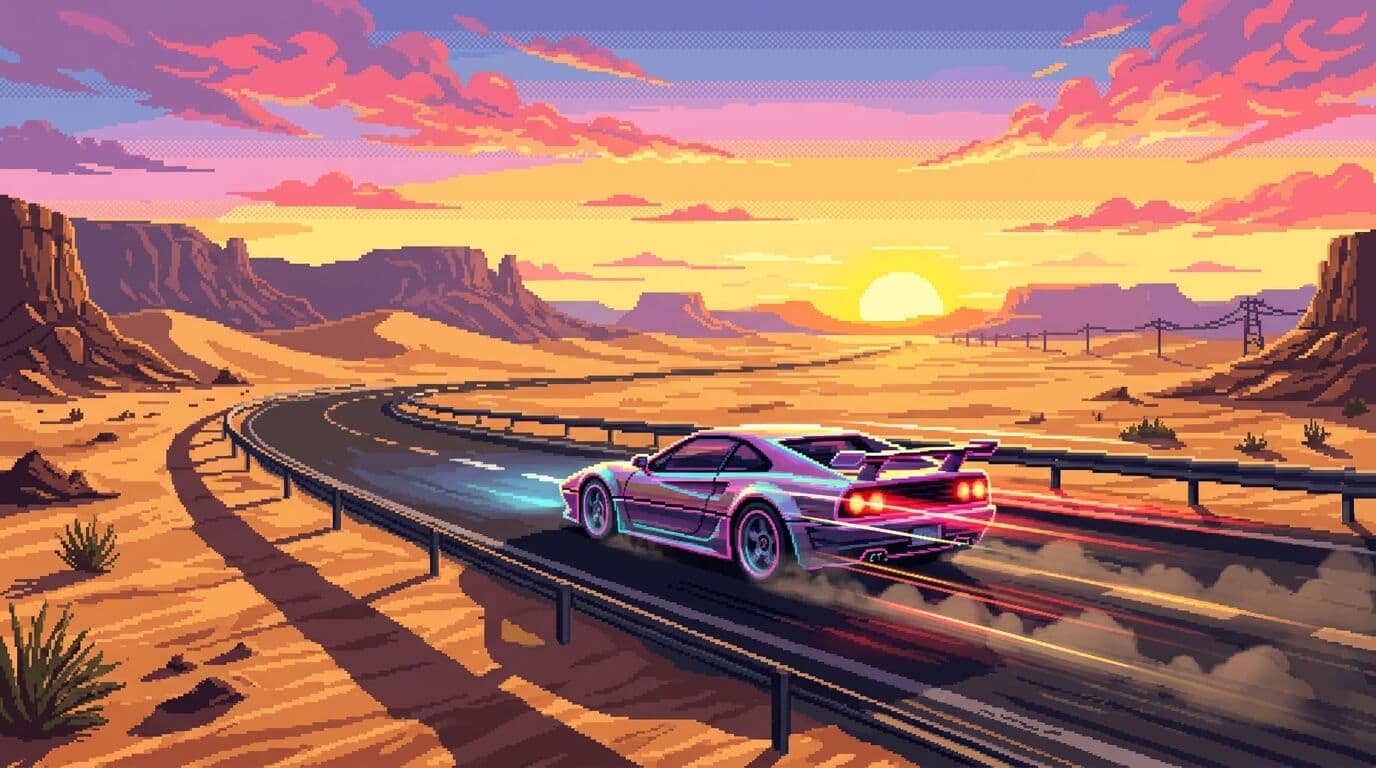
Use one AI image generator across multiple creative jobs

The workflow stays useful when teams need marketing visuals, guided revisions, realistic drafts, and repeatable output for ongoing publishing instead of one-off experiments.
AI-generated campaign scene for product marketing

Early campaign art

Create strong direction before full production assets arrive.

Use case 01
Create product marketing visuals with an AI image generator online

Use the AI image generator for launch concepts, promo scenes, seasonal treatments, and ad variations while the team is still testing what should move into production. It is useful when you need realistic AI image generator output before a full photo shoot is ready.
  • Create early hero imagery for landing pages and paid ads
  • Give stakeholders clearer options earlier in the process
Reference-based prompt and edit workflow

Reference-guided iteration

Refine what is already working instead of fully restarting.

Use case 02
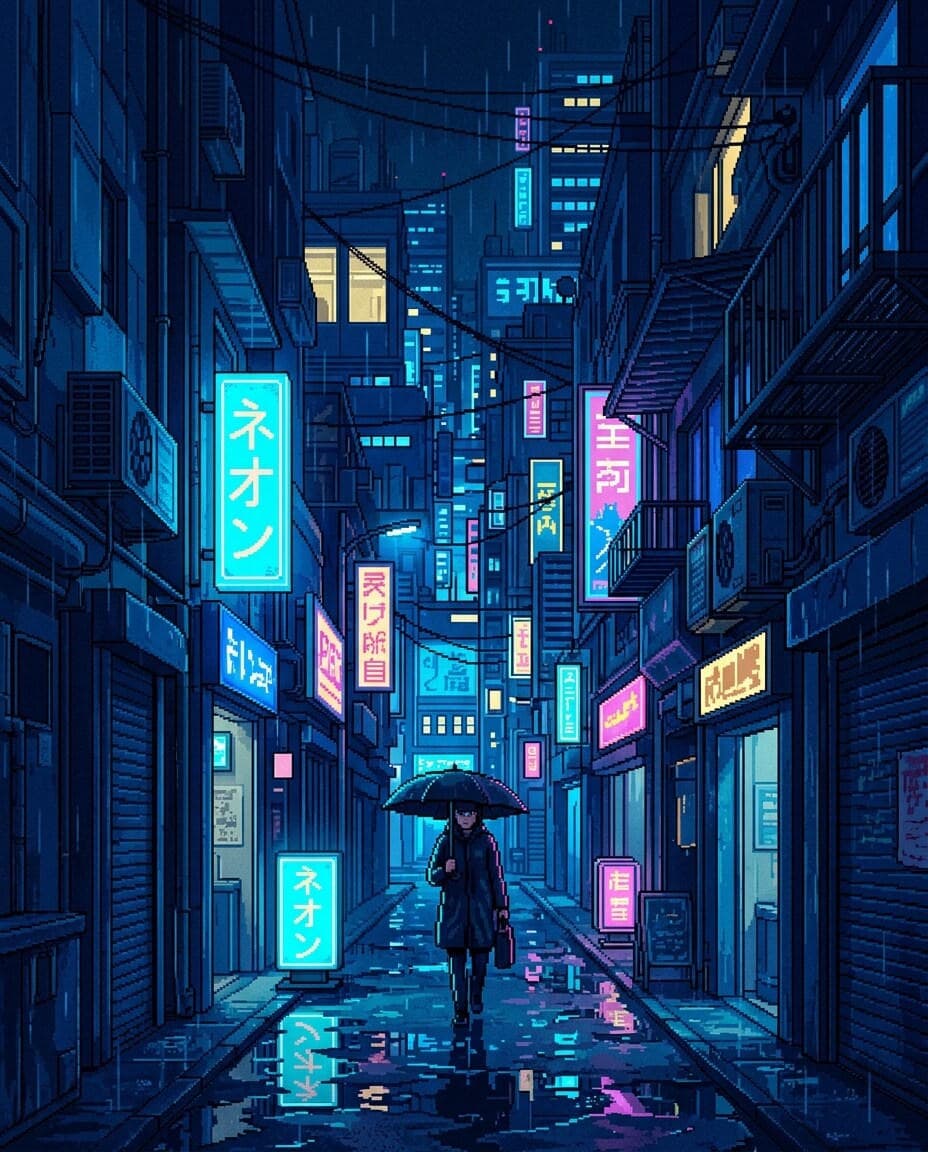
Use references when the first draft needs tighter control

Not every job starts from zero. Sometimes the team already has a visual direction, an existing asset, or a mood board. That is where an AI image generator from image workflow helps teams refine what is already close instead of rewriting the whole request.
  • Guide style, composition, and subject details more precisely
  • Reduce wasted cycles caused by vague prompt-only changes
Stylized portrait generated for repeatable content workflows

Reusable visual systems

Turn winning prompt directions into repeatable production habits.

Use case 03

Keep repeat output consistent for recurring content operations

Teams that publish often need more than a one-off image. Reusable templates and saved prompt patterns help keep output aligned across social, ecommerce, and brand storytelling work, which is often what people want from the best AI image generator for teams.
  • Support repeated asset requests with less manual setup
  • Make ongoing image generation easier for multiple teammates

Deeper controls

Keep creative direction without slowing image iteration

These are the details teams usually care about when choosing the best AI image generator for day-to-day team use.

A good AI image generator should let a marketer, designer, or founder begin with a short brief and still reach a strong first image quickly. That is why AI image generator from text workflows matter for early exploration, campaign drafts, and fast concept testing.

Prompt-first AI image creation flow
Prompt-first exploration

Go from brief to first image direction without heavy setup.

Once a draft is close, teams need a practical way to change details, clean up scenes, or shift style. This is where an AI image generator from image setup helps keep the workflow efficient when image review cycles get specific.

Edited AI image output preview
Controlled revisions

Tighten scenes, style, and details while keeping momentum.

Prompt structures, references, and templates become more valuable over time when they can be reused. That is what turns an AI image generator online into a system for real creative operations instead of a one-time test.
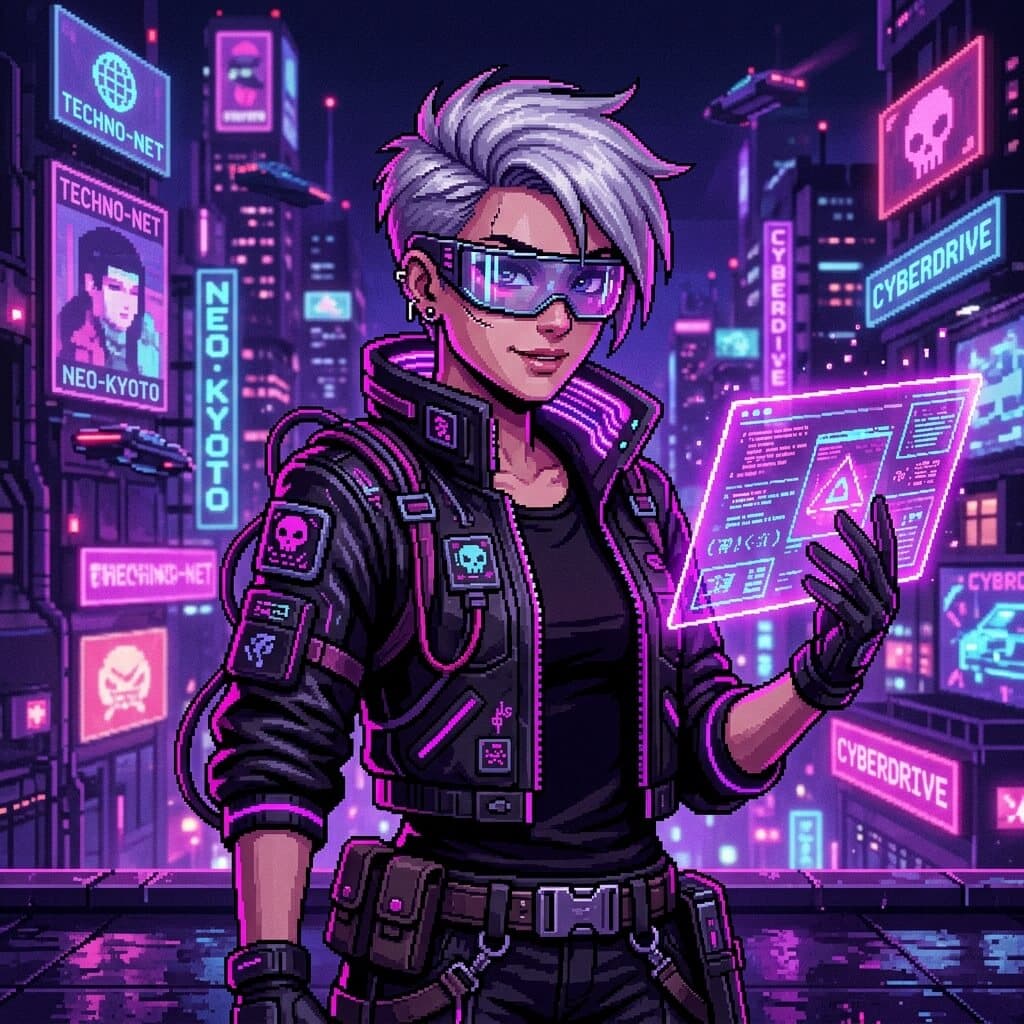
Reusable creative direction for AI image generation
Repeatable templates

Save strong directions and apply them across future requests.

At a glance

Why this AI image generator page centers workflow

The structure below summarizes how FreeMaker positions the AI image generator for practical visual production.
3
starting paths: prompt, reference, template
4
production scenarios highlighted on this page
1
shared workspace for generation and revision
6
FAQ answers for evaluation and SEO coverage

FAQ

AI image generator FAQ

Common questions about using the FreeMaker AI image generator for text prompts, image references, editing, and repeatable team production.

An AI image generator is a tool that creates or edits visuals from prompts, references, and other creative inputs. On FreeMaker, it works as a shared space for drafting, editing, and repeating image workflows.

Yes. You can use FreeMaker as an AI image generator from text, then refine the result inside the same workflow. It is useful when you want fast prompt-led drafts before moving into tighter edits.

Yes. You can use reference-led inputs when you need an AI image generator from image workflow. That helps with style matching, controlled revisions, cleanup, and image-to-image edits that stay closer to the original direction.

Free AI image generator tools are useful for quick tests, but teams often need more than one-click output. Look for prompt control, image reference support, editing options, and reusable templates before you decide which workflow fits best.

The best AI image generator for teams is one that handles prompt-based creation, reference-led edits, and repeatable production in the same place. Fast first drafts matter, but so do review speed, reuse, and workflow consistency.

People often compare Bing AI image generator, Canva AI image generator, Google AI image generator, Microsoft AI image generator, and Adobe AI image generator options. FreeMaker focuses on prompt creation, image references, and reusable team workflows in one workspace.
AI-generated visual background

Open the AI image generator and start your next visual draft

Start with text, switch to image references when needed, and keep successful templates ready for the next campaign, concept board, or content request.