FreeMakerFreeMaker
FreeMaker AI画像スタジオ

FreeMaker AI Image Maker

モデル
プロンプト
0/2000
ネガティブプロンプトオプション
アスペクト比
解像度
必要クレジット
モデルと画像設定に応じて見積もりが更新されます。
6
credits

マイ画像

最新の生成結果と同期済み画像履歴。

プレビュー
FreeMakerデモ
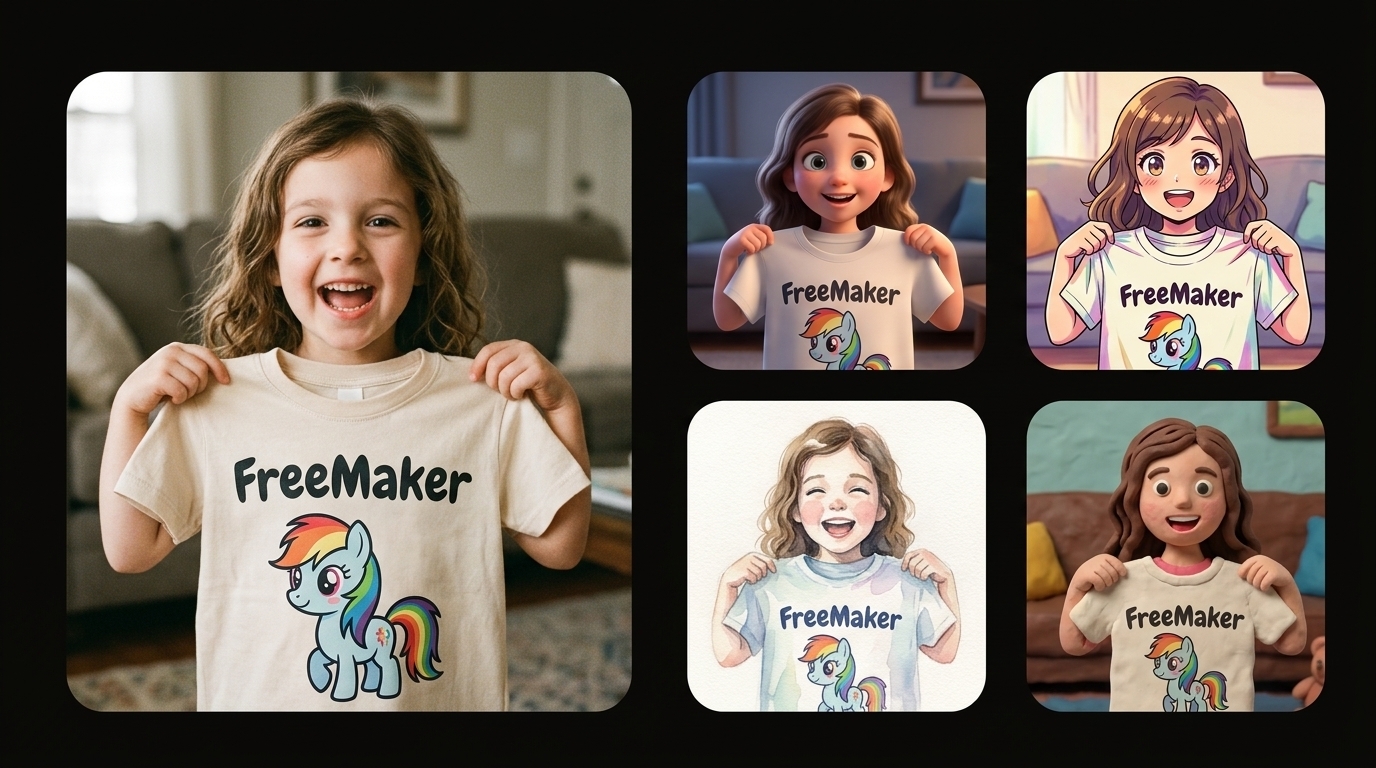
純粋な黒の背景に、左には「FreeMaker」の漫画風ポニーTシャツを掲げる楽しそうな少女の大きなフォトリアル写真、右には同じシーンを様式化して表現したアート作品(3D、アニメ、水彩、クレイアニメーション)の縦グリッドを配した比較コラージュ。
サンプル出力

純粋な黒の背景に、左には「FreeMaker」の漫画風ポニーTシャツを掲げる楽しそうな少女の大きなフォトリアル写真、右には同じシーンを様式化して表現したアート作品(3D、アニメ、水彩、クレイアニメーション)の縦グリッドを配した比較コラージュ。

最近の実行

ログインして自分の画像を作成するまでサンプルが表示されます。

純粋な黒の背景に、左には「FreeMaker」の漫画風ポニーTシャツを掲げる楽しそうな少女の大きなフォトリアル写真、右には同じシーンを様式化して表現したアート作品(3D、アニメ、水彩、クレイアニメーション)の縦グリッドを配した比較コラージュ。
デモ
たった今

純粋な黒の背景に、左には「FreeMaker」の漫画風ポニーTシャツを掲げる楽しそうな少女の大きなフォトリアル写真、右には同じシーンを様式化して表現したアート作品(3D、アニメ、水彩、クレイアニメーション)の縦グリッドを配した比較コラージュ。

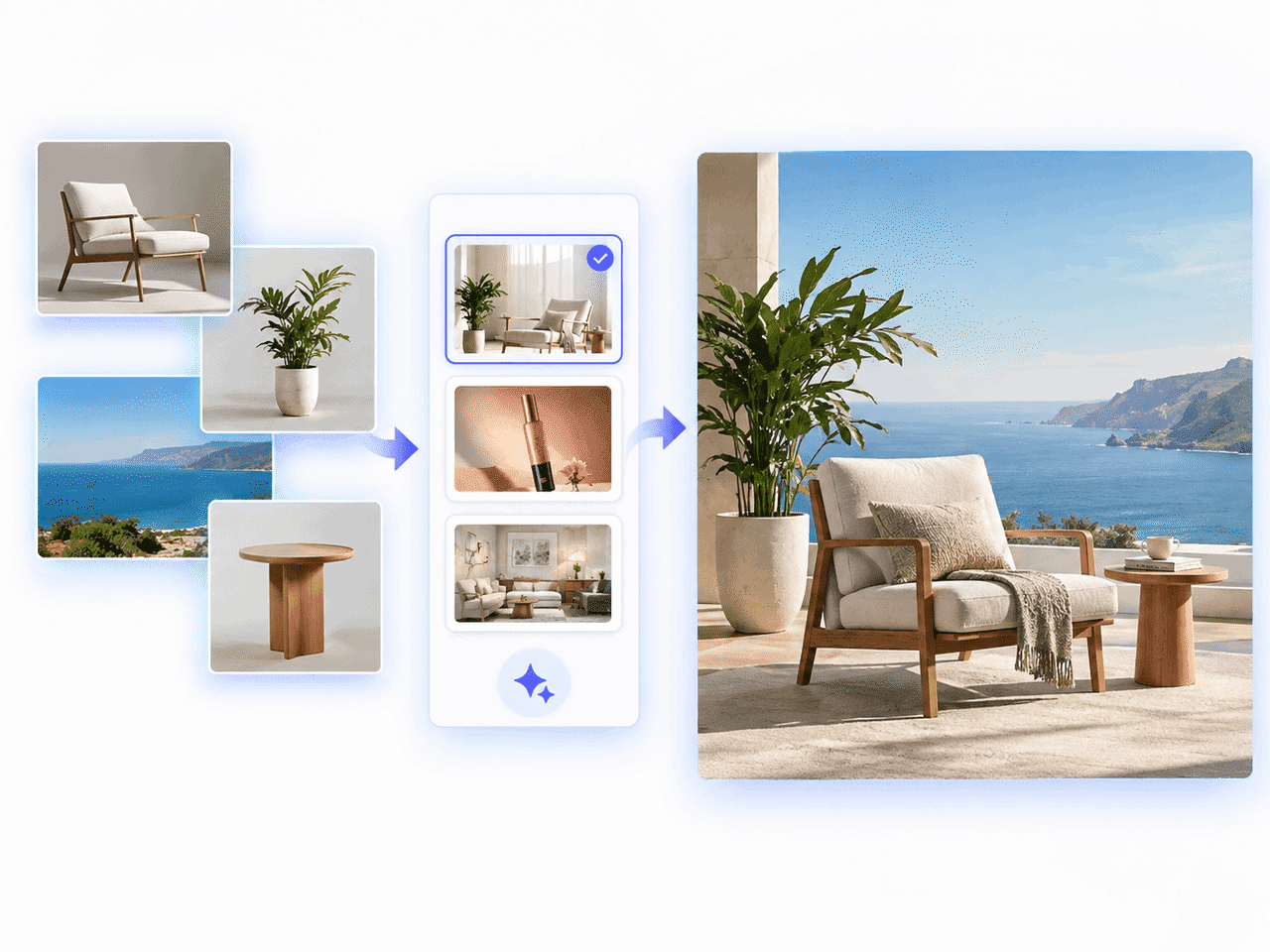
FreeMaker AI Image Makerで商品写真を洗練されたECシーンに変換した例

FreeMaker AI Image Makerとは?

FreeMakerはNano Banana、Wan、Grokなどの先進AIエンジンを1つのワークスペースに統合したマルチモデルAI画像メーカーです。テキストプロンプトで高品質なビジュアルを生成し、参照画像を使った画像間変換では最大4K出力に対応します。

EC事業者はスタジオ品質の商品写真を、マーケターは成果の高い広告ビジュアルを、デザイナーはコンセプトボードを、クリエイターはリアルなアートやカスタムアバターを数秒で作成できます。

AI画像を作成する3つの簡単なステップ

3つの簡単なステップでアイデアを高品質な作品に変換します。

1.

プロンプトを入力するか参照画像をアップロード

プロンプト欄にビジョンを詳しく入力するか、参照用の写真をアップロードします。プロンプトをすぐに改善するには「整える」をクリックしてください。

2.

AIモデル、スタイル、解像度を選択

Nano BananaやGrokなどのモデルを選び、アートスタイル、アスペクト比、最大4Kの出力解像度を設定します。

3.

AI画像を生成してダウンロード

生成をクリックすると数秒で画像が完成します。高解像度の作品をすぐにダウンロードできます。
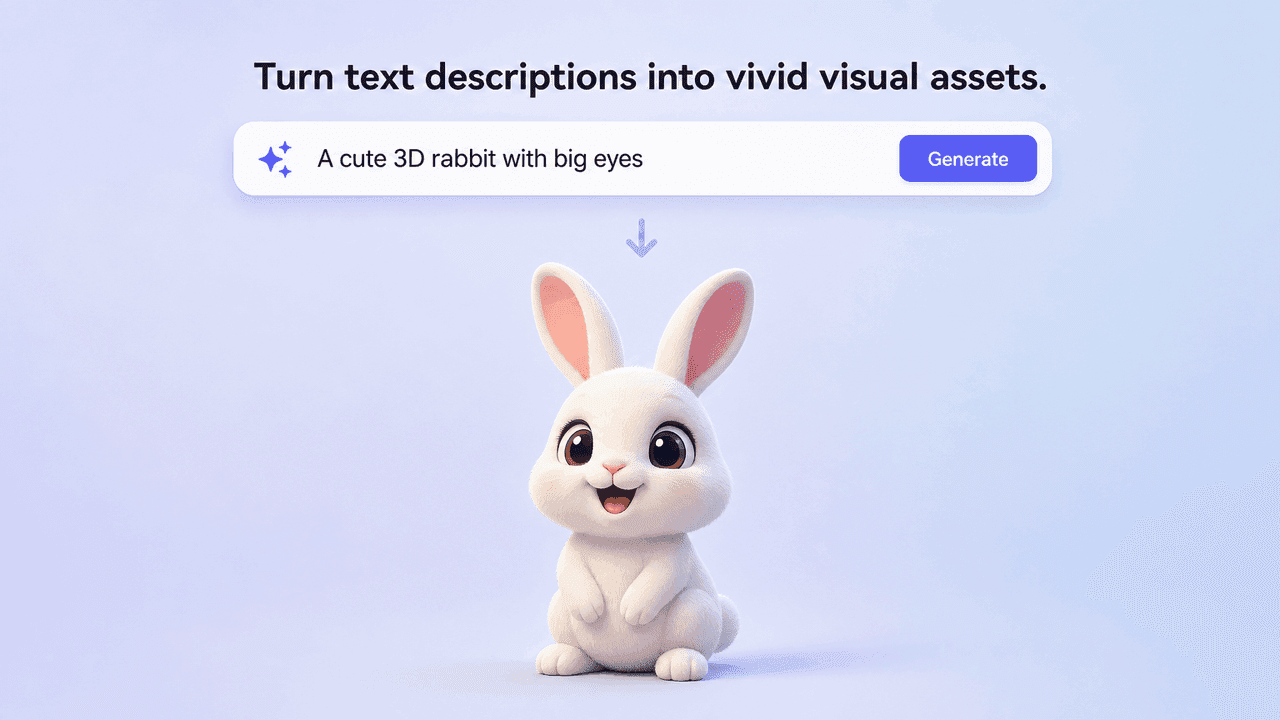
FreeMaker AI画像ジェネレーターの機能

Text prompt generating a vivid 3D rabbit image

テキストから画像を生成

テキストの説明を鮮やかなビジュアルに変換します。光、被写体、アートの雰囲気を正確に解釈します。
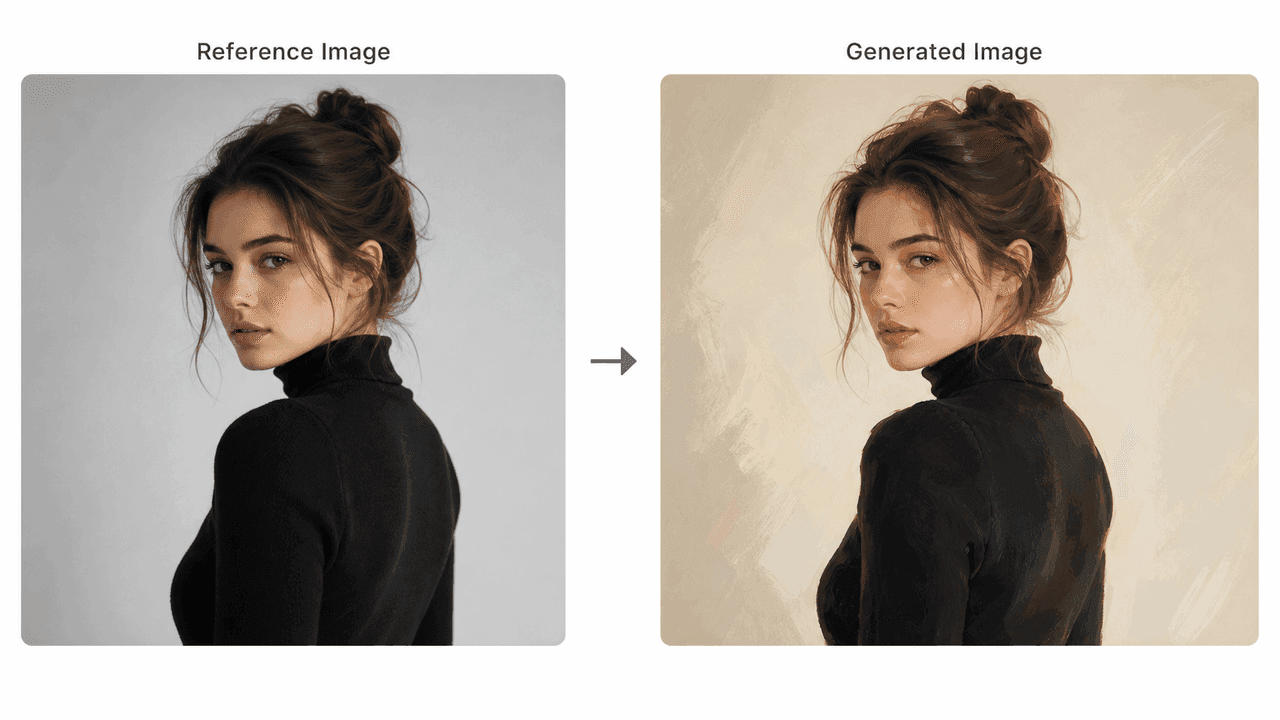
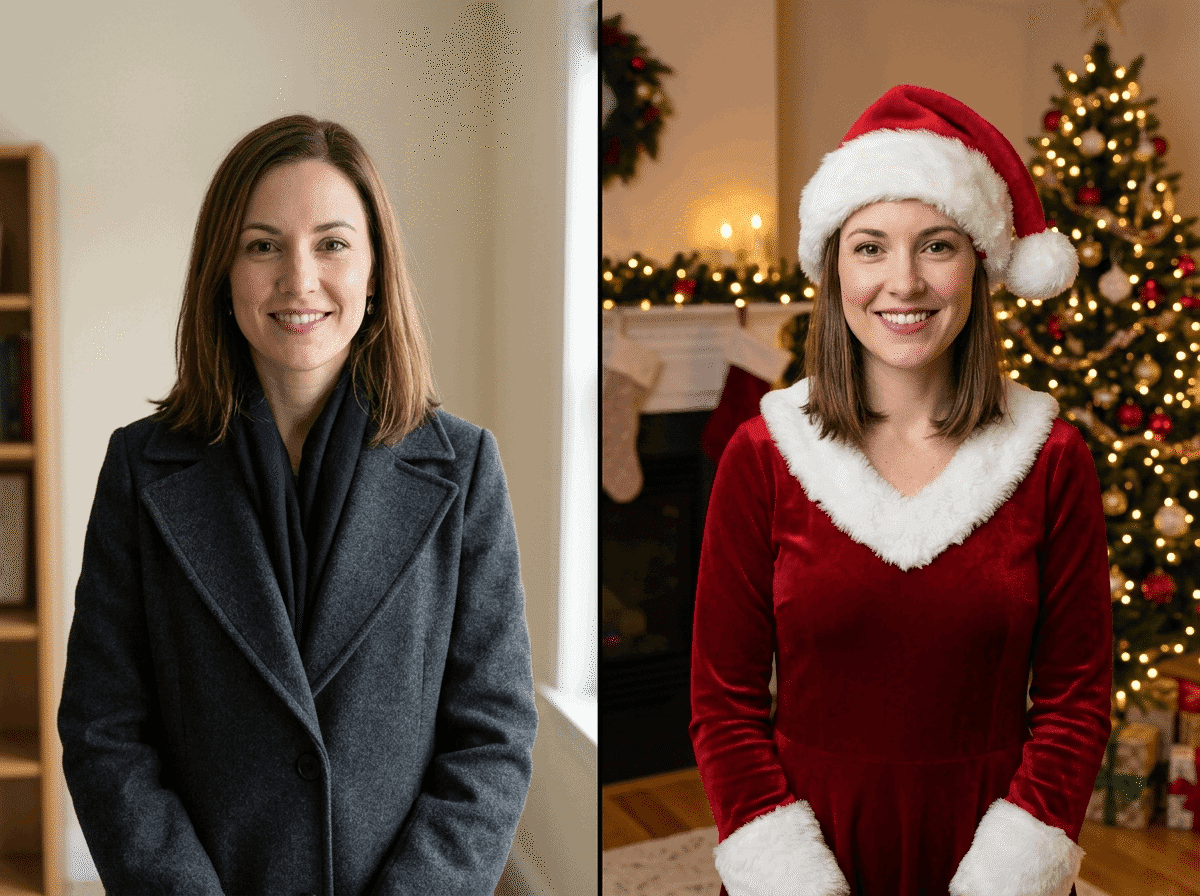
Reference portrait transformed into a painted AI image

参照画像から画像へ変換

写真をアップロードして構図、ポーズ、照明を指定できます。構造を保ちながら新しいスタイルを適用します。
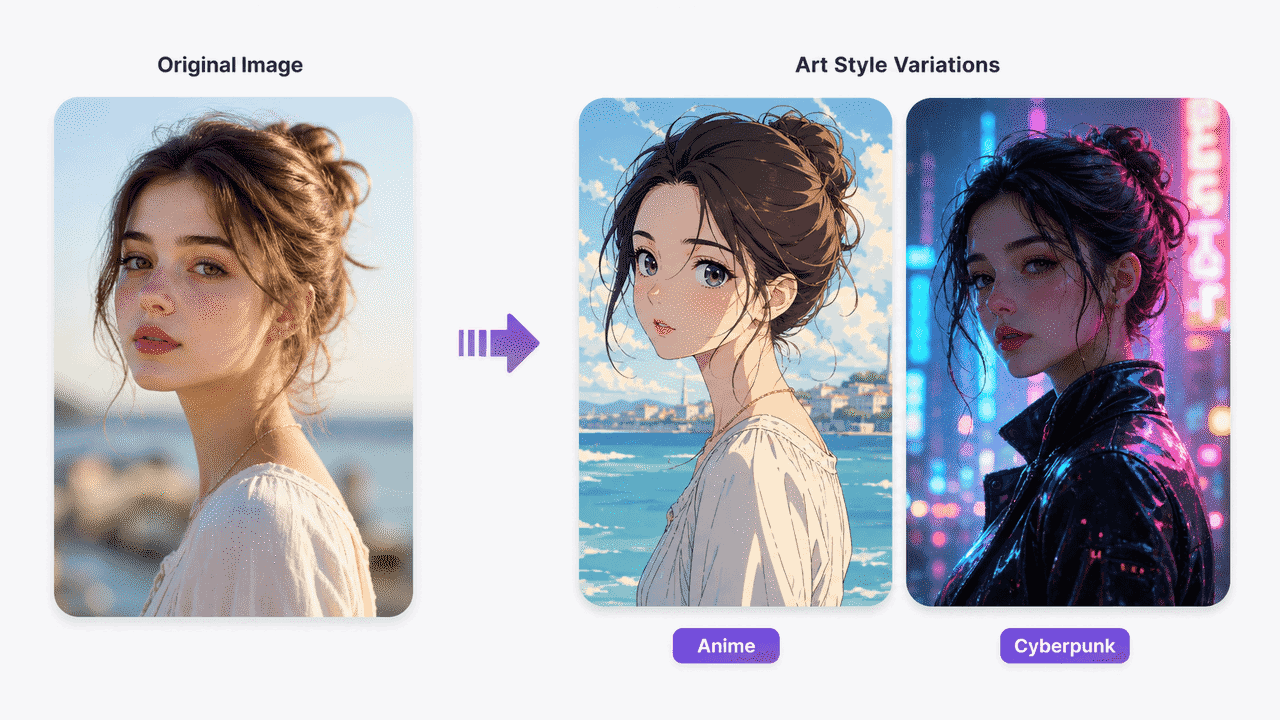
Original portrait shown as anime and cyberpunk art styles

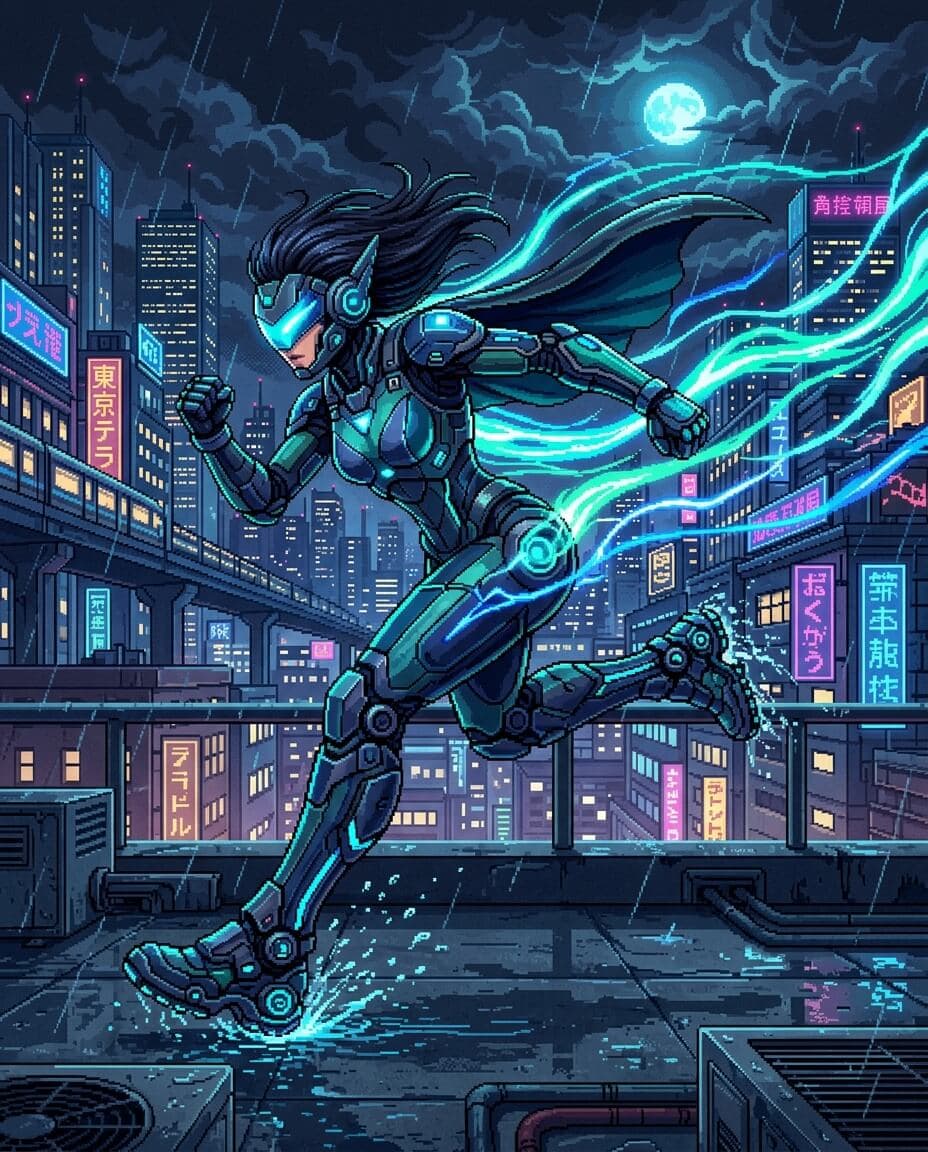
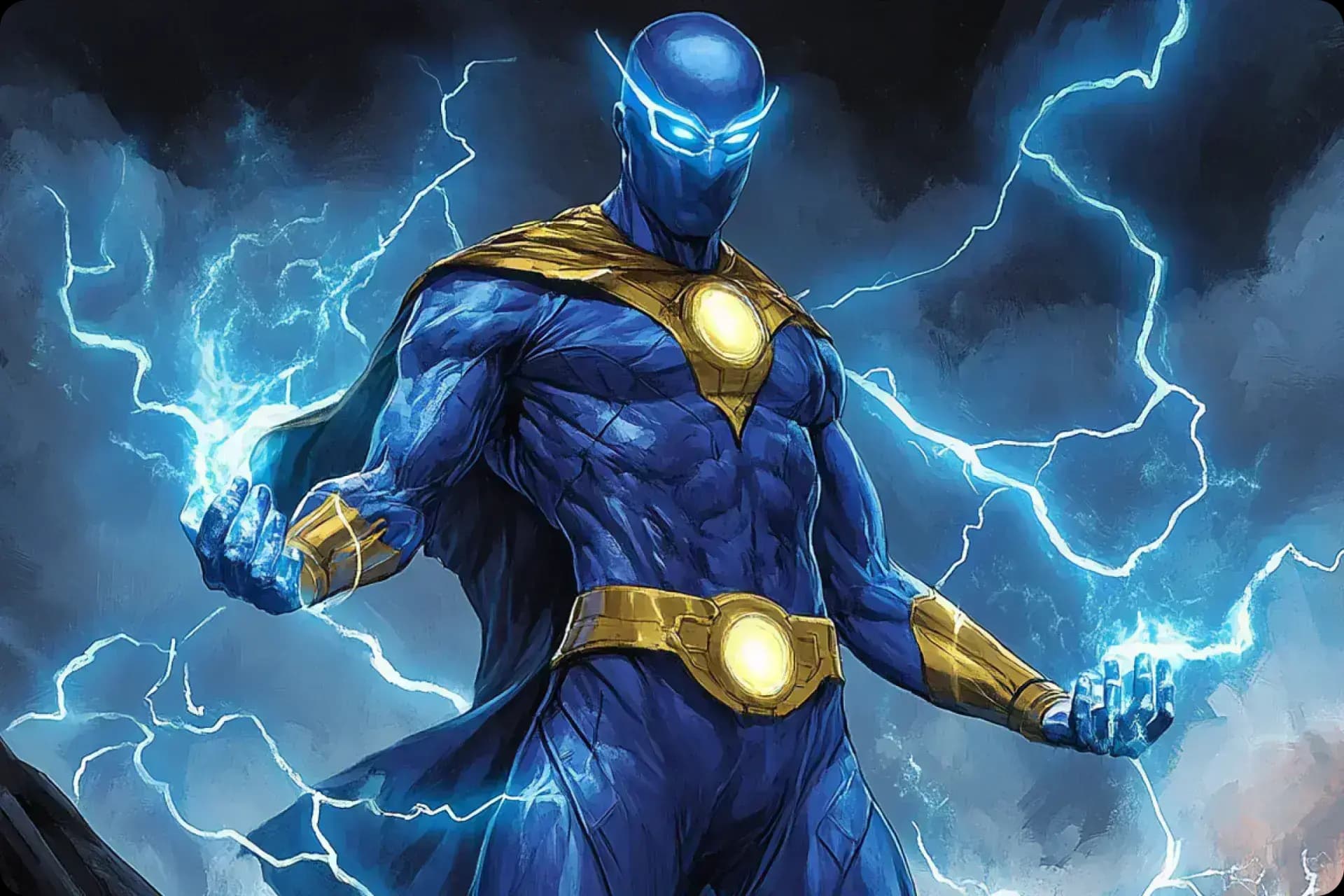
リアルからアニメまで多彩なアートスタイル

フォトリアル、サイバーパンク、デジタルイラスト、アニメ、ベクター、映画的コンセプトアートから選べます。
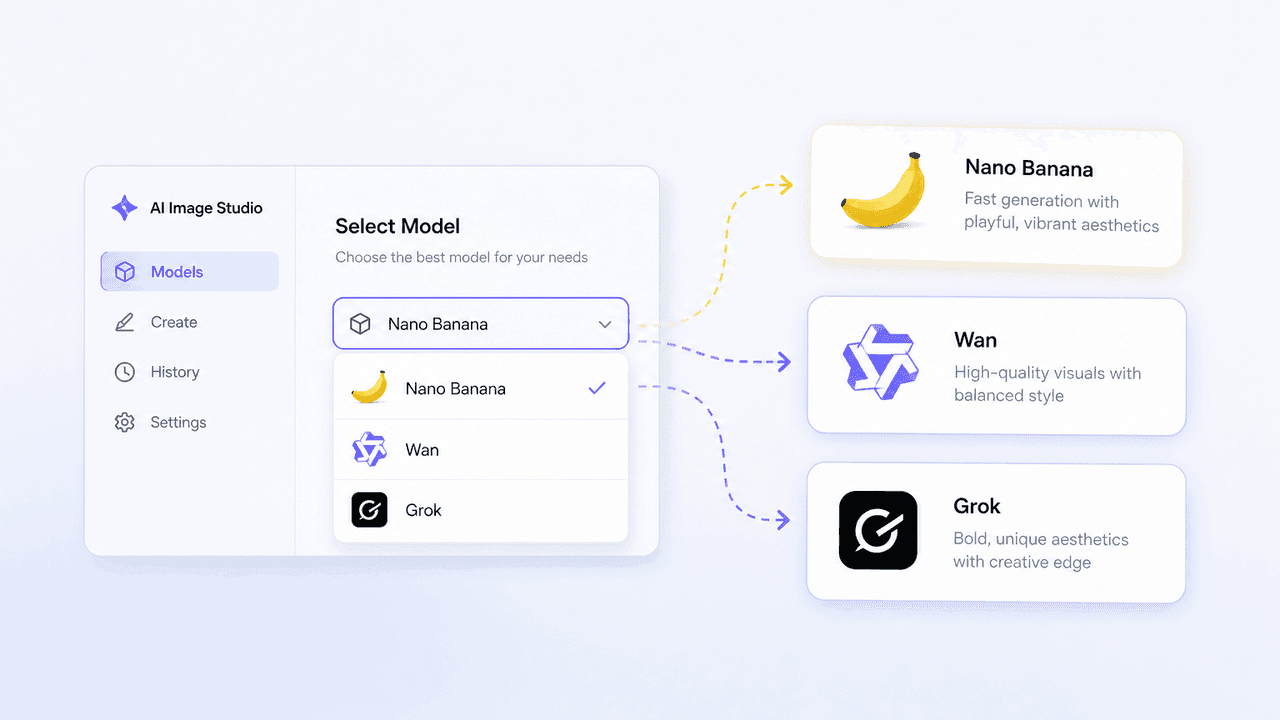
AI Image Studio model selector for Nano Banana, Wan, and Grok

主要AIモデル:Nano Banana、Wan、Grok

複数の高性能画像モデルを1つのダッシュボードで利用できます。目的に合わせて切り替えられます。
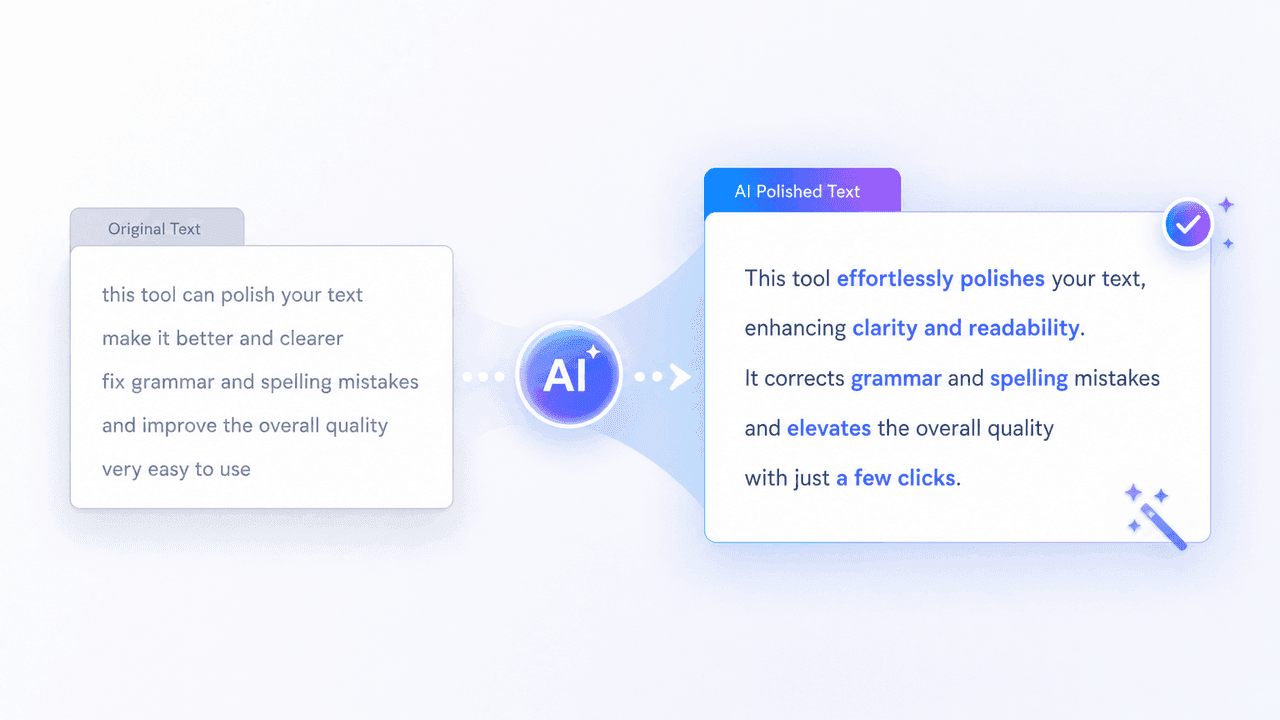
AI prompt polish transforming a rough prompt into clear detailed text

AIプロンプト補正とネガティブプロンプト

内蔵AIでプロンプトを自動的に整え、不要なアーティファクトや要素を除外できます。
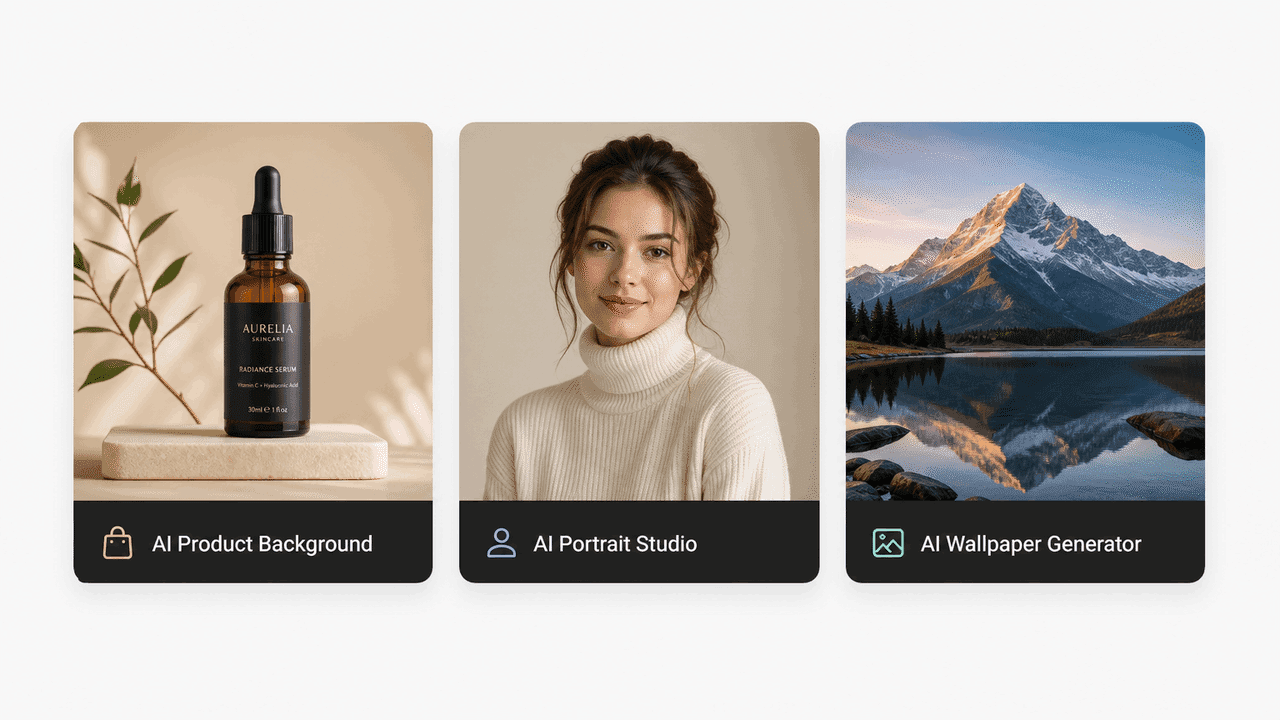
Preset tools for product backgrounds, portraits, and wallpapers

すぐに使えるプリセットツール

商品写真、ポートレート、壁紙、マーケティング素材向けのテンプレートですぐに作成できます。
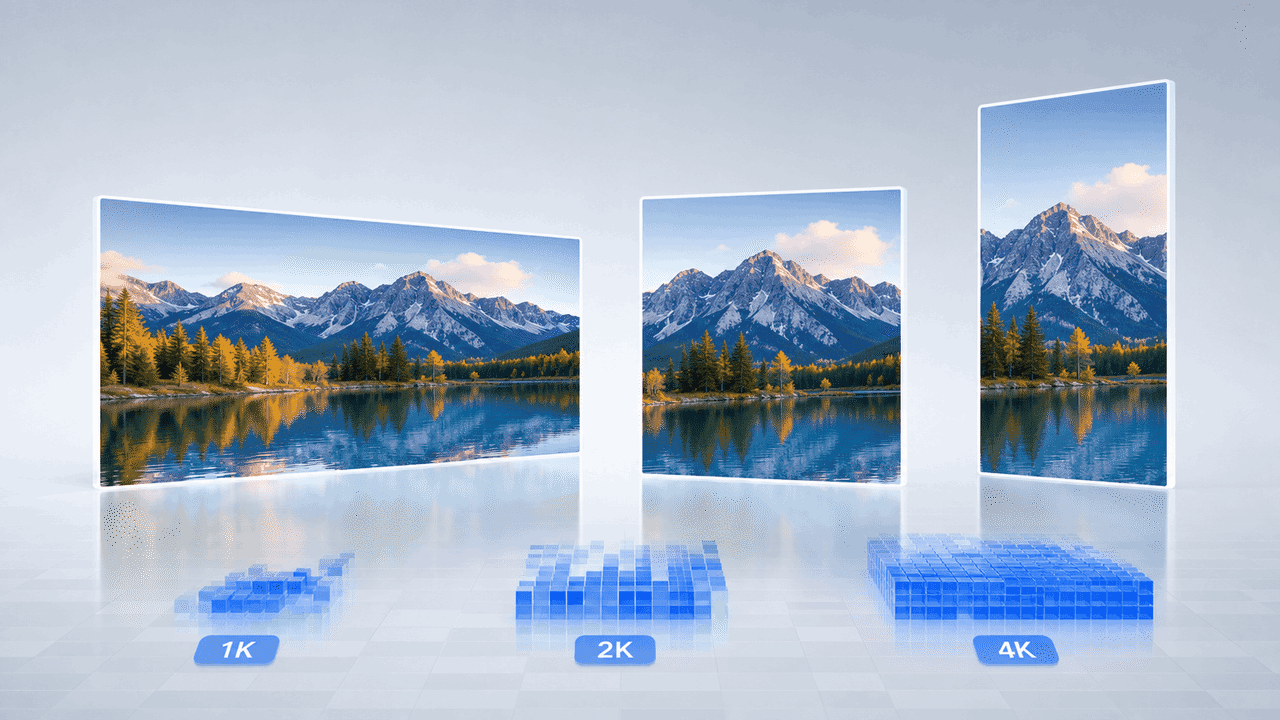
Landscape image displayed in 1K, 2K, and 4K output formats

柔軟な比率とUltra-HD 4K出力

16:9、1:1、9:16などのサイズを選び、1K、2K、4Kで書き出せます。

FreeMakerを選ぶ理由

プロ品質のツールと直感的な操作性を組み合わせています。

Collection of realistic and artistic image styles

リアルで芸術的なスタイルの豊富なライブラリ

技術的なプロンプト知識がなくても、リアルな画像やスタイル作品を作成できます。
Magic wand and settings icon representing high-quality output

最大4Kの鮮明な品質

高密度ディスプレイや印刷でも鮮明な結果を得られます。

Packaged creative tools representing multiple AI models

業界をリードするAIモデルを一か所に

複数サービスの時間とサブスクリプション費用を節約できます。

Ready-to-use cup representing instant creative tools

すぐに使えるプリセットツール

事前設定済みのワークフローでプロ品質のグラフィックや商品ビジュアルを作成できます。
Cloud and lightning icon representing flexible output formats

SNSとWebに合うキャンバスサイズ

Instagram、YouTubeサムネイル、Webバナー、印刷向けのサイズを選べます。
Padlock protecting a framed digital artwork

プライベートで安全なAI画像作成

アップロードした参照写真と生成作品は安全に保護されます。

このAI画像メーカーは誰に役立ちますか?

さまざまな業界のクリエイターが効率よくAI画像を作成できます。

コンテンツクリエイターとマーケター

目を引くSNSグラフィック、ブログヘッダー、広告素材をすばやく作成します。

デザイナーとコンセプトアーティスト

絵コンテ、ムードボード、ビジュアル素材の試作を加速します。

ECと商品写真家

高価な機材や撮影なしで、スタジオ背景の商品写真を作成します。

AI愛好家と一般ユーザー

アイデアを形にし、壁紙やオリジナルのデジタルアバターを作成します。

FreeMaker AI Image Makerの利用者の声

世界中のクリエイターがビジュアル制作を高速化しています。

“FreeMaker AI Image Makerのおかげで、高額な商品撮影が不要になりました。Nano Bananaを使えば、スタジオ品質の4K商品画像をわずか数秒で生成できます。”
Elena R. — ECブランドオーナー
“FreeMaker AI Image Makerの4K出力品質とプロンプト補正機能は、広告キャンペーンのあり方を一変させます。コンバージョンにつながるリアルな画像を安定して制作できます。”
Marcus T. — デジタルマーケティング責任者
“FreeMaker AI Image Makerの参照画像から画像を生成するツールを使うことで、クライアント向けのコンセプト制作段階にかかる時間を何時間も短縮できました。レイアウトとスタイルを細かく制御できます。”
Sophia L. — シニアグラフィックデザイナー
“アバター生成など、FreeMaker AI Image Makerの専用ツールを使えば、SNSコンテンツを手軽に制作できます。YouTubeやInstagram向けの高解像度画像を数分で作れます。”
Jake M. — SNSコンテンツクリエイター
“インディーゲーム開発者として、FreeMaker AI Image MakerでWanとGrokを切り替えながら環境コンセプトアートをすばやく生成できるため、プロトタイピングの速度が2倍になりました。”
Carlos D. — ゲームコンセプトアーティスト
“デザイン経験はまったくありませんが、FreeMaker AI Image Makerのプリセットツールとプロンプト補正を使えば、趣味で素敵な壁紙やオリジナルアートを簡単に作れます。”
Hannah K. — AI愛好家・趣味ユーザー

AI画像メーカーに関するよくある質問

はい。毎日のチェックインで無料クレジットを獲得できます。無制限プランも用意されています。

AI image generator online for text and image

Use anAI image generatorbuilt for prompts, images, and fast team output

Create images from text prompts, refine results from image references, and keep repeatable templates in one online workflow. FreeMaker is built for teams comparing the best AI image generator for real production work.

Covers AI image generator from text, AI image generator from image, and repeatable team workflows.
Text + image workflow

Create a premium launch visual from text, then refine it from image references. Keep the style reusable for future seasonal variations and repeat requests.
Text promptReference imageReusable template
Workflow ingredientsReady for iteration
  • Prompt draft for the first image direction
  • Reference image input when the creative needs tighter control
  • Reusable visual pattern for the next campaign cycle
Generated AI marketing artwork preview
AI image output preview

One workspace for text-to-image, image-to-image, and reuse

Keep the generation workflow practical enough for ongoing campaign work instead of treating every request like a brand-new experiment.

Why teams use it
Move from text prompts to repeatable image output

This AI image generator is structured for teams that need quick first drafts, controlled edits from image references, and a workflow they can reuse across more than one request.
Prompt-based AI image generator workspace

Generate images from text prompts without slowing down

Many users start with searches like ai image generator from text or free ai image generator. FreeMaker keeps that first step fast, so a short brief can turn into usable visual drafts for campaigns, landing pages, and concept work.
  • Start from short prompts or detailed creative briefs
  • Generate multiple directions in one review cycle
Reference-guided AI image editing example

Use image references when prompt-only control is not enough

If you need an AI image generator from image or an image to image AI generator, reference-led edits matter. Use existing visuals, mood boards, or near-final drafts to guide composition, style, and subject details without restarting from zero.

  • Support cleanup, enhancement, and style changes
  • Keep revision loops tighter for creative teams
Reusable AI image generator output for marketing

Keep one AI image generator online for repeat requests

Templates make this AI image generator online easier to reuse across ecommerce, paid social, launch graphics, and ongoing brand work. Save what performs well, then start the next request from a stronger base.

  • Save prompt, layout, and style patterns that work
  • Handle recurring visual production with less setup

Main workflow

Move from text prompts to image referencesinside one AI image workflow

A strong AI image generator is not only about making one image. It should help a team move from AI image generator from text use cases to AI image generator from image edits, then into reusable production patterns without switching tools every step of the way.
  • Launch a first pass from text when the brief is still rough
  • Bring in image references when the result needs more control
  • Reuse strong prompt structures for the next campaign cycle
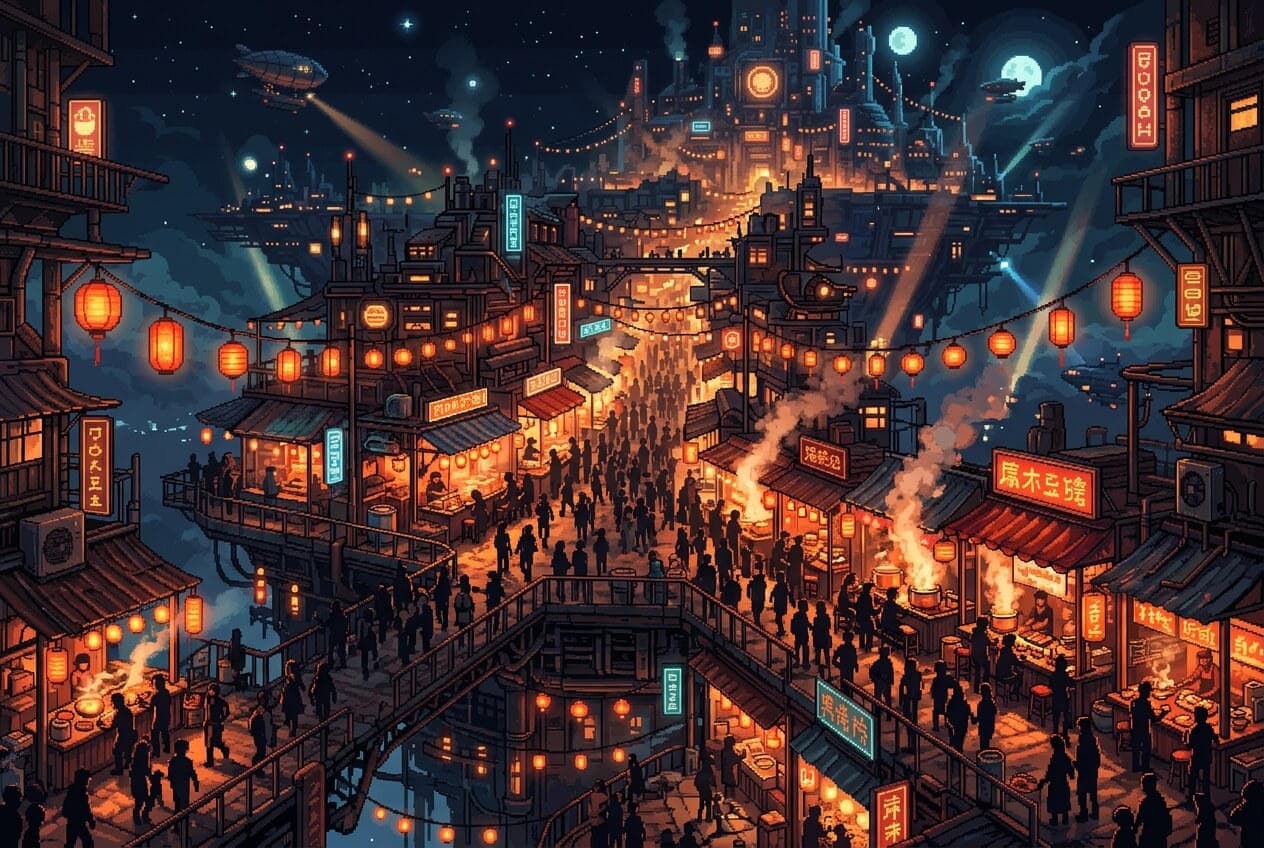
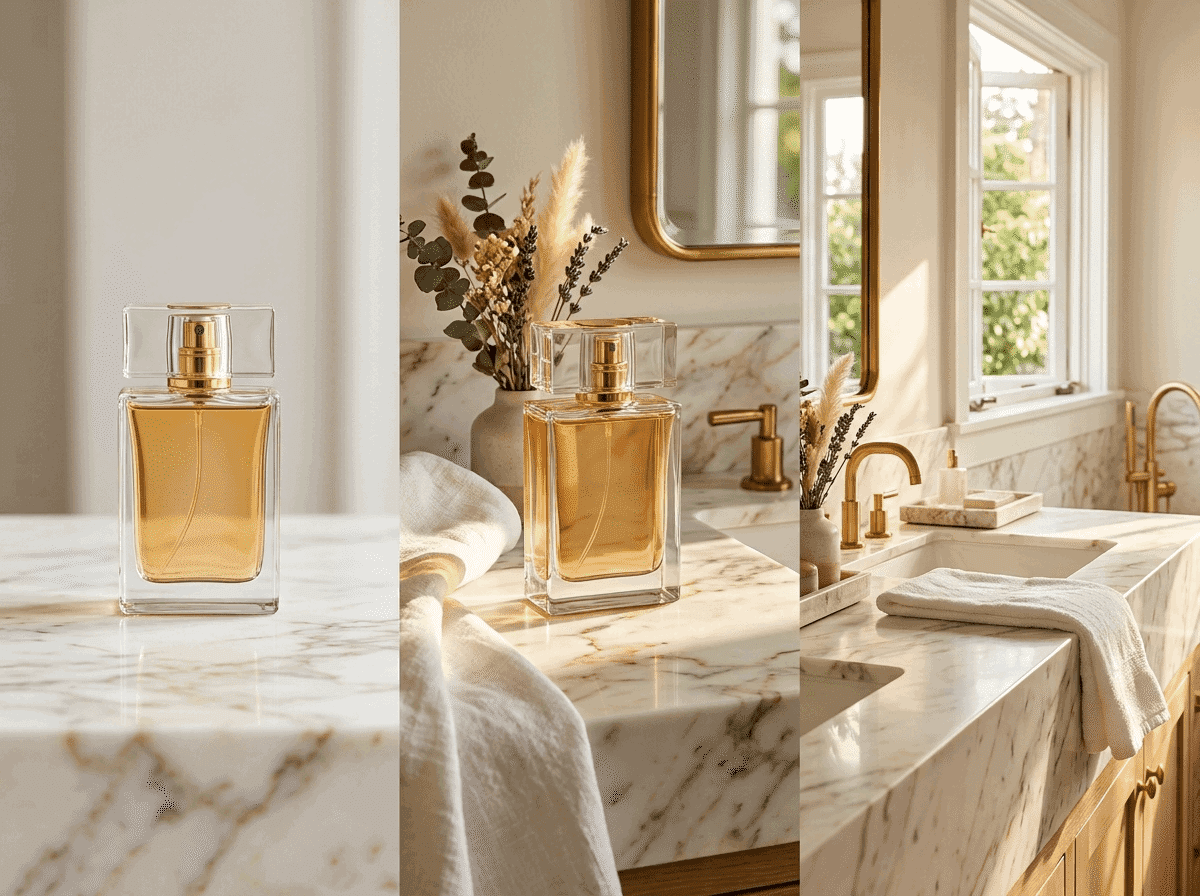
AI-generated product display scene
Shared workflow

From first prompt to repeatable visual system

Use the same workspace to generate, compare, and refine images as the brief gets more specific.

Production scenarios
Use one AI image generator across multiple creative jobs

The workflow stays useful when teams need marketing visuals, guided revisions, realistic drafts, and repeatable output for ongoing publishing instead of one-off experiments.
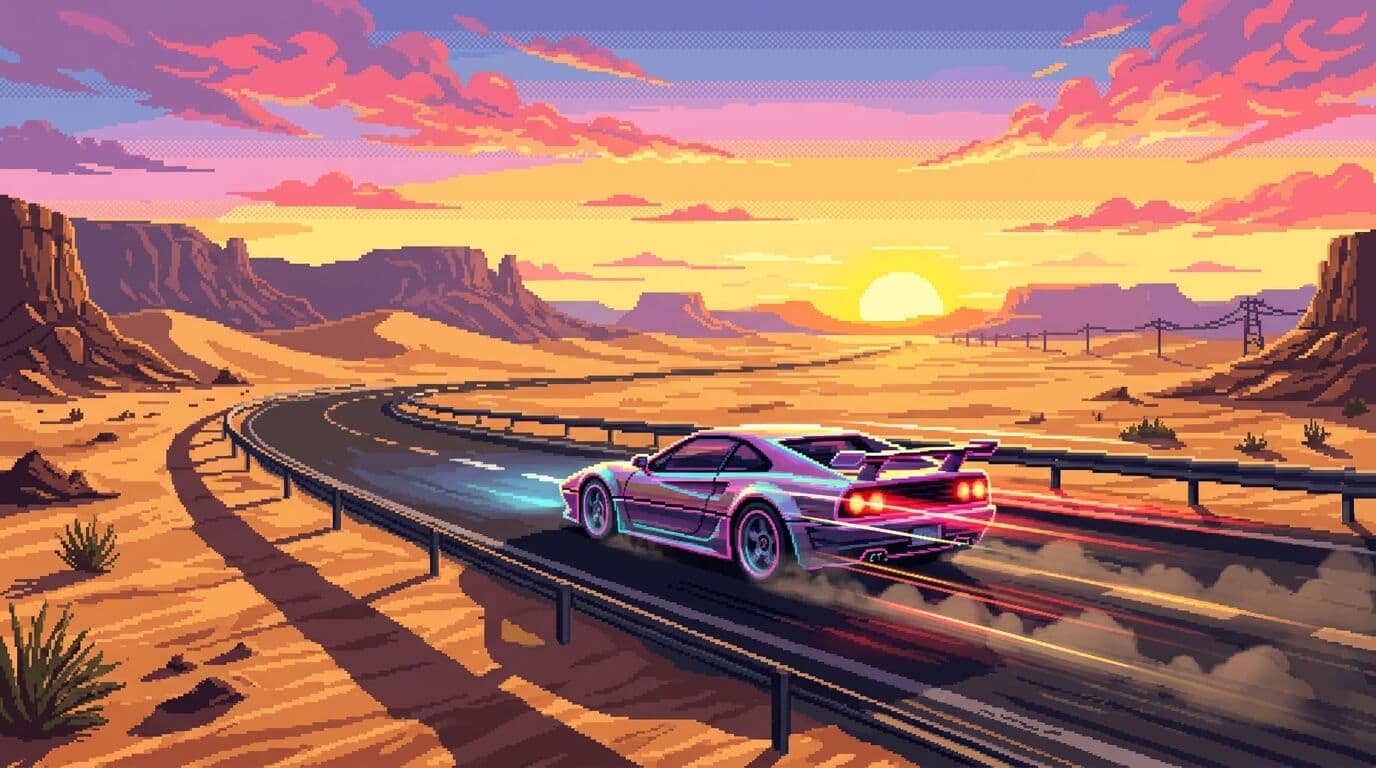
AI-generated campaign scene for product marketing

Early campaign art

Create strong direction before full production assets arrive.

Use case 01
Create product marketing visuals with an AI image generator online

Use the AI image generator for launch concepts, promo scenes, seasonal treatments, and ad variations while the team is still testing what should move into production. It is useful when you need realistic AI image generator output before a full photo shoot is ready.
  • Create early hero imagery for landing pages and paid ads
  • Give stakeholders clearer options earlier in the process
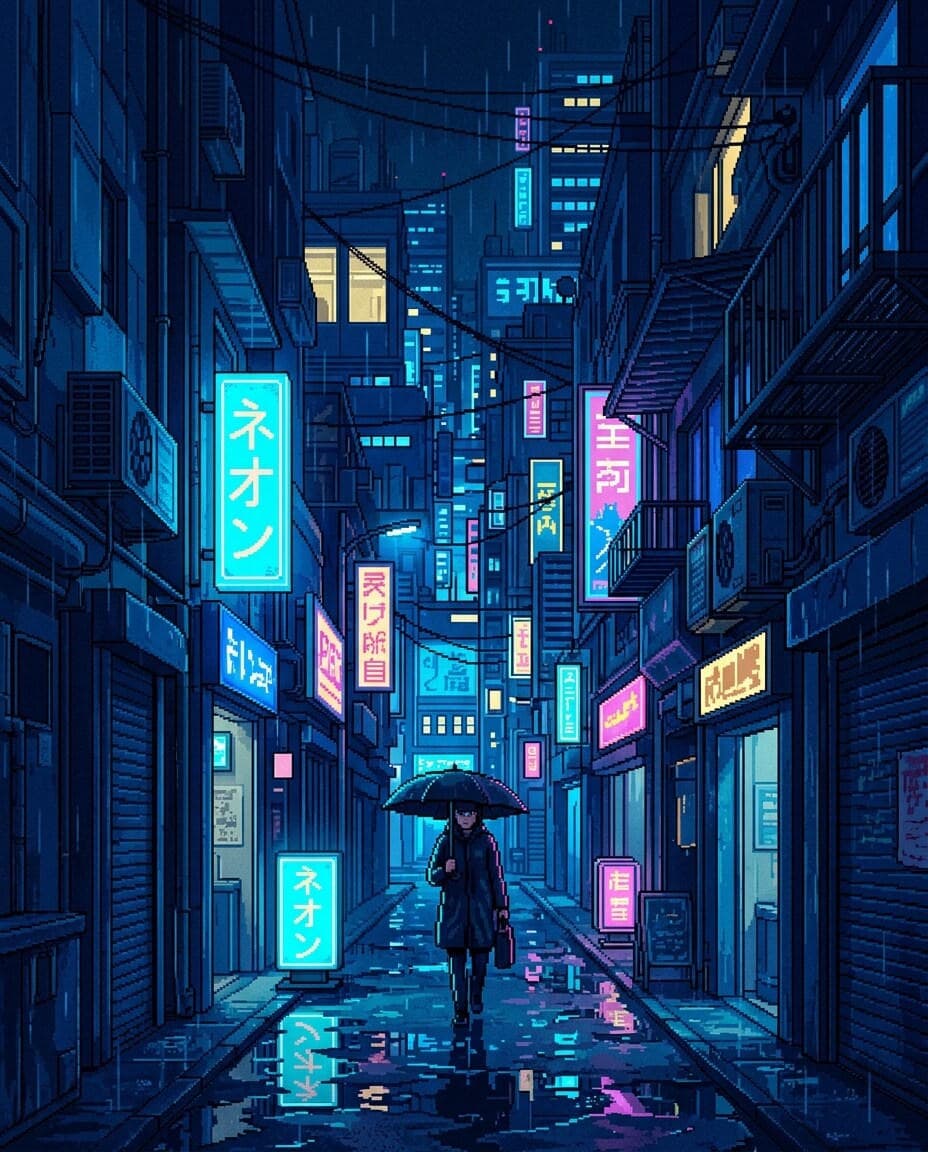
Reference-based prompt and edit workflow

Reference-guided iteration

Refine what is already working instead of fully restarting.

Use case 02
Use references when the first draft needs tighter control

Not every job starts from zero. Sometimes the team already has a visual direction, an existing asset, or a mood board. That is where an AI image generator from image workflow helps teams refine what is already close instead of rewriting the whole request.
  • Guide style, composition, and subject details more precisely
  • Reduce wasted cycles caused by vague prompt-only changes
Stylized portrait generated for repeatable content workflows

Reusable visual systems

Turn winning prompt directions into repeatable production habits.

Use case 03

Keep repeat output consistent for recurring content operations

Teams that publish often need more than a one-off image. Reusable templates and saved prompt patterns help keep output aligned across social, ecommerce, and brand storytelling work, which is often what people want from the best AI image generator for teams.
  • Support repeated asset requests with less manual setup
  • Make ongoing image generation easier for multiple teammates

Deeper controls

Keep creative direction without slowing image iteration

These are the details teams usually care about when choosing the best AI image generator for day-to-day team use.

A good AI image generator should let a marketer, designer, or founder begin with a short brief and still reach a strong first image quickly. That is why AI image generator from text workflows matter for early exploration, campaign drafts, and fast concept testing.

Prompt-first AI image creation flow
Prompt-first exploration

Go from brief to first image direction without heavy setup.

Once a draft is close, teams need a practical way to change details, clean up scenes, or shift style. This is where an AI image generator from image setup helps keep the workflow efficient when image review cycles get specific.

Edited AI image output preview
Controlled revisions

Tighten scenes, style, and details while keeping momentum.

Prompt structures, references, and templates become more valuable over time when they can be reused. That is what turns an AI image generator online into a system for real creative operations instead of a one-time test.
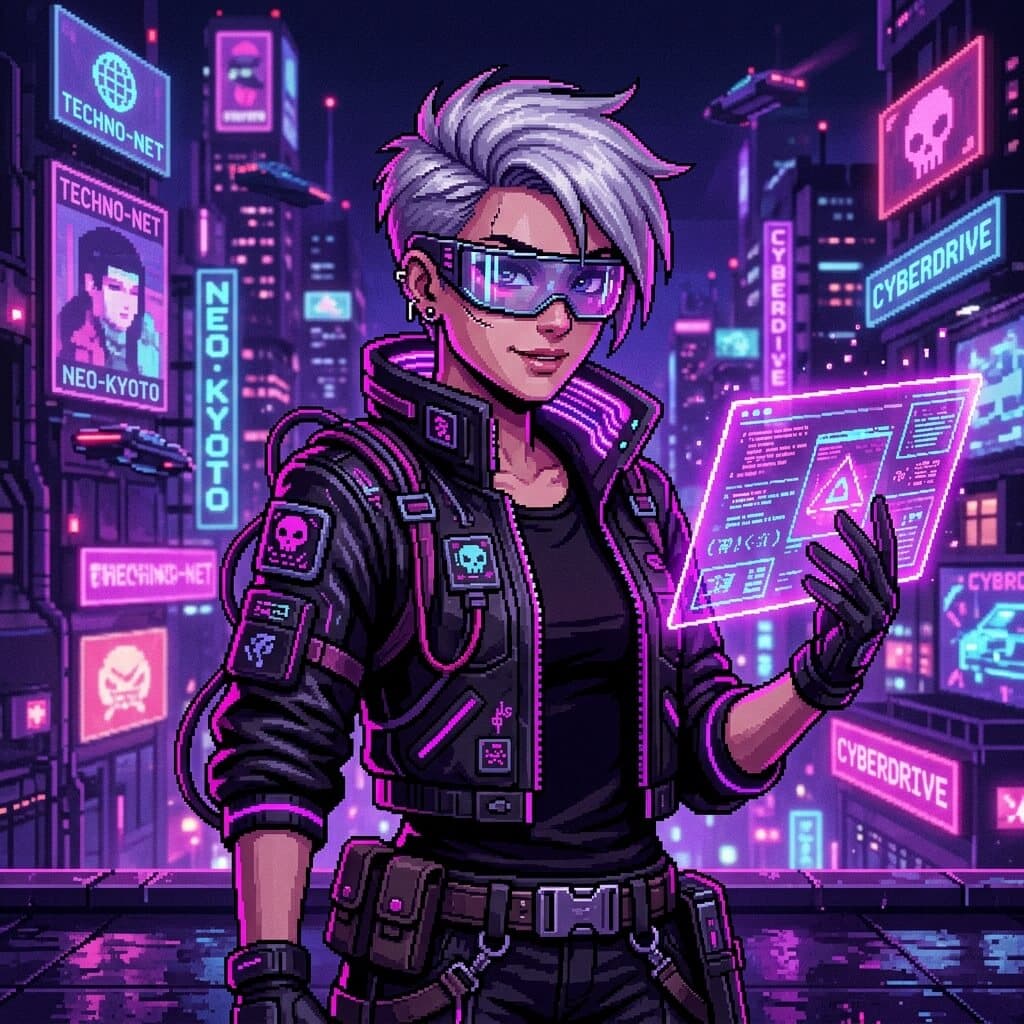
Reusable creative direction for AI image generation
Repeatable templates

Save strong directions and apply them across future requests.

At a glance

Why this AI image generator page centers workflow

The structure below summarizes how FreeMaker positions the AI image generator for practical visual production.
3
starting paths: prompt, reference, template
4
production scenarios highlighted on this page
1
shared workspace for generation and revision
6
FAQ answers for evaluation and SEO coverage

FAQ

AI image generator FAQ

Common questions about using the FreeMaker AI image generator for text prompts, image references, editing, and repeatable team production.

An AI image generator is a tool that creates or edits visuals from prompts, references, and other creative inputs. On FreeMaker, it works as a shared space for drafting, editing, and repeating image workflows.

Yes. You can use FreeMaker as an AI image generator from text, then refine the result inside the same workflow. It is useful when you want fast prompt-led drafts before moving into tighter edits.

Yes. You can use reference-led inputs when you need an AI image generator from image workflow. That helps with style matching, controlled revisions, cleanup, and image-to-image edits that stay closer to the original direction.

Free AI image generator tools are useful for quick tests, but teams often need more than one-click output. Look for prompt control, image reference support, editing options, and reusable templates before you decide which workflow fits best.

The best AI image generator for teams is one that handles prompt-based creation, reference-led edits, and repeatable production in the same place. Fast first drafts matter, but so do review speed, reuse, and workflow consistency.

People often compare Bing AI image generator, Canva AI image generator, Google AI image generator, Microsoft AI image generator, and Adobe AI image generator options. FreeMaker focuses on prompt creation, image references, and reusable team workflows in one workspace.
AI-generated visual background

Open the AI image generator and start your next visual draft

Start with text, switch to image references when needed, and keep successful templates ready for the next campaign, concept board, or content request.