FreeMakerFreeMaker
FreeMaker AI 이미지 스튜디오

FreeMaker AI Image Maker

모델
프롬프트
0/2000
부정적 프롬프트선택 사항
종횡비
해상도
필요 크레딧
모델과 이미지 설정에 따라 예상치가 업데이트됩니다.
6
credits

내 이미지

최근 생성 결과와 동기화된 이미지 기록입니다.

미리보기
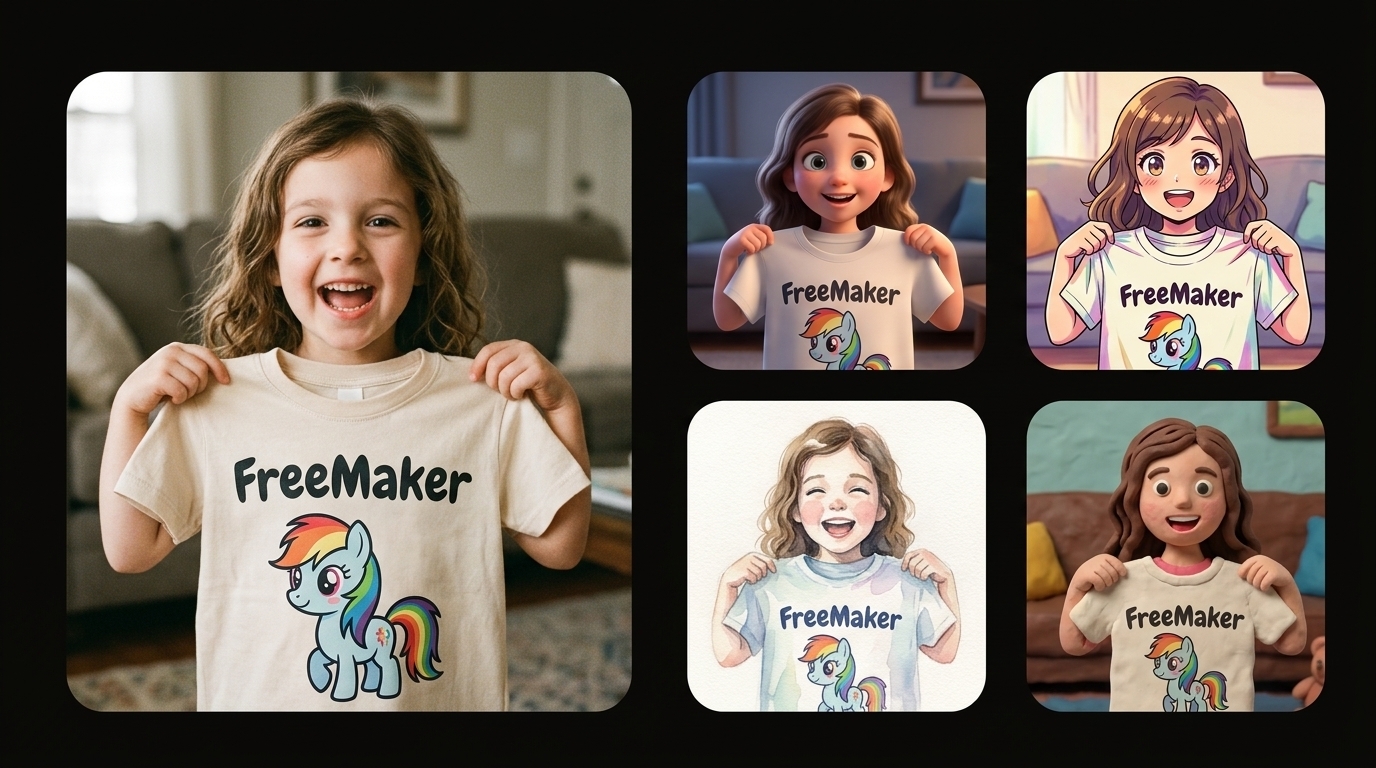
FreeMaker 데모
순수한 검은 배경 위에 왼쪽에는 'FreeMaker' 만화 조랑말 티셔츠를 들고 있는 즐거운 어린 소녀의 대형 포토리얼 사진이, 오른쪽에는 같은 장면을 3D, 애니메이션, 수채화, 클레이메이션으로 표현한 스타일화된 예술적 해석의 세로 그리드가 배치된 비교 콜라주.
샘플 출력

순수한 검은 배경 위에 왼쪽에는 'FreeMaker' 만화 조랑말 티셔츠를 들고 있는 즐거운 어린 소녀의 대형 포토리얼 사진이, 오른쪽에는 같은 장면을 3D, 애니메이션, 수채화, 클레이메이션으로 표현한 스타일화된 예술적 해석의 세로 그리드가 배치된 비교 콜라주.

최근 실행

로그인하고 직접 이미지 세트를 만들 때까지 샘플이 표시됩니다.

순수한 검은 배경 위에 왼쪽에는 'FreeMaker' 만화 조랑말 티셔츠를 들고 있는 즐거운 어린 소녀의 대형 포토리얼 사진이, 오른쪽에는 같은 장면을 3D, 애니메이션, 수채화, 클레이메이션으로 표현한 스타일화된 예술적 해석의 세로 그리드가 배치된 비교 콜라주.
데모
방금 전

순수한 검은 배경 위에 왼쪽에는 'FreeMaker' 만화 조랑말 티셔츠를 들고 있는 즐거운 어린 소녀의 대형 포토리얼 사진이, 오른쪽에는 같은 장면을 3D, 애니메이션, 수채화, 클레이메이션으로 표현한 스타일화된 예술적 해석의 세로 그리드가 배치된 비교 콜라주.

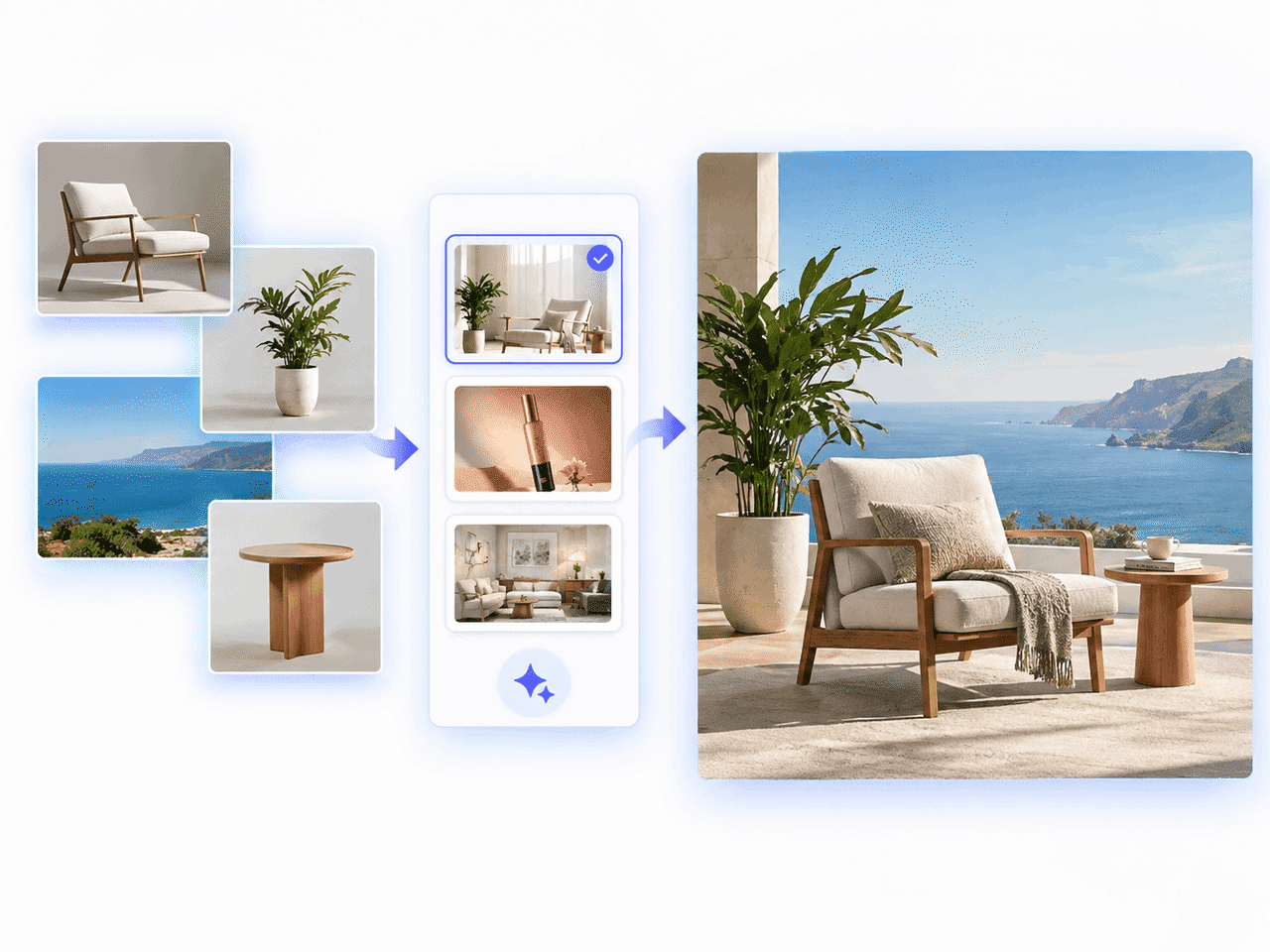
FreeMaker AI Image Maker로 제품 참조 사진을 세련된 전자상거래 장면으로 변환한 예시

FreeMaker AI Image Maker란?

FreeMaker는 Nano Banana, Wan, Grok 같은 고급 AI 엔진을 하나의 작업 공간에 통합한 멀티 모델 AI 이미지 메이커입니다. 텍스트 프롬프트로 고품질 비주얼을 만들고 참조 이미지 기반 이미지 변환으로 최대 4K 출력이 가능합니다.

전자상거래 판매자는 스튜디오급 제품 사진을, 마케터는 전환율 높은 광고 비주얼을, 디자이너는 빠른 콘셉트 보드를, 크리에이터는 사실적인 아트와 맞춤 아바타를 몇 초 만에 만들 수 있습니다.

온라인에서 무료로 AI 이미지를 만드는 3단계

세 가지 간단한 단계로 아이디어를 고품질 작품으로 바꿔 보세요.

1.

프롬프트를 입력하거나 참조 이미지 업로드

프롬프트 상자에 원하는 결과를 자세히 입력하거나 사진을 업로드하세요. 즉시 개선하려면 다듬기를 클릭하세요.

2.

AI 모델, 스타일, 해상도 선택

Nano Banana나 Grok 같은 모델을 고르고 스타일, 화면 비율, 최대 4K 해상도를 설정하세요.

3.

AI 이미지를 생성하고 다운로드

생성을 클릭하면 몇 초 안에 이미지가 만들어지고 고해상도 작품을 바로 다운로드할 수 있습니다.
FreeMaker AI 이미지 생성기의 주요 기능

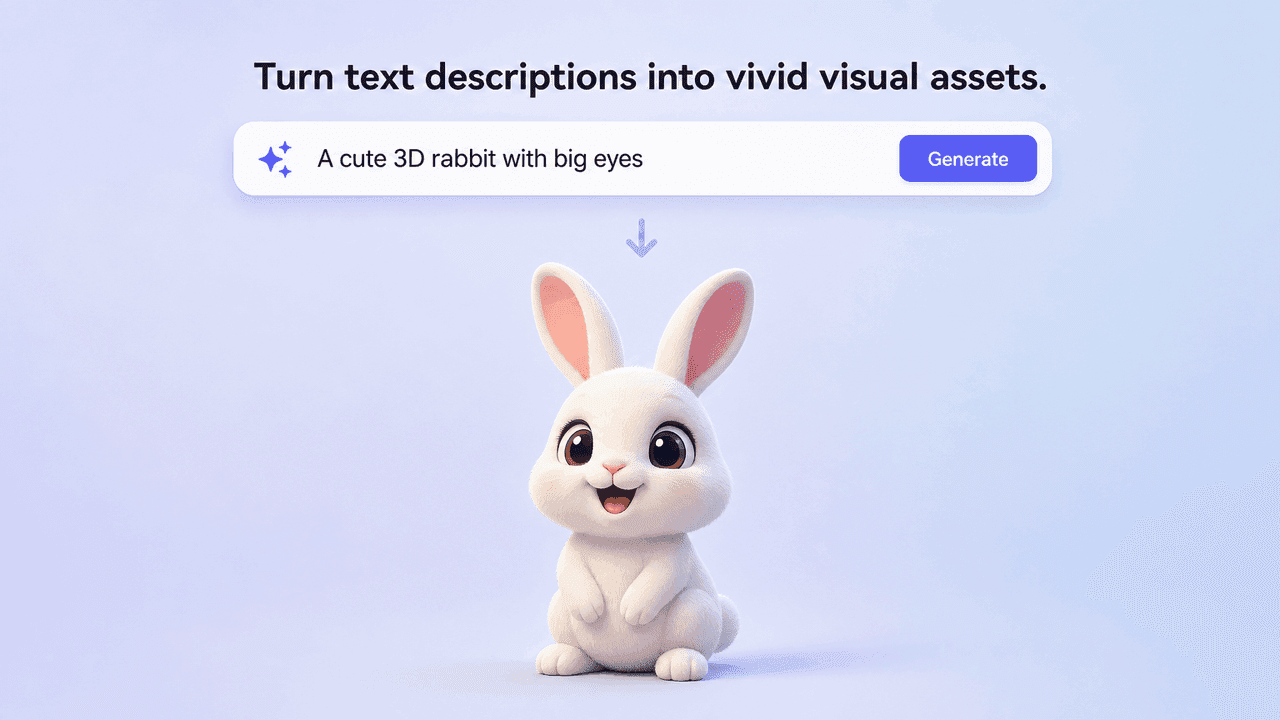
Text prompt generating a vivid 3D rabbit image

텍스트를 이미지로 생성

텍스트 설명을 생생한 비주얼로 바꿉니다. 조명, 피사체와 예술적 분위기를 정확하게 해석합니다.
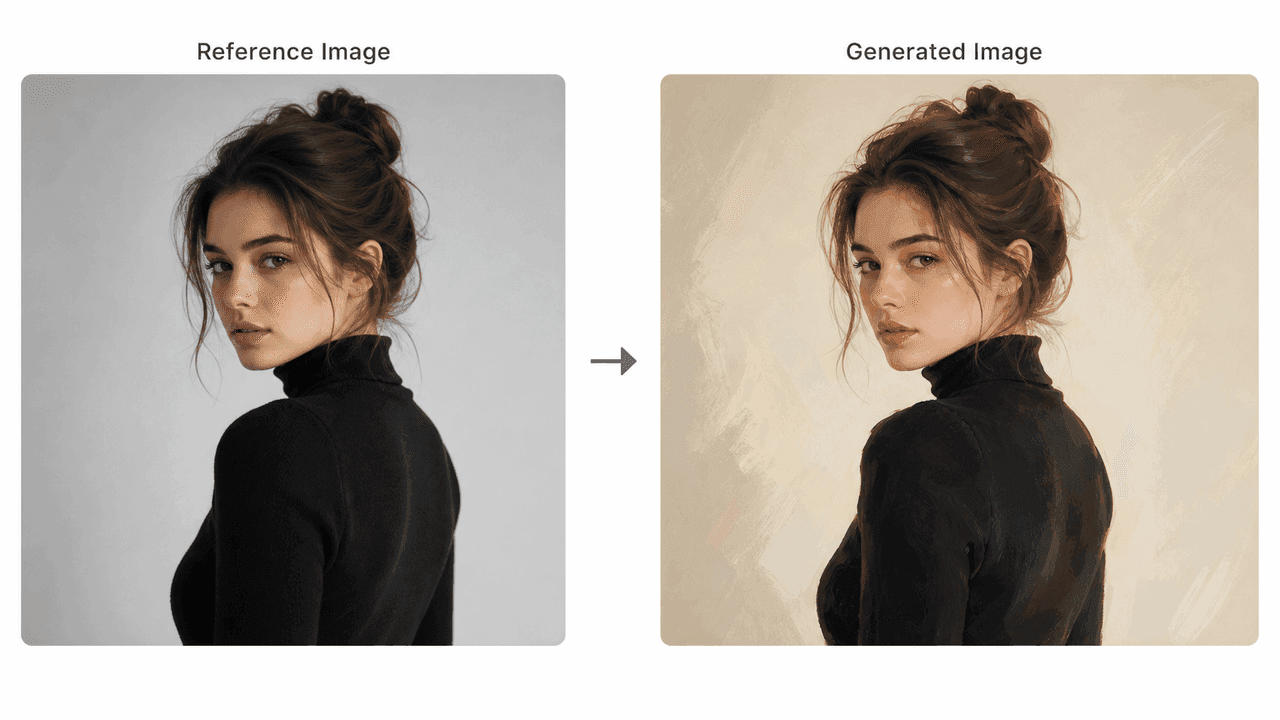
Reference portrait transformed into a painted AI image

참조 이미지 변환

사진으로 구도, 포즈와 조명을 안내하면서 구조를 유지하고 새로운 스타일을 적용합니다.
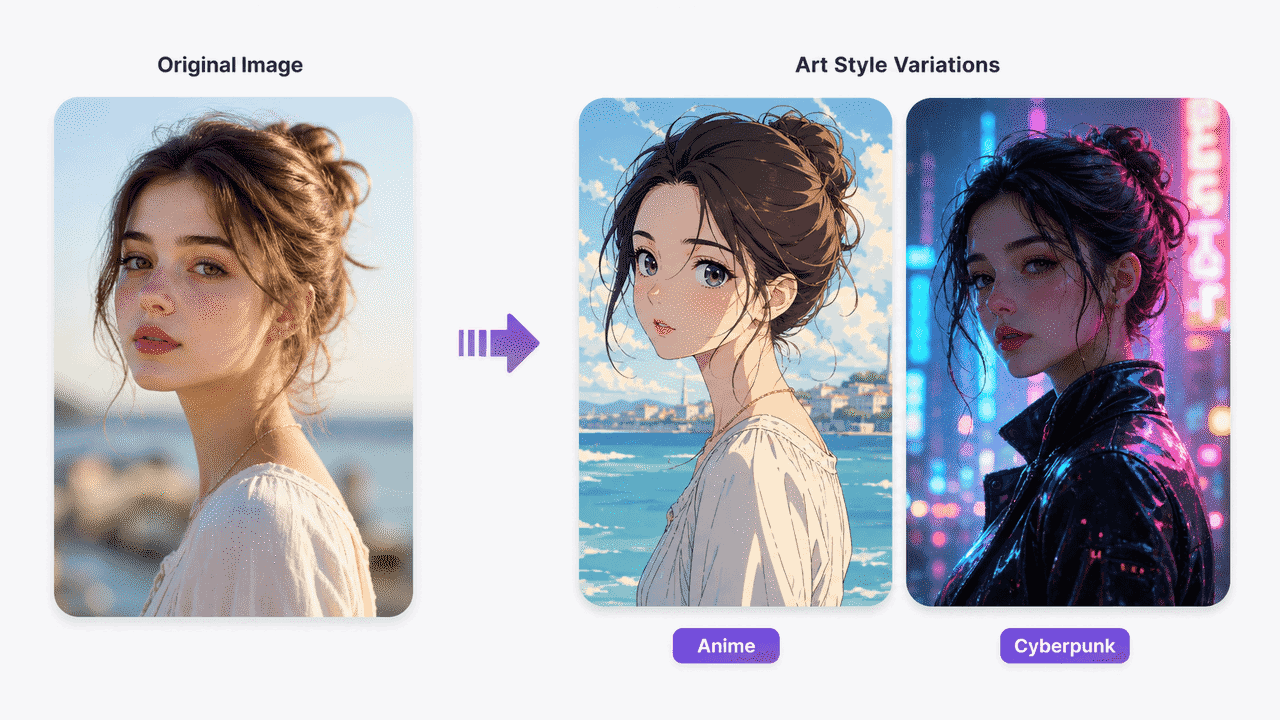
Original portrait shown as anime and cyberpunk art styles

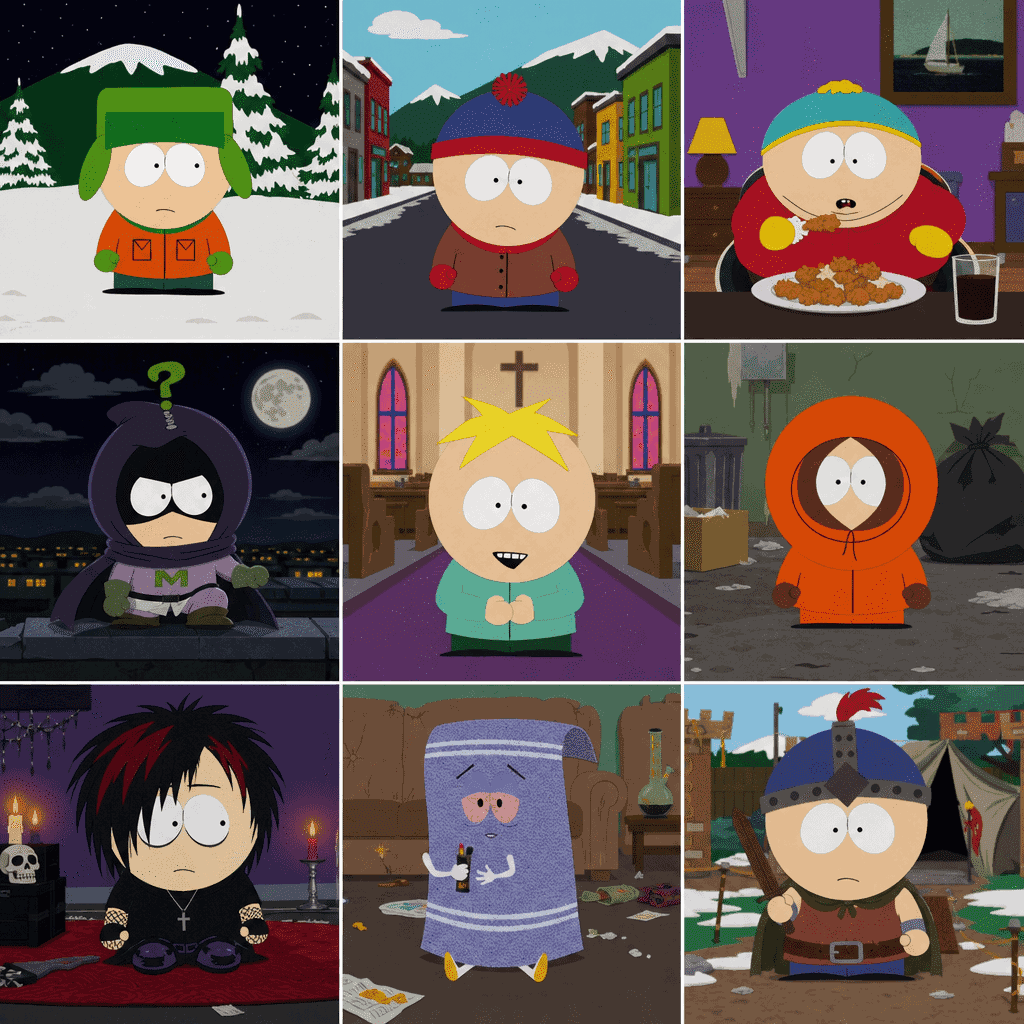
사실적인 스타일부터 애니메이션까지

포토리얼, 사이버펑크, 디지털 일러스트, 애니메이션, 벡터와 영화적 콘셉트 아트를 선택하세요.
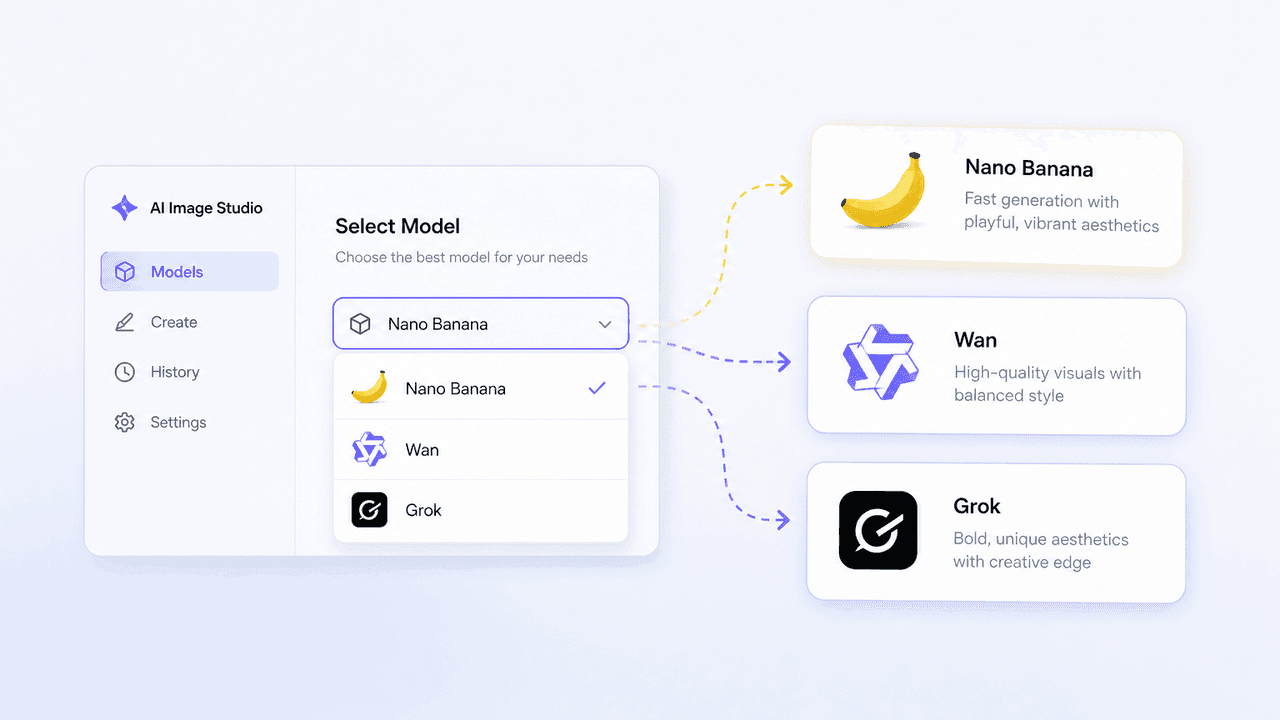
AI Image Studio model selector for Nano Banana, Wan, and Grok

주요 AI 모델: Nano Banana, Wan, Grok

여러 이미지 모델을 한 대시보드에서 사용하고 속도와 스타일에 맞게 전환하세요.
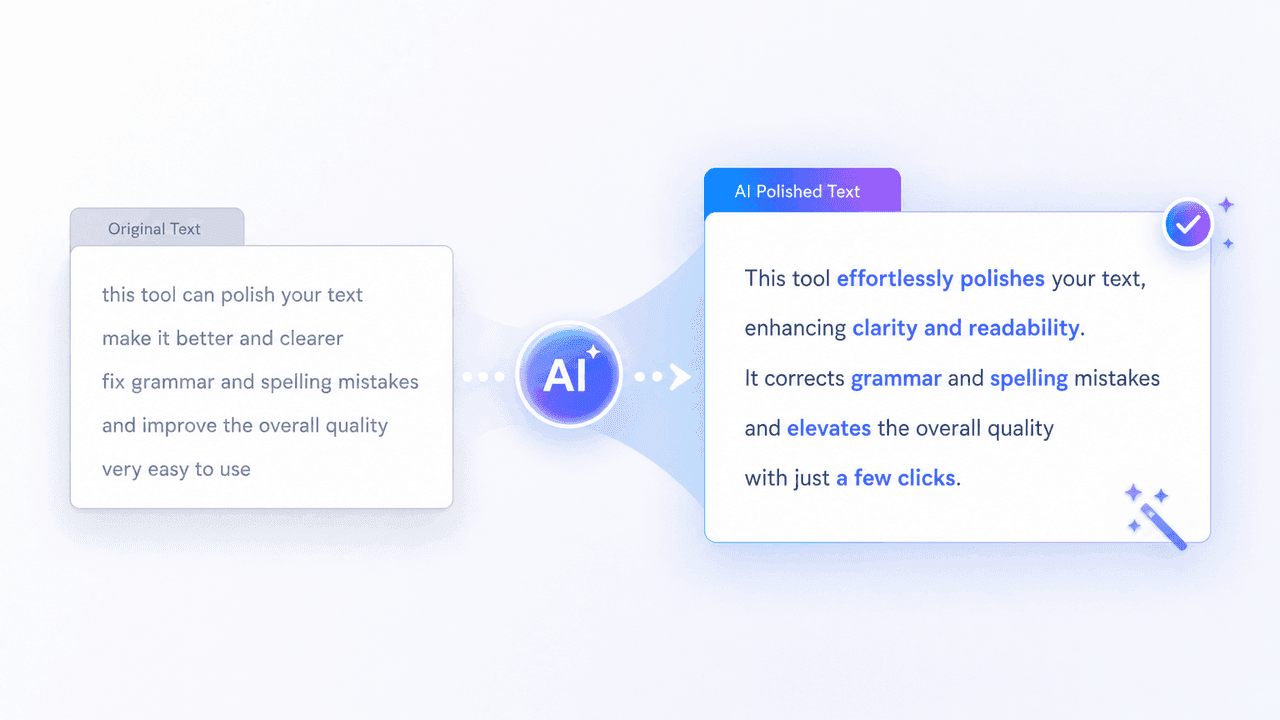
AI prompt polish transforming a rough prompt into clear detailed text

AI 프롬프트 다듬기와 네거티브 프롬프트

프롬프트를 자동으로 개선하고 원치 않는 아티팩트나 요소를 제외하세요.
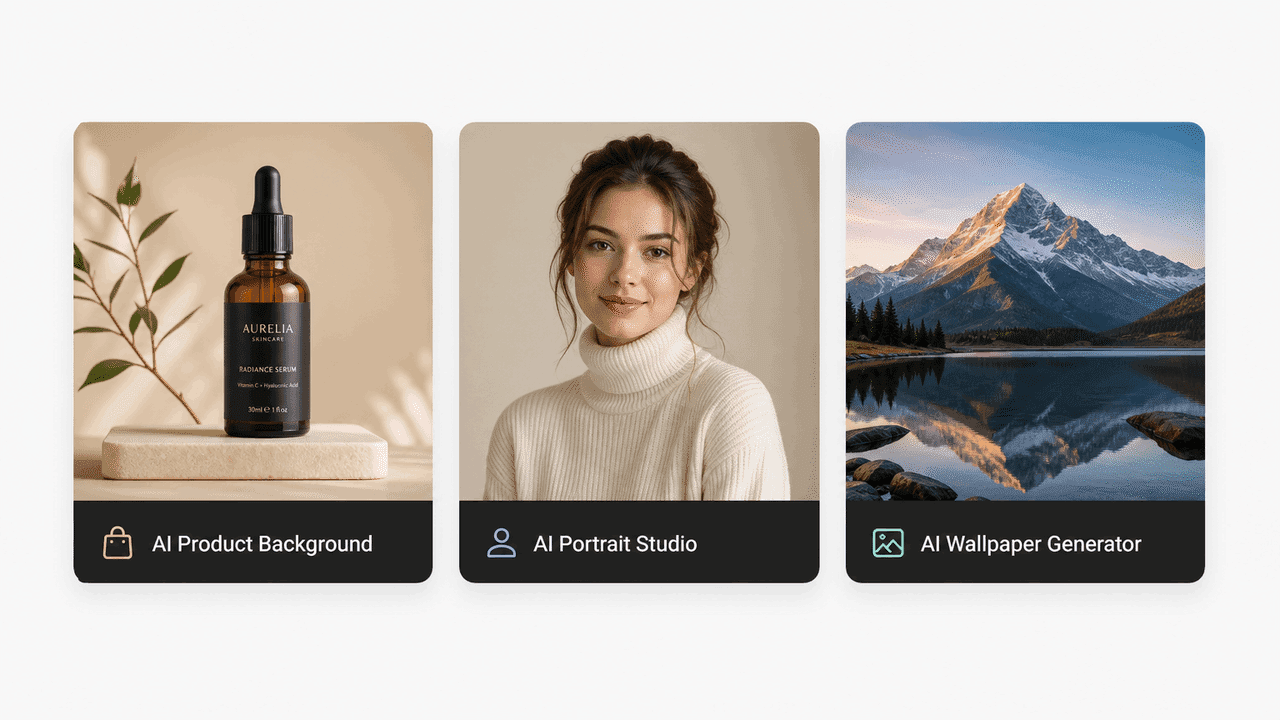
Preset tools for product backgrounds, portraits, and wallpapers

바로 쓰는 프리셋 도구

제품, 인물, 배경화면과 마케팅 소재용 템플릿으로 복잡한 설정 없이 시작하세요.
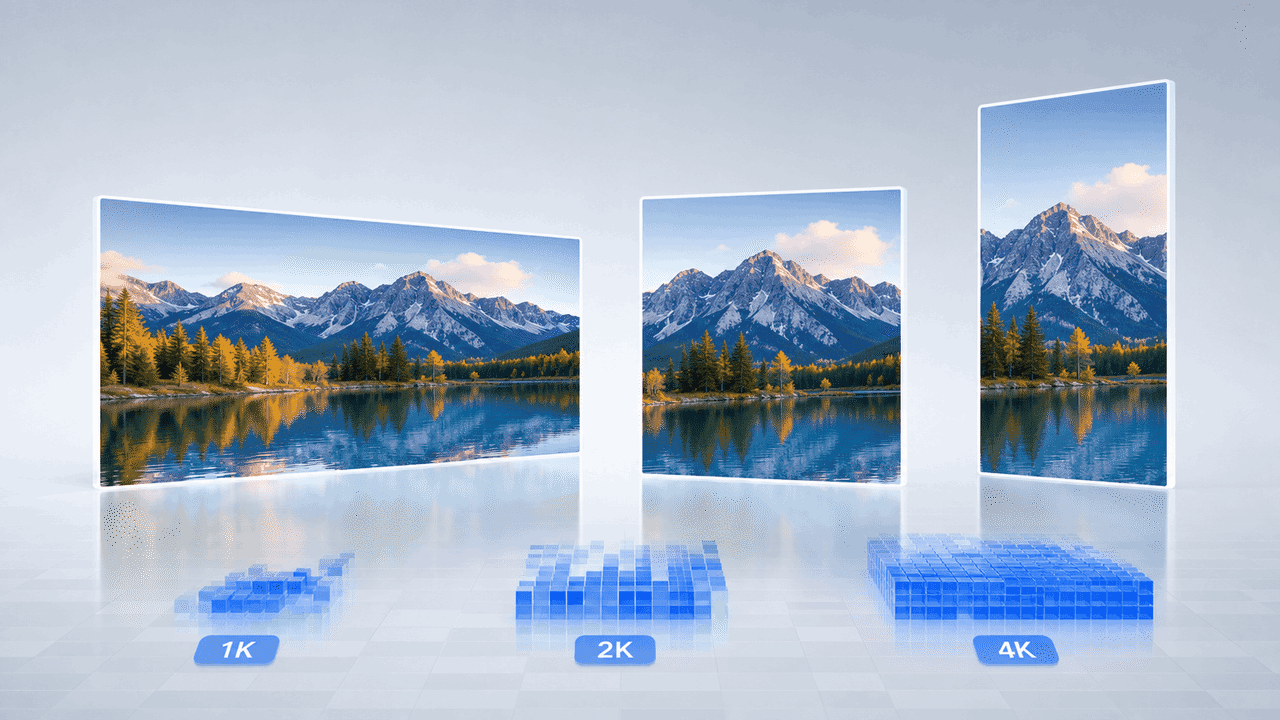
Landscape image displayed in 1K, 2K, and 4K output formats

유연한 비율과 Ultra HD 4K 출력

16:9, 1:1, 9:16을 설정하고 1K, 2K 또는 4K로 내보내세요.

FreeMaker로 현실적인 AI 이미지를 만드는 이유

전문 도구와 직관적인 사용 경험을 함께 제공합니다.

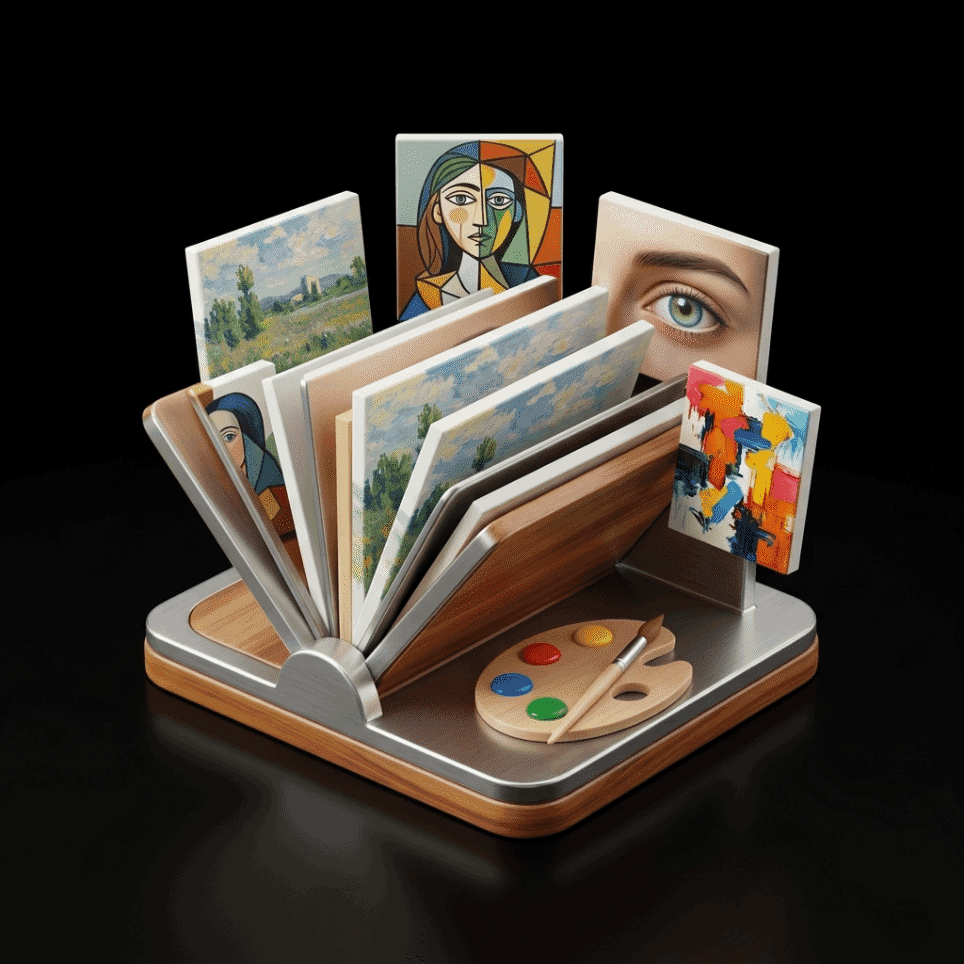
Collection of realistic and artistic image styles

사실적·예술적 스타일 라이브러리

기술적인 프롬프트 경험 없이 현실적인 이미지와 다양한 스타일을 만들어 보세요.
Magic wand and settings icon representing high-quality output

최대 4K의 선명한 품질

고밀도 디스플레이와 인쇄에서도 선명한 결과를 얻으세요.

Packaged creative tools representing multiple AI models

한곳에 모인 업계 최고 AI 모델

여러 서비스의 시간과 구독 비용을 줄이면서 주요 모델을 사용하세요.
Ready-to-use cup representing instant creative tools

즉시 결과를 위한 프리셋 도구

사전 구성된 워크플로로 전문적인 그래픽과 제품 비주얼을 바로 만드세요.
Cloud and lightning icon representing flexible output formats

소셜·웹에 맞는 캔버스 크기

Instagram, YouTube 썸네일, 웹 배너와 인쇄에 맞는 크기를 선택하세요.
Padlock protecting a framed digital artwork

비공개·안전한 AI 이미지 제작

업로드한 참조 사진과 생성 작품은 안전하게 보호됩니다.

이 AI 이미지 메이커는 누구에게 유용한가요?

FreeMaker는 다양한 산업의 크리에이터가 효율적으로 이미지를 만들도록 돕습니다.

콘텐츠 크리에이터와 마케터

눈길을 끄는 소셜 그래픽, 블로그 헤더와 광고 소재를 빠르게 만드세요.

디자이너와 콘셉트 아티스트

스토리보드, 무드보드와 시각 자산 프로토타입을 빠르게 제작하세요.

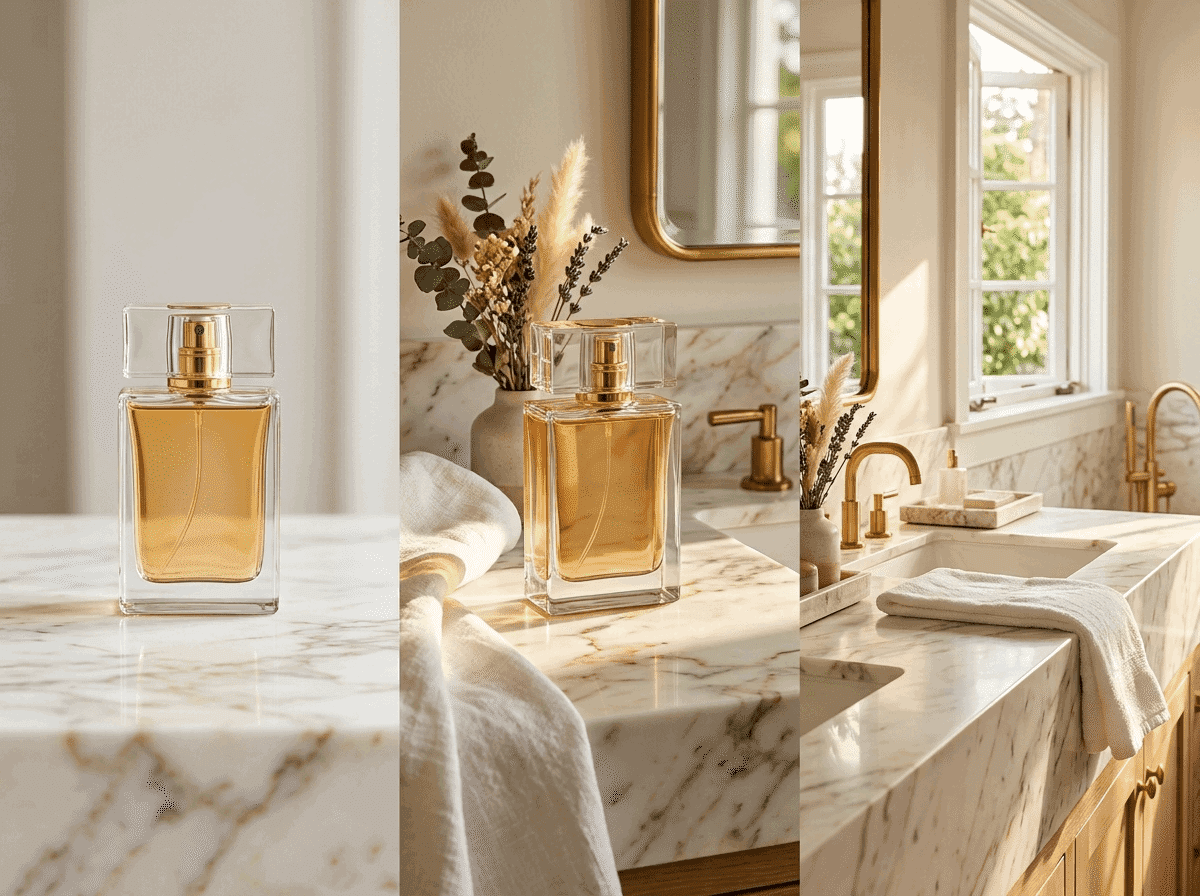
이커머스·제품 사진가

비싼 장비나 촬영 없이 스튜디오 배경의 현실적인 제품 사진을 만드세요.

AI 애호가와 일반 사용자

아이디어를 실현하고 배경화면과 독특한 디지털 아바타를 만들어 보세요.

FreeMaker AI Image Maker 사용자 후기

전 세계 크리에이터가 FreeMaker로 시각 작업을 빠르게 진행합니다.

“FreeMaker AI Image Maker 덕분에 값비싼 제품 촬영이 필요 없어졌어요. Nano Banana를 사용하면 스튜디오 품질의 4K 제품 이미지를 단 몇 초 만에 생성할 수 있어요.”
Elena R. — 이커머스 브랜드 운영자
“FreeMaker AI Image Maker의 4K 출력 품질과 프롬프트 다듬기 기능은 광고 캠페인의 판도를 바꿔요. 전환을 이끌어 내는 사실적인 그래픽을 일관되게 만들어 줍니다.”
Marcus T. — 디지털 마케팅 디렉터
“FreeMaker AI Image Maker의 참조 이미지 기반 이미지 생성 도구를 사용하면 고객 콘셉트 작업 단계에서 몇 시간이나 절약할 수 있어요. 레이아웃과 스타일을 정밀하게 제어할 수 있습니다.”
Sophia L. — 수석 그래픽 디자이너
“아바타 생성기 같은 FreeMaker AI Image Maker의 전용 도구 덕분에 소셜 콘텐츠를 손쉽게 만들 수 있어요. YouTube와 Instagram용 고해상도 이미지를 몇 분 만에 제작할 수 있습니다.”
Jake M. — 소셜 미디어 콘텐츠 크리에이터
“인디 게임 개발자로서 FreeMaker AI Image Maker에서 Wan과 Grok을 전환하며 환경 콘셉트 아트를 빠르게 생성할 수 있게 되면서 프로토타이핑 속도가 2배로 빨라졌어요.”
Carlos D. — 게임 콘셉트 아티스트
“디자인 경험이 전혀 없지만 FreeMaker AI Image Maker의 프리셋 도구와 프롬프트 다듬기 기능을 사용하면 멋진 배경화면과 나만의 아트를 취미로 손쉽게 만들 수 있어요.”
Hannah K. — AI 애호가 및 취미 사용자

AI 이미지 메이커 자주 묻는 질문

네. 매일 로그인하면 무료 크레딧을 받을 수 있으며, 제한 없이 생성할 수 있는 요금제도 있습니다.

AI image generator online for text and image

Use anAI image generatorbuilt for prompts, images, and fast team output

Create images from text prompts, refine results from image references, and keep repeatable templates in one online workflow. FreeMaker is built for teams comparing the best AI image generator for real production work.

Covers AI image generator from text, AI image generator from image, and repeatable team workflows.
Text + image workflow

Create a premium launch visual from text, then refine it from image references. Keep the style reusable for future seasonal variations and repeat requests.
Text promptReference imageReusable template
Workflow ingredientsReady for iteration
  • Prompt draft for the first image direction
  • Reference image input when the creative needs tighter control
  • Reusable visual pattern for the next campaign cycle
Generated AI marketing artwork preview
AI image output preview

One workspace for text-to-image, image-to-image, and reuse

Keep the generation workflow practical enough for ongoing campaign work instead of treating every request like a brand-new experiment.

Why teams use it
Move from text prompts to repeatable image output

This AI image generator is structured for teams that need quick first drafts, controlled edits from image references, and a workflow they can reuse across more than one request.
Prompt-based AI image generator workspace

Generate images from text prompts without slowing down

Many users start with searches like ai image generator from text or free ai image generator. FreeMaker keeps that first step fast, so a short brief can turn into usable visual drafts for campaigns, landing pages, and concept work.
  • Start from short prompts or detailed creative briefs
  • Generate multiple directions in one review cycle
Reference-guided AI image editing example

Use image references when prompt-only control is not enough

If you need an AI image generator from image or an image to image AI generator, reference-led edits matter. Use existing visuals, mood boards, or near-final drafts to guide composition, style, and subject details without restarting from zero.

  • Support cleanup, enhancement, and style changes
  • Keep revision loops tighter for creative teams
Reusable AI image generator output for marketing

Keep one AI image generator online for repeat requests

Templates make this AI image generator online easier to reuse across ecommerce, paid social, launch graphics, and ongoing brand work. Save what performs well, then start the next request from a stronger base.

  • Save prompt, layout, and style patterns that work
  • Handle recurring visual production with less setup

Main workflow

Move from text prompts to image referencesinside one AI image workflow

A strong AI image generator is not only about making one image. It should help a team move from AI image generator from text use cases to AI image generator from image edits, then into reusable production patterns without switching tools every step of the way.
  • Launch a first pass from text when the brief is still rough
  • Bring in image references when the result needs more control
  • Reuse strong prompt structures for the next campaign cycle
AI-generated product display scene
Shared workflow

From first prompt to repeatable visual system

Use the same workspace to generate, compare, and refine images as the brief gets more specific.

Production scenarios
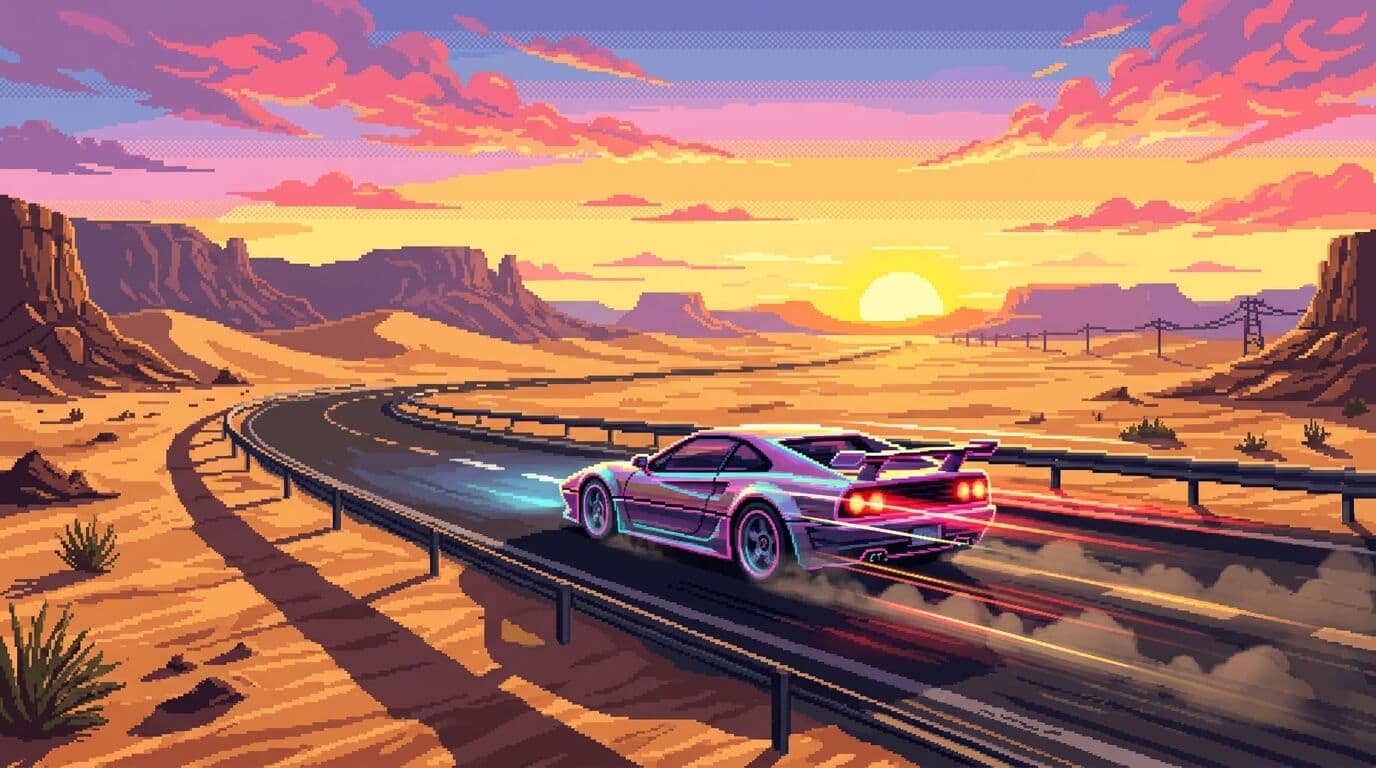
Use one AI image generator across multiple creative jobs

The workflow stays useful when teams need marketing visuals, guided revisions, realistic drafts, and repeatable output for ongoing publishing instead of one-off experiments.
AI-generated campaign scene for product marketing

Early campaign art

Create strong direction before full production assets arrive.

Use case 01
Create product marketing visuals with an AI image generator online

Use the AI image generator for launch concepts, promo scenes, seasonal treatments, and ad variations while the team is still testing what should move into production. It is useful when you need realistic AI image generator output before a full photo shoot is ready.
  • Create early hero imagery for landing pages and paid ads
  • Give stakeholders clearer options earlier in the process
Reference-based prompt and edit workflow

Reference-guided iteration

Refine what is already working instead of fully restarting.

Use case 02
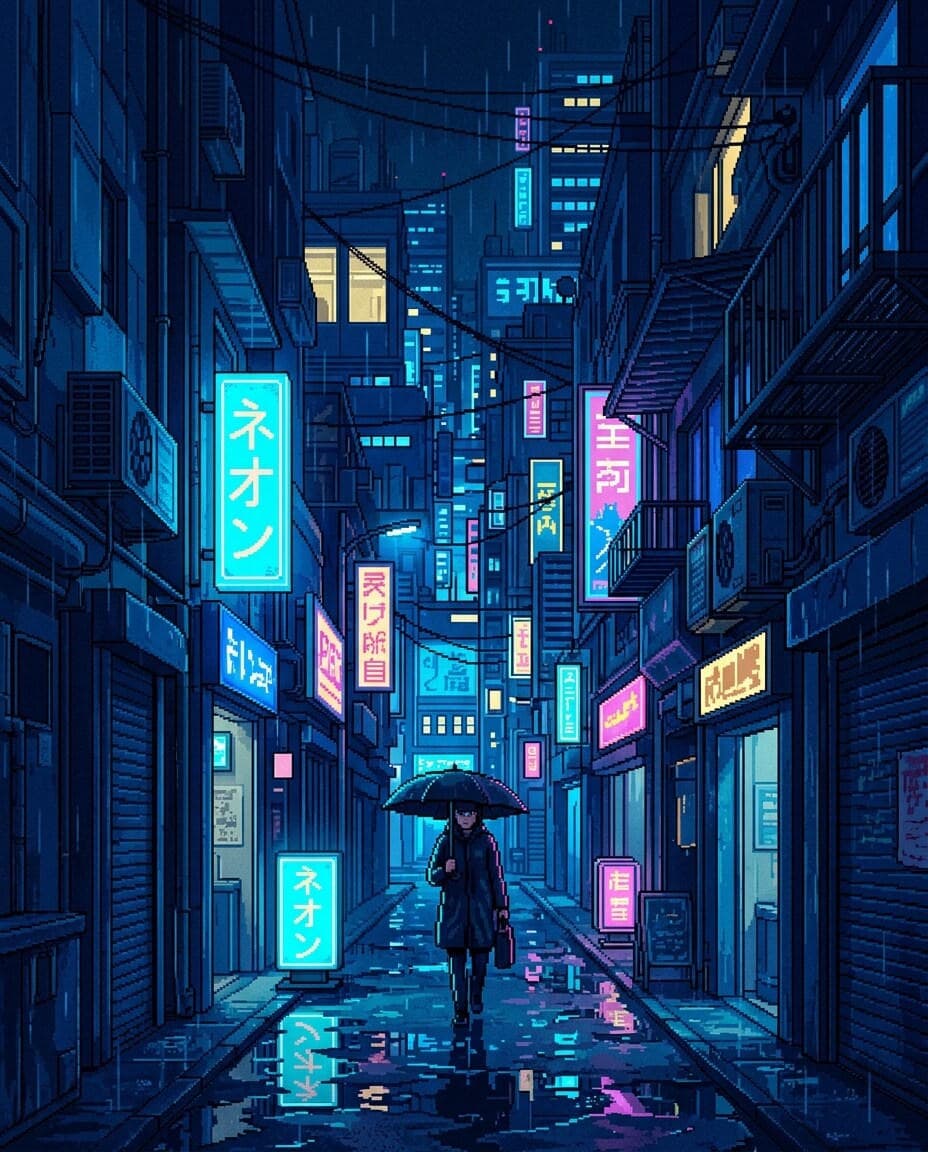
Use references when the first draft needs tighter control

Not every job starts from zero. Sometimes the team already has a visual direction, an existing asset, or a mood board. That is where an AI image generator from image workflow helps teams refine what is already close instead of rewriting the whole request.
  • Guide style, composition, and subject details more precisely
  • Reduce wasted cycles caused by vague prompt-only changes
Stylized portrait generated for repeatable content workflows

Reusable visual systems

Turn winning prompt directions into repeatable production habits.

Use case 03

Keep repeat output consistent for recurring content operations

Teams that publish often need more than a one-off image. Reusable templates and saved prompt patterns help keep output aligned across social, ecommerce, and brand storytelling work, which is often what people want from the best AI image generator for teams.
  • Support repeated asset requests with less manual setup
  • Make ongoing image generation easier for multiple teammates

Deeper controls

Keep creative direction without slowing image iteration

These are the details teams usually care about when choosing the best AI image generator for day-to-day team use.

A good AI image generator should let a marketer, designer, or founder begin with a short brief and still reach a strong first image quickly. That is why AI image generator from text workflows matter for early exploration, campaign drafts, and fast concept testing.

Prompt-first AI image creation flow
Prompt-first exploration

Go from brief to first image direction without heavy setup.

Once a draft is close, teams need a practical way to change details, clean up scenes, or shift style. This is where an AI image generator from image setup helps keep the workflow efficient when image review cycles get specific.

Edited AI image output preview
Controlled revisions

Tighten scenes, style, and details while keeping momentum.

Prompt structures, references, and templates become more valuable over time when they can be reused. That is what turns an AI image generator online into a system for real creative operations instead of a one-time test.
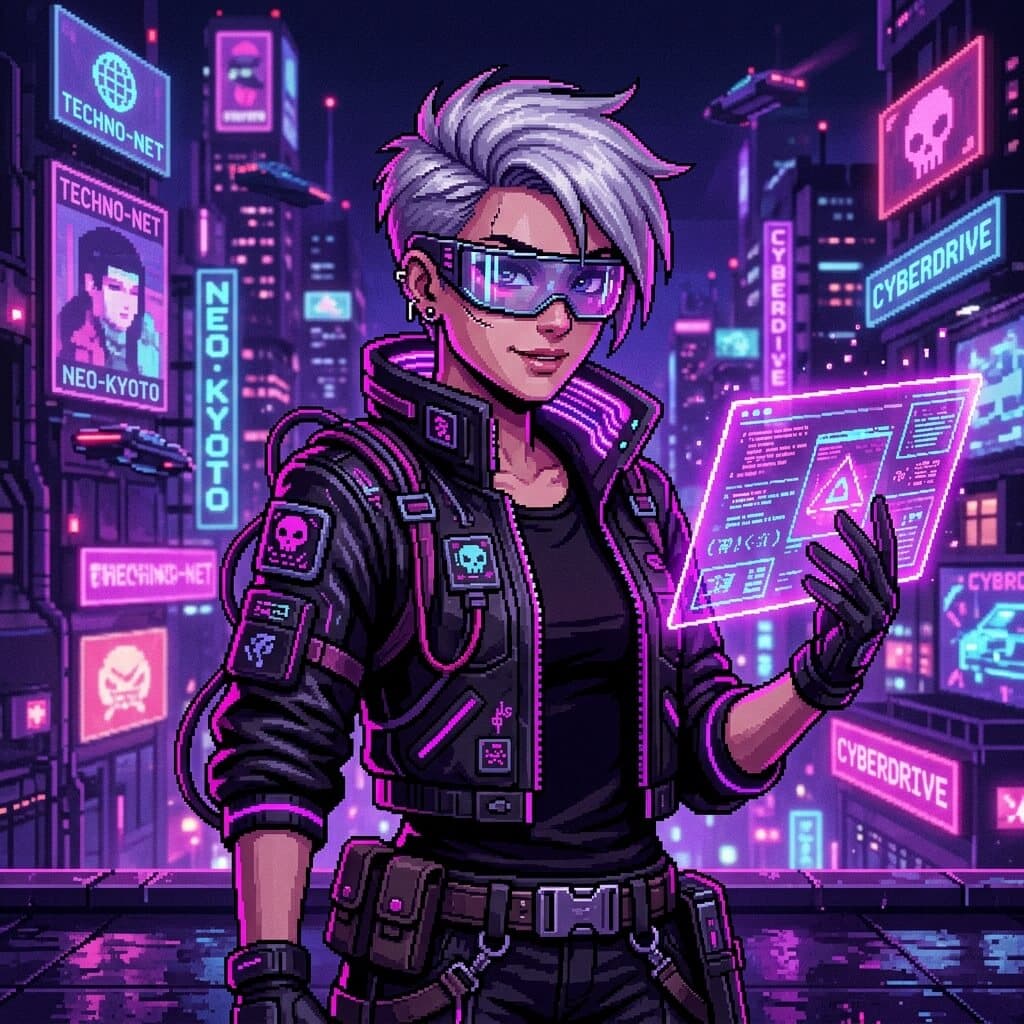
Reusable creative direction for AI image generation
Repeatable templates

Save strong directions and apply them across future requests.

At a glance

Why this AI image generator page centers workflow

The structure below summarizes how FreeMaker positions the AI image generator for practical visual production.
3
starting paths: prompt, reference, template
4
production scenarios highlighted on this page
1
shared workspace for generation and revision
6
FAQ answers for evaluation and SEO coverage

FAQ

AI image generator FAQ

Common questions about using the FreeMaker AI image generator for text prompts, image references, editing, and repeatable team production.

An AI image generator is a tool that creates or edits visuals from prompts, references, and other creative inputs. On FreeMaker, it works as a shared space for drafting, editing, and repeating image workflows.

Yes. You can use FreeMaker as an AI image generator from text, then refine the result inside the same workflow. It is useful when you want fast prompt-led drafts before moving into tighter edits.

Yes. You can use reference-led inputs when you need an AI image generator from image workflow. That helps with style matching, controlled revisions, cleanup, and image-to-image edits that stay closer to the original direction.

Free AI image generator tools are useful for quick tests, but teams often need more than one-click output. Look for prompt control, image reference support, editing options, and reusable templates before you decide which workflow fits best.

The best AI image generator for teams is one that handles prompt-based creation, reference-led edits, and repeatable production in the same place. Fast first drafts matter, but so do review speed, reuse, and workflow consistency.

People often compare Bing AI image generator, Canva AI image generator, Google AI image generator, Microsoft AI image generator, and Adobe AI image generator options. FreeMaker focuses on prompt creation, image references, and reusable team workflows in one workspace.
AI-generated visual background

Open the AI image generator and start your next visual draft

Start with text, switch to image references when needed, and keep successful templates ready for the next campaign, concept board, or content request.