FreeMakerFreeMaker
Estúdio de imagens com IA FreeMaker

FreeMaker AI Image Maker

Modelo
Prompt
0/2000
Prompt NegativoOpcional
Proporção
Resolução
Créditos necessários
A estimativa é atualizada com o modelo e as configurações da imagem.
6
credits

Minhas imagens

Últimos resultados gerados e histórico de imagens sincronizado.
Prévia
Demo do FreeMaker
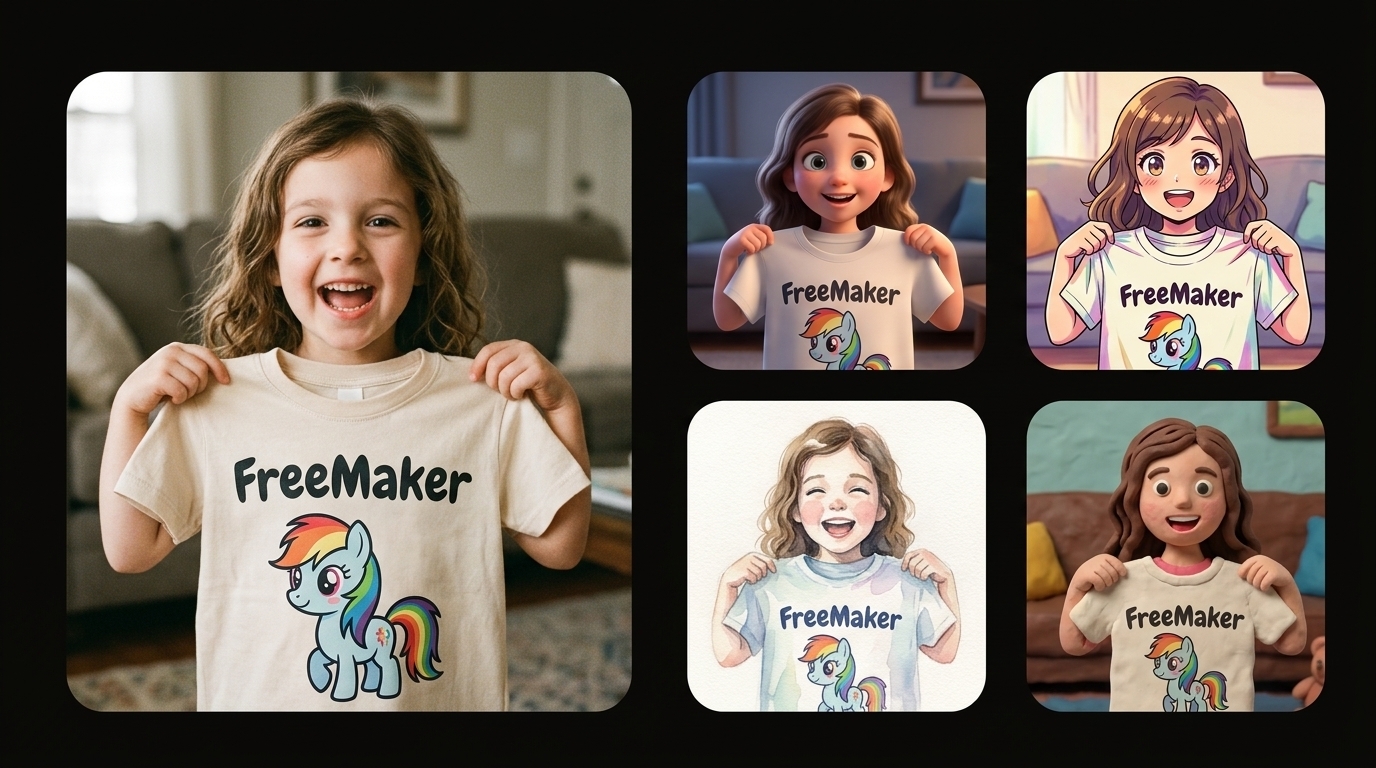
Uma colagem comparativa sobre um fundo preto puro, com uma grande foto fotorrealista à esquerda de uma menina alegre segurando uma camiseta com um pônei de desenho animado da FreeMaker e, à direita, uma grade vertical de interpretações artísticas estilizadas da mesma cena (3D, anime, aquarela e animação em massinha).
Resultado de exemplo

Uma colagem comparativa sobre um fundo preto puro, com uma grande foto fotorrealista à esquerda de uma menina alegre segurando uma camiseta com um pônei de desenho animado da FreeMaker e, à direita, uma grade vertical de interpretações artísticas estilizadas da mesma cena (3D, anime, aquarela e animação em massinha).

Execuções recentes

Um exemplo permanece visível até você entrar e criar seu próprio conjunto de imagens.

Uma colagem comparativa sobre um fundo preto puro, com uma grande foto fotorrealista à esquerda de uma menina alegre segurando uma camiseta com um pônei de desenho animado da FreeMaker e, à direita, uma grade vertical de interpretações artísticas estilizadas da mesma cena (3D, anime, aquarela e animação em massinha).
Demo
Agora mesmo

Uma colagem comparativa sobre um fundo preto puro, com uma grande foto fotorrealista à esquerda de uma menina alegre segurando uma camiseta com um pônei de desenho animado da FreeMaker e, à direita, uma grade vertical de interpretações artísticas estilizadas da mesma cena (3D, anime, aquarela e animação em massinha).

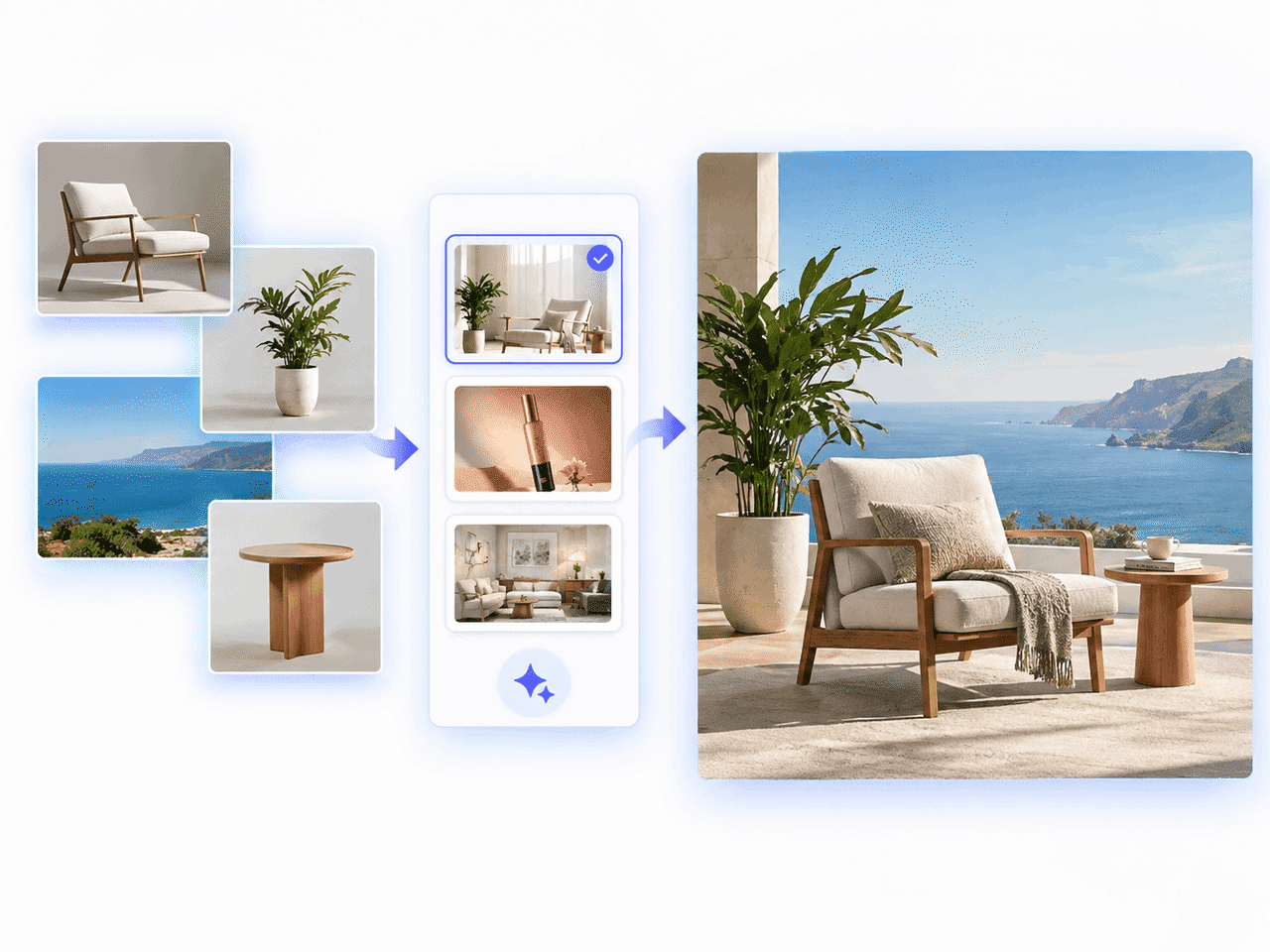
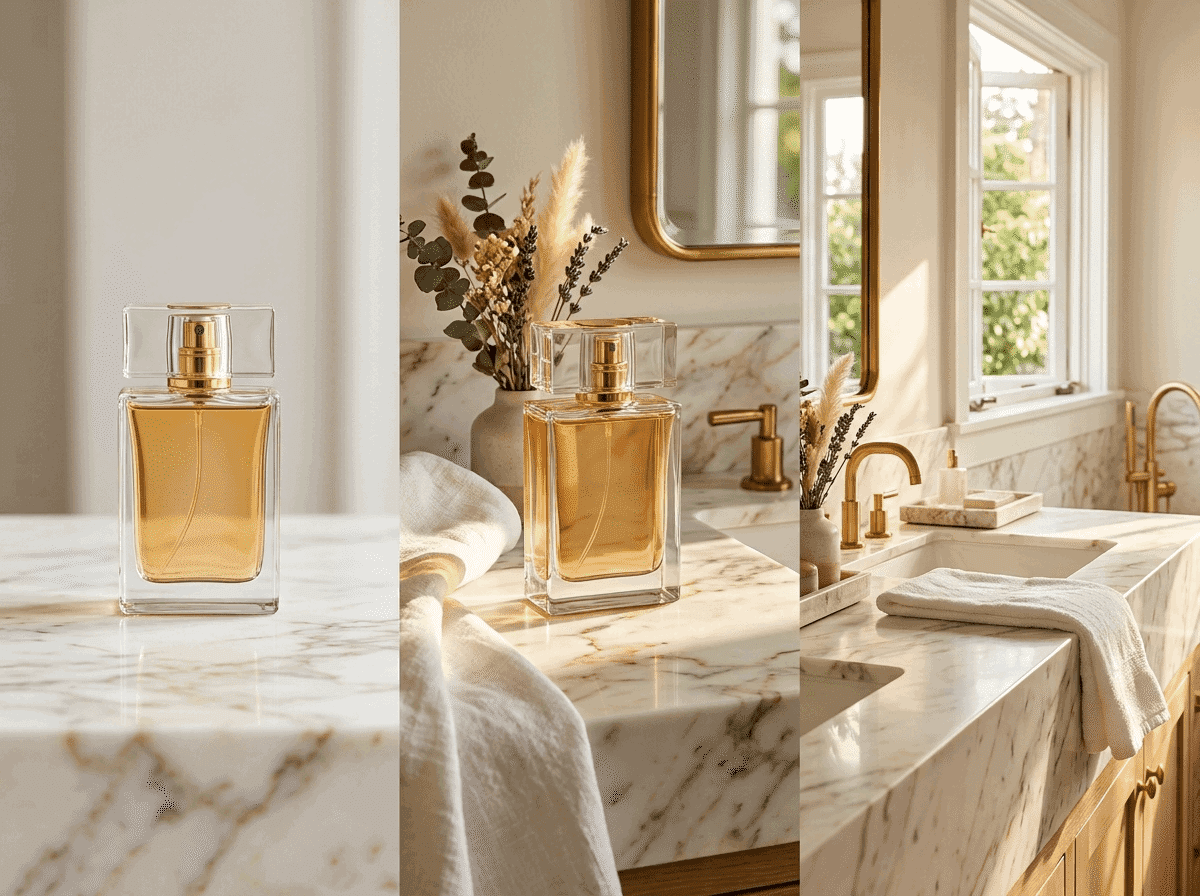
Foto de referência de produto transformada em cenas de e-commerce refinadas com o FreeMaker AI Image Maker

O que é o FreeMaker AI Image Maker?

FreeMaker é um criador de imagens com IA multimodelo que integra mecanismos avançados como Nano Banana, Wan e Grok em um só espaço de trabalho. Gere visuais de alta qualidade com prompts de texto ou transforme fotos existentes em fluxos de imagem para imagem com referência de até 4K.

Vendedores de e-commerce podem criar fotos de produtos com qualidade de estúdio, profissionais de marketing podem produzir anúncios de alta conversão, designers podem montar storyboards de conceito e qualquer criador pode gerar arte fotorrealista ou avatares personalizados em segundos.

Como criar imagens com IA grátis online

Transforme suas ideias em obras de alta qualidade em três passos simples.

1.

Digite um prompt ou envie uma imagem de referência

Descreva sua visão no campo de prompt ou envie uma foto como referência. Clique em Aprimorar para melhorar o prompt instantaneamente.

2.

Escolha modelo, estilo e resolução

Selecione modelos como Nano Banana ou Grok, escolha o estilo, defina a proporção e uma resolução de até 4K.

3.

Gere e baixe sua imagem com IA

Clique em Gerar para criar a imagem em segundos e baixe a arte em alta resolução para uso pessoal ou comercial.
Recursos do nosso gerador de imagens com IA grátis

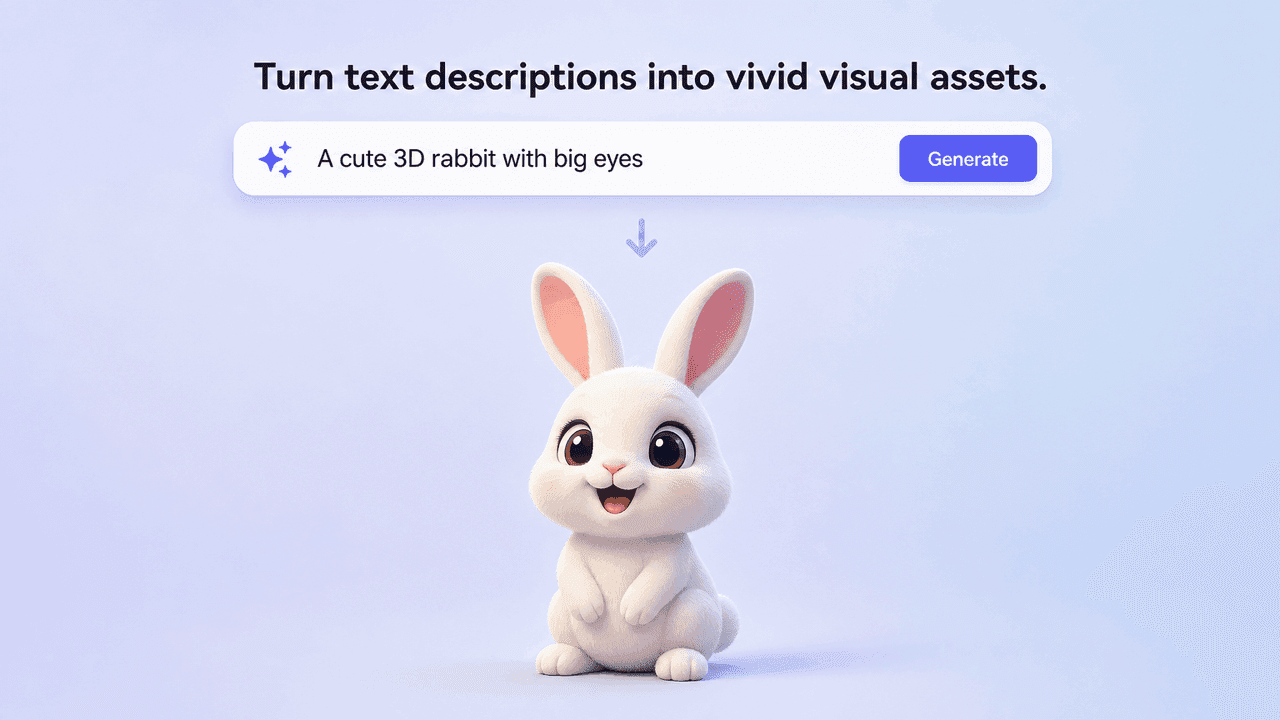
Text prompt generating a vivid 3D rabbit image

Gerador de texto para imagem com IA

Transforme descrições em recursos visuais vibrantes. O mecanismo interpreta iluminação, objetos e clima artístico.
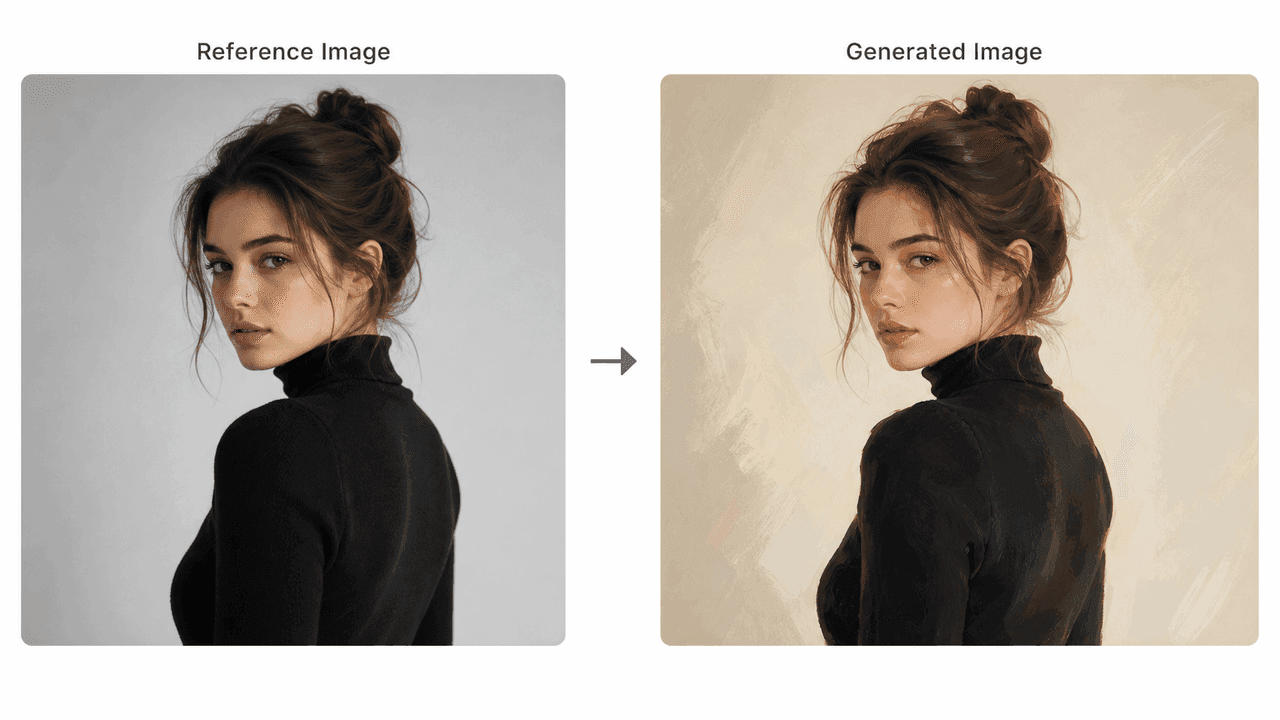
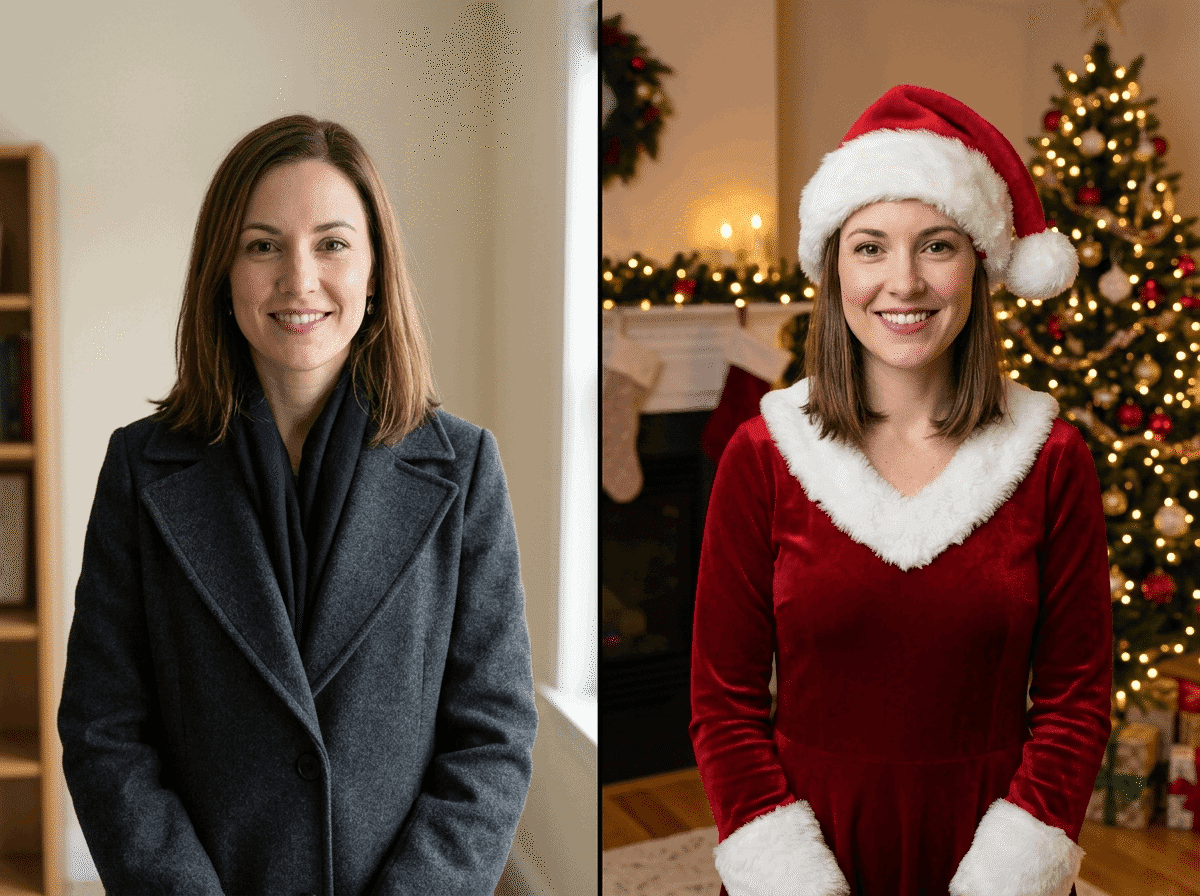
Reference portrait transformed into a painted AI image

Transformação de imagem de referência

Envie uma foto para orientar composição, pose ou iluminação, mantendo a estrutura e aplicando novos estilos.
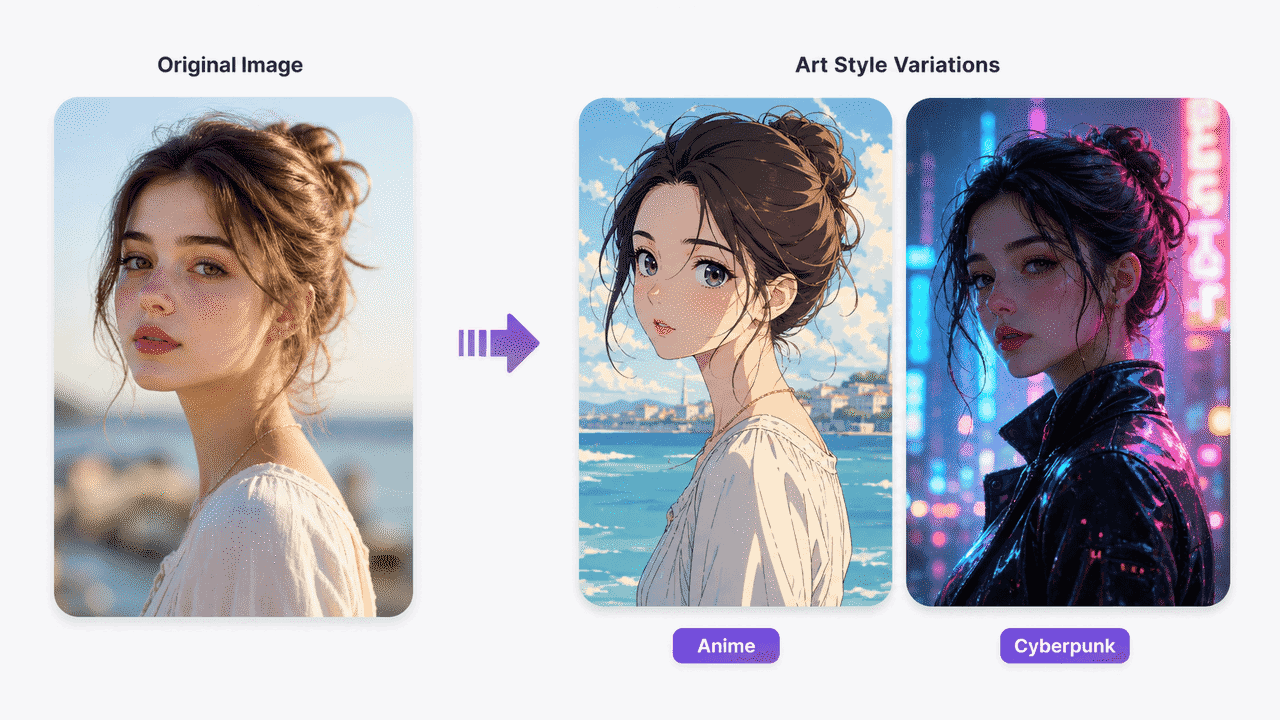
Original portrait shown as anime and cyberpunk art styles

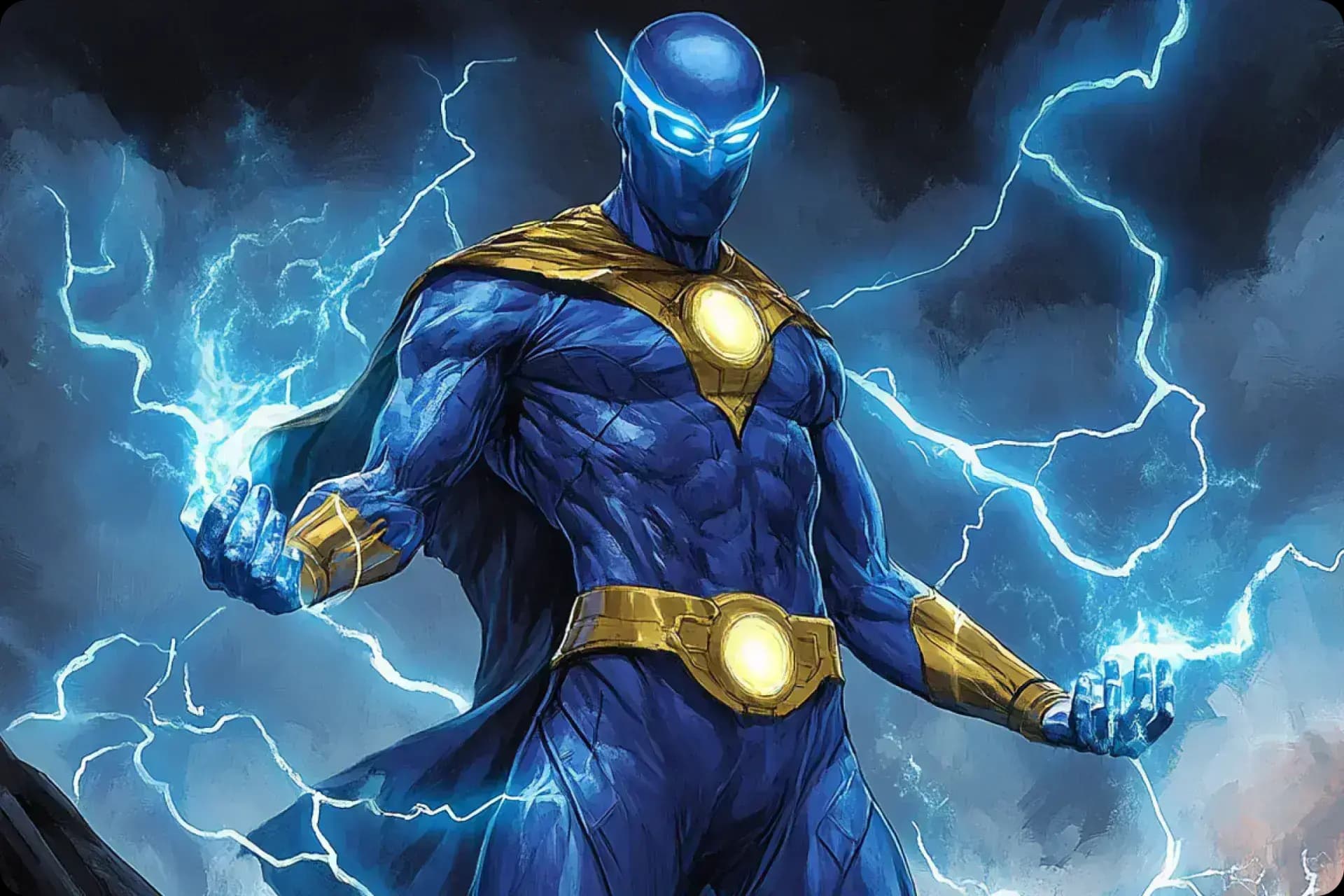
Estilos artísticos do realista ao anime

Escolha entre fotorealismo, cyberpunk, ilustração digital, anime, gráficos vetoriais e arte conceitual cinematográfica.
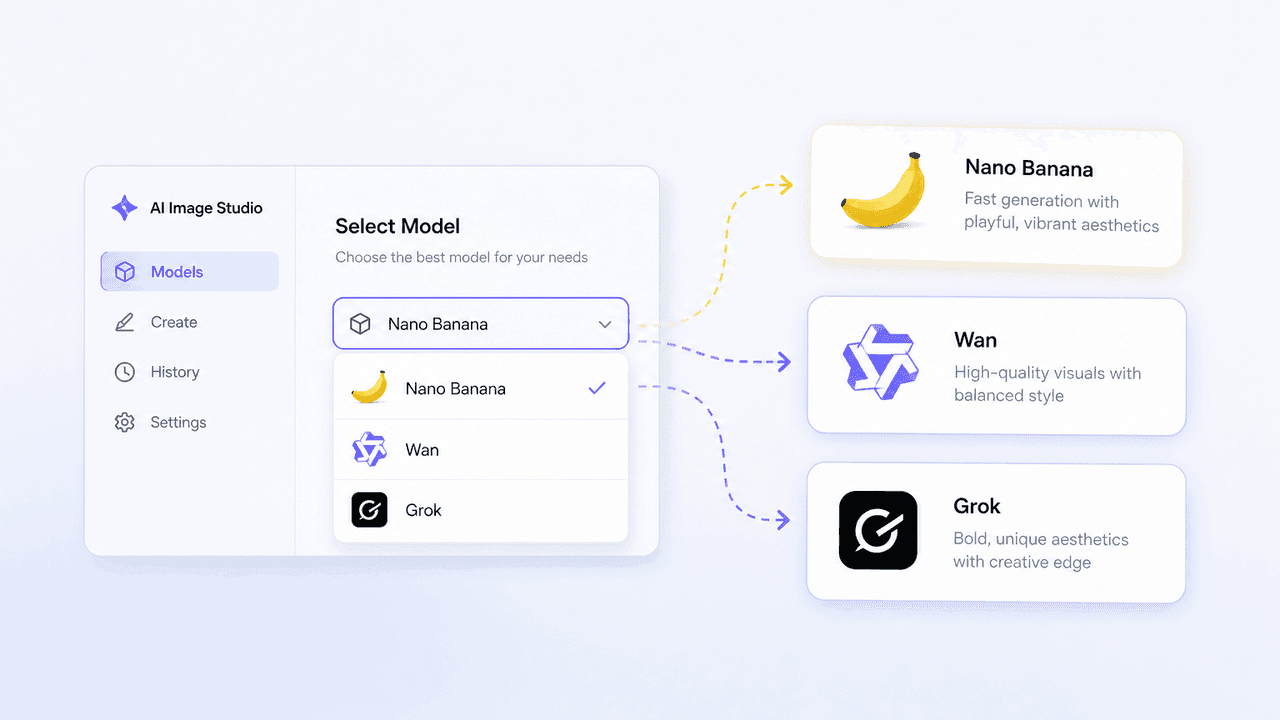
AI Image Studio model selector for Nano Banana, Wan, and Grok

Modelos líderes: Nano Banana, Wan e Grok

Acesse vários modelos de imagem em um painel e alterne conforme sua necessidade de velocidade e estilo.
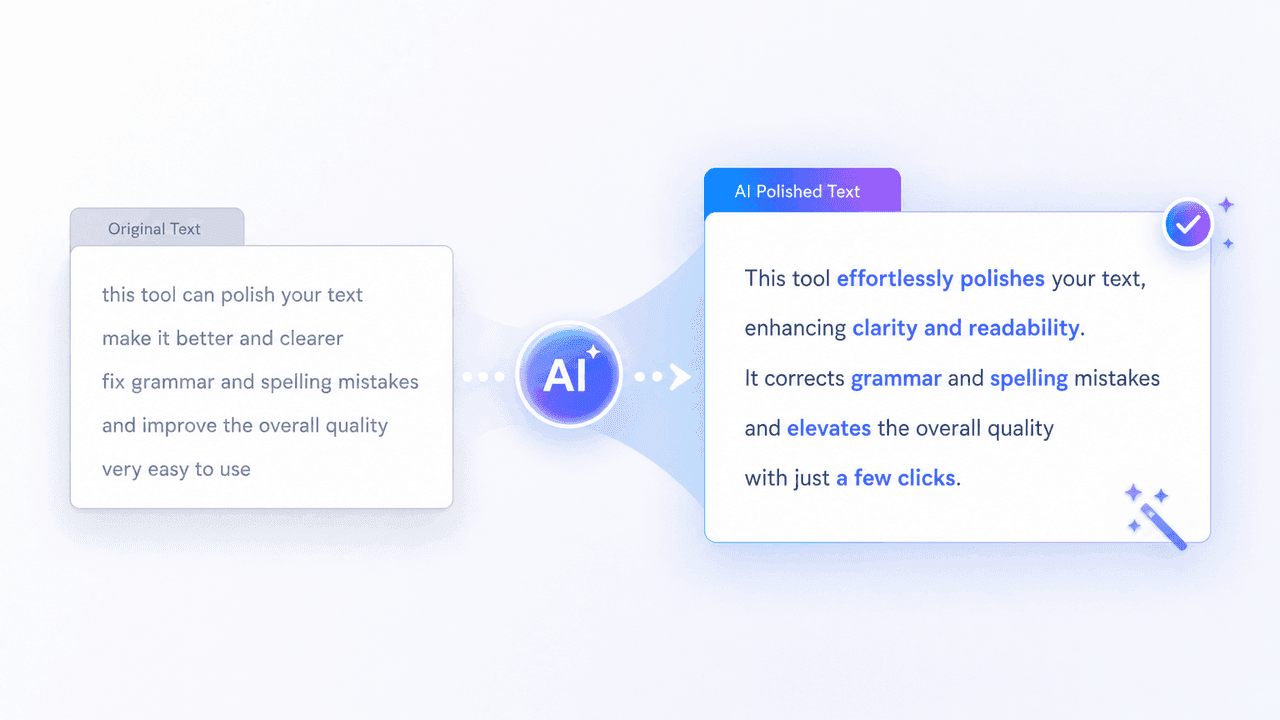
AI prompt polish transforming a rough prompt into clear detailed text

Aprimoramento de prompt e prompts negativos

Refine prompts automaticamente e exclua artefatos ou elementos indesejados com prompts negativos.
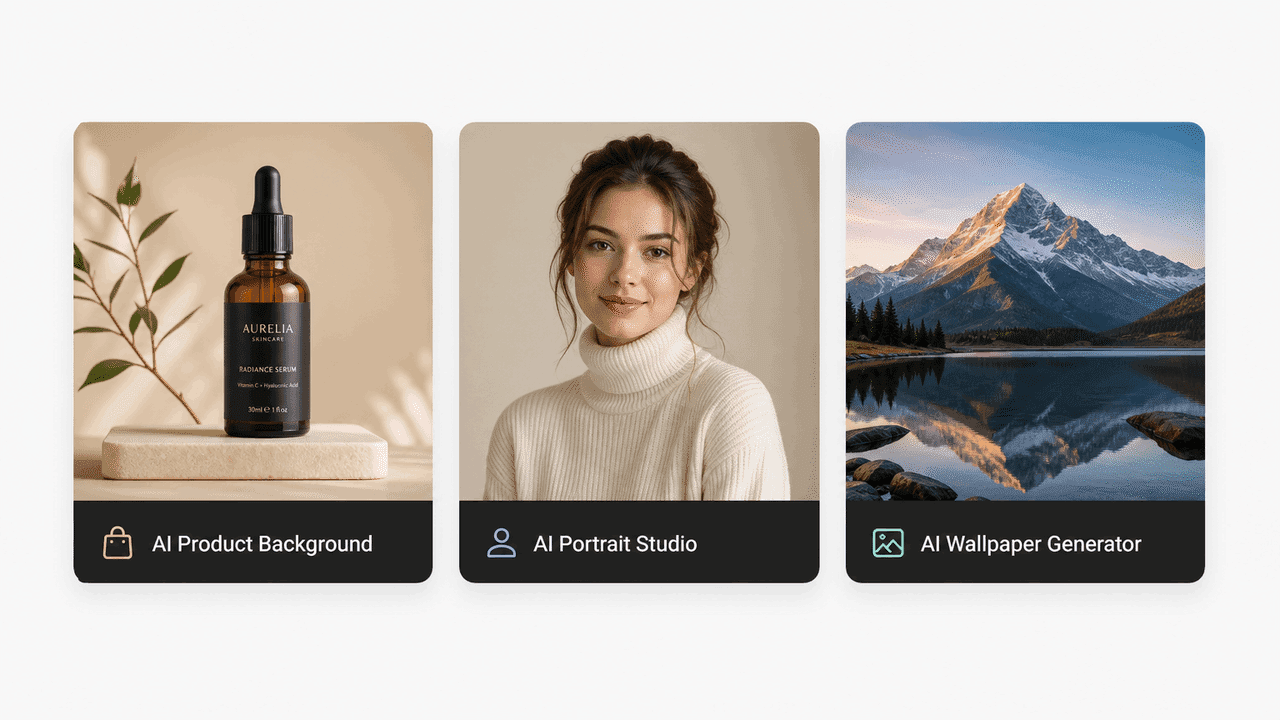
Preset tools for product backgrounds, portraits, and wallpapers

Ferramentas predefinidas prontas para usar

Comece sem configurações demoradas usando modelos para produtos, retratos, papéis de parede e marketing.
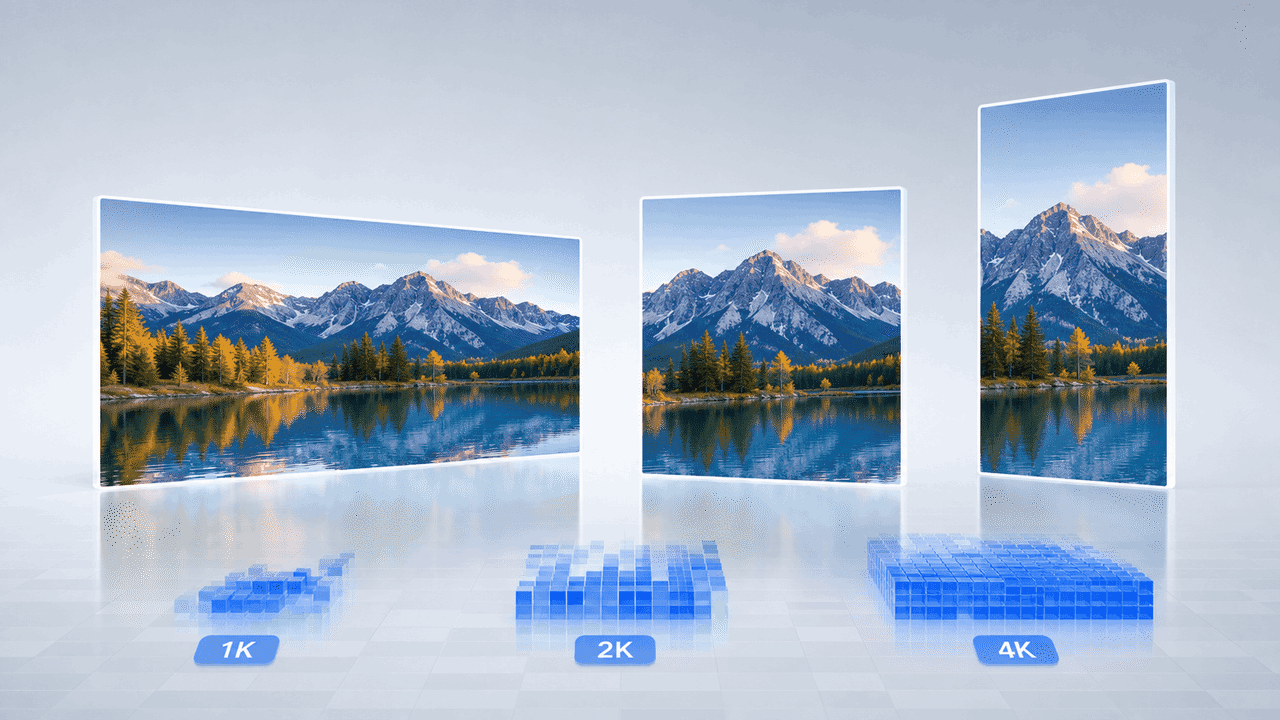
Landscape image displayed in 1K, 2K, and 4K output formats

Proporções flexíveis e saída Ultra HD 4K

Personalize 16:9, 1:1 ou 9:16 e exporte imagens nítidas em 1K, 2K ou 4K.

Por que escolher a FreeMaker para criar imagens realistas com IA grátis?

A FreeMaker combina ferramentas profissionais com uma experiência intuitiva.
Collection of realistic and artistic image styles

Biblioteca ampla de estilos realistas e artísticos

Crie imagens realistas ou explore gêneros estilizados sem experiência técnica.
Magic wand and settings icon representing high-quality output

Qualidade nítida de até 4K

Obtenha resultados detalhados e nítidos em telas de alta densidade e na impressão.
Packaged creative tools representing multiple AI models

Modelos de IA líderes em um só lugar

Use modelos avançados e economize tempo e custos de assinatura.
Ready-to-use cup representing instant creative tools

Ferramentas prontas para resultados rápidos

Fluxos predefinidos permitem criar gráficos profissionais e visuais de produtos.
Cloud and lightning icon representing flexible output formats

Tamanhos adequados para redes e web

Escolha dimensões exatas para Instagram, miniaturas do YouTube, banners e impressão.
Padlock protecting a framed digital artwork

Criação de imagens privada e segura

Suas fotos de referência e obras geradas permanecem protegidas.

Quem se beneficia deste criador de imagens com IA?

A FreeMaker ajuda criadores de vários setores a produzir imagens com IA com eficiência.

Criadores de conteúdo e marketing

Gere gráficos para redes sociais, cabeçalhos de blog e anúncios chamativos.

Designers e artistas conceituais

Acelere storyboards, moodboards e protótipos visuais.

E-commerce e fotógrafos de produtos

Crie fotos realistas de produtos em fundos de estúdio sem equipamentos caros.

Entusiastas de IA e usuários do dia a dia

Dê vida a ideias, crie papéis de parede e avatares digitais exclusivos.

O que usuários dizem sobre o FreeMaker AI Image Maker

Criadores do mundo todo aceleram seus fluxos visuais com a FreeMaker.

“O FreeMaker AI Image Maker eliminou nossa necessidade de sessões caras de fotos de produtos. Gerar imagens de produtos em 4K com qualidade de estúdio usando o Nano Banana leva apenas alguns segundos.”
Elena R. — Proprietária de marca de e-commerce
“A qualidade da saída em 4K e o recurso de aprimoramento de prompts do FreeMaker AI Image Maker revolucionam as campanhas publicitárias. Ele produz gráficos realistas de forma consistente que geram conversões.”
Marcus T. — Diretor de marketing digital
“Usar a ferramenta de imagem de referência para imagem do FreeMaker AI Image Maker me poupa horas durante as etapas de criação de conceitos para clientes. Ela oferece controle preciso sobre o layout e o estilo.”
Sophia L. — Designer gráfica sênior
“As ferramentas especializadas do FreeMaker AI Image Maker, como o gerador de avatares, tornam muito simples a criação de conteúdo para redes sociais. Posso produzir imagens em alta resolução para YouTube e Instagram em poucos minutos.”
Jake M. — Criador de conteúdo para redes sociais
“Como desenvolvedor independente de jogos, poder alternar entre Wan e Grok no FreeMaker AI Image Maker para gerar rapidamente artes conceituais de ambientes dobrou nossa velocidade de prototipagem.”
Carlos D. — Artista conceitual de jogos
“Não tenho nenhuma experiência em design, mas as ferramentas predefinidas e o aprimoramento de prompts do FreeMaker AI Image Maker permitem que eu crie facilmente papéis de parede incríveis e artes personalizadas por diversão.”
Hannah K. — Entusiasta de IA e hobbista

Perguntas frequentes sobre o criador de imagens com IA

Sim. Você pode receber créditos grátis todos os dias fazendo o check-in diário. Também há planos acessíveis para gerar imagens sem limites.

AI image generator online for text and image

Use anAI image generatorbuilt for prompts, images, and fast team output

Create images from text prompts, refine results from image references, and keep repeatable templates in one online workflow. FreeMaker is built for teams comparing the best AI image generator for real production work.

Covers AI image generator from text, AI image generator from image, and repeatable team workflows.
Text + image workflow

Create a premium launch visual from text, then refine it from image references. Keep the style reusable for future seasonal variations and repeat requests.
Text promptReference imageReusable template
Workflow ingredientsReady for iteration
  • Prompt draft for the first image direction
  • Reference image input when the creative needs tighter control
  • Reusable visual pattern for the next campaign cycle
Generated AI marketing artwork preview
AI image output preview

One workspace for text-to-image, image-to-image, and reuse

Keep the generation workflow practical enough for ongoing campaign work instead of treating every request like a brand-new experiment.

Why teams use it
Move from text prompts to repeatable image output

This AI image generator is structured for teams that need quick first drafts, controlled edits from image references, and a workflow they can reuse across more than one request.
Prompt-based AI image generator workspace

Generate images from text prompts without slowing down

Many users start with searches like ai image generator from text or free ai image generator. FreeMaker keeps that first step fast, so a short brief can turn into usable visual drafts for campaigns, landing pages, and concept work.
  • Start from short prompts or detailed creative briefs
  • Generate multiple directions in one review cycle
Reference-guided AI image editing example

Use image references when prompt-only control is not enough

If you need an AI image generator from image or an image to image AI generator, reference-led edits matter. Use existing visuals, mood boards, or near-final drafts to guide composition, style, and subject details without restarting from zero.

  • Support cleanup, enhancement, and style changes
  • Keep revision loops tighter for creative teams
Reusable AI image generator output for marketing

Keep one AI image generator online for repeat requests

Templates make this AI image generator online easier to reuse across ecommerce, paid social, launch graphics, and ongoing brand work. Save what performs well, then start the next request from a stronger base.

  • Save prompt, layout, and style patterns that work
  • Handle recurring visual production with less setup

Main workflow

Move from text prompts to image referencesinside one AI image workflow

A strong AI image generator is not only about making one image. It should help a team move from AI image generator from text use cases to AI image generator from image edits, then into reusable production patterns without switching tools every step of the way.
  • Launch a first pass from text when the brief is still rough
  • Bring in image references when the result needs more control
  • Reuse strong prompt structures for the next campaign cycle
AI-generated product display scene
Shared workflow

From first prompt to repeatable visual system

Use the same workspace to generate, compare, and refine images as the brief gets more specific.

Production scenarios
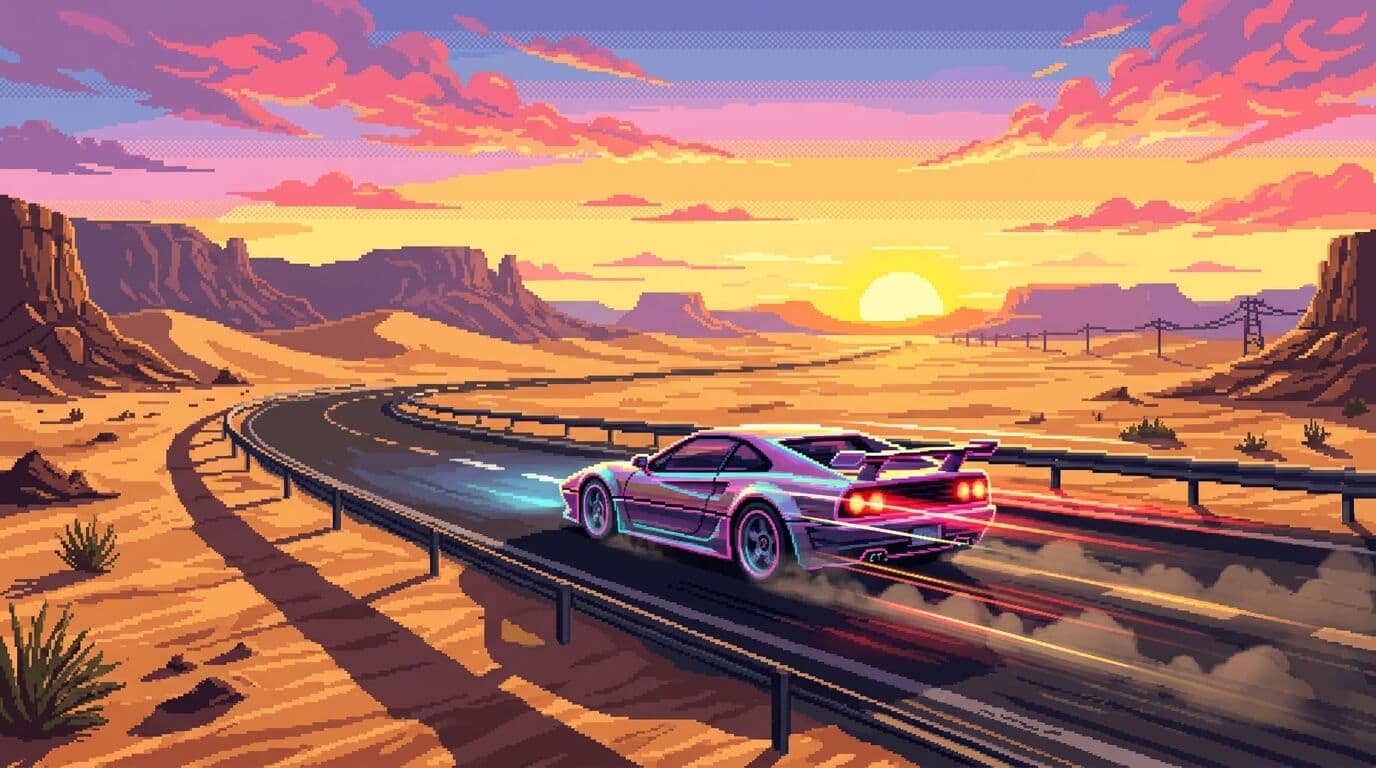
Use one AI image generator across multiple creative jobs

The workflow stays useful when teams need marketing visuals, guided revisions, realistic drafts, and repeatable output for ongoing publishing instead of one-off experiments.
AI-generated campaign scene for product marketing

Early campaign art

Create strong direction before full production assets arrive.

Use case 01
Create product marketing visuals with an AI image generator online

Use the AI image generator for launch concepts, promo scenes, seasonal treatments, and ad variations while the team is still testing what should move into production. It is useful when you need realistic AI image generator output before a full photo shoot is ready.
  • Create early hero imagery for landing pages and paid ads
  • Give stakeholders clearer options earlier in the process
Reference-based prompt and edit workflow

Reference-guided iteration

Refine what is already working instead of fully restarting.

Use case 02
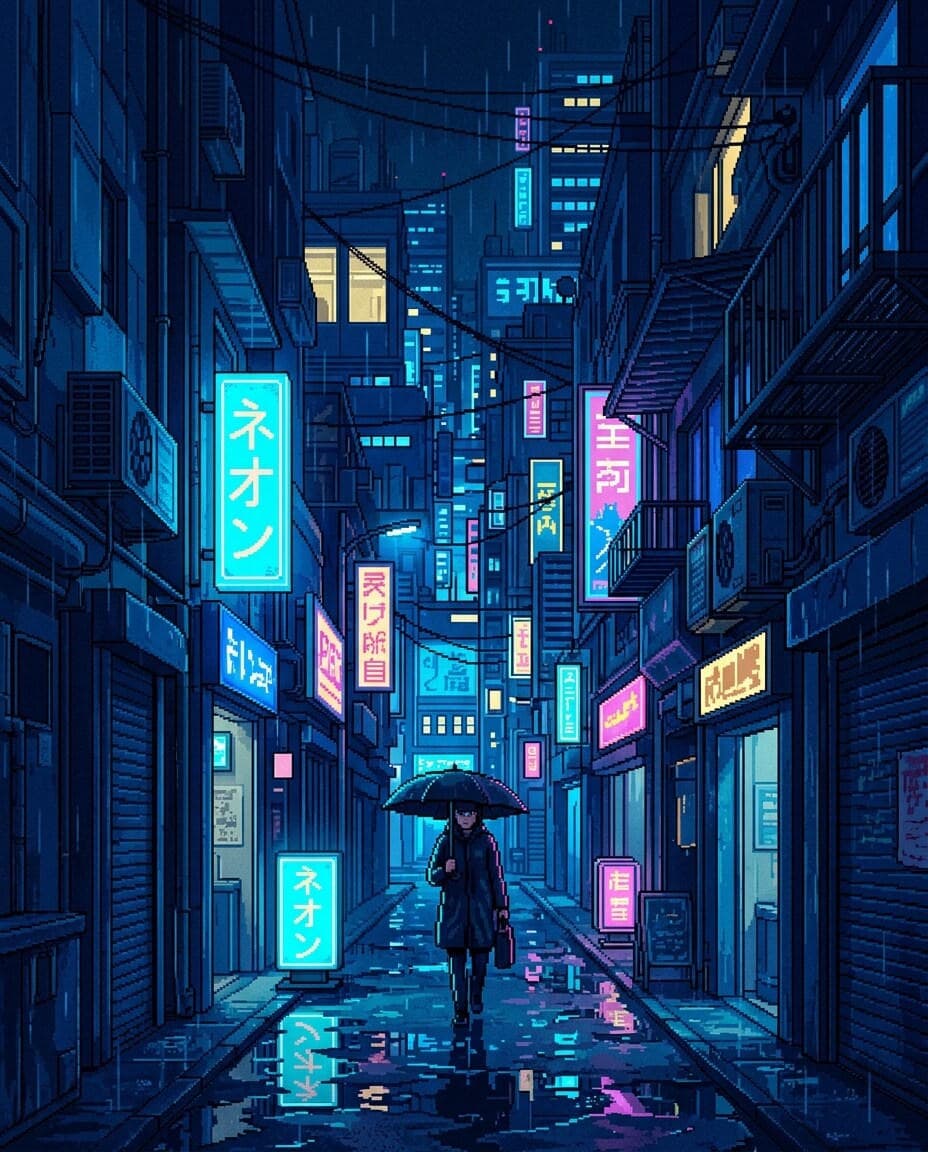
Use references when the first draft needs tighter control

Not every job starts from zero. Sometimes the team already has a visual direction, an existing asset, or a mood board. That is where an AI image generator from image workflow helps teams refine what is already close instead of rewriting the whole request.
  • Guide style, composition, and subject details more precisely
  • Reduce wasted cycles caused by vague prompt-only changes
Stylized portrait generated for repeatable content workflows

Reusable visual systems

Turn winning prompt directions into repeatable production habits.

Use case 03

Keep repeat output consistent for recurring content operations

Teams that publish often need more than a one-off image. Reusable templates and saved prompt patterns help keep output aligned across social, ecommerce, and brand storytelling work, which is often what people want from the best AI image generator for teams.
  • Support repeated asset requests with less manual setup
  • Make ongoing image generation easier for multiple teammates

Deeper controls

Keep creative direction without slowing image iteration

These are the details teams usually care about when choosing the best AI image generator for day-to-day team use.

A good AI image generator should let a marketer, designer, or founder begin with a short brief and still reach a strong first image quickly. That is why AI image generator from text workflows matter for early exploration, campaign drafts, and fast concept testing.

Prompt-first AI image creation flow
Prompt-first exploration

Go from brief to first image direction without heavy setup.

Once a draft is close, teams need a practical way to change details, clean up scenes, or shift style. This is where an AI image generator from image setup helps keep the workflow efficient when image review cycles get specific.

Edited AI image output preview
Controlled revisions

Tighten scenes, style, and details while keeping momentum.

Prompt structures, references, and templates become more valuable over time when they can be reused. That is what turns an AI image generator online into a system for real creative operations instead of a one-time test.
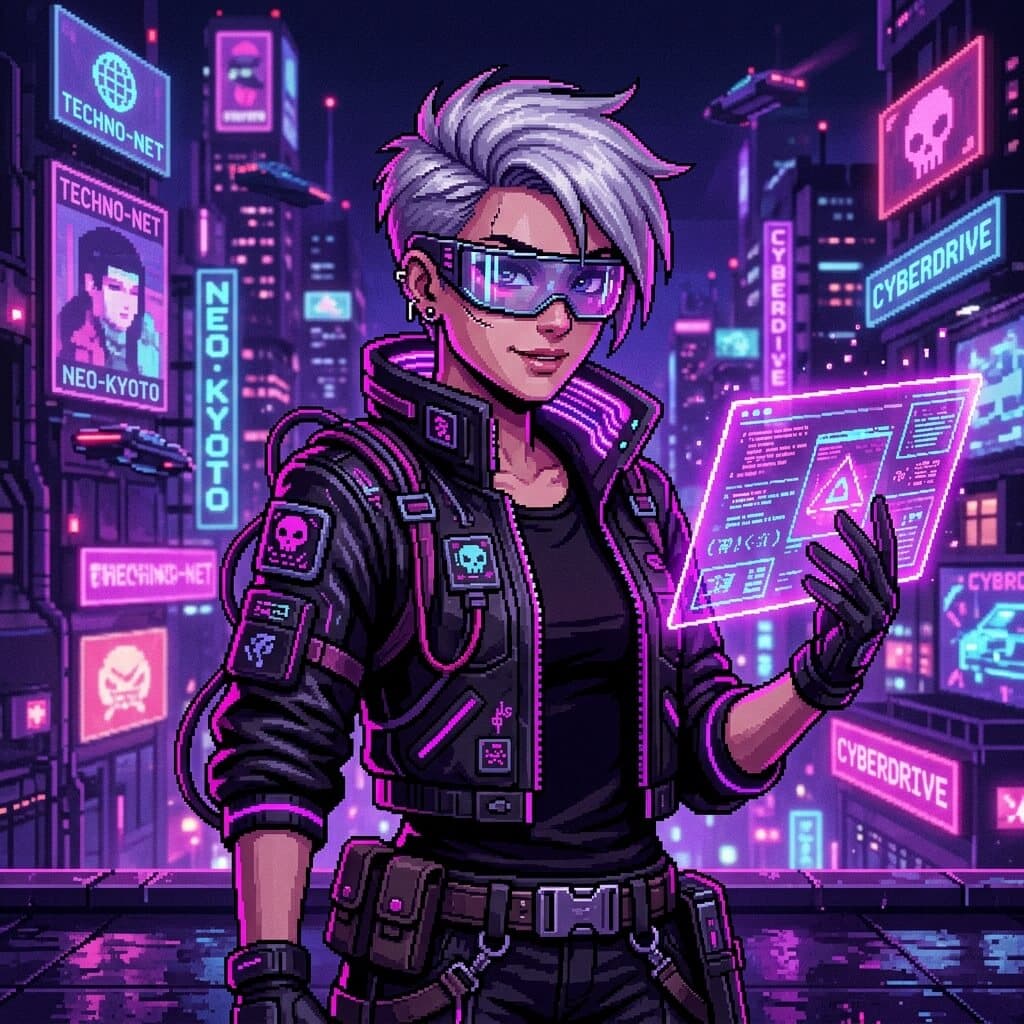
Reusable creative direction for AI image generation
Repeatable templates

Save strong directions and apply them across future requests.

At a glance

Why this AI image generator page centers workflow

The structure below summarizes how FreeMaker positions the AI image generator for practical visual production.
3
starting paths: prompt, reference, template
4
production scenarios highlighted on this page
1
shared workspace for generation and revision
6
FAQ answers for evaluation and SEO coverage

FAQ

AI image generator FAQ

Common questions about using the FreeMaker AI image generator for text prompts, image references, editing, and repeatable team production.

An AI image generator is a tool that creates or edits visuals from prompts, references, and other creative inputs. On FreeMaker, it works as a shared space for drafting, editing, and repeating image workflows.

Yes. You can use FreeMaker as an AI image generator from text, then refine the result inside the same workflow. It is useful when you want fast prompt-led drafts before moving into tighter edits.

Yes. You can use reference-led inputs when you need an AI image generator from image workflow. That helps with style matching, controlled revisions, cleanup, and image-to-image edits that stay closer to the original direction.

Free AI image generator tools are useful for quick tests, but teams often need more than one-click output. Look for prompt control, image reference support, editing options, and reusable templates before you decide which workflow fits best.

The best AI image generator for teams is one that handles prompt-based creation, reference-led edits, and repeatable production in the same place. Fast first drafts matter, but so do review speed, reuse, and workflow consistency.

People often compare Bing AI image generator, Canva AI image generator, Google AI image generator, Microsoft AI image generator, and Adobe AI image generator options. FreeMaker focuses on prompt creation, image references, and reusable team workflows in one workspace.
AI-generated visual background

Open the AI image generator and start your next visual draft

Start with text, switch to image references when needed, and keep successful templates ready for the next campaign, concept board, or content request.