FreeMakerFreeMaker

Nano Banana: Next-Gen AI Image Generation & Editing

Elevate your creative workflow on FreeMaker with Nano Banana—generate high-quality AI images and perform precision photo edits with ease.

Model
Prompt
0/2000
Negative PromptOptional
Aspect Ratio
Resolution
Required credits
The estimate updates with model and image settings.
9
credits

My Images

Latest generated outputs and synced image history.
Preview
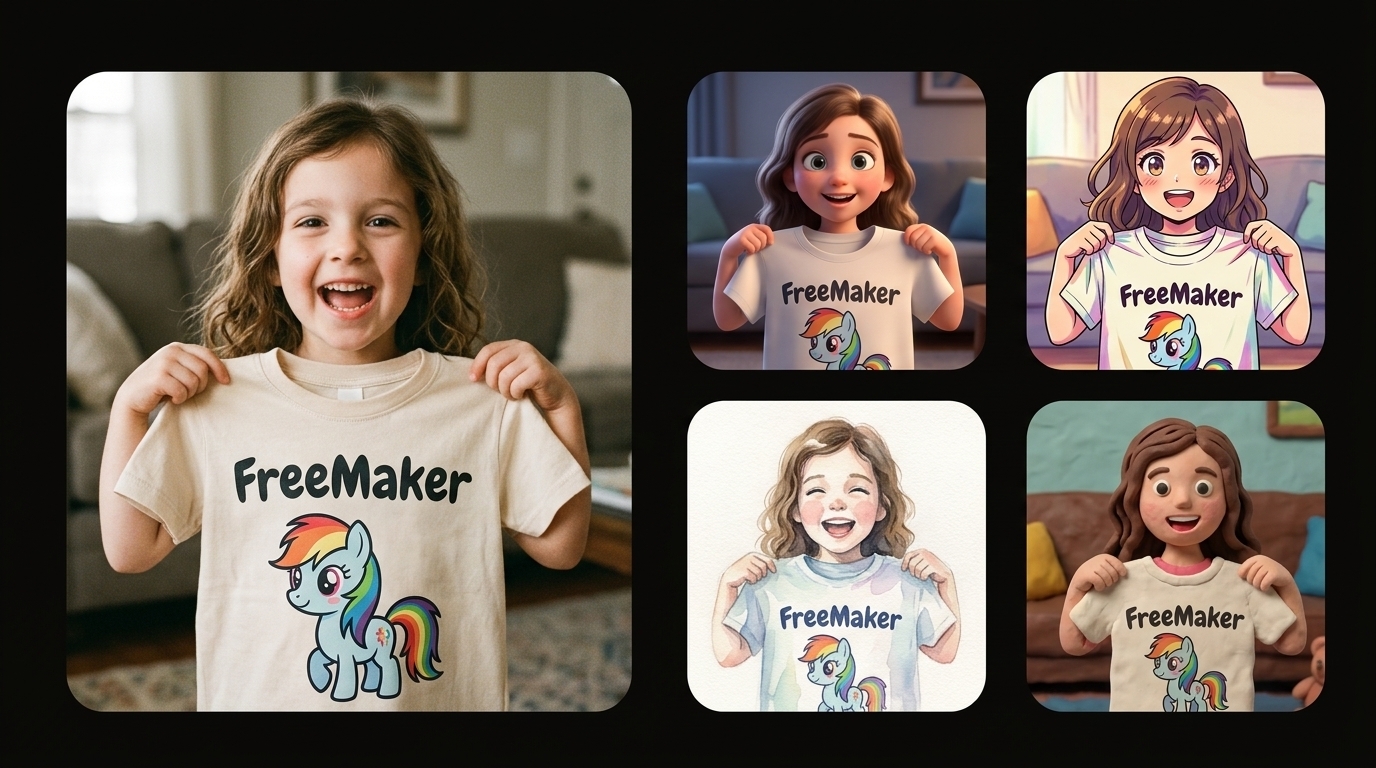
FreeMaker Demo
A comparison collage on a pure black background, featuring a large photorealistic photo on the left of a joyful little girl holding up a 'FreeMaker' cartoon pony t-shirt, and a vertical grid of stylized artistic interpretations of the same scene (3D, anime, watercolor, claymation) on the right.
Sample Output

A comparison collage on a pure black background, featuring a large photorealistic photo on the left of a joyful little girl holding up a 'FreeMaker' cartoon pony t-shirt, and a vertical grid of stylized artistic interpretations of the same scene (3D, anime, watercolor, claymation) on the right.

Recent Runs

A sample remains visible until you sign in and create your own image set.

A comparison collage on a pure black background, featuring a large photorealistic photo on the left of a joyful little girl holding up a 'FreeMaker' cartoon pony t-shirt, and a vertical grid of stylized artistic interpretations of the same scene (3D, anime, watercolor, claymation) on the right.
Demo
Just now

A comparison collage on a pure black background, featuring a large photorealistic photo on the left of a joyful little girl holding up a 'FreeMaker' cartoon pony t-shirt, and a vertical grid of stylized artistic interpretations of the same scene (3D, anime, watercolor, claymation) on the right.

What is Nano Banana?

Nano Banana is an advanced AI image generation and editing model family developed by Google. Built with deep contextual understanding, Nano Banana allows creators to easily generate realistic scenes, adjust visual details, and render complex graphics.

Inside FreeMaker, you can access the full Nano Banana model series. Choose Nano Banana 2 for ultra-fast generation speed, real-time Search Grounding, and high-volume output; or select Nano Banana Pro when you need professional studio-grade controls, precise text rendering, and cinematic 4K detail.

nano banana 2 vs pro

Features Nano Banana 2Nano Banana Pro
Generation Speed (1K Resolution)Fast (4–6s)Standard (10–20s)
Generation Speed (4K Resolution)Ultra-Fast (15–30s)Studio Quality (30–60s)
Image Search Grounding
Thinking Mode (Minimal/High/Dynamic)
Multi-Character Consistency
High-Fidelity Object Preservation
Advanced Multi-Language Text Rendering & TranslationBasicProfessional / High-Precision
Camera Angle, Lighting & Focus ControlsStandardStudio-Grade
Ideal Use CasesRapid Iteration, Social Media, API WorkflowsPrint Materials, High-Fidelity Artwork, Brand Visuals

Key Capabilities of Nano Banana

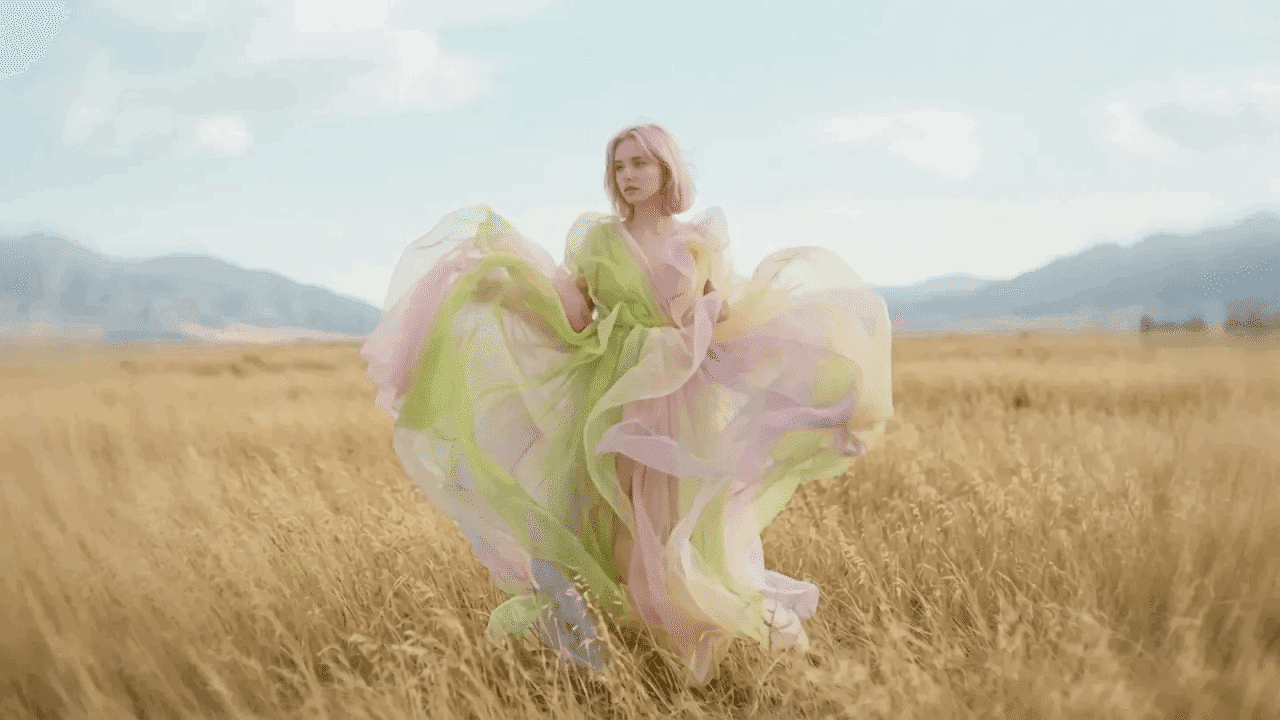
Woman in a flowing pastel dress standing in a golden field with mountains

Intelligent Text Understanding

Nano Banana processes complex logic, long descriptive prompts, and subtle concepts with extreme semantic accuracy.
Prompt: Cinematic still in the style of a surreal dream sequence with a full shot of a woman standing in a field. The camera captures her from a slightly low angle, emphasizing the dramatic flow and volume of her fantastical garment. The dress is a multi-layered creation of sheer fabrics in pastel shades of lime green, pale pink, and soft yellow, billowing around her as if caught in a gentle breeze, creating abstract shapes and a sense of weightlessness. The woman has short, light pink-toned hair and a delicate expression. The background consists of a vast, golden grassland stretching towards distant, softly rendered mountains under a clear, light sky. The lighting is soft and diffused, contributing to the ethereal and dreamlike quality of the scene. The composition is carefully balanced, with the woman positioned centrally yet surrounded by the expansive landscape and the dynamic movement of her clothing. The overall ambiance is one of quiet fantasy and poetic motion, reminiscent of scenes that blur the lines between reality and imagination, with a focus on visual fluidity and gentle color transitions.
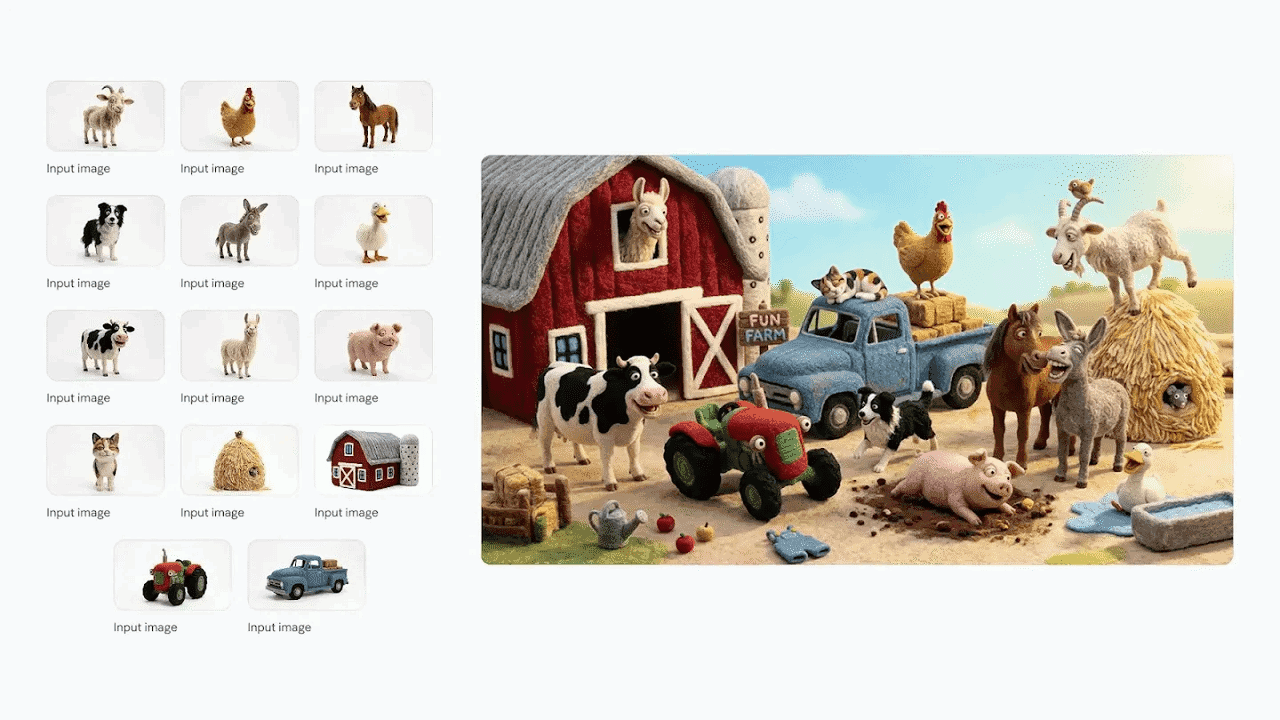
Animal and object reference thumbnails assembled into a farm scene with a red barn

Multi-Character Consistency

Maintain consistent facial features, outfits, and character identity across multiple scenes, angles, and poses using Nano Banana 2 and Nano Banana Pro.
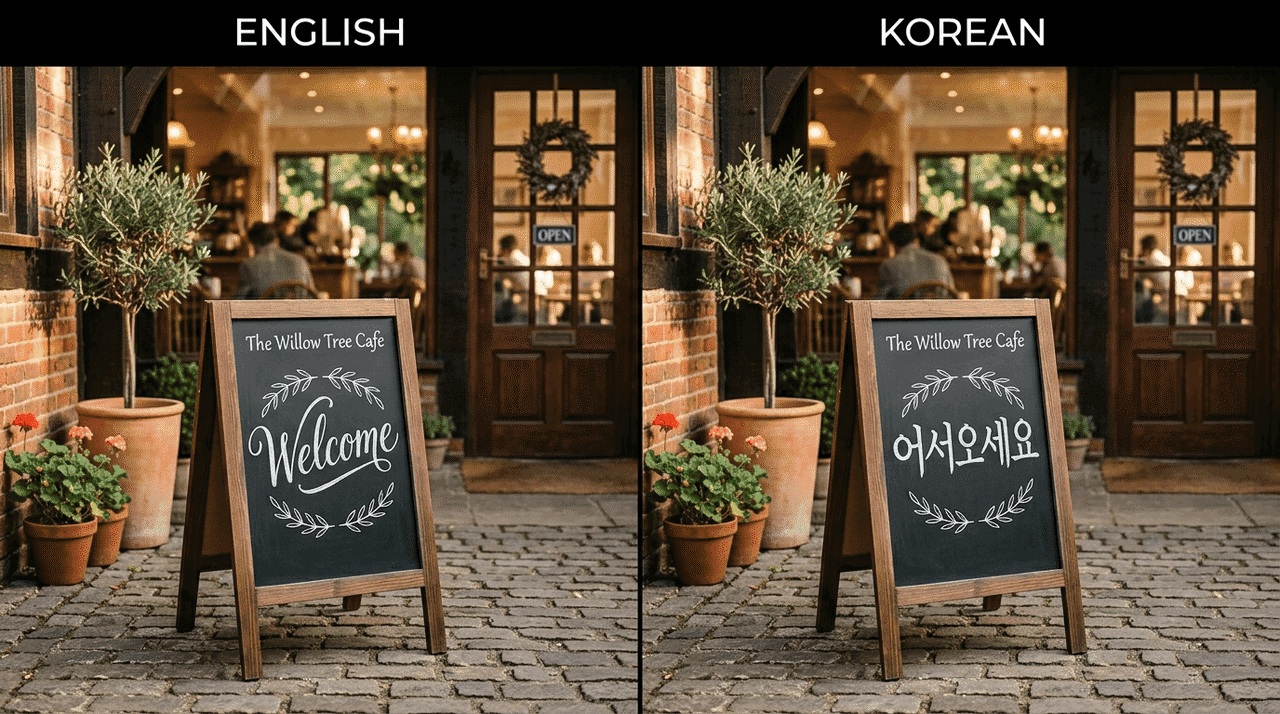
Side-by-side cafe signs written in English and Korean

Multi-Language Localization & Text Rendering

Generates multi-language text directly on top of images with sharp typography and seamless localization using Nano Banana.
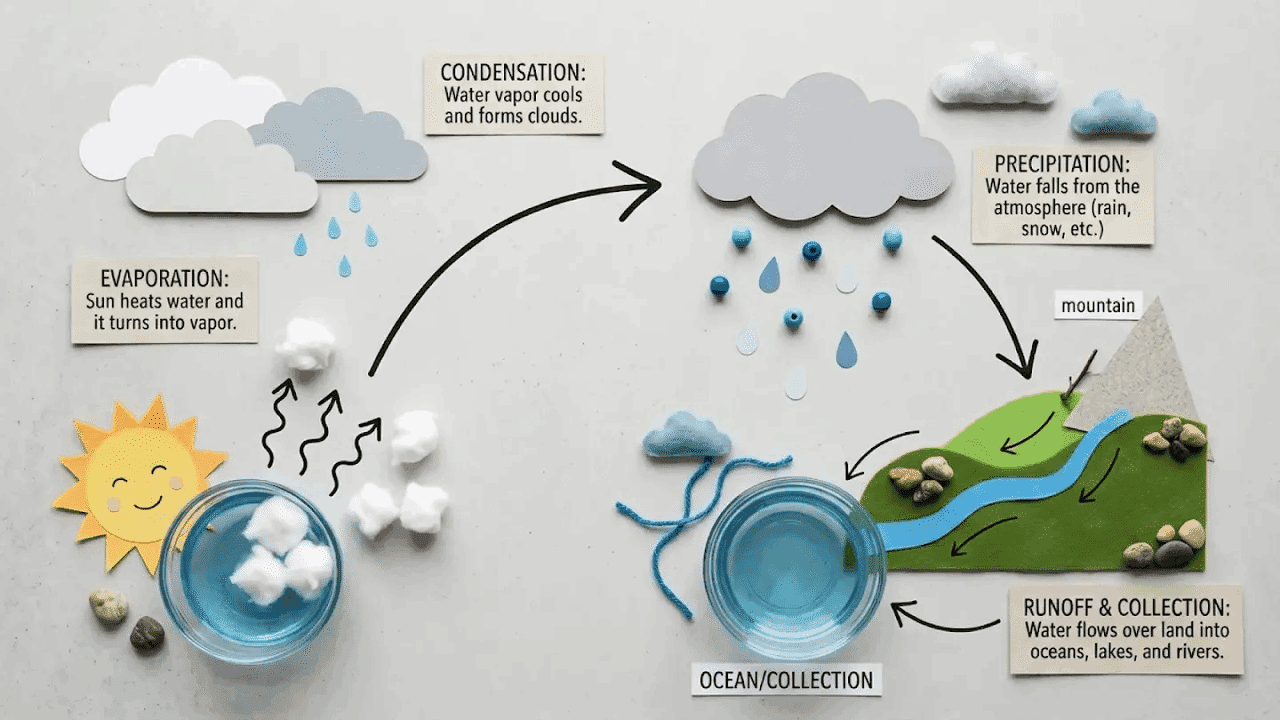
Water-cycle educational diagram showing the sun, clouds, rain, river, and evaporation

Complex Professional Information Visualization

Translates complex historical facts, geographical maps, biological structures, and scientific concepts into realistic, highly accurate visual diagrams.
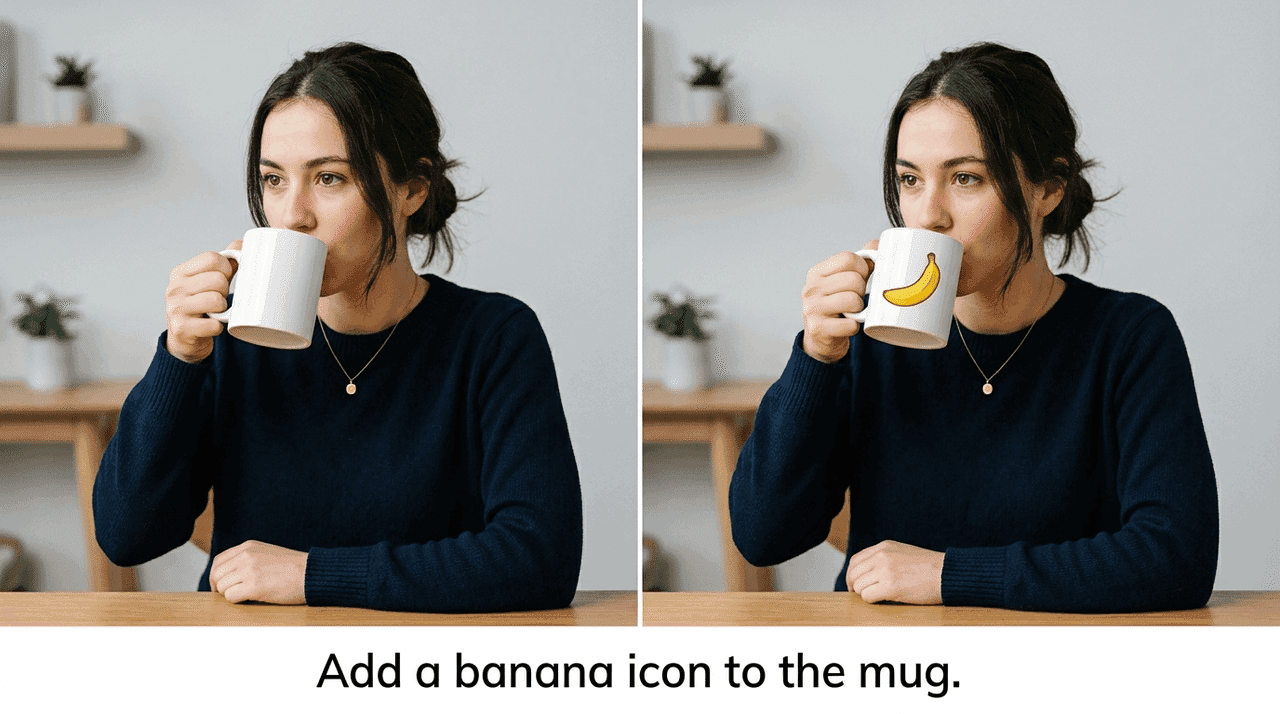
Before-and-after photo of a woman drinking from a mug with a banana added to the mug

Arbitrary Photo Editing

Nano Banana allows comprehensive image manipulation, including lighting adjustments, camera angle modifications, style transfers, object additions or removals, and focal point shifts.
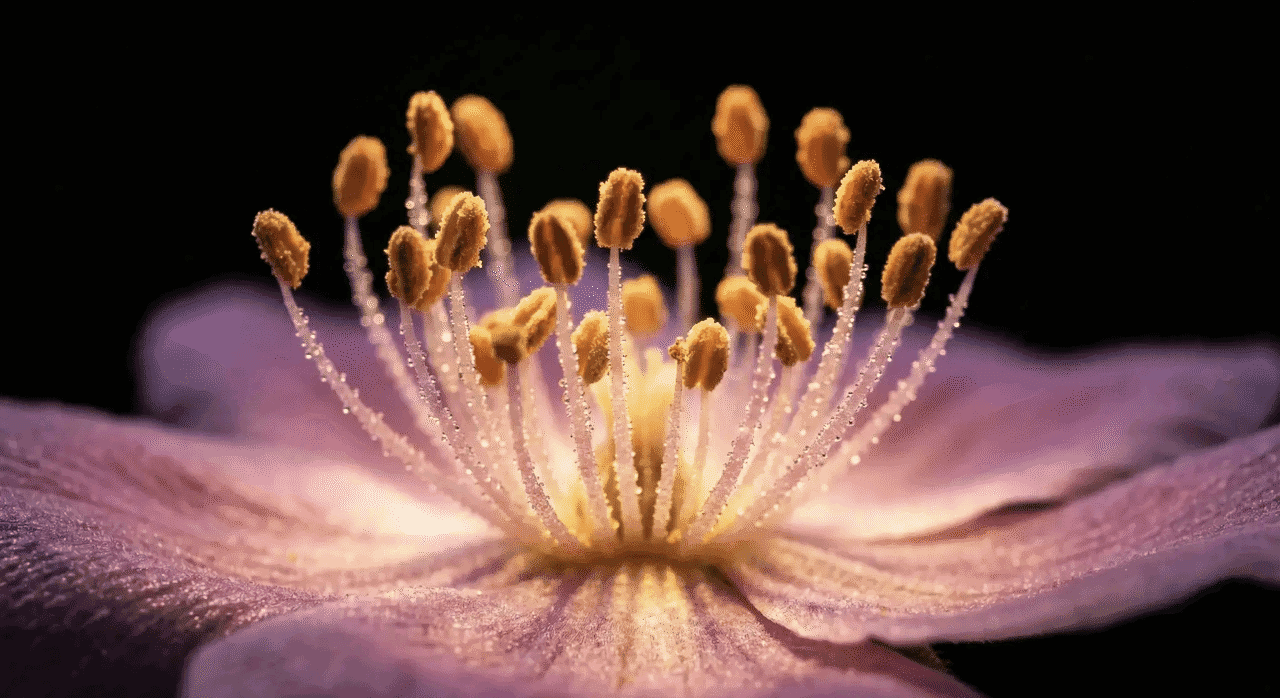
Macro close-up of pink and purple flower petals with pollen-covered stamens

4K High-Resolution Output

Transform low-resolution source images or generate fresh artwork in crisp 4K quality with realistic textures and natural lighting rendering.
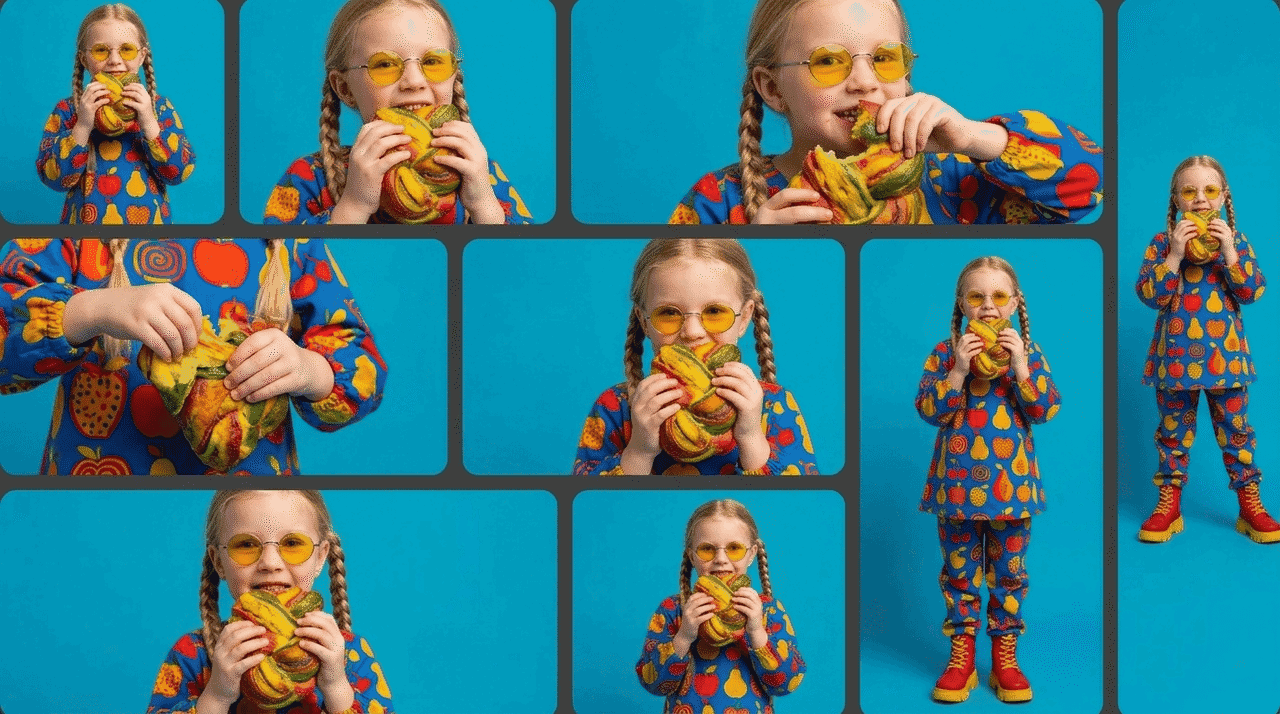
Blonde child in a colorful outfit holding bananas across multiple portrait and landscape crops

Multi-Aspect Ratio Support

Nano Banana supports flexible canvas aspect ratios (1:1, 9:16, 16:9, etc.) to match social media channels, banners, mobile displays, and print standards.

How to Use Nano Banana on FreeMaker

01

Step 1: Select Your Model and Mode

Choose between Nano Banana 2 or Nano Banana Pro, then select Text to Image for new creations, or switch to Image to Image and upload your reference photo for editing.

02

Step 2: Enter Prompts & Custom Settings

Type your description into the Prompt field, and fine-tune optional parameters like Negative Prompt, Aspect Ratio, and Resolution (1K, 2K, 4K).

03

Step 3: Generate and Download

Click the Generate button to render your creation with Nano Banana, preview the output, and download your final high-resolution image.

How to Craft the Perfect Nano Banana Prompt

Structure your prompt with these key components to help bring your exact creative vision to life. A clear gemini prompt for photo editing helps Nano Banana understand your exact needs to deliver precise visual results.

Visual Style

Specify the art form and aesthetic for Nano Banana, such as digital illustration, film photography, watercolor, 3D rendering, or styles like realism and minimalism.

Core Subject

Define the central focus for Nano Banana, including details on humans, animals, or creatures, along with age, hairstyle, clothing texture, pose, and expression.

Setting & Atmosphere

Describe the background and lighting for Nano Banana, setting the scene in real or fantasy locations with elements like natural sunlight, neon glow, or twilight.

Action & Narrative

Outline the story or motion for Nano Banana to render, such as spellcasting, reading, or dynamic effects like splashing liquids and floating objects.

Camera & Composition

Guide Nano Banana on framing and aspect ratio, defining close-up or wide-angle views, landscape or portrait formats, and rules like symmetry or the rule of thirds.

What You Can Edit with Nano Banana

Take complete creative control over your existing photos and easily transform any of the following visual elements.
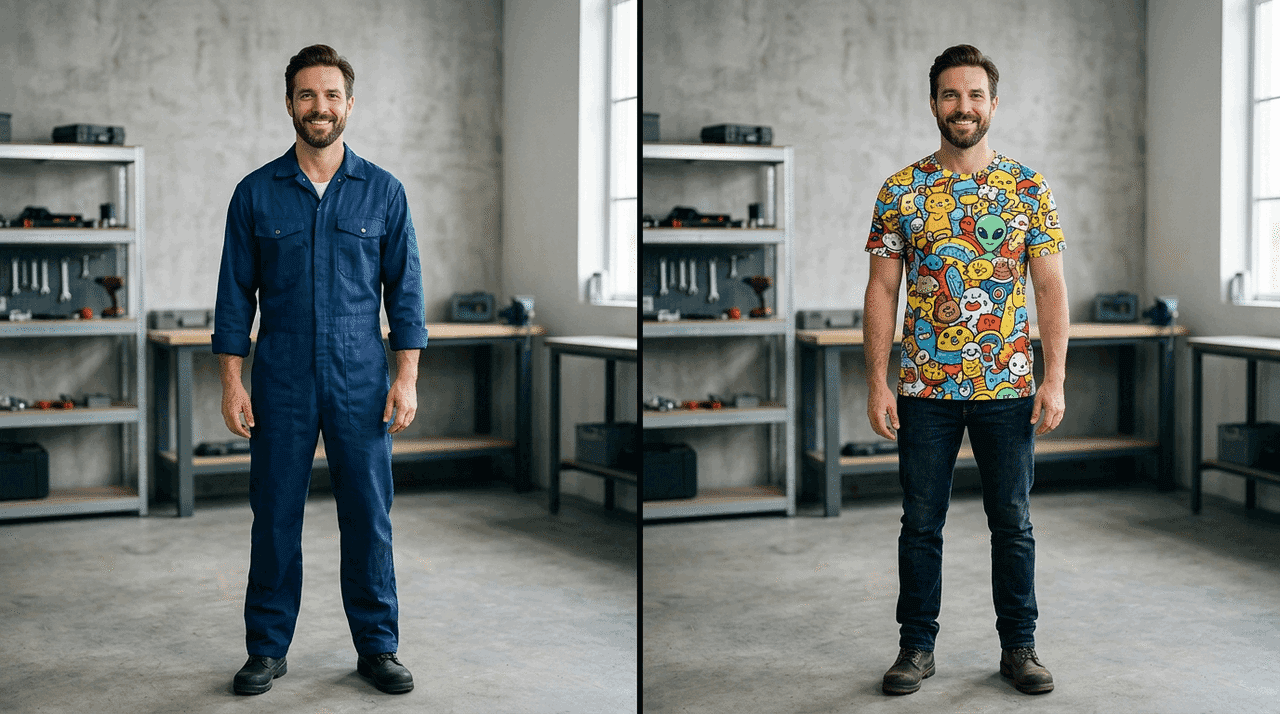
Man shown before and after his dark blue shirt is changed to a colorful patterned shirt

Character Customization

What adjustments do you want to make to the people or entities in your image? You can swap characters, modify their physical features, change their clothing, or refine their facial expressions.
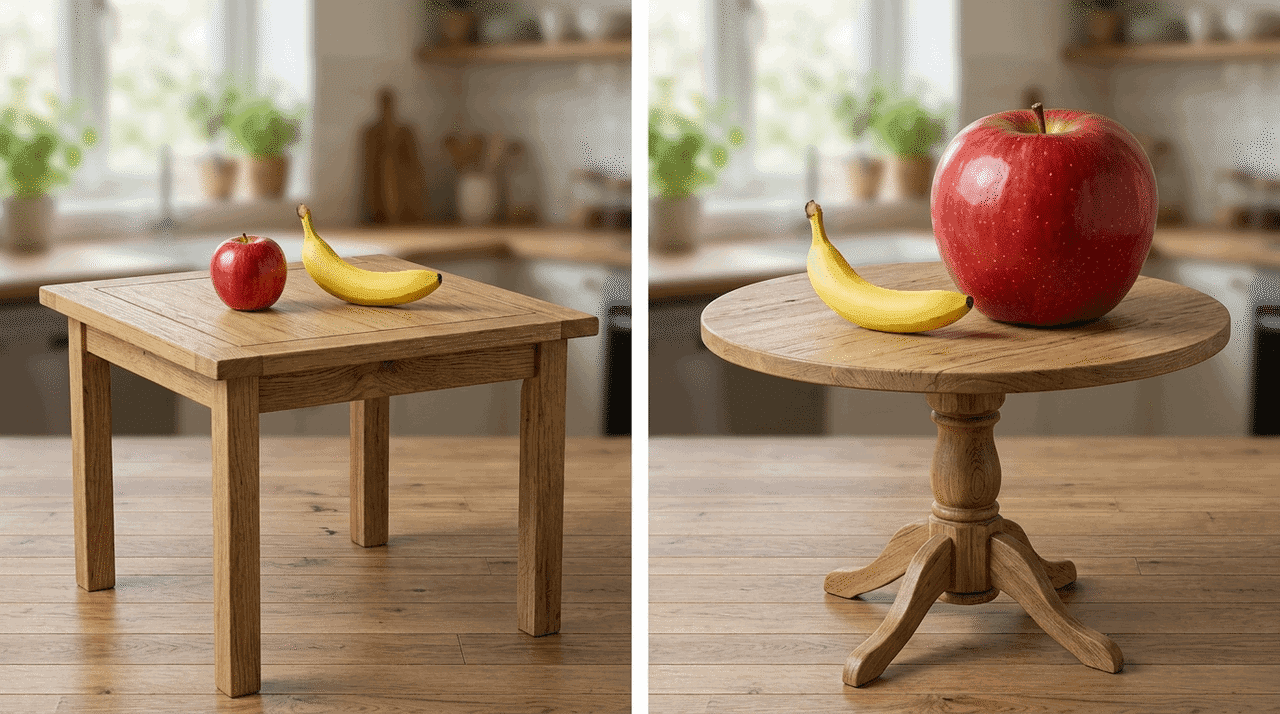
Apple and banana repositioned and resized on square and round wooden tables

Composition Adjustments

How would you like to rearrange or scale the elements within the frame? You can crop, resize, reposition objects, or modify the balance and spatial structure of the scene.
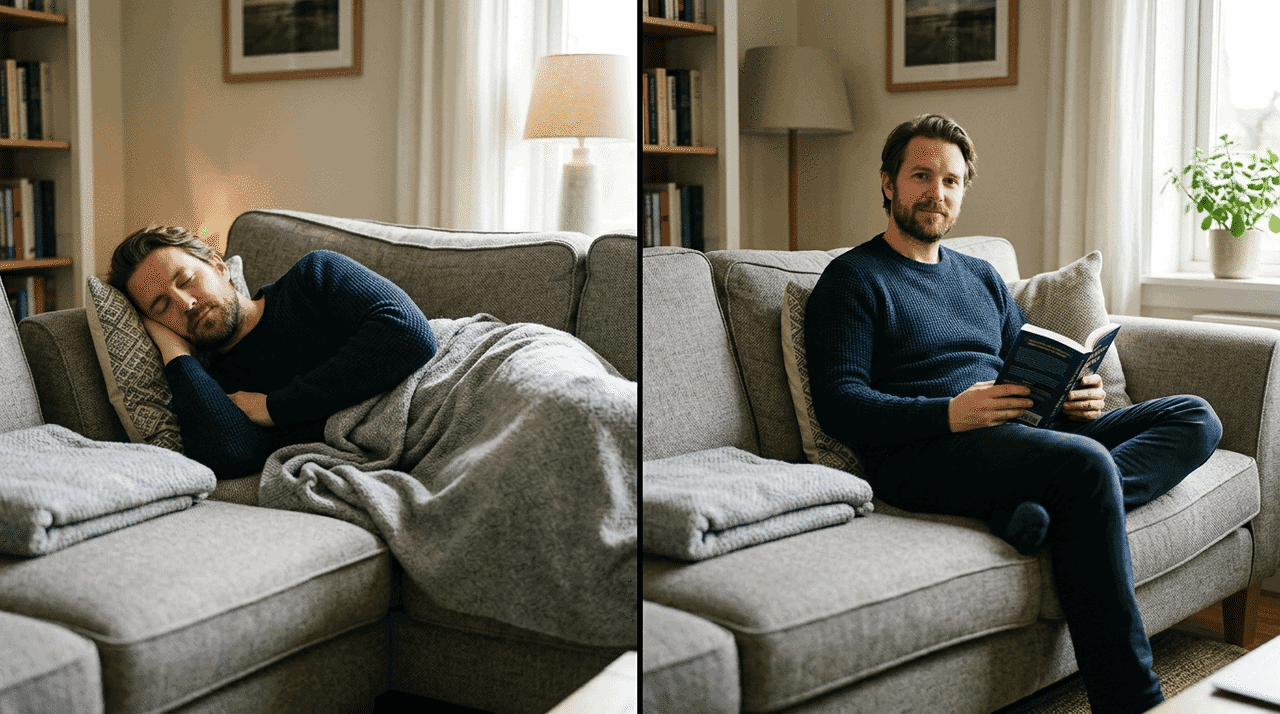
Man shown sleeping on a sofa and sitting upright reading a book

Pose & Action

How should the subject's movement or interaction change? You can alter physical gestures, switch posturing, or redirect actions, such as changing sitting to standing or redirecting where a subject is looking.
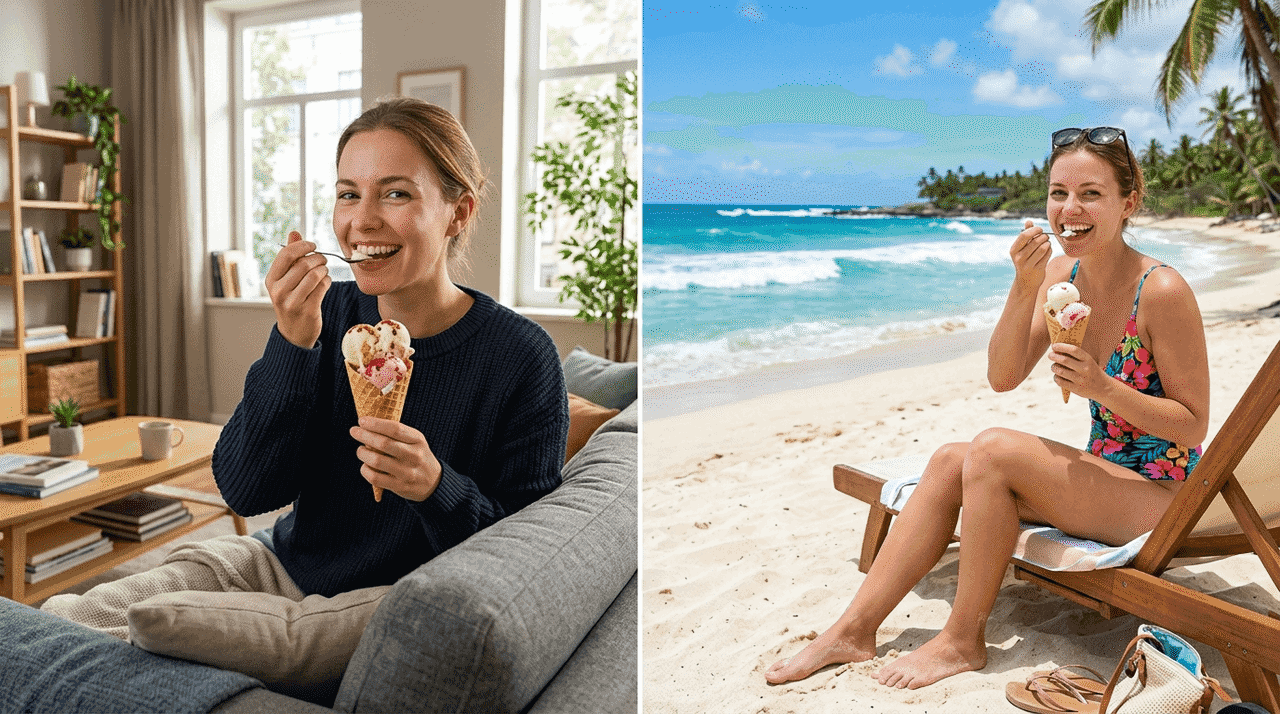
Woman eating ice cream with the background changed from a living room to a sunny beach

Environment & Setting

What elements of the background or atmosphere do you want to replace? You can swap out the entire background, modify environmental textures, or fine-tune specific props and lighting within the scene.
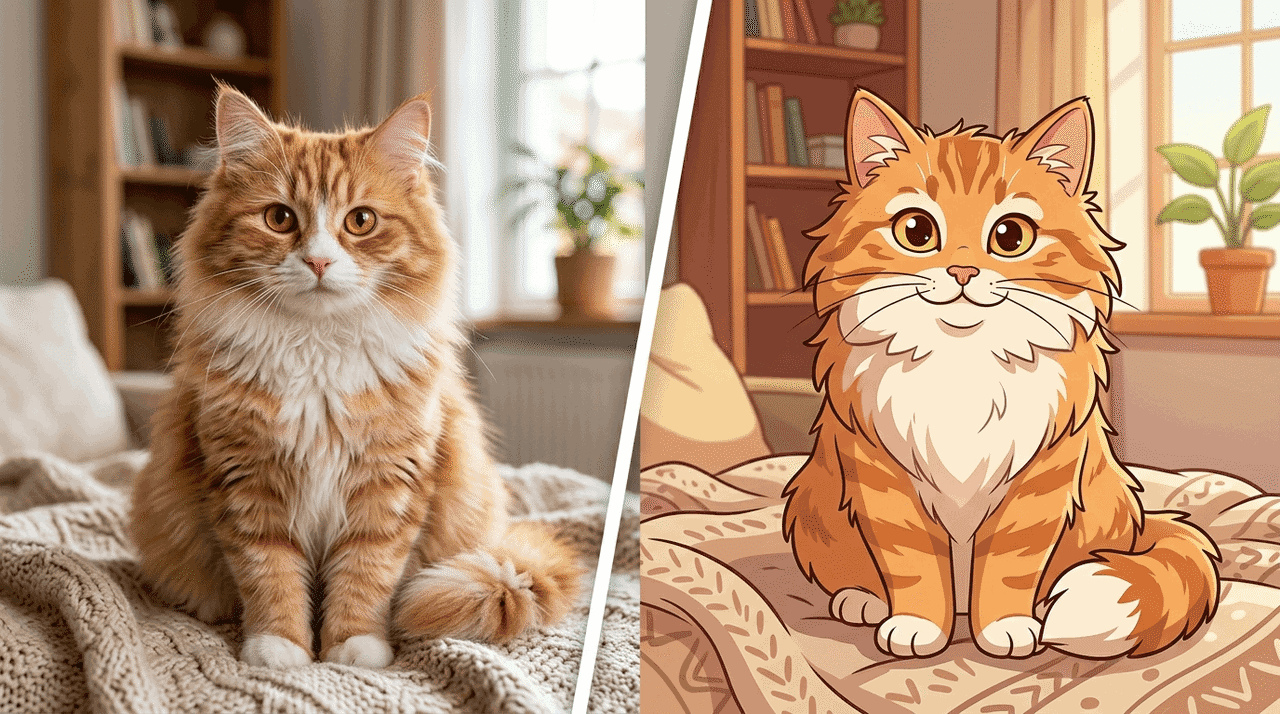
Orange cat photograph transformed into a cartoon illustration

Artistic Style

How do you want to transform the overall visual tone? You can switch artistic mediums, apply new aesthetic filters, or completely restyle the image from photo-realistic to vector, watercolor, or oil painting.
Popular Use Cases for Nano Banana on FreeMaker

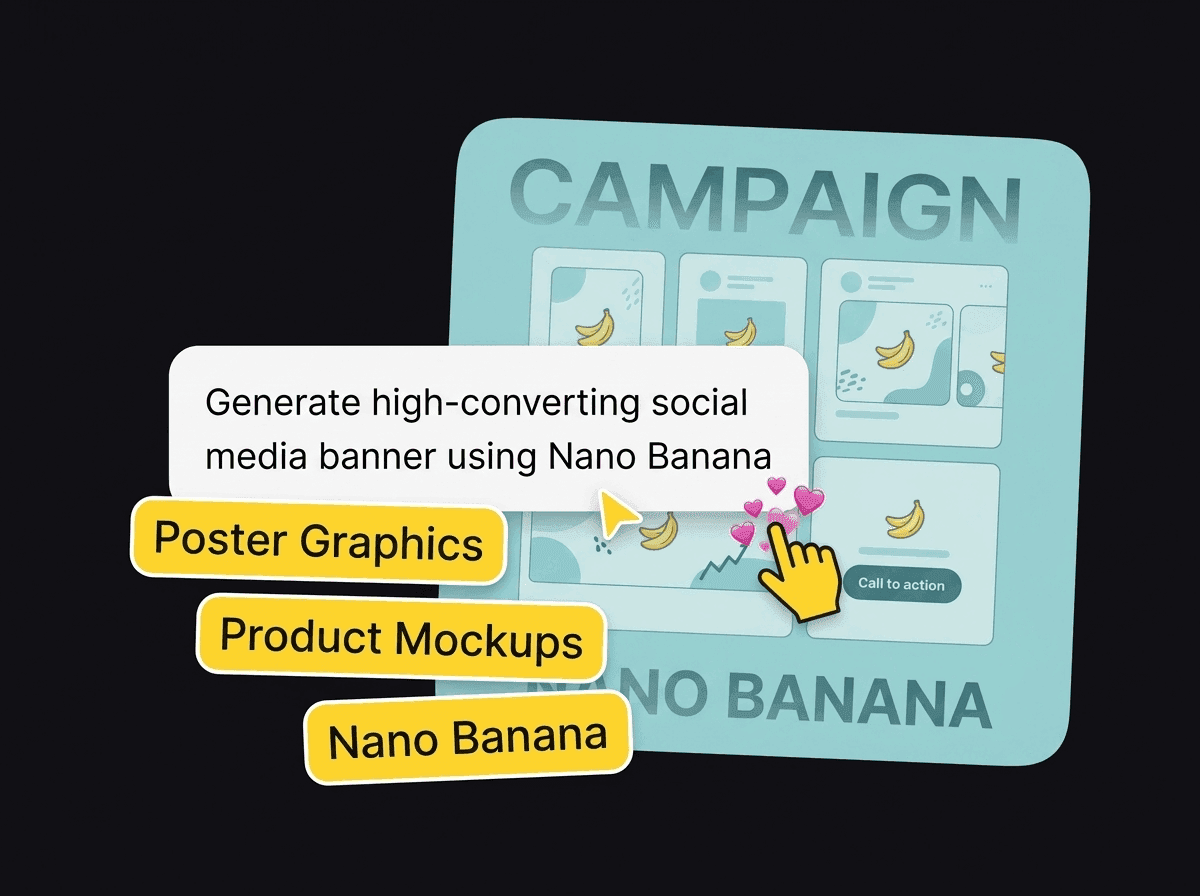
Campaign poster mockup with graphic and product mockup labels

Brand & Commercial Marketing

  • Automatically layout and generate artistic poster graphics and custom event greeting cards using Nano Banana.
  • Produce hyper-realistic commercial product mockups and unified brand assets quickly.
  • Create high-converting social media banner graphics and test multiple visual ad creative options efficiently.
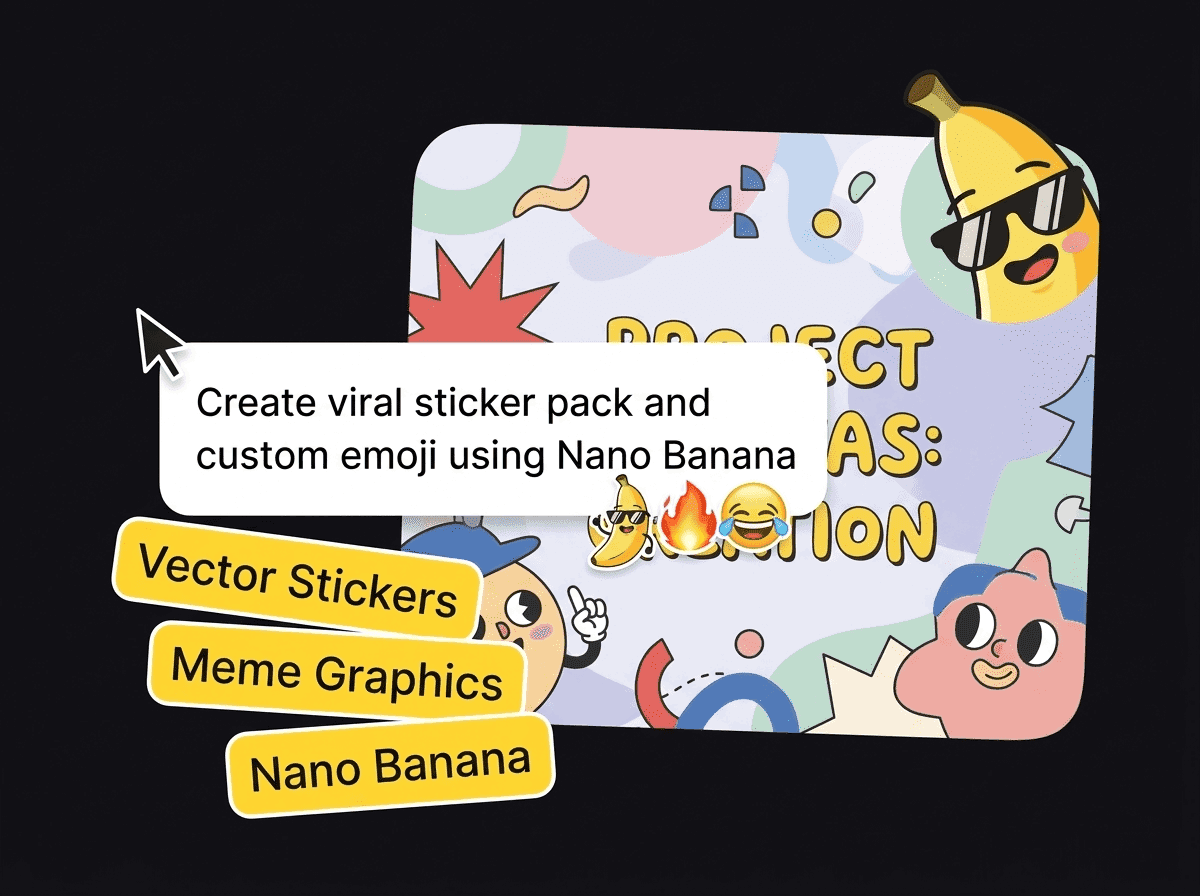
Colorful vector sticker and emoji pack with speech overlays about sticker design

Content Creation & Entertainment

  • Generate fun, expressive vector stickers and custom emoji packs in a single click using Nano Banana.
  • Design eye-catching social media covers, viral meme graphics, and engaging digital content assets.
  • Build consistent character avatars and custom illustration artwork tailored for online creator channels.
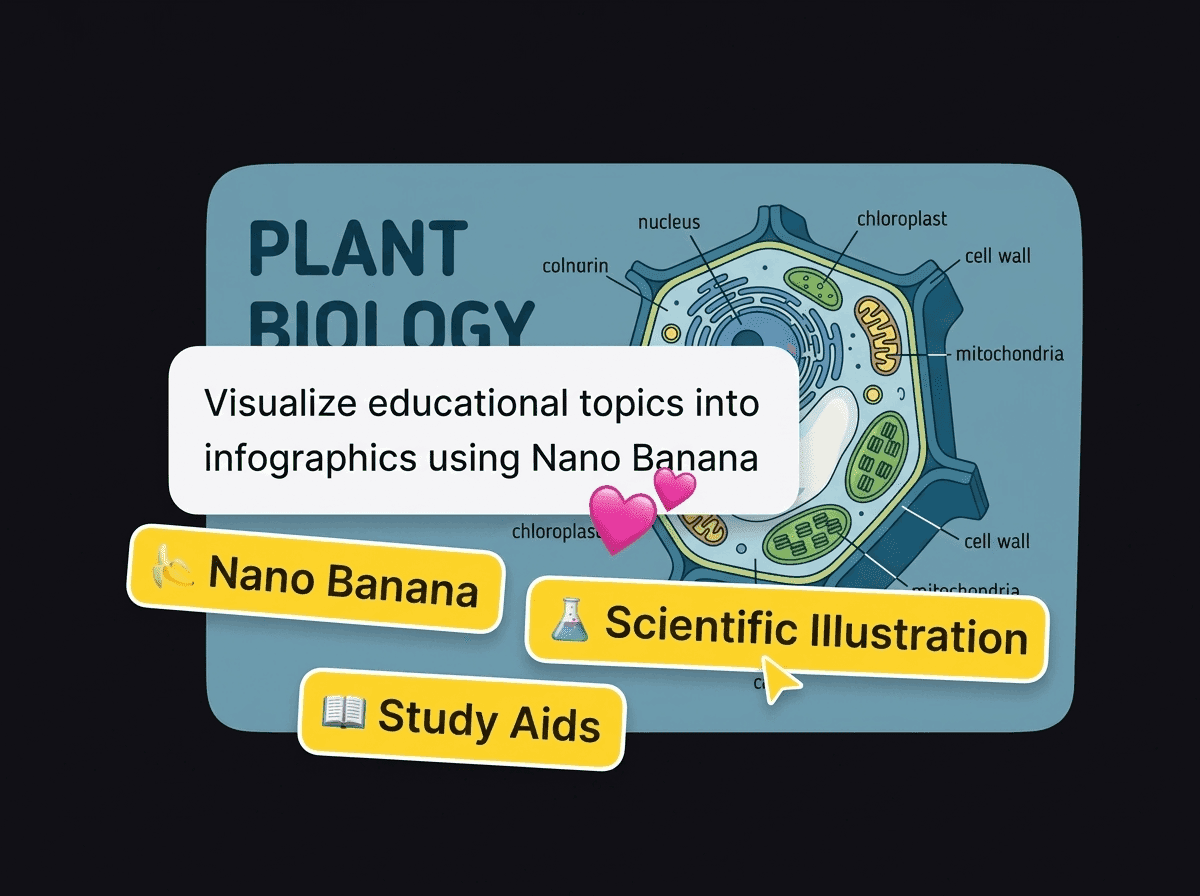
Plant biology diagram with labels for scientific illustrations and study aids

Education & Knowledge Visualization

  • Convert raw data and educational topics into clear Nano Banana infographics and scientific illustrations.
  • Create detailed classroom diagrams, textbook charts, and visual study aids to improve learning retention.
  • Turn handwritten notes and raw text outlines into structured flowcharts and visual step-by-step guides.
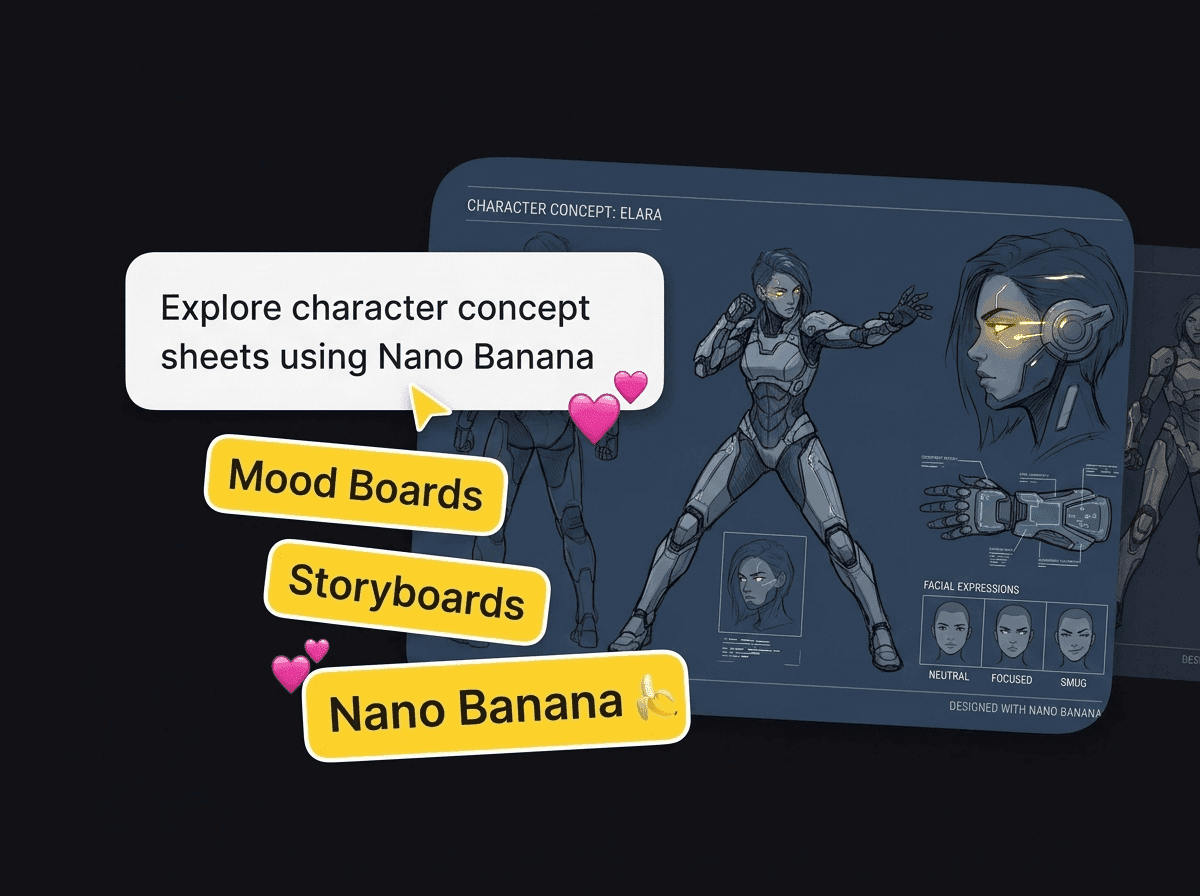
Robot character concept sheet with mood board and storyboard labels

Design & Creative Production

  • Explore artistic styles, character concept sheets, and mood boards during the early design stage with Nano Banana.
  • Build multi-panel storyboards while keeping main characters visually consistent across scenes.
  • Develop industrial product concept renders and rapidly evaluate multiple visual variations.
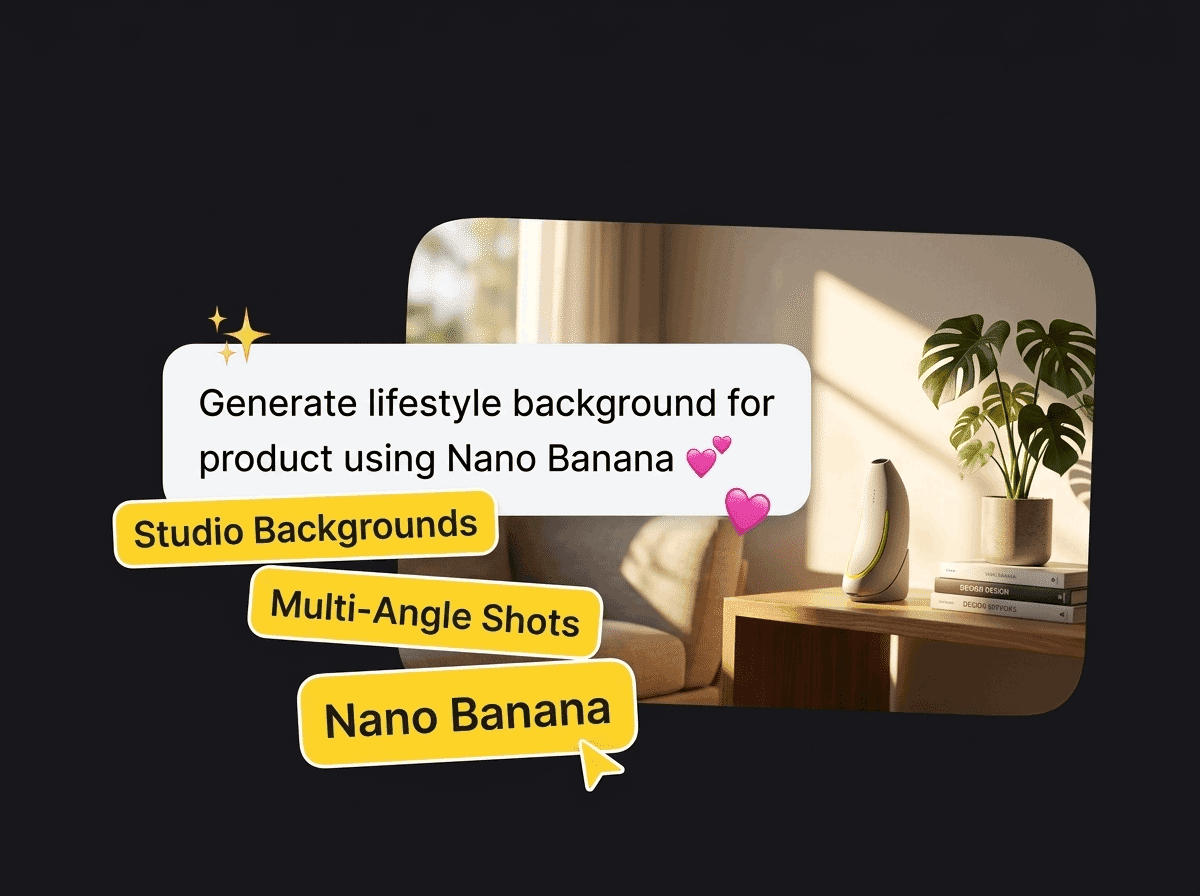
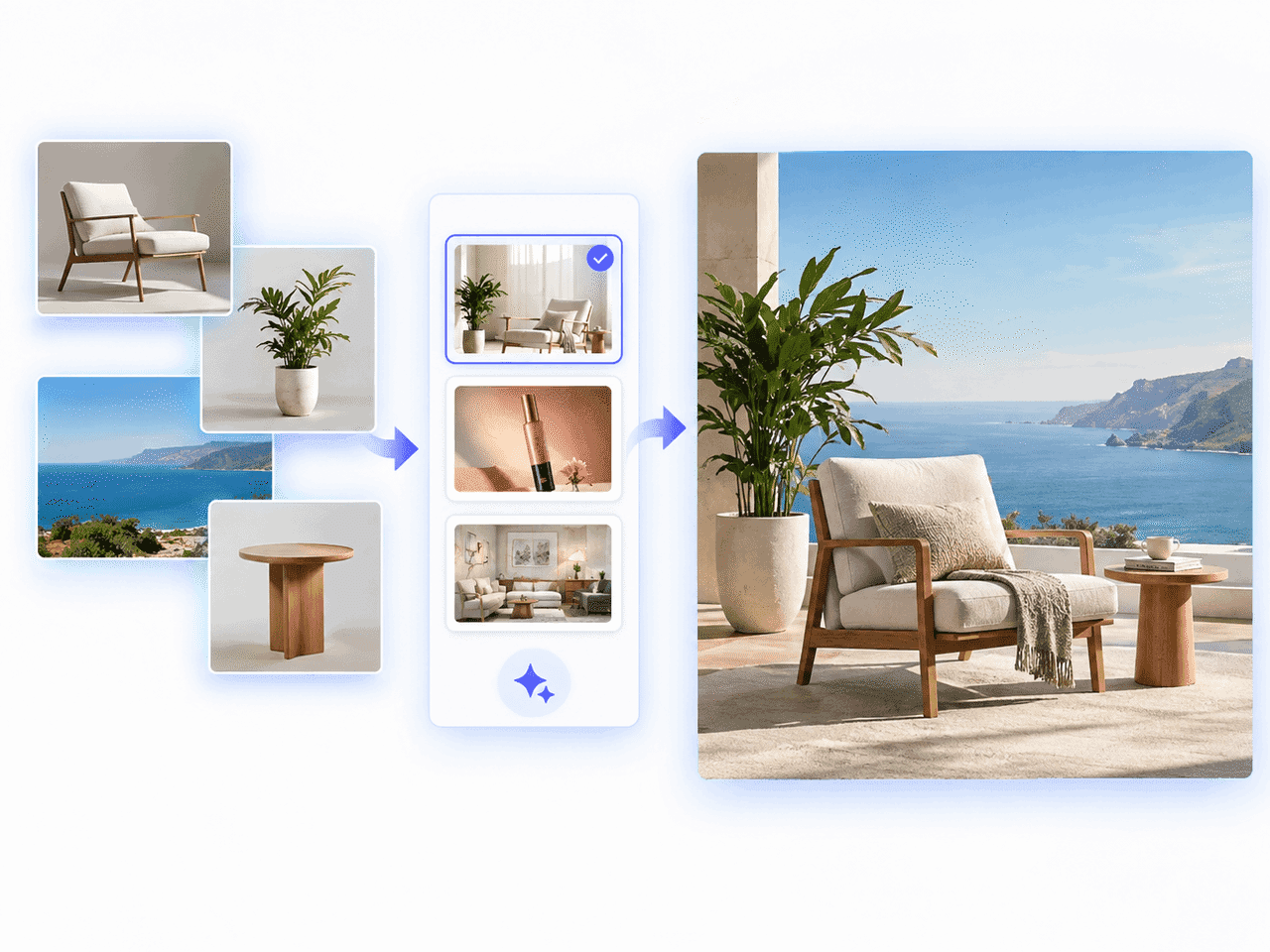
Product photo in a warmly lit interior with labels for studio backgrounds and multi-angle shots

E-Commerce & Product Display

  • Generate lifestyle studio backgrounds for product placement photos without needing costly photo shoots.
  • Translate product labels and package copy into multiple languages for global e-commerce stores.
  • Produce multi-angle product preview shots with customizable lighting setups using Nano Banana.
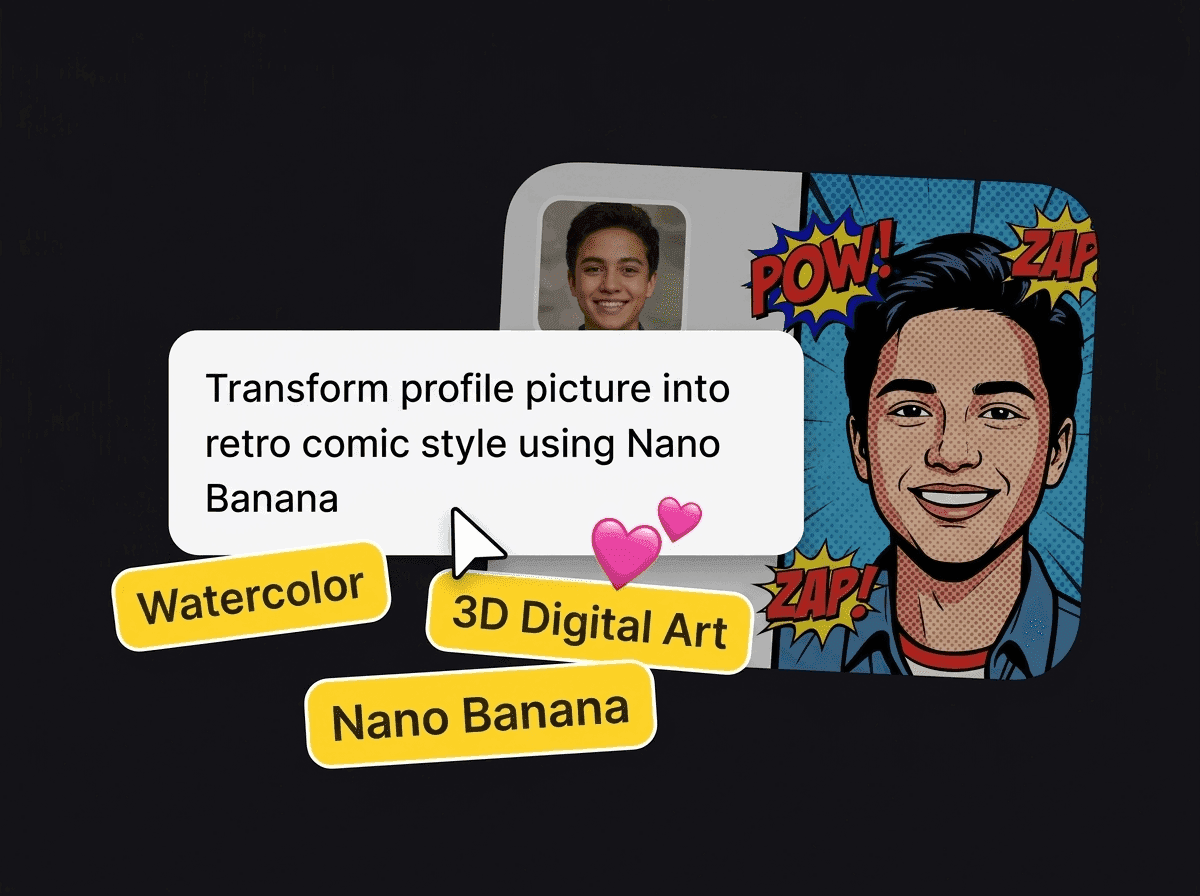
Portrait photo transformed into a retro comic-style avatar

Personal & Social Media Expression

  • Transform personal profile pictures and avatars into watercolor, retro comic, or 3D digital art styles.
  • Retouch personal travel photos by swapping backgrounds, correcting lighting, or deleting unwanted objects.
  • Turn family or pet photos into personalized holiday cards, custom wallpaper graphics, and sticker sets.

Image FAQ About Nano Banana

Nano Banana 2 is built on Gemini 3.1 Flash, offering ultra-fast image generation (4–6s) and Google Search Grounding for high-efficiency, real-time workflows. Nano Banana Pro, powered by Gemini 3 Pro, delivers studio-grade reasoning, high-precision typography rendering, and cinematic 4K detail designed for professional artwork and print materials.

Nano Banana supports comprehensive photo editing, including character customization, pose and gesture adjustments, background swapping, lighting tune-ups, composition scaling, and complete artistic style restyling.

With Nano Banana 2, standard 1K image generation takes only 4–6 seconds. Even for high-resolution 4K outputs or intricate photo editing tasks using Nano Banana Pro, processing takes between 15 and 60 seconds depending on the complexity.

Yes. Nano Banana 2 can maintain visual consistency for up to 5 characters and retain details for up to 14 objects in a single creative workflow, making it ideal for storyboarding and dynamic visual narratives.

Yes, Nano Banana is designed for users of all skill levels. Beginners can generate high-quality visuals simply by entering basic descriptive text, while experienced creators can leverage advanced prompt structures and studio-grade controls for complex photo editing tasks.

Yes, absolutely! Beginners can easily follow the prompt structure outlined on this page (Visual Style, Subject, Setting, etc.) to craft effective descriptions. Alternatively, you can use FreeMaker’s built-in Prompt Polish feature to automatically optimize and refine your raw text into a detailed, high-performing prompt in one click.

FreeMaker enhances your Nano Banana workflow with exclusive control tools. Our Prompt Polish button automatically refines your text for maximum generation accuracy, while our Negative Prompt feature lets you specify unwanted elements to precisely shape your final result—giving you unmatched quality and control over every creation.

Getting Started with Nano Banana on FreeMaker

Try Nano Banana Now