FreeMakerFreeMaker

Veo 3.1 AI Video Generator

Create cinematic AI videos powered by Google Veo 3.1. Generate high-fidelity videos with native sound, precise frame control, and advanced prompt adherence inside Freemaker.

Model
Prompt
0/2000
Aspect Ratio
Required credits
The estimate updates as you change model and output settings.
25
credits

Uploading assets and starting generation requires login.

My Videos

Latest generated outputs and synced account history.

Preview
FreeMaker Demo

Powerful Features of Veo 3.1

Native Audio Generation

Google Veo 3.1 automatically produces synchronized background audio, ambient soundscapes, and sound effects matched directly to your generated video's motion and scene context.
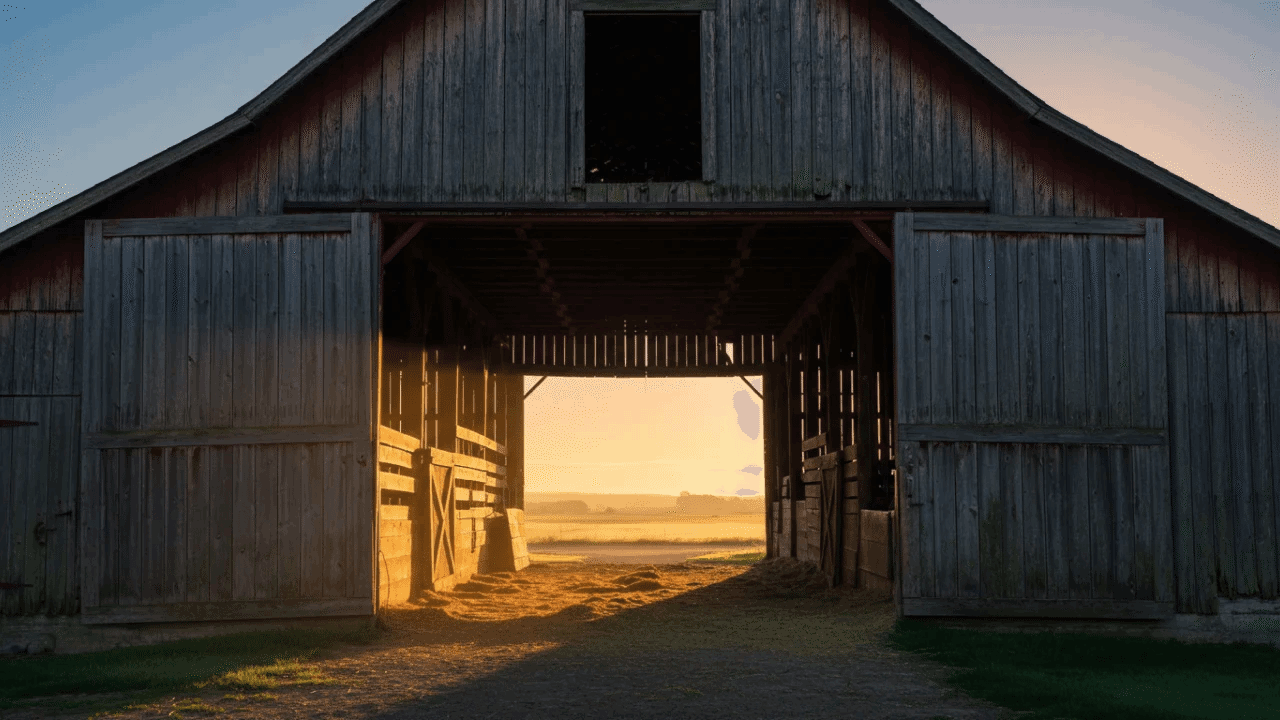
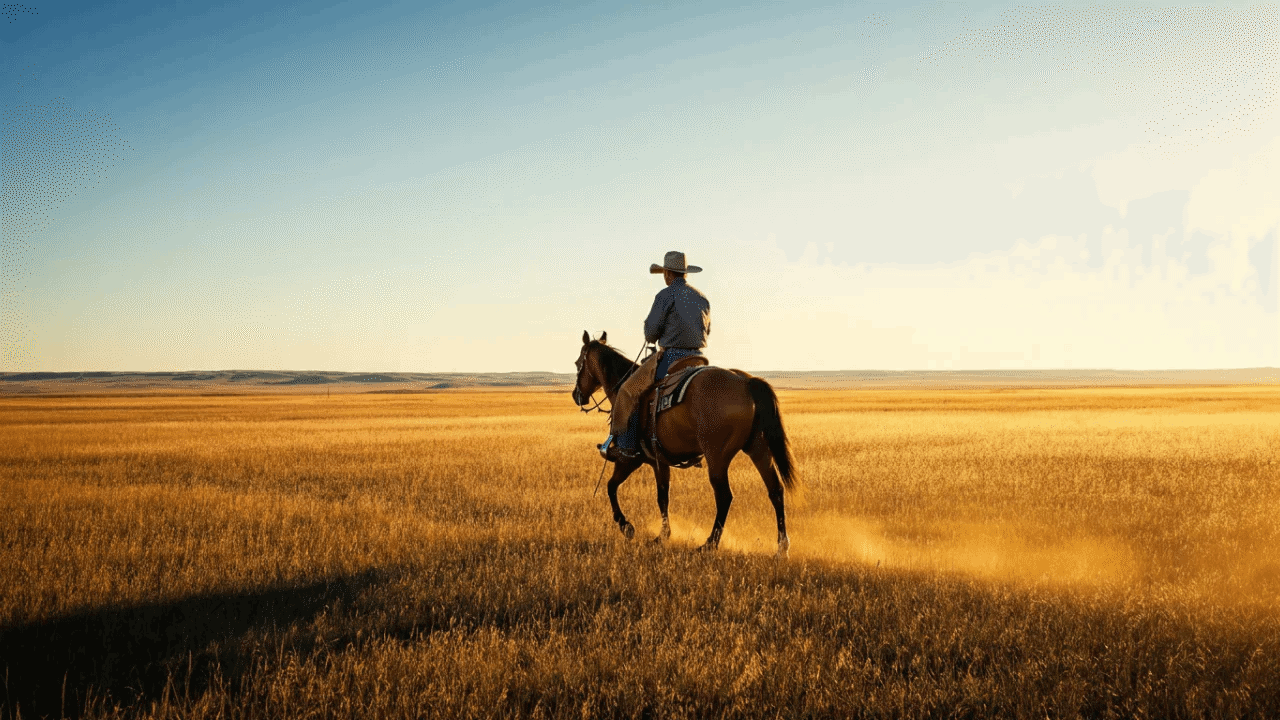
Precise First & Last Frame Control first framePrecise First & Last Frame Control last frame

Precise First & Last Frame Control

Set specific start and end frames to guide motion continuity, seamless camera transitions, and scene direction.
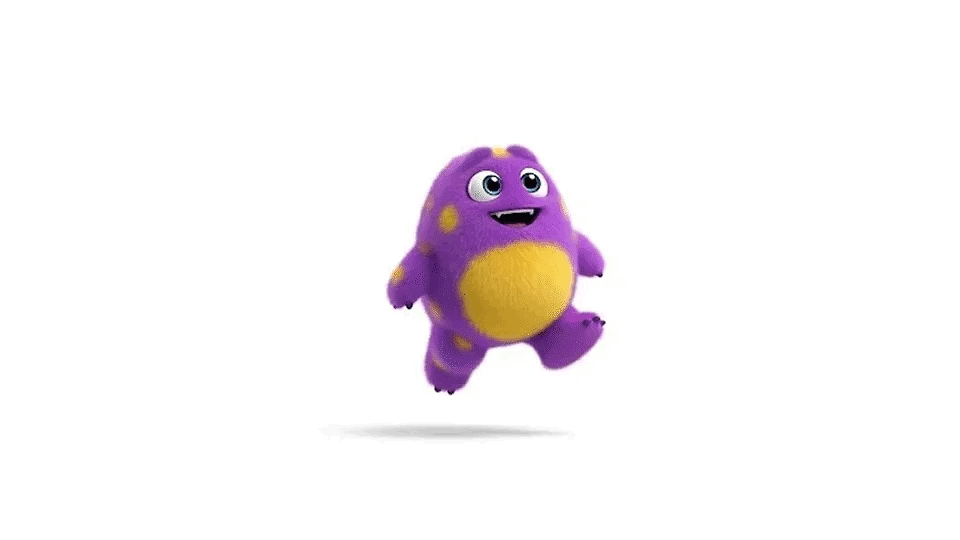
Reference image used for all three Veo 3.1 video outputs
Prompt: a cute monster walking towards the camera

Reference Images and Style Consistency

Upload reference images to maintain identical visual aesthetics, art styles, color palettes, and brand identities across generated Veo 3.1 video sequences.

Advanced Prompt Understanding

Veo 3.1 accurately interprets complex text prompts containing multi-subject interactions, intricate lighting conditions, and detailed atmospheric instructions.

Prompt: The scene explodes with the raw, visceral, and unpredictable energy of a hardcore off-road rally, captured with a dynamic, almost found-footage or embedded sports documentary aesthetic. The camera is often shaky, seemingly mounted inside one of the vehicles or held by a daring spectator very close to the action, frequently splattered with mud or water, catching unintentional lens flares from the natural, often harsh, sunlight filtering through trees or reflecting off wet surfaces. We are immersed in a challenging, untamed natural environment – perhaps a dense, muddy forest trail, a treacherous rocky incline littered with loose scree, or a series_of shallow, fast-flowing river crossings. Several heavily modified, entirely unidentifiable, and unbranded off-road vehicles are engaged in a frenetic, no-holds-barred race. These are not showroom models; they are custom-built, rugged machines – open-wheeled buggies with exposed engines and prominent roll cages, heavily armored pickup trucks with oversized, knobby tires and snorkel exhausts, their original forms and manufacturers completely obscured by extreme modifications, layers of caked-on mud, and a general air of brutal functionality. The dominant sounds are the deafening, guttural roar of powerful, untamed engines, the whine of transmissions, the percussive impact of suspension bottoming out, and the constant spray of mud and water. Within an 8-second sequence, one of the lead vehicles, a low-slung, open-cockpit buggy so caked in thick, brown mud that its original color is a mystery, approaches a wide, shallow river crossing at incredible speed. Without the slightest hesitation, its unseen driver powers straight into the water. The impact sends an enormous, almost solid, opaque sheet of muddy water, mixed with stones and debris from the riverbed, spectacularly high into the air, completely engulfing the small buggy for a terrifying moment, obscuring it from view as if it has been swallowed by the river itself. Right on its tail, a pursuing, equally mud-encrusted, custom-built truck – a hulking, high-clearance beast with a heavily reinforced external roll cage and no discernible badging – arrives at the river crossing just as this massive wall of airborne water reaches its peak. Instead of slowing or attempting to find a clearer path, the truck's driver, with unwavering aggression, plunges directly into and through this opaque, turbulent curtain of muddy spray at full throttle. A split second later, the truck bursts out from the other side of the deluge, water cascading from its roof and chassis, its oversized windshield wipers struggling frantically to clear the torrent of muddy water obscuring the driver's vision. It lands heavily on the far bank, suspension groaning, but still in hot pursuit of the now-reappearing buggy. This thrilling, messy, and visually spectacular sequence of one vehicle creating a massive environmental obstacle and the next immediately conquering it through sheer force, forms the core, immersive, attention-grabbing event of the 8-second sequence. The race continues with undiminished ferocity, the natural terrain itself an active participant in the conflict.

Cinematic Video Quality

Outputs feature realistic physical interactions, precise motion dynamics, and fine surface details for professional video production.

Three Creative Modes for Flexible Video Generation

01

Text-to-Video

Generate complete video clips directly from natural language prompts using Veo 3.1.

02

Multi-Image Reference Video

Upload multiple image references to control character consistency, art style, and composition.

03

First & Last Frame Mode

Upload starting and ending images to let Google Veo 3.1 interpolate smooth, contextually logical transitions between frames.

How to Use Veo 3.1 in Freemaker

  1. 01

    Select the Model

    Choose Google Veo 3.1 from the model dropdown menu.

  2. 02

    Input Text Prompts or Upload Reference / Frame Images

    Type your scene description, or upload your starting/ending frames and reference images to guide Veo 3.1 generation.

  3. 03

    Preview and Download

    Generate your video with native audio, preview the result, and download high-resolution files.
Tailored Solutions for Every Type of Creator

Creators

Creators

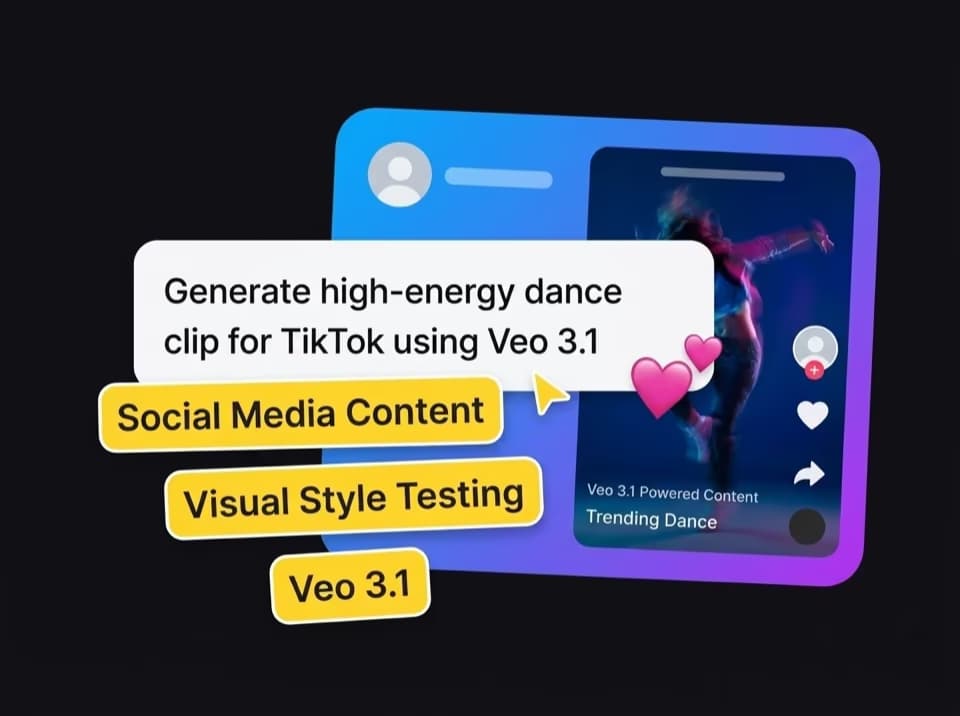
  • Social Media Content: Generate short-form video clips optimized for TikTok, Instagram Reels, and YouTube Shorts using Veo 3.1.
  • Visual Style Testing: Rapidly iterate on aesthetics, visual themes, and motion effects without manual editing.
Filmmakers

Filmmakers

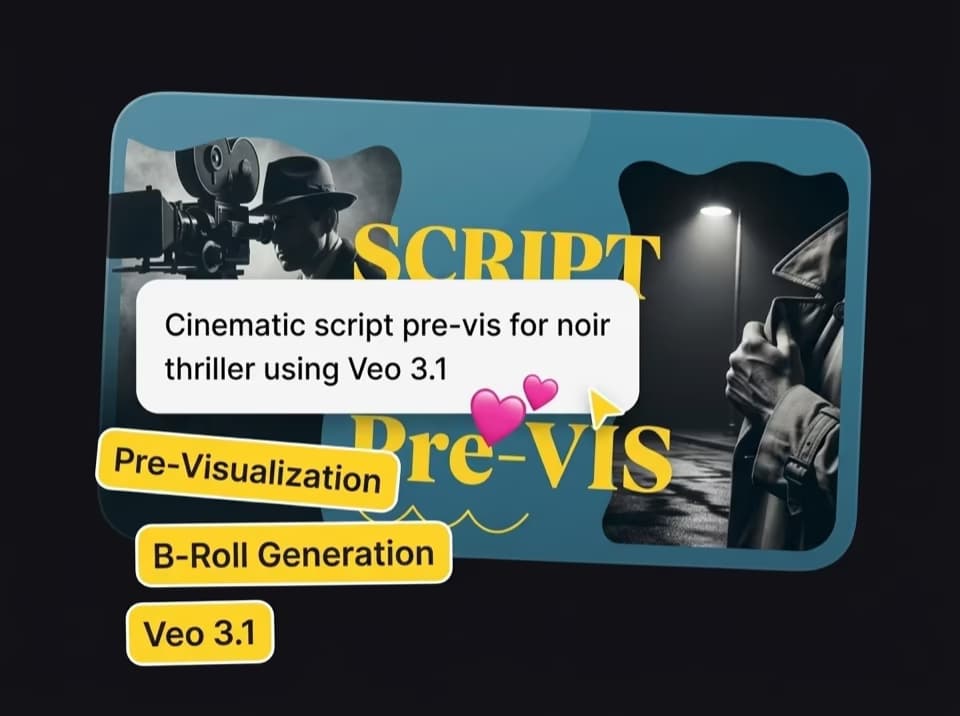
  • Pre-Visualization: Convert script prompts into visual pre-vis scenes to pitch ideas and plan camera angles.
  • B-Roll Generation: Produce high-resolution atmospheric B-roll footage to fill gaps in video timelines.
Storytellers

Storytellers

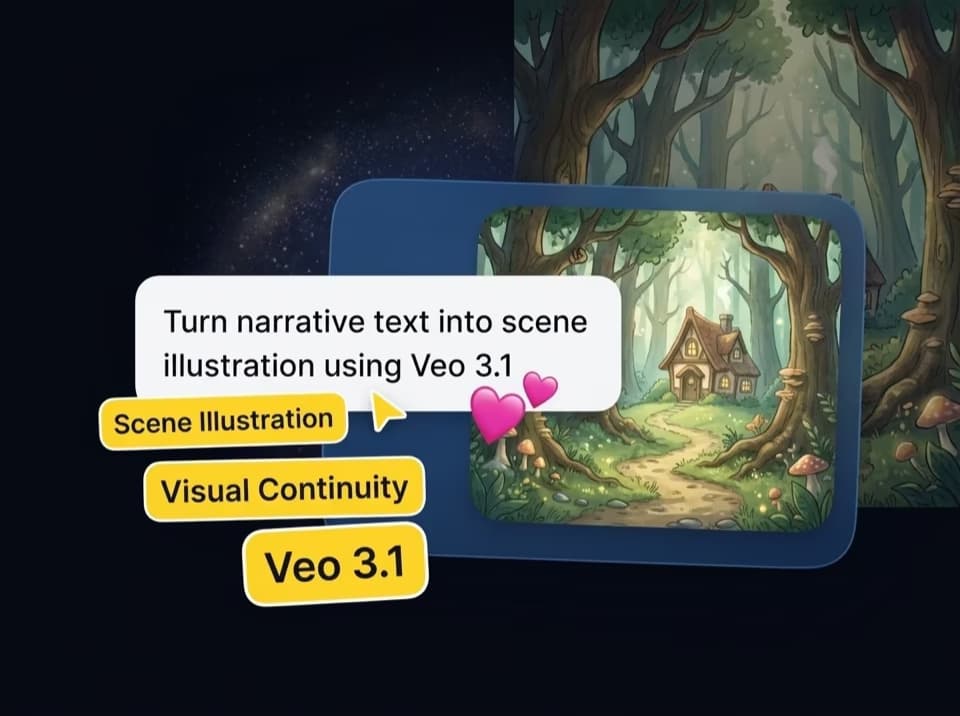
  • Scene Illustration: Turn narrative text into video sequences with realistic physical details.
  • Visual Continuity: Maintain scene flow and character positioning across narrative arcs using first/last frame controls.
Marketers

Marketers

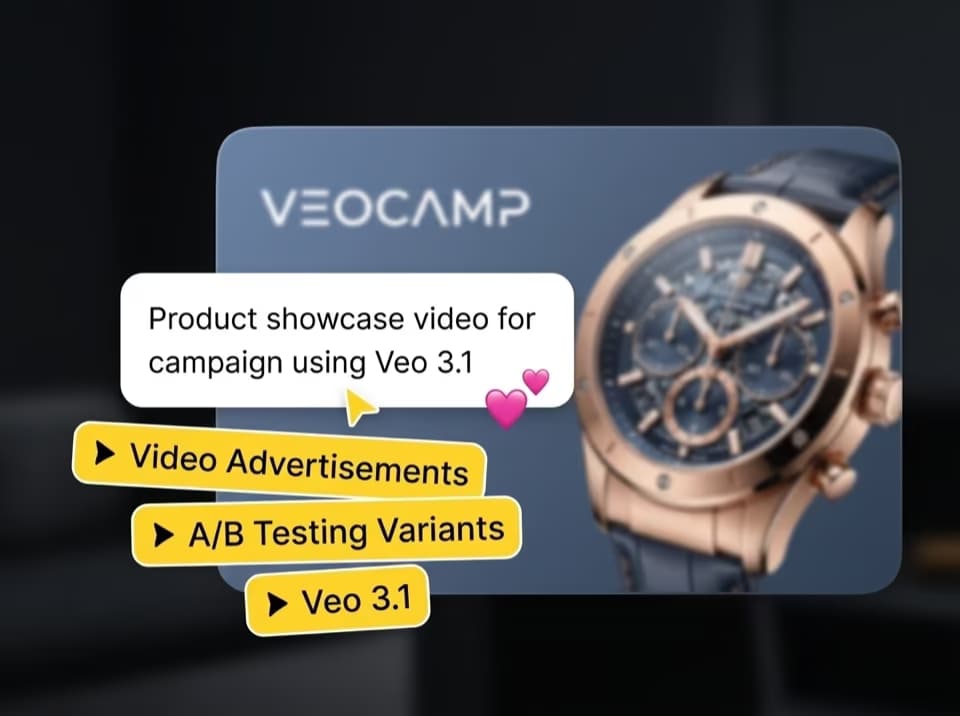
  • Video Advertisements: Produce product showcases and promotional clips tailored for specific marketing channels.
  • A/B Testing Variants: Generate multiple visual iterations of video ads to evaluate viewer engagement.
Game Developers

Game Developers

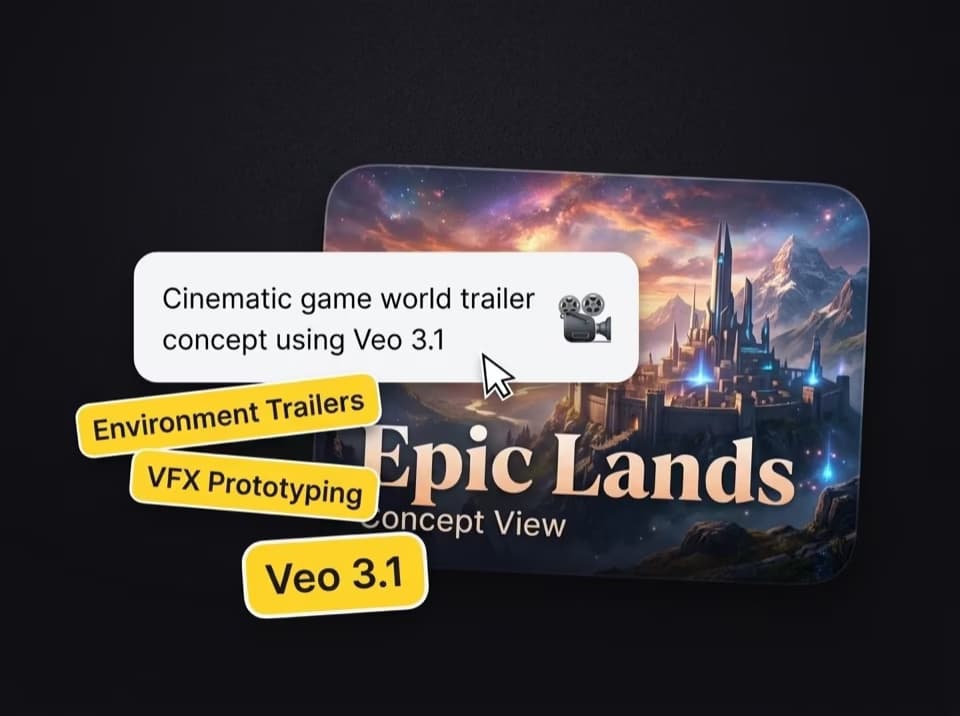
  • Environment Trailers: Create cinematic visual concepts for game worlds, landscapes, and cutscenes.
  • VFX Prototyping: Preview particle effects, magic abilities, and camera moves before full 3D rendering.

Frequently Asked Questions (FAQ)

Google Veo 3.1 is Google’s latest AI video generation model capable of turning text prompts and visual inputs into high-definition video clips with synchronized native audio and film-grade physics.

Simply open Freemaker, select Google Veo 3.1 from the model dropdown menu, enter your text prompt or upload reference images, and click generate to create your video.

Yes, Veo 3.1 automatically generates synchronized ambient sounds, sound effects, and background audio that natively match the motion and atmosphere of the video scene.

Veo 3.1 supports text-to-video generation, multi-image references for maintaining visual consistency, as well as start-and-end frame control to direct custom scene transitions.

Compared to its predecessor, Veo 3.1 offers enhanced prompt adherence for complex multi-subject prompts, precise frame-by-frame control, and improved physical rendering accuracy.

No separate account is required—you can access Veo 3.1 directly within Freemaker using your existing account and subscription plan.

No prior video editing or AI skills are required, as Veo 3.1 relies on natural language understanding—simply type your scene description or upload reference images to get started.

Try Veo 3.1 on Freemaker Now

Unleash Your Creativity Today