FreeMakerFreeMaker

AI Image Combiner

Blend multiple photos into one cohesive scene. Combine subjects, styles, and backgrounds with smart presets and natural-looking detail.

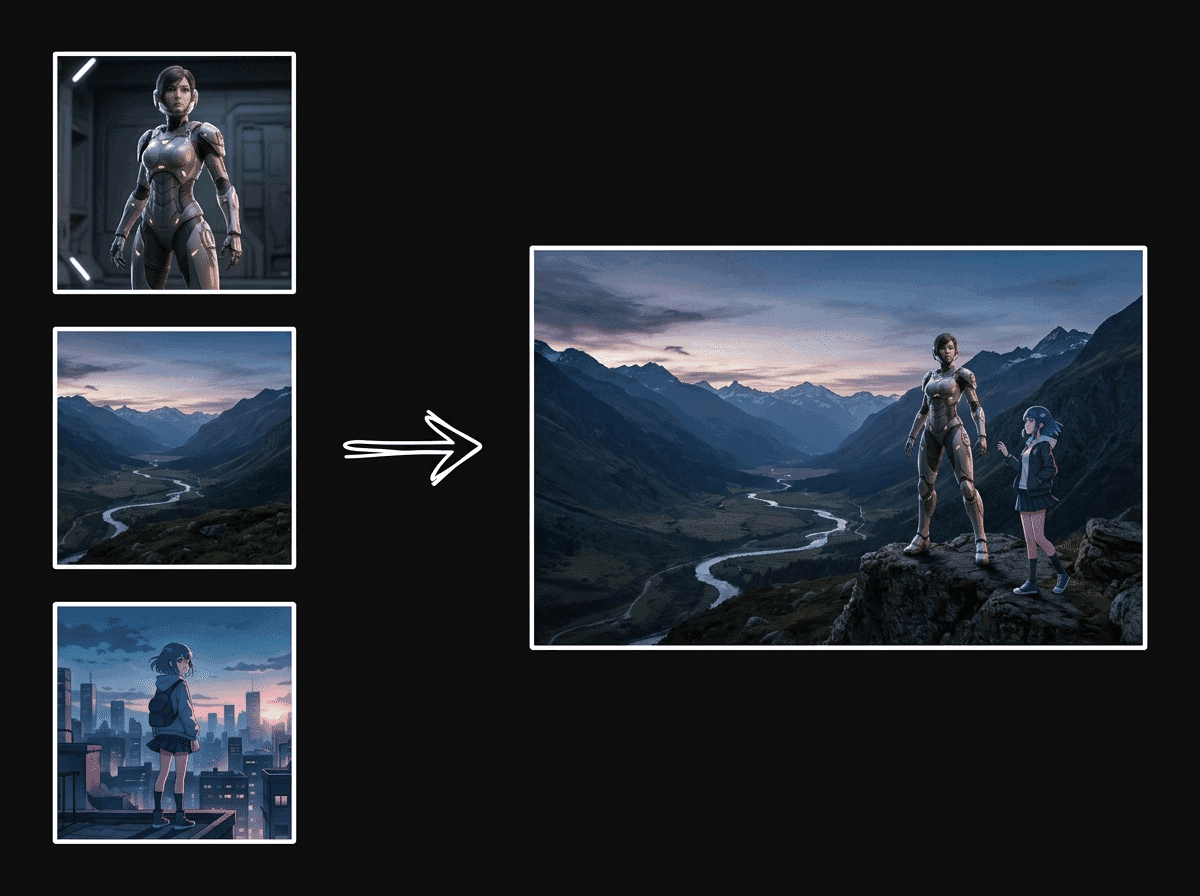
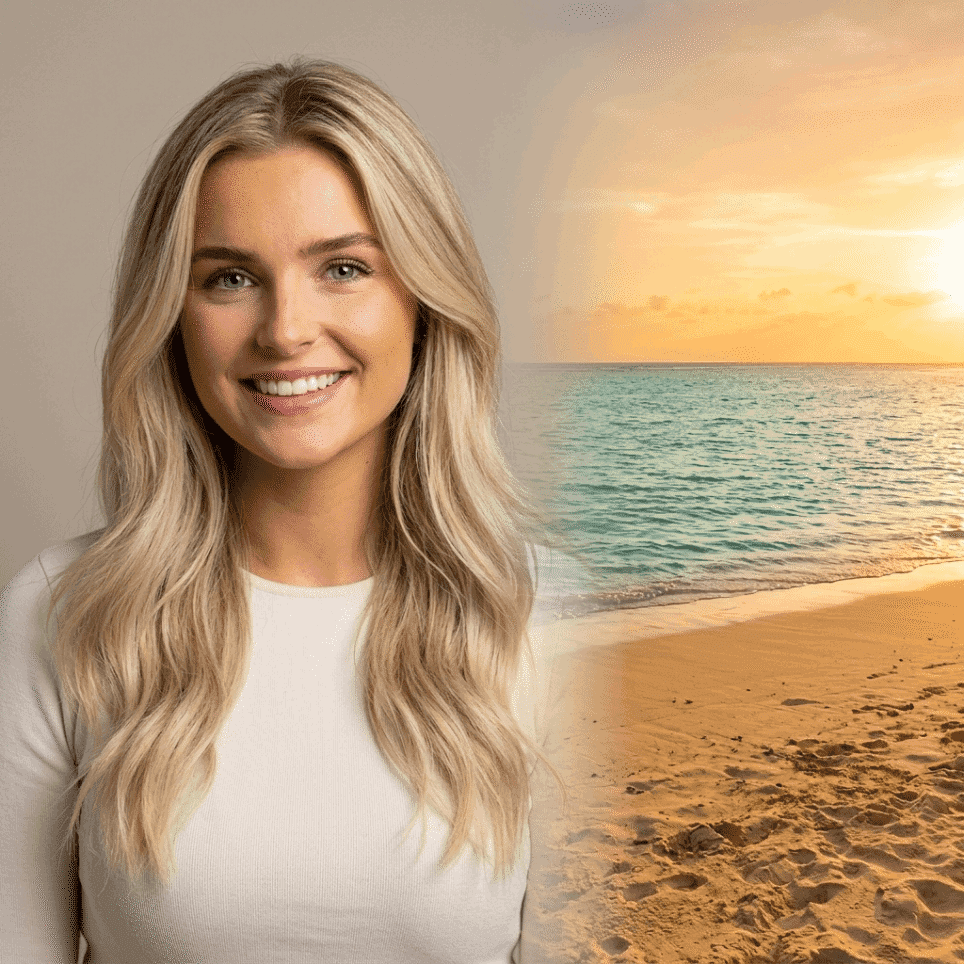
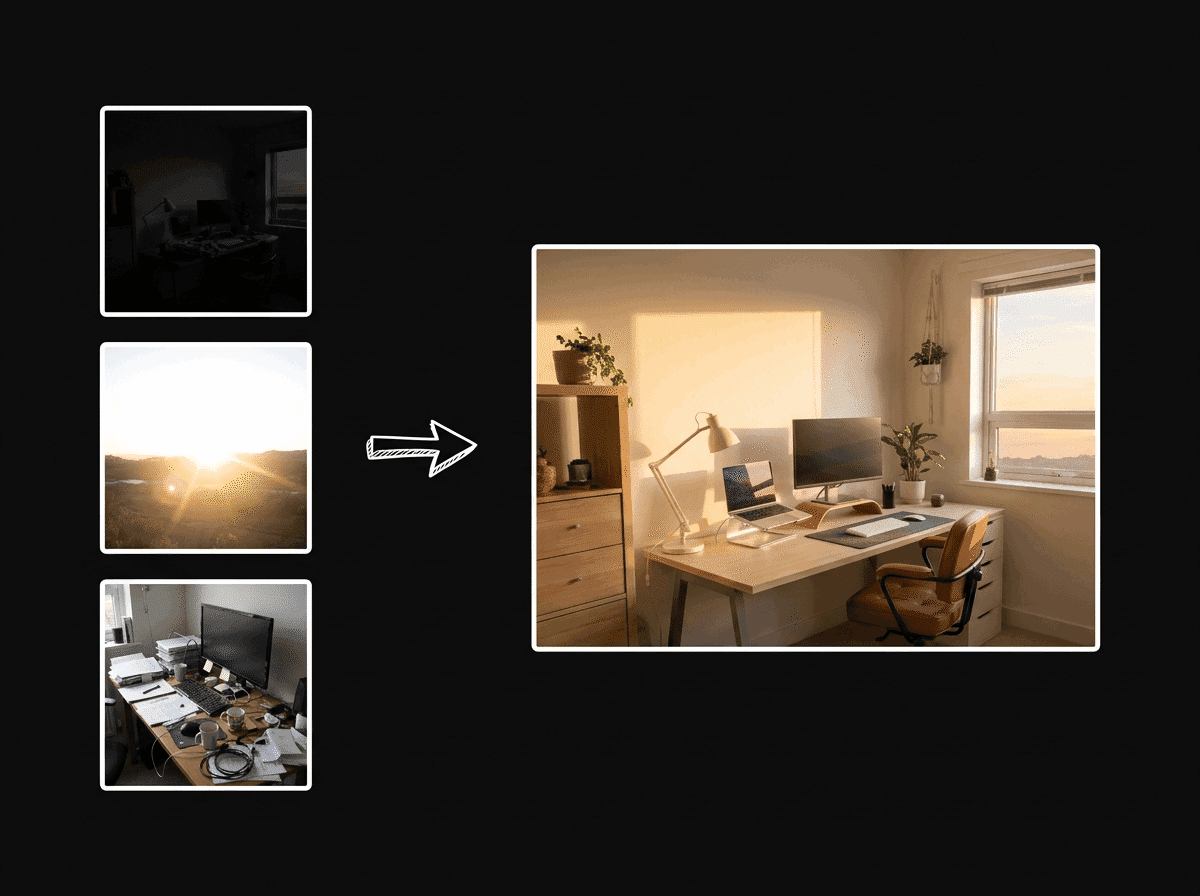
AI-combined cohesive scene
AI result · 4K

Image fusion example

One cohesive scene

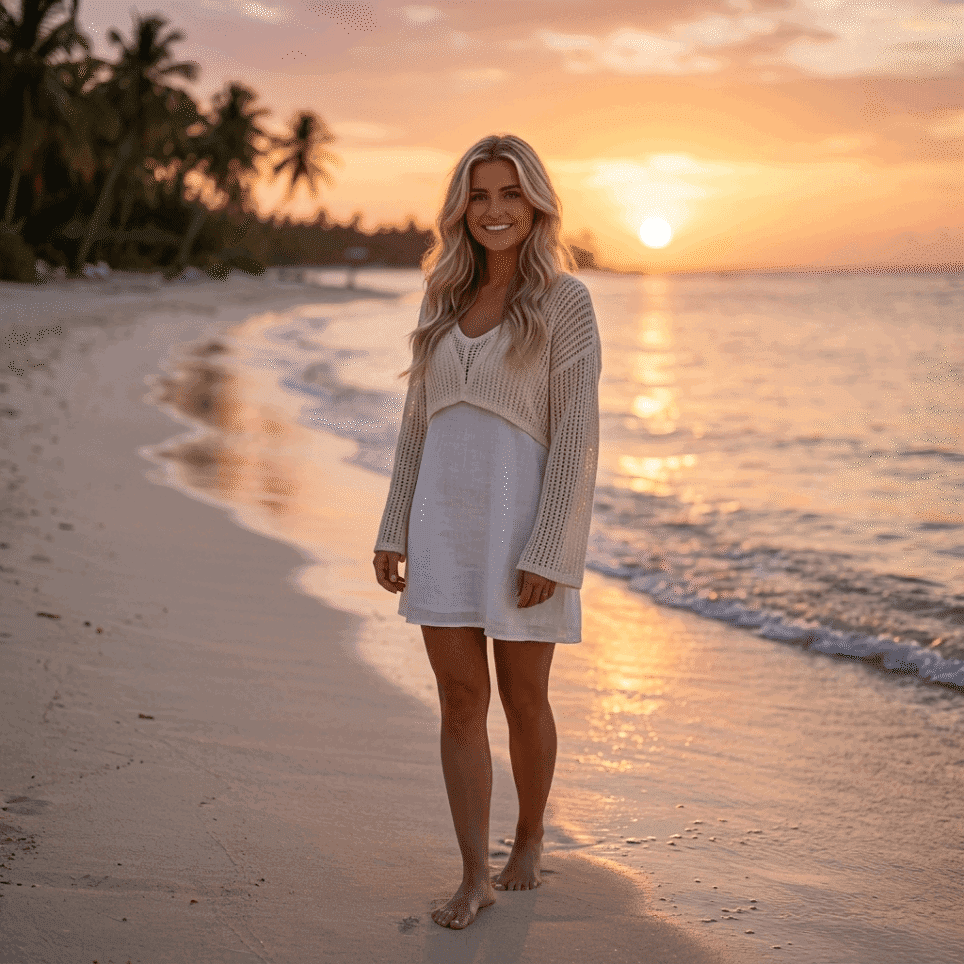
Source portrait for the combined image

FreeMaker AI Image Combiner

Reference images0/6 images

Add at least two JPG, PNG, or WebP images. We use them as visual ingredients for a single, coherent result.

Composition presets
Composition instructions305/2000

The image fusion rules are applied automatically. Describe only the details you want in the result.

More settings

Aspect

Resolution

Uses your selected FreeMaker image model and credits.

Preview

Your generated composition will appear here.

AI image combiner result
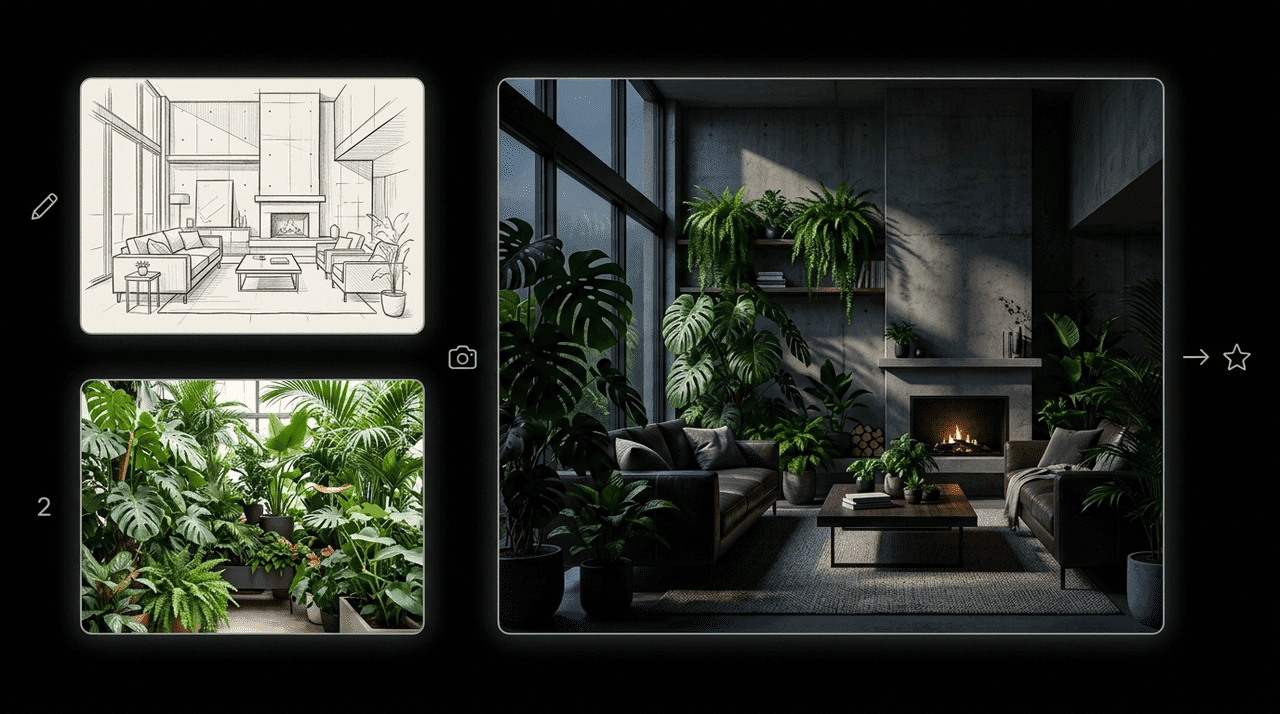
Source image composition
Source imagesAI result
AI image combiner fusing multiple photos into one scene

What is FreeMaker AI Image Combiner?

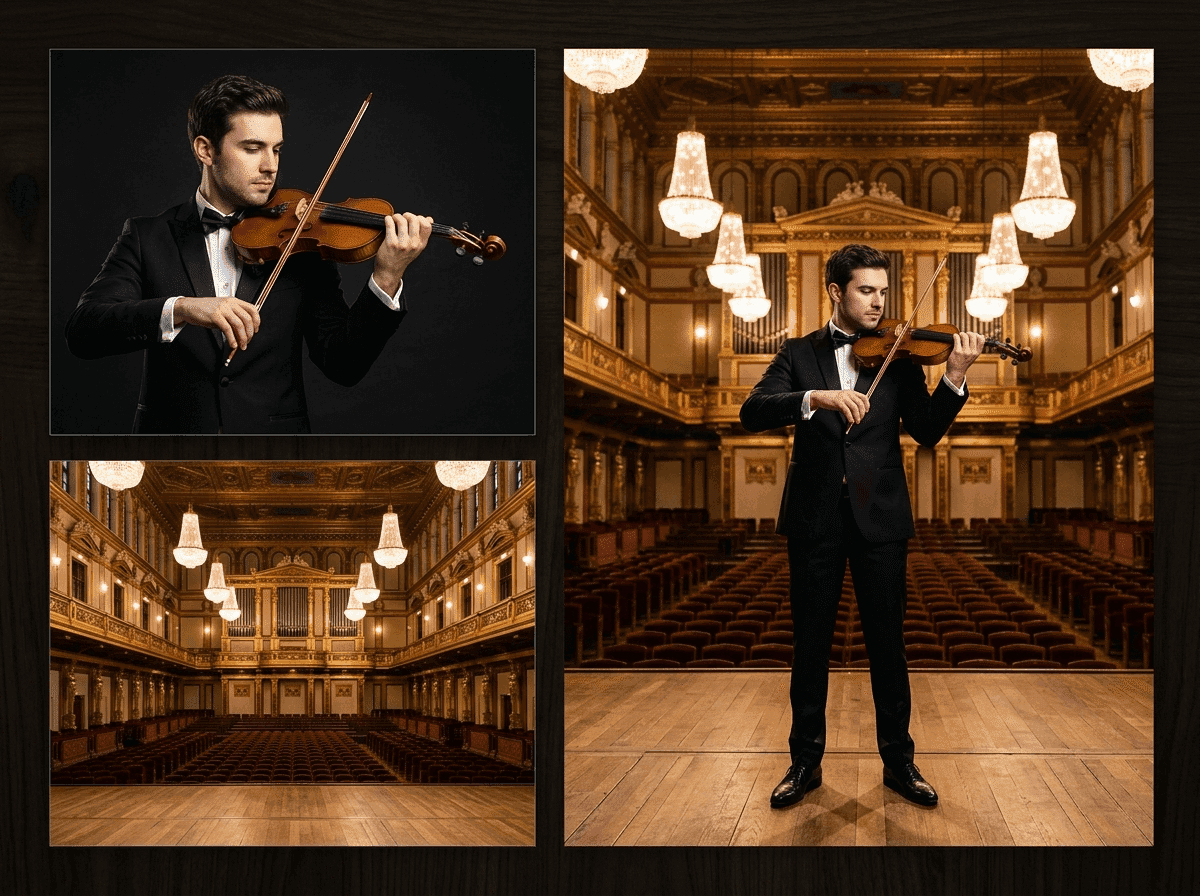
FreeMaker ai image combiner is a smart visual synthesis platform designed to fuse up to six photos into a single, highly realistic artwork. Whether you want to ai combine two images into a custom scene, swap character styles, or place products into realistic backgrounds, our tool handles shadows, spatial depth, and lighting balance automatically.

Powered by advanced rendering models like Nano Banana and Grok, FreeMaker offers precise prompt control alongside quick composition presets. As a completely free ai image combiner no sign up solution, it delivers studio-quality 4K exports instantly without requiring any software installation or user registration.

Powerful Features of FreeMaker AI Image Combiner

Combine 2 to 6 Photos in One Click illustration

Combine 2 to 6 Photos in One Click

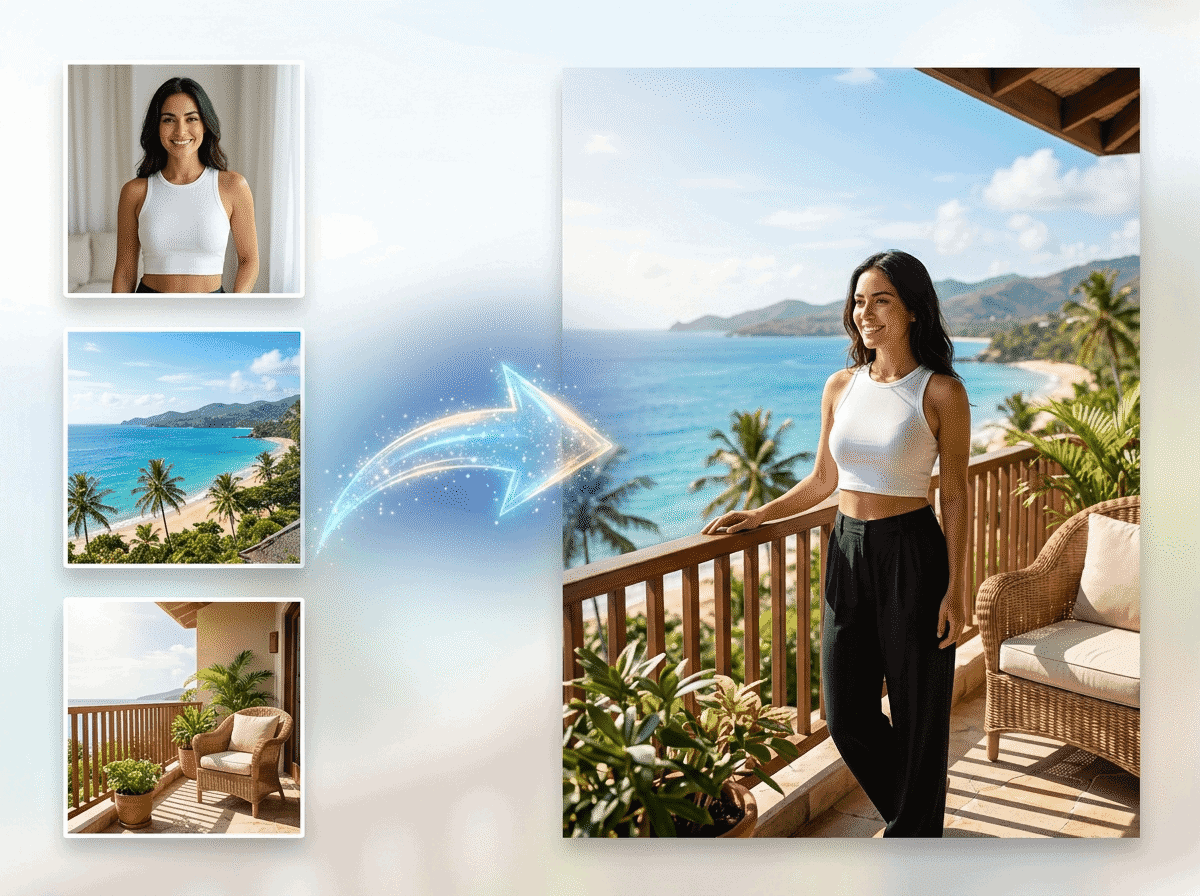
Most tools only let you ai combine two images, which limits complex creative projects. FreeMaker allows you to upload up to six source graphics at once. Our ai image combiner seamlessly blends multiple elements, characters, and backgrounds into a single cohesive scene without manual editing.
Smart Composition Presets for Quick Layouts illustration

Smart Composition Presets for Quick Layouts

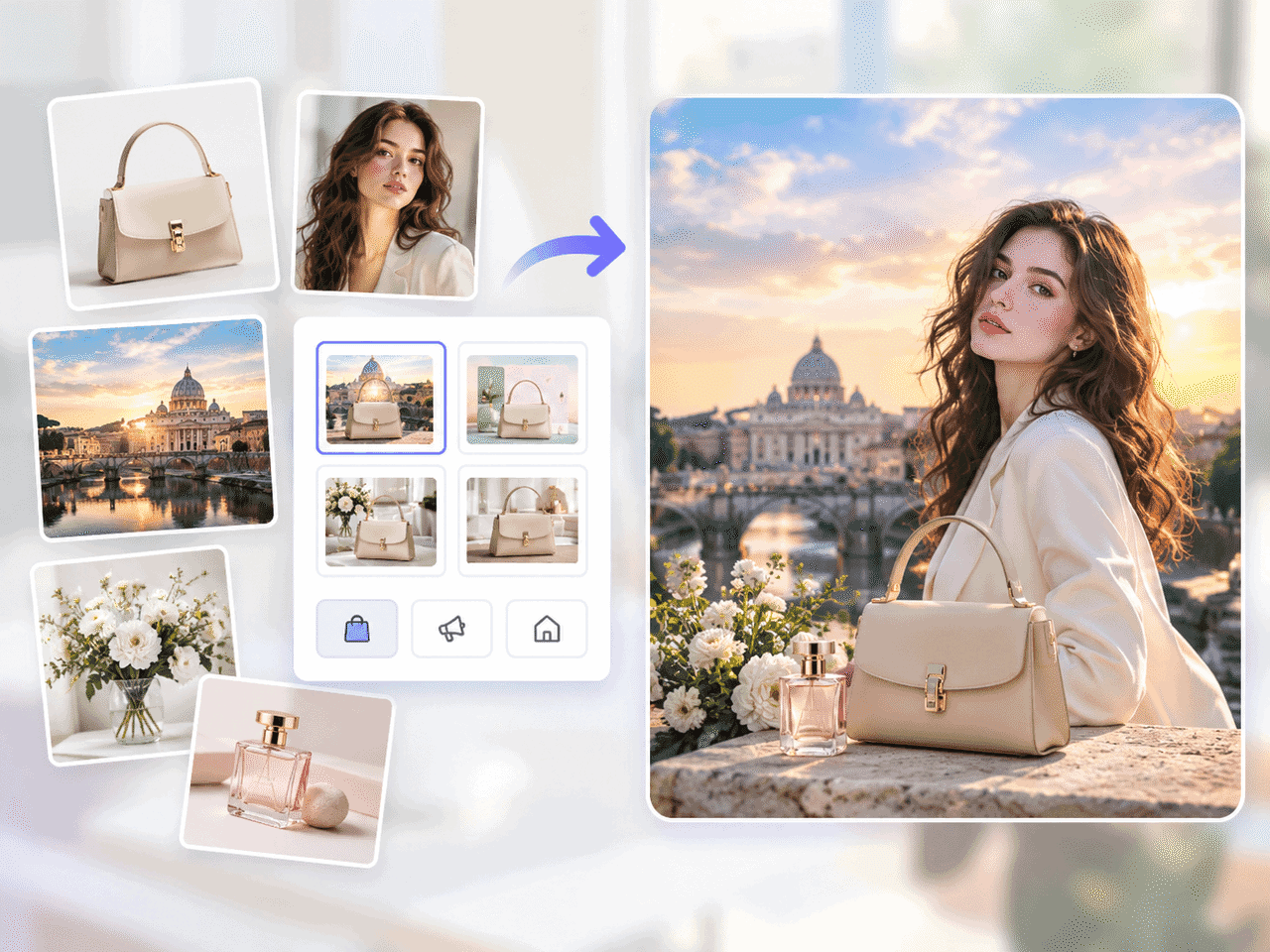
Stop guessing spatial balance or lighting. With our ai image combiner, you can choose built-in templates like Character Mashup, Product Mockup, or Artistic Fusion to automatically align depth, camera angles, and textures in seconds.

Full Control Over Lighting and Unwanted Details illustration

Full Control Over Lighting and Unwanted Details

Get the exact look you want without random AI errors. Using the FreeMaker ai image combiner, simply describe your ideal lighting and style in the prompt box, and easily remove unwanted artifacts, harsh seams, or distorted features with negative keywords.

Multiple AI Engines for Every Visual Style illustration

Multiple AI Engines for Every Visual Style

Different projects need different rendering strengths. As an advanced ai image combiner, FreeMaker lets you switch effortlessly between Nano Banana 2 for visual consistency, Nano Banana Pro for complex prompt details, or Grok and Wan for wide cinematic layouts.

No Registration Needed with Free 4K Exports illustration

No Registration Needed with Free 4K Exports

Start generating immediately without filling out forms or sharing personal details. FreeMaker is an ai image combiner no sign up platform that lets you export crisp, high-definition 4K images in 1:1, 16:9, or 9:16 aspect ratios right in your browser.

How to Combine Images in 3 Simple Steps

1.

Upload Sources and Pick a Preset

Drag and drop 2 to 6 reference files into the ai image combiner editor, then click a composition template to define your layout structure.

2.

Fine-Tune Prompts and Engine Settings

Type your optional style instructions, choose your preferred AI engine, and set your ideal aspect ratio and export resolution.

3.

Generate and Download 4K Composites

Let the image combiner ai synthesize your input layers into a single cohesive render, then download your watermark-free file immediately.

Real-World Applications Across Industries

E-Commerce Product Scenes illustration

E-Commerce Product Scenes

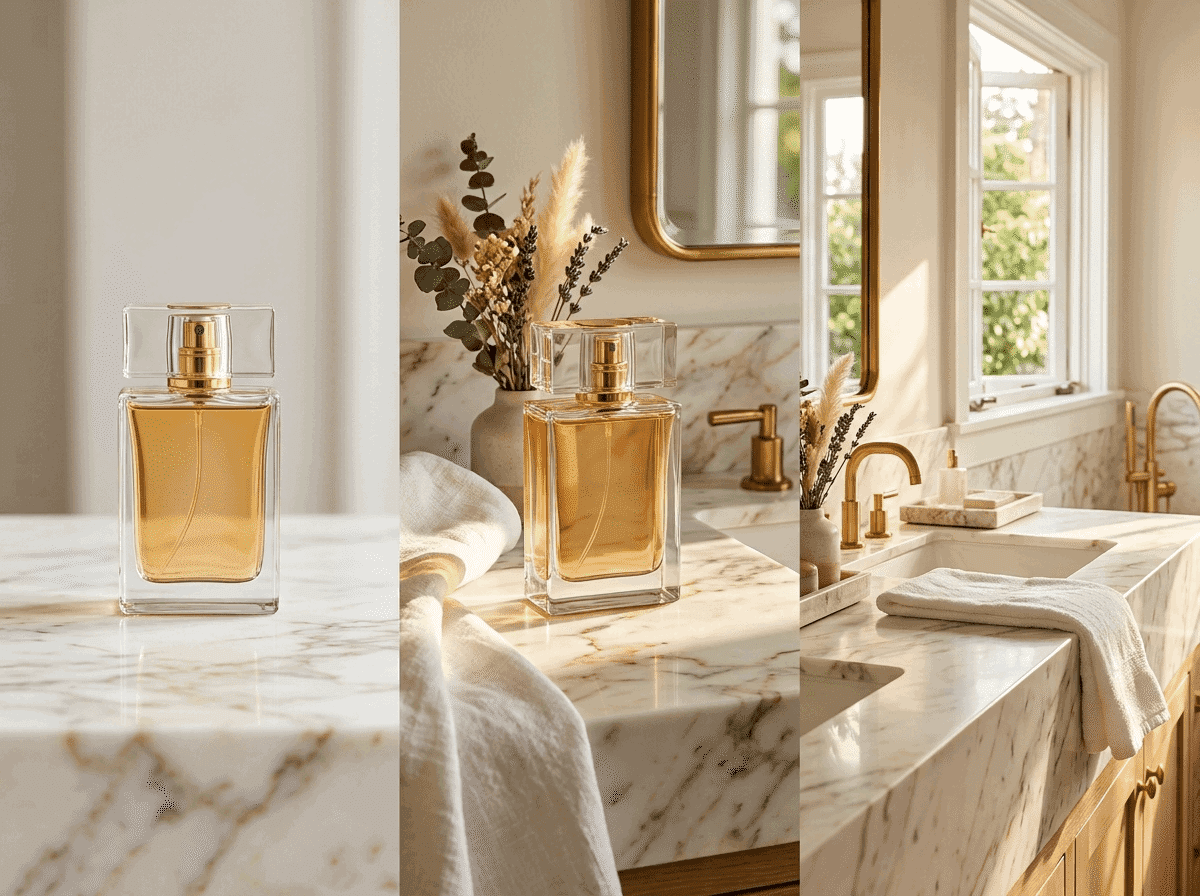
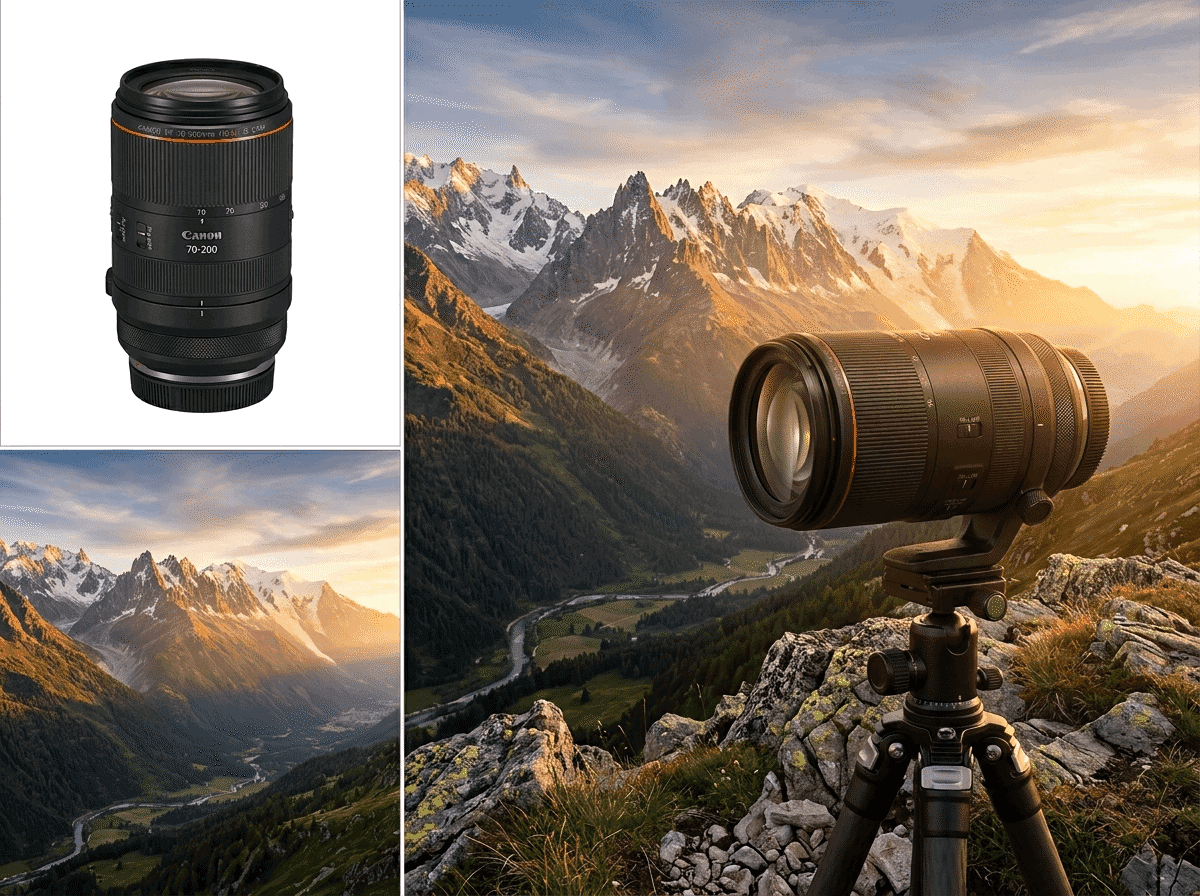
Merge standalone product photography directly into realistic ambient backgrounds to generate high-converting promotional banners.

Commercial Advertising Visuals illustration

Commercial Advertising Visuals

Combine branding elements, promotional backgrounds, and custom text concepts into eye-catching marketing materials.

Interior Space Visualization illustration

Interior Space Visualization

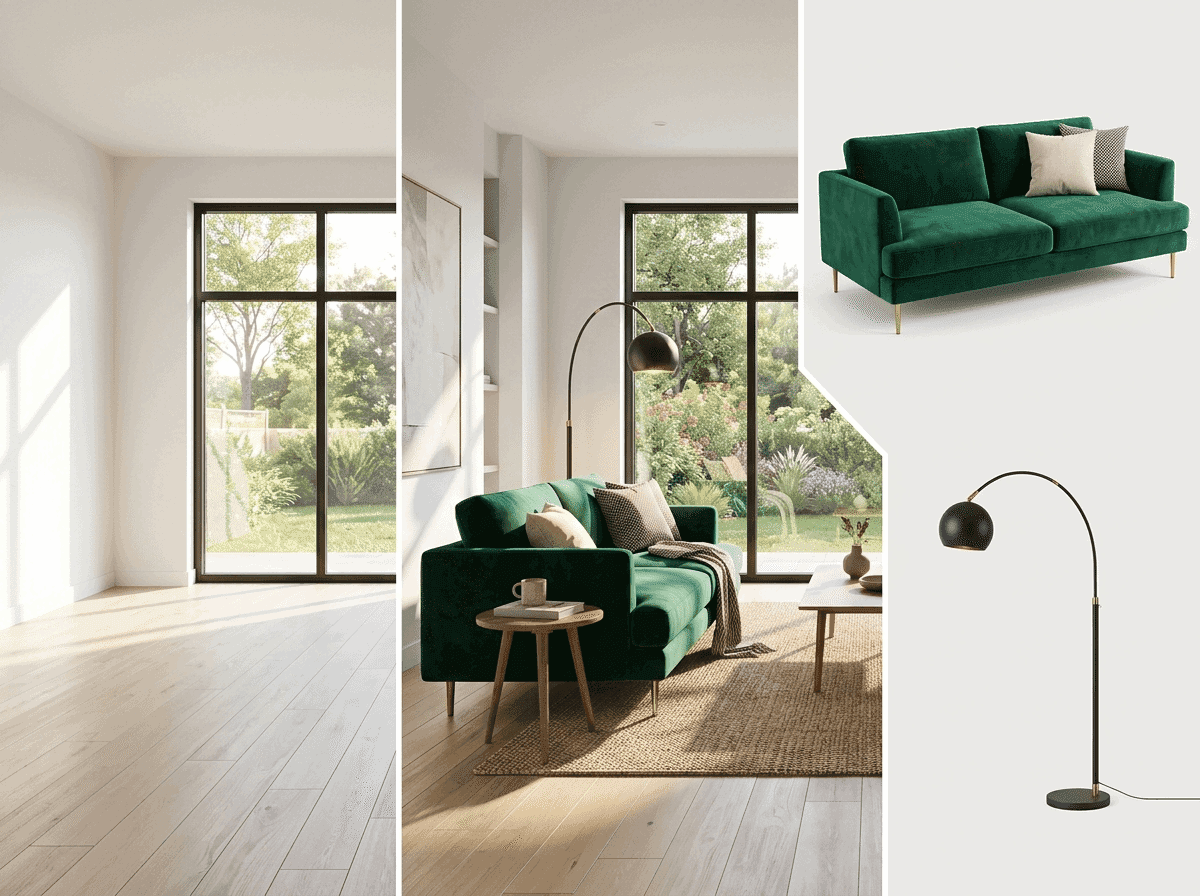
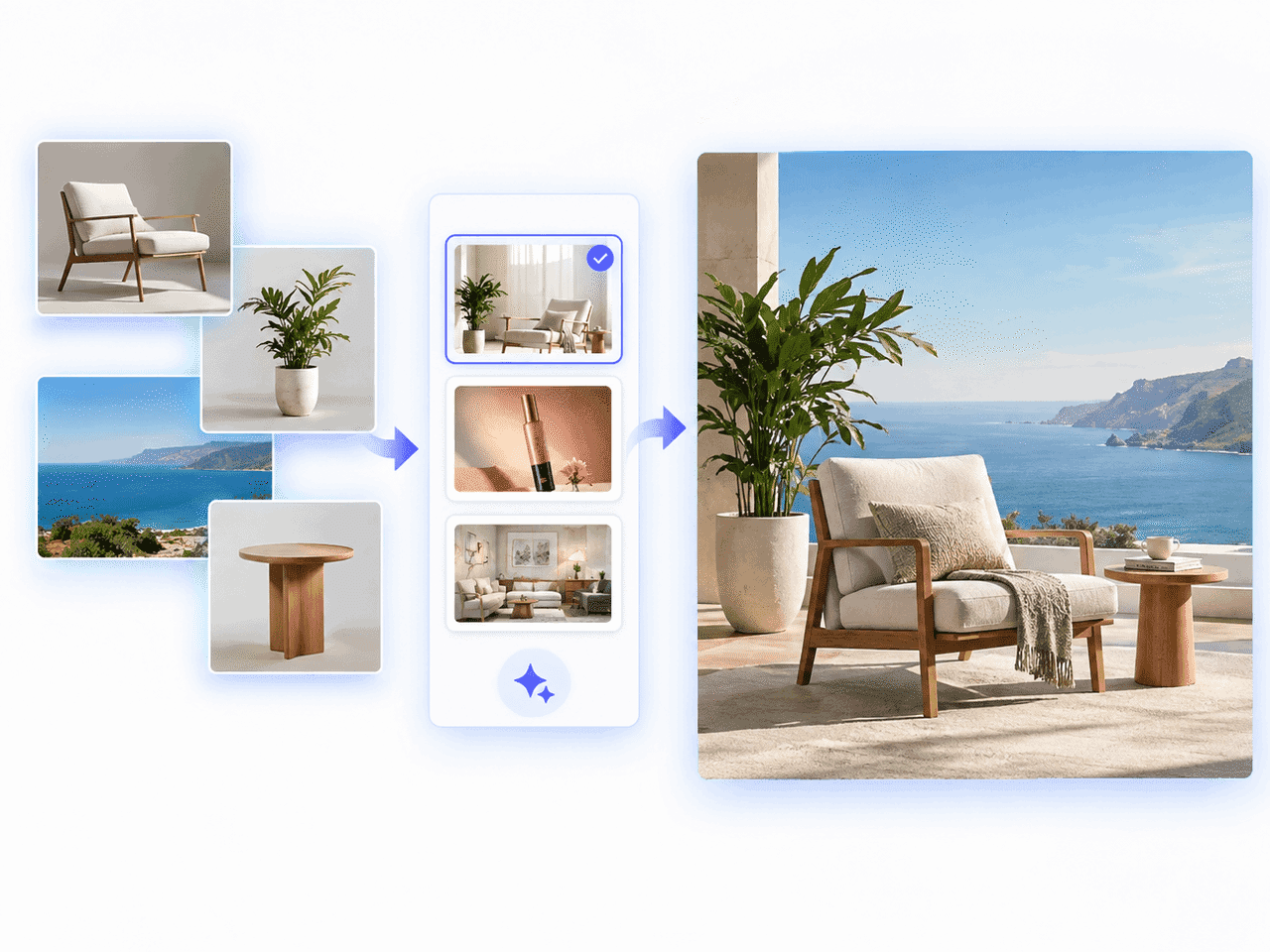
Fuse room layouts with furniture references and lighting styles to preview complete architectural concepts.

Event Posters illustration

Event Posters

Layer character photos, decorative graphics, and thematic textures together into high-impact event announcements.

Creative Mashups illustration

Creative Mashups

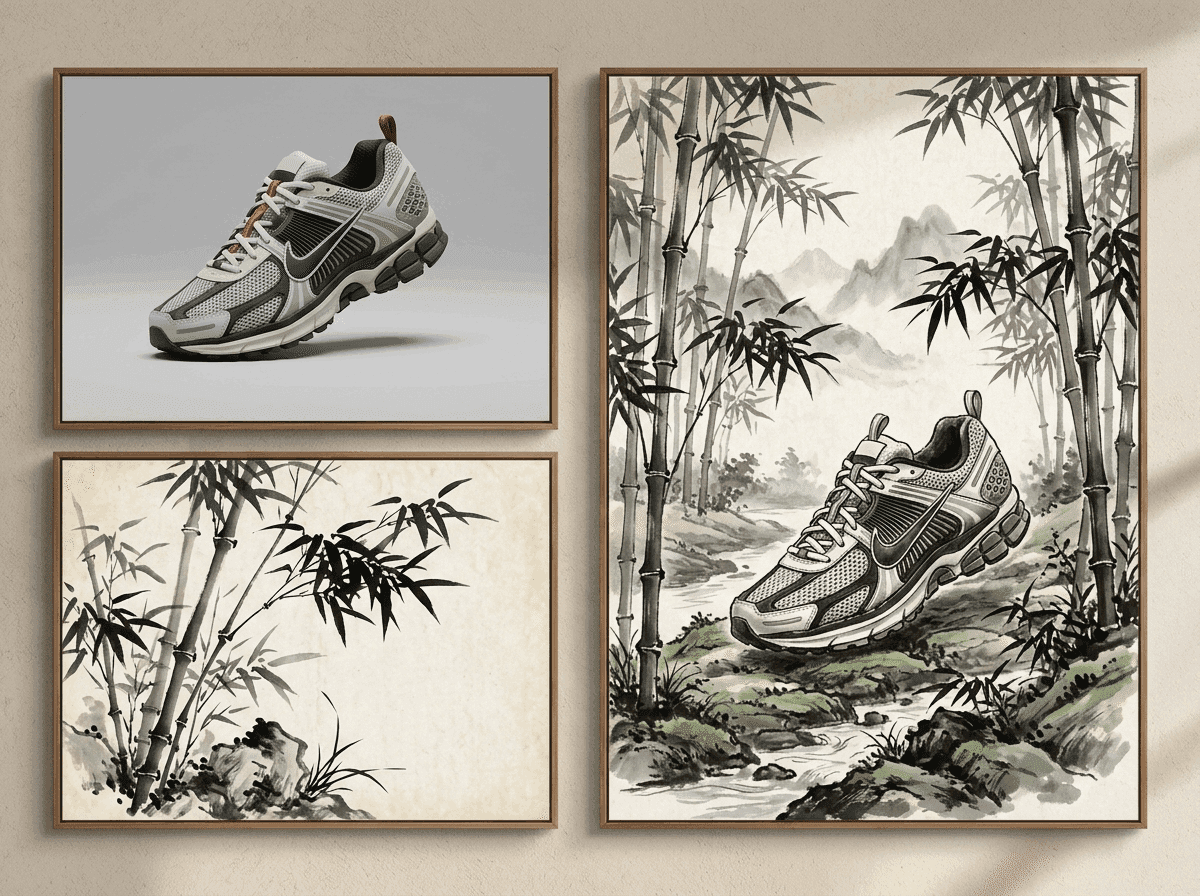
Blend completely different artistic mediums, character designs, and surreal concepts into fresh visual artwork.

Engineered for Every Creative Workflow

E-Commerce Sellers

Create professional product mockups without booking costly studio sessions or hiring retouching teams.

Digital Marketers

Generate multi-asset campaign graphics and social media ads in customized aspect ratios in seconds.

Graphic Designers

Fast-track your brainstorming process by effortlessly testing how to ai combine two images or more into refined concepts.

Interior Stylists

Place furniture items and decorative accents into realistic spatial photos to show clients instant design previews.

What Users Say About FreeMaker AI Image Combiner

The preset options in this ai image combiner saved our campaign workflow. Uploading reference photos and getting realistic commercial lighting without manual editing is fantastic.

Elena R. - Brand Strategist

Finding an ai image combiner no sign up tool that supports full 4K output was a total game-changer. I get studio-quality renders instantly without jumping through account setup barriers.

David K. - Freelance Illustrator

The ability to select advanced models like Nano Banana Pro inside this image combiner ai gives me incredible control over scene consistency. The lighting match is spot on every single time.

Marcus T. - Digital Marketer

I was amazed at how easily I could ai combine two images with precise negative prompts. It seamlessly removes background clutter while keeping my core subjects perfectly sharp.

Sophia L. - E-Commerce Manager

Combining up to 6 source files into a single interior design concept used to take hours. This tool handles spatial balance and composition automatically within seconds.

Julian M. - Interior Designer

The preset templates for product scenes made creating high-converting ad banners effortless. The flexibility to export in WEBP and 4K resolution fits our social publishing needs perfectly.

Chloe N. - Content Creator

FreeMaker AI Image Combiner FAQs

FreeMaker ai image combiner is an online tool that seamlessly merges 2 to 6 reference photos into a cohesive visual using advanced AI engines.